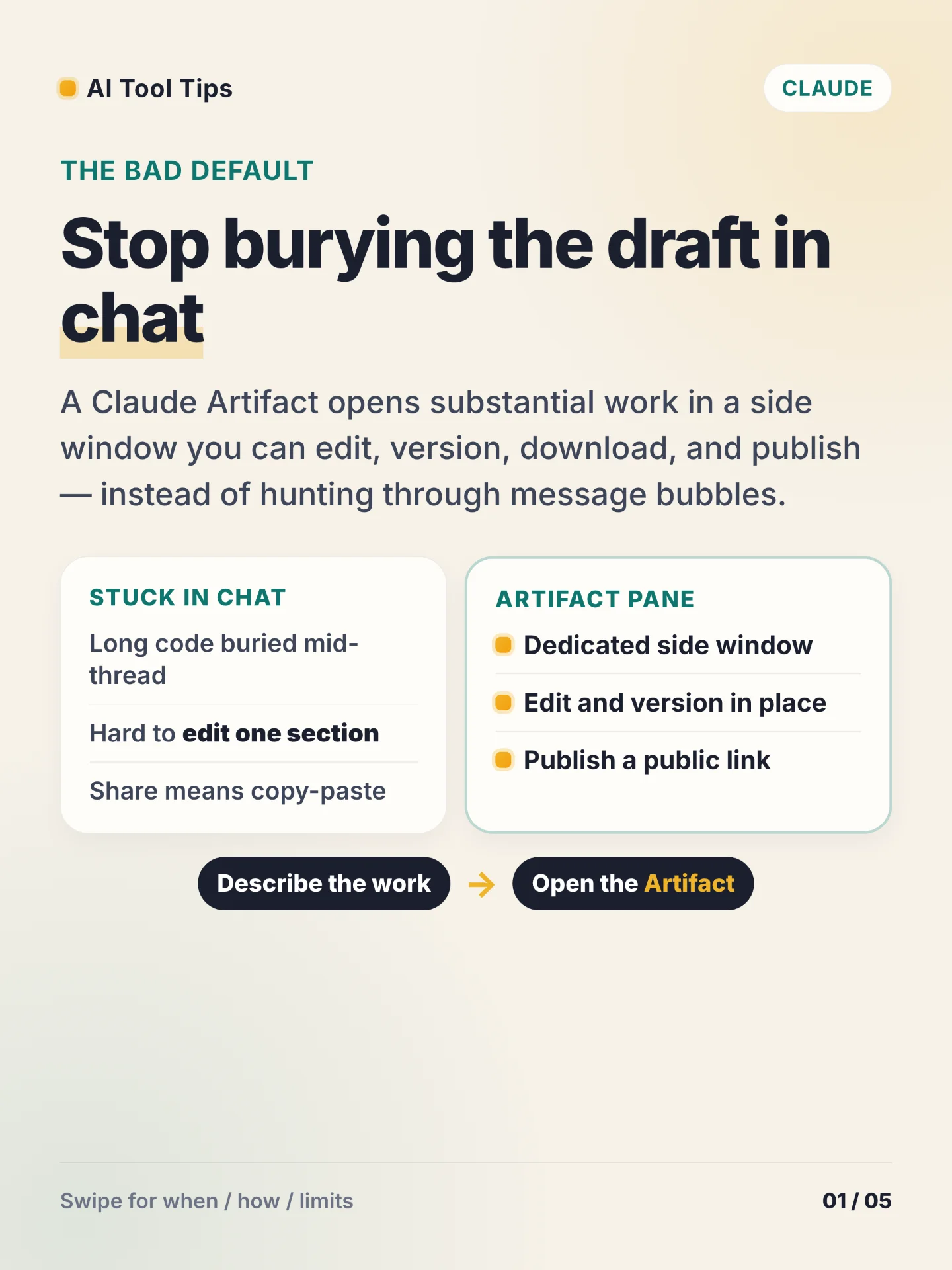

The bad default is leaving long drafts, code, and mini apps buried in Claude chat bubbles. An Artifact opens that work in a dedicated side window you can edit, version, download, and publish. 1
Use an Artifact when the piece can stand on its own: documents, code you will iterate, single-page HTML or React tools, and diagrams or SVG. Claude usually creates one when the content is substantial and self-contained — often over about 15 lines — and likely to be reused. 1
Turn the feature on first. Open your name menu, go to Settings → Capabilities, and enable Code execution and file creation. Team and Enterprise owners do the same under Organization settings → Capabilities. Then describe the work in chat. Claude opens the Artifact on the right. Ask for changes in chat, or on Markdown highlight text and use Edit with Claude. Use the version selector, then Copy, Download, or Publish from the pane. 1
Publish is the share path on Free, Pro, and Max: pick the right version, click Publish, and copy the public link. That also adds the Artifact to your sidebar — conversation Artifacts do not appear there until you publish. Team and Enterprise use Share for org-only access and cannot publish publicly. Unpublishing revokes the link and permanently deletes that Artifact’s storage; you cannot republish the same one. To build on someone else’s published Artifact, copy the code into a new chat — only do that with code from people you trust. 2
Try one same-day drill: enable the capability, ask for a one-page HTML tool or a Markdown brief you need, make one real edit in the pane, then Download or Publish and open the result once to confirm the version.
References
- 1What are artifacts and how do I use them? — Anthropic Help Center
support.claude.com
- 2Publish and share artifacts — Anthropic Help Center
support.claude.com
Comments