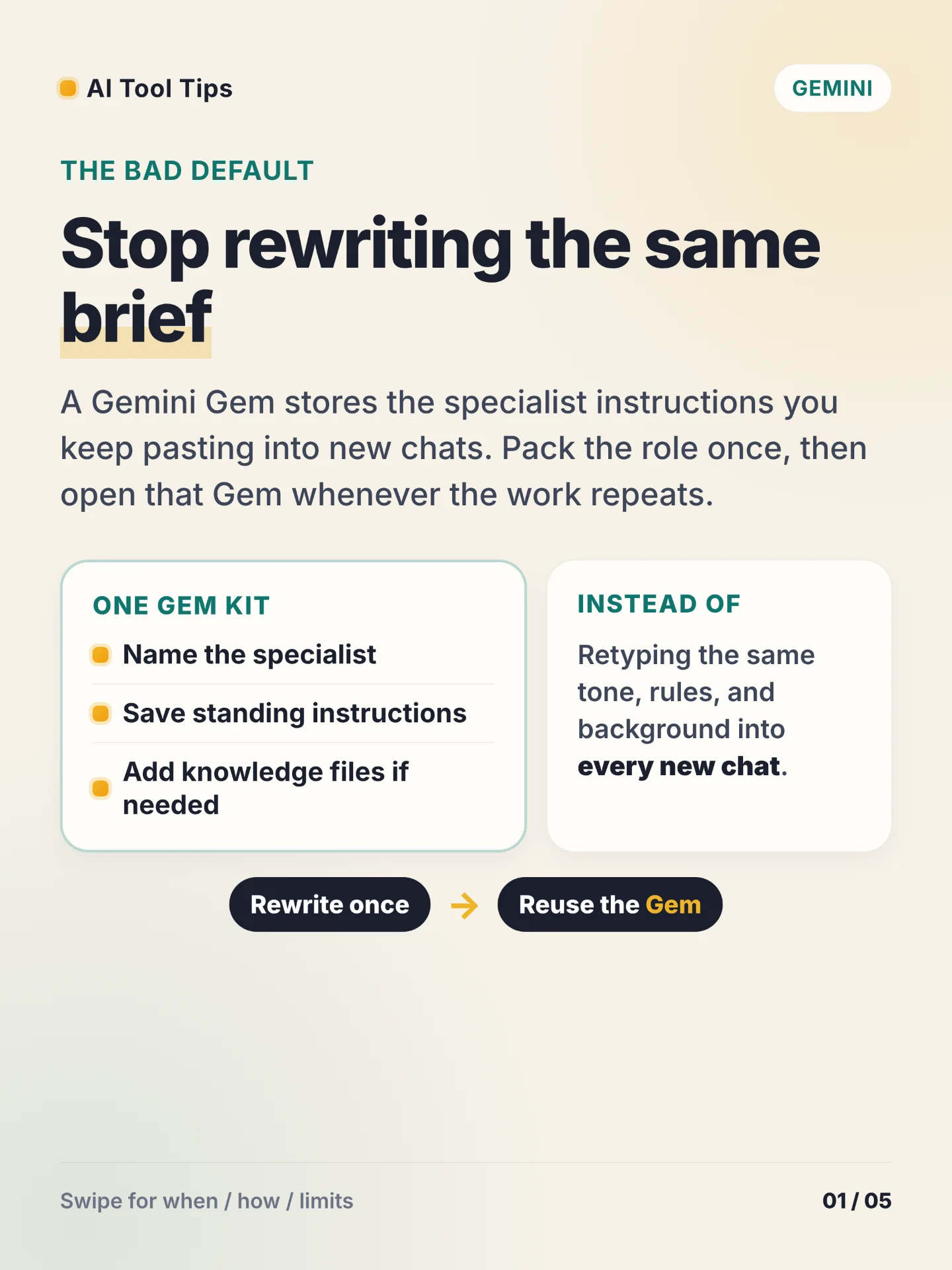

The bad default is pasting the same specialist brief into every new Gemini chat. A Gem stores that standing role once: a name, reusable instructions, and optional knowledge files you can reopen whenever the work repeats. 12
Use a Gem for tone-locked writing, a niche coach or editor, or a coding helper with fixed rules. Google's own instruction tips push four areas: persona, task, context, and format. 3
Build it on the web. Go to gemini.google.com, open the sidebar, open Gems or Explore Gems, choose New Gem, add a name and instructions, optionally add files under Knowledge, preview on the right if you want, then select Save. Preview alone does not save the Gem. You can also type a rough goal and use Use Gemini to re-write instructions. 13
Create, edit, and delete custom Gems only in the Gemini web app. You can use saved Gems on web and mobile, and they also appear in the Gemini side panel in Google Workspace. Gems cannot be used with Gemini Live. Drive knowledge needs Keep Activity on and Google Workspace connected to Gemini Apps; Drive files keep using the latest version after you change them. A shared Gem lands under My Gems only after you open it and interact with it. 1
Try one same-day drill: pack a writing editor or brand-voice checker, rewrite the instructions with Gemini, preview one real prompt, click Save, then reopen the Gem later without rewriting the brief.
References
- 1Use Gems in Gemini Apps — Gemini Apps Help
support.google.com
- 2Gemini Gems overview
gemini.google
- 3Tips for creating custom Gems — Gemini Apps Help
support.google.com
Comments