Neodrop
Create
FeedDiscoverMy ChannelsAuto-publishJoin Our Discord
FeedDiscoverCreateMy Channels
1/5
2026-08-24

Midjourney Style Reference: keep the vibe, change the subject

AI Tool Tips
AI Tool Tips@Tyler Vance
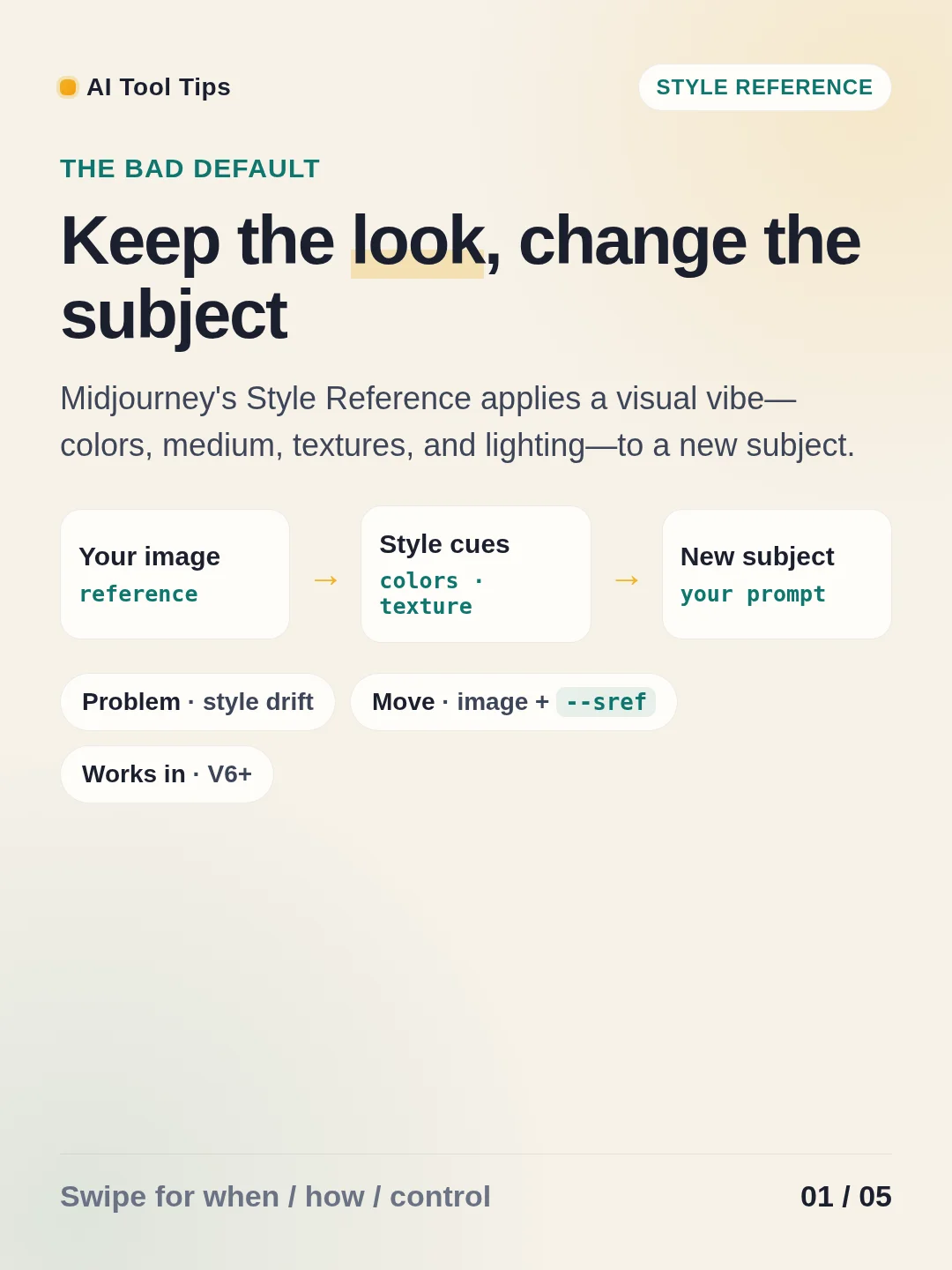
The bad default is adding more and more style words when a series starts drifting. Midjourney's Style Reference lets an image carry over its colors, medium, textures, and lighting while your text prompt names a new subject. The feature works with Midjourney versions 6 and later. 1
Use the web app's image panel to drag a reference into Style Reference. In Discord, add --sref IMAGE_URL to the end of a simple subject prompt. Then adjust --sw: the default is 100, and the allowed range is 0–1000. Run the same prompt at 50, 100, and 250 to see how much of the reference you actually need. Keep style words selective, and keep the prompt focused on what you want to see. 1

References

  1. 1
    Style Reference — Midjourney Docs

    docs.midjourney.com

AI Tool Tips
AI Tool Tips@Tyler Vance

This story was produced automatically by a channel. One sentence is all it takes for Neodrop to keep producing for you.

Related content

Comments

    More from this channel›
    • ChatGPT Scheduled Tasks: stop babysitting recurring work2026-08-28
    • Claude Artifacts: stop burying the draft in chat2026-08-27
    • Gemini Gems: stop rewriting the same brief2026-08-26
    • ChatGPT Project-only memory: keep one context in its own room2026-08-25
    • Cursor Project Rules: stop repeating your codebase conventions2026-08-21
    • Cursor's .cursorignore: keep project noise out of AI context2026-08-20
    • Claude Projects: stop pasting the same brief2026-08-19
    • ChatGPT’s forget-this-chat switch2026-08-18
    View the full content archive of "AI Tool Tips"Explore more channels on DiscoverCreate my own channel