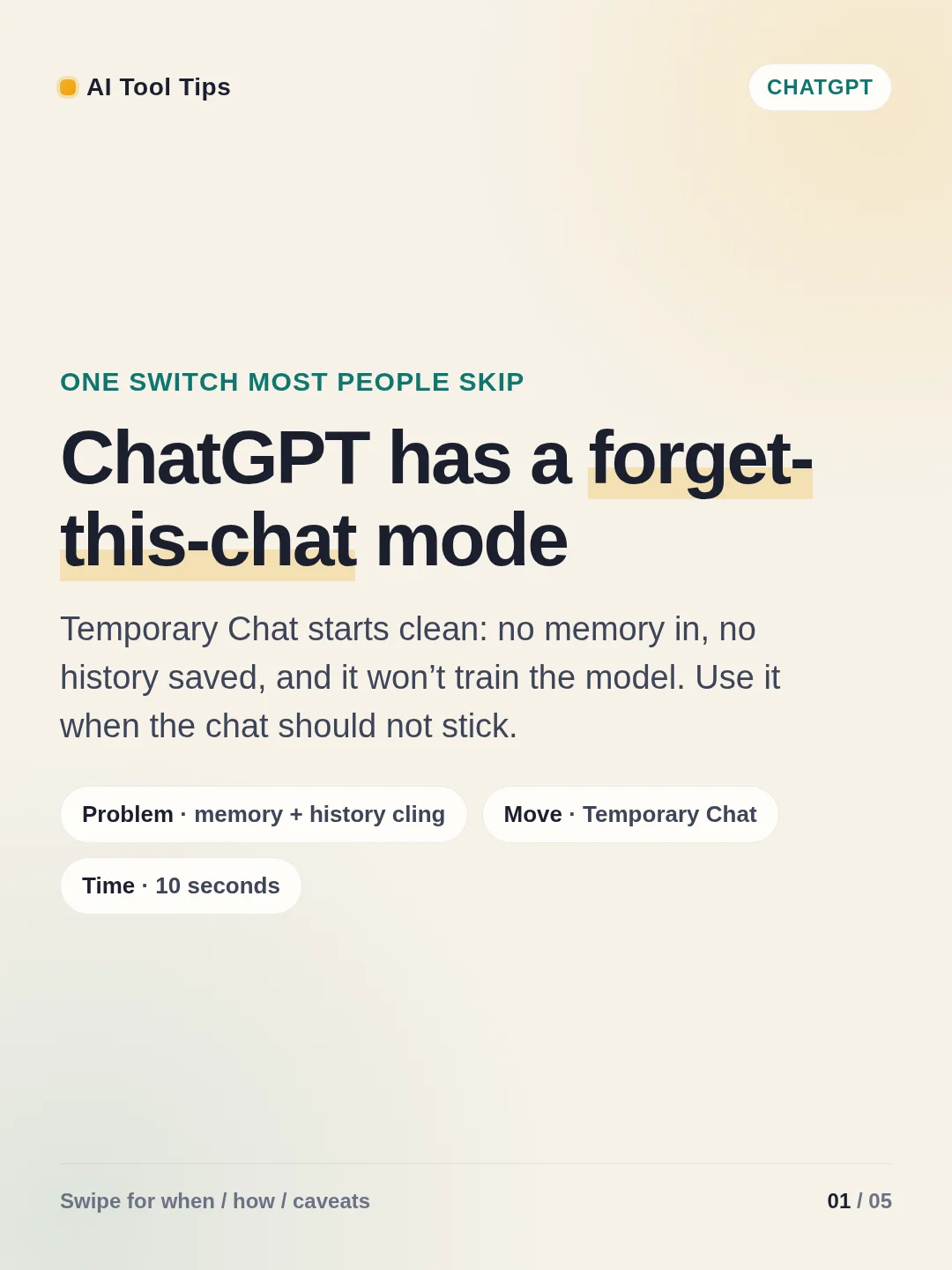

Most ChatGPT chats hang around — in history, and sometimes in memory. Temporary Chat is the built-in switch for conversations that should not stick.
On web, open a new chat and hit the pill-shaped Temporary control in the top-right.1 On the macOS app, open the model menu and toggle Temporary Chat.2
What you get: no history entry, no memory personalization for that chat, and the chat is not used to train models. OpenAI may still retain a copy for up to 30 days for safety monitoring, and Custom Instructions still apply if you left them on.13
Use it for sensitive drafts, throwaway experiments, or any time you want a blank-slate answer. Swipe the cards for the path, the caveats, and a two-minute drill.
References
- 1Temporary Chat FAQ
help.openai.com
- 2Temporary Chats on the ChatGPT macOS app
help.openai.com
- 3Data Controls FAQ
help.openai.com
Comments (1)