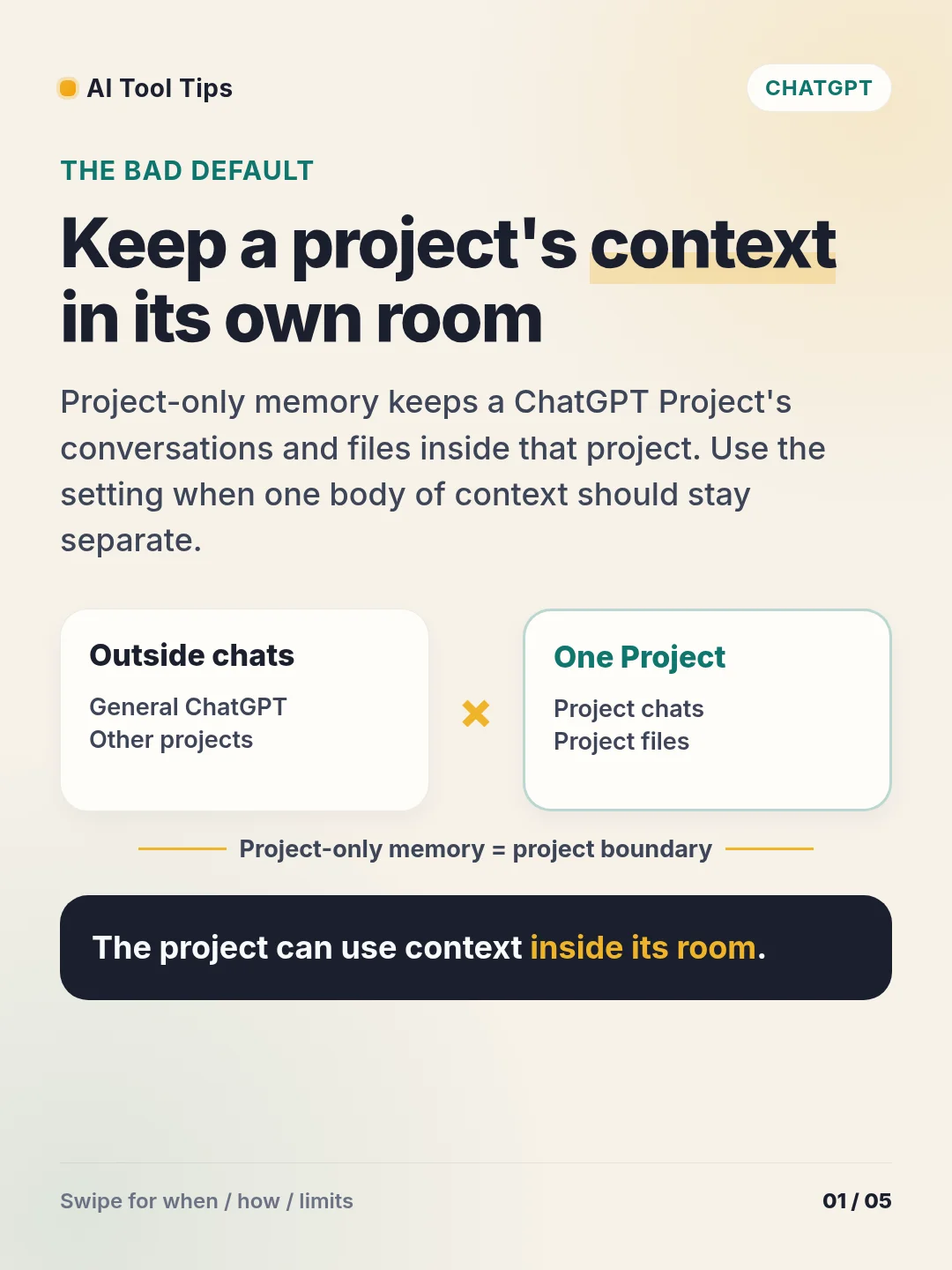

The bad default is letting unrelated chats share the same working context. Project-only memory gives one ChatGPT Project its own boundary: project chats can reference other conversations and files inside that project, while chats outside the project stay outside it. 1
Use it for a client brief, a research topic, or one codebase that needs its own files and instructions. Open the project, select the three-dot menu, choose Project settings, then open Memory, select Project-only memory, and select Save. You can also choose the memory setting when you create a project. 1
Check the boundary before you rely on it. Shared projects use Project-only memory and cannot switch back to Default memory. Eligible unshared projects can switch between the two modes, and a change may take a few hours to take effect. 2
Try one small test today: add one source file inside a project, ask a file-based question there, then ask a related question in a chat outside the project. The comparison makes the context boundary concrete.
References
- 1Projects in ChatGPT — OpenAI Help Center
help.openai.com
- 2ChatGPT Release Notes — OpenAI Help Center
help.openai.com
Comments