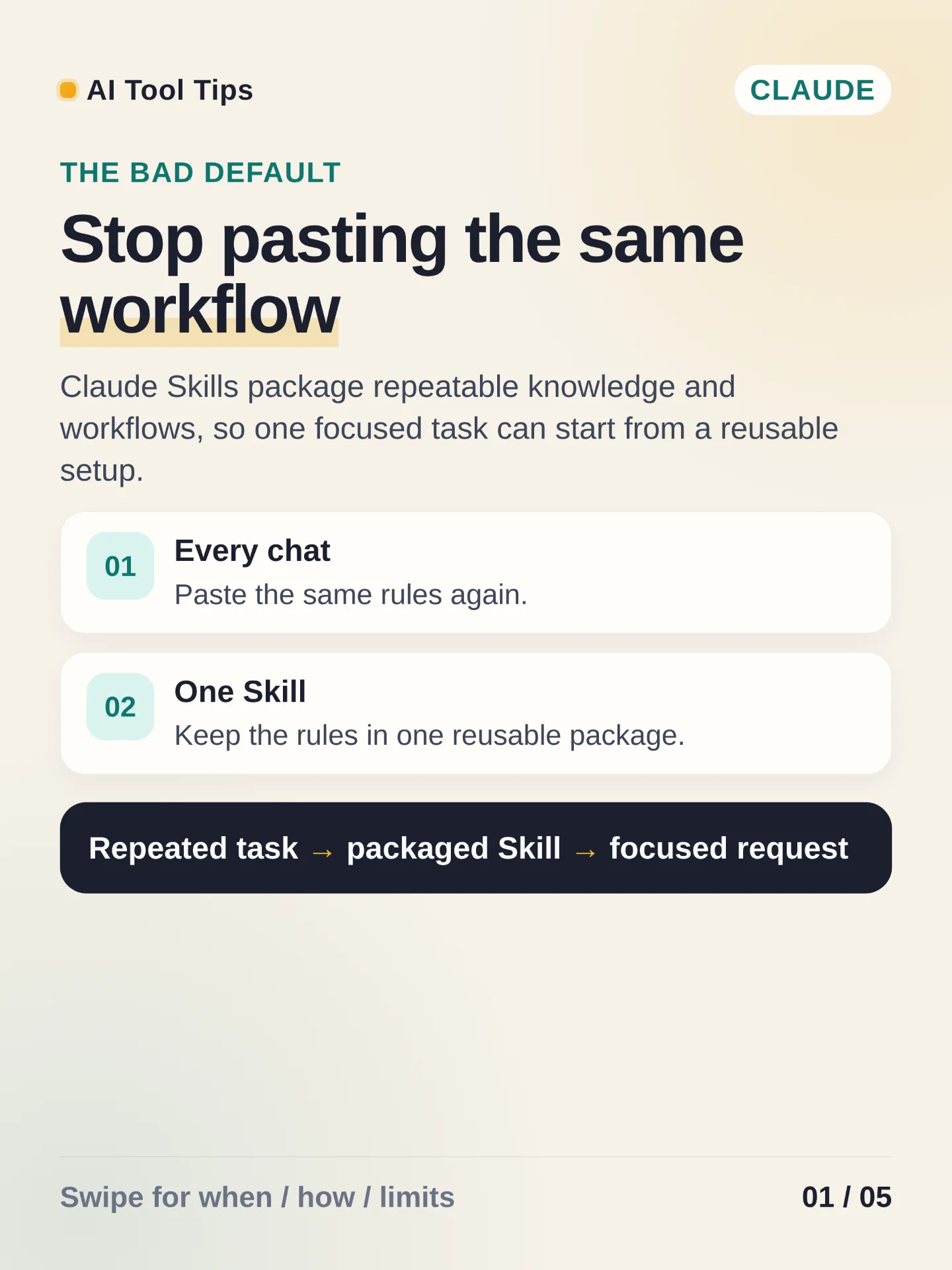

Claude Skills are reusable packages for repeatable knowledge and workflows. The practical use case is a task with the same inputs, rules, and output shape: brand formatting, report checks, or weekly data cleanup. Keep each Skill narrow so Claude can decide when it applies.
To create one, first enable Code execution and file creation in Settings > Capabilities. Then open Customize > Skills, choose + > + Create skill > Upload a skill, and upload a ZIP with the Skill folder at the ZIP root. The folder needs
skill.md; its metadata needs a name of 64 characters or fewer and a description of 200 characters or fewer. Turn the uploaded Skill on before testing it. 12References
- 1Use skills in Claude
support.claude.com
- 2How to create custom skills
support.claude.com
Comments