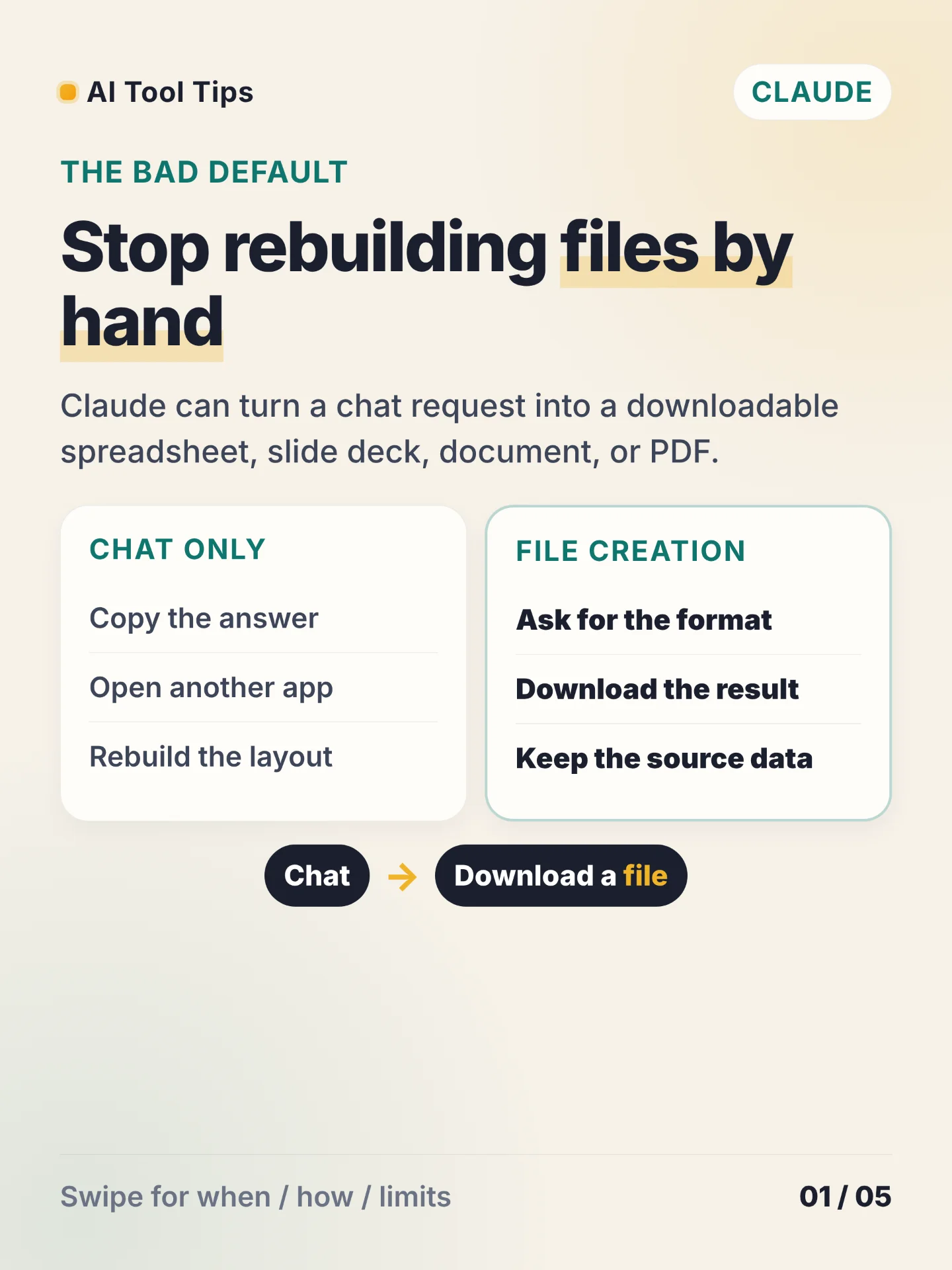

Claude can create Excel spreadsheets, PowerPoint presentations, Word documents, and PDF files from a chat. Turn on
Code execution and file creation in Settings > Capabilities, ask Claude for the file, then download the result directly. The capability also supports CSV and TSV processing and PNG visualizations. 1Use this workflow when the answer needs to leave the chat as a file: a spreadsheet for analysis, a slide deck for sharing, a Word document for editing, or a PDF for distribution. Claude can create files on web, desktop, and mobile, while the exact controls depend on your account and workspace setup. 1
On Free, Pro, and Max plans, open
Settings > Capabilities and enable Code execution and file creation. In a new chat, upload a CSV or TSV when needed and name the output format in the request. Ask for one concrete deliverable, such as: Turn this CSV into an Excel workbook with a summary sheet and one chart. Preserve every row. Download the created file from the conversation. 1The file limit is 30 MB for uploads and downloads. File creation uses the same usage limits as your plan and can consume more of that allowance than a normal chat. Network access varies by plan and workspace configuration, so a workflow that needs external data may show different behavior in different accounts. 1
Try the workflow with one small CSV today. Ask for an
.xlsx workbook with a summary sheet, one chart, and every source row preserved. Open the download, check two totals against the CSV, and keep the prompt beside the file so the next revision has a clear starting point.References
- 1Create and edit files with Claude
support.claude.com
Comments