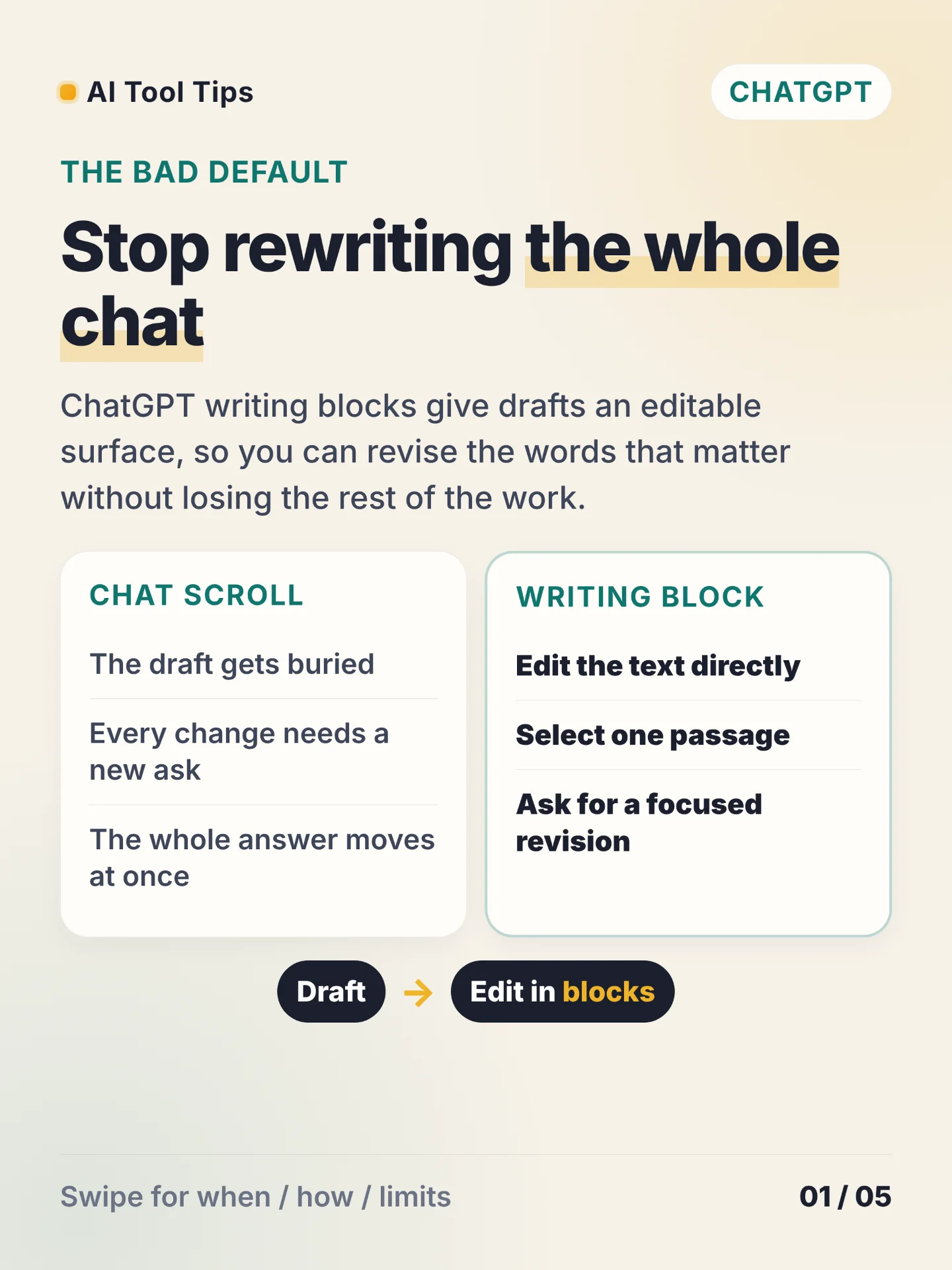

ChatGPT writing blocks turn a long answer into an editable draft. Use the block when the text will change, travel to another app, or return for another pass. OpenAI describes writing blocks as editable areas for reusable drafts, with direct edits, selected-text revisions, full-screen editing, and Undo/Redo for AI-assisted edits. 1
Ask ChatGPT for a one-page brief, open the result in its writing block, and select the paragraph that needs work. A focused request such as "Make this clearer; keep every number" gives the next edit a smaller target. You can also edit a sentence directly, then use Undo or Redo to compare the revision.
The available actions depend on the block, plan, device, workspace settings, model, and rollout. Temporary Chat edits may not persist after the conversation ends. 1 OpenAI's May 28, 2026 release notes say Canvas is unavailable in GPT-5.5 Instant and GPT-5.5 Thinking; writing and coding work directly in chat through writing blocks and code blocks. 2 OpenAI's capabilities overview defines Canvas as an interactive workspace for writing and coding. 3
Try the workflow with five rough notes today. Turn them into a one-page brief, revise one selected paragraph, make one direct edit, and check the result with Undo and Redo.
References
- 1Working with writing blocks and code blocks in ChatGPT
help.openai.com
- 2ChatGPT release notes
help.openai.com
- 3ChatGPT capabilities overview
help.openai.com
Comments