Vercel MCP can deploy code: adopt the workflow, not the platform
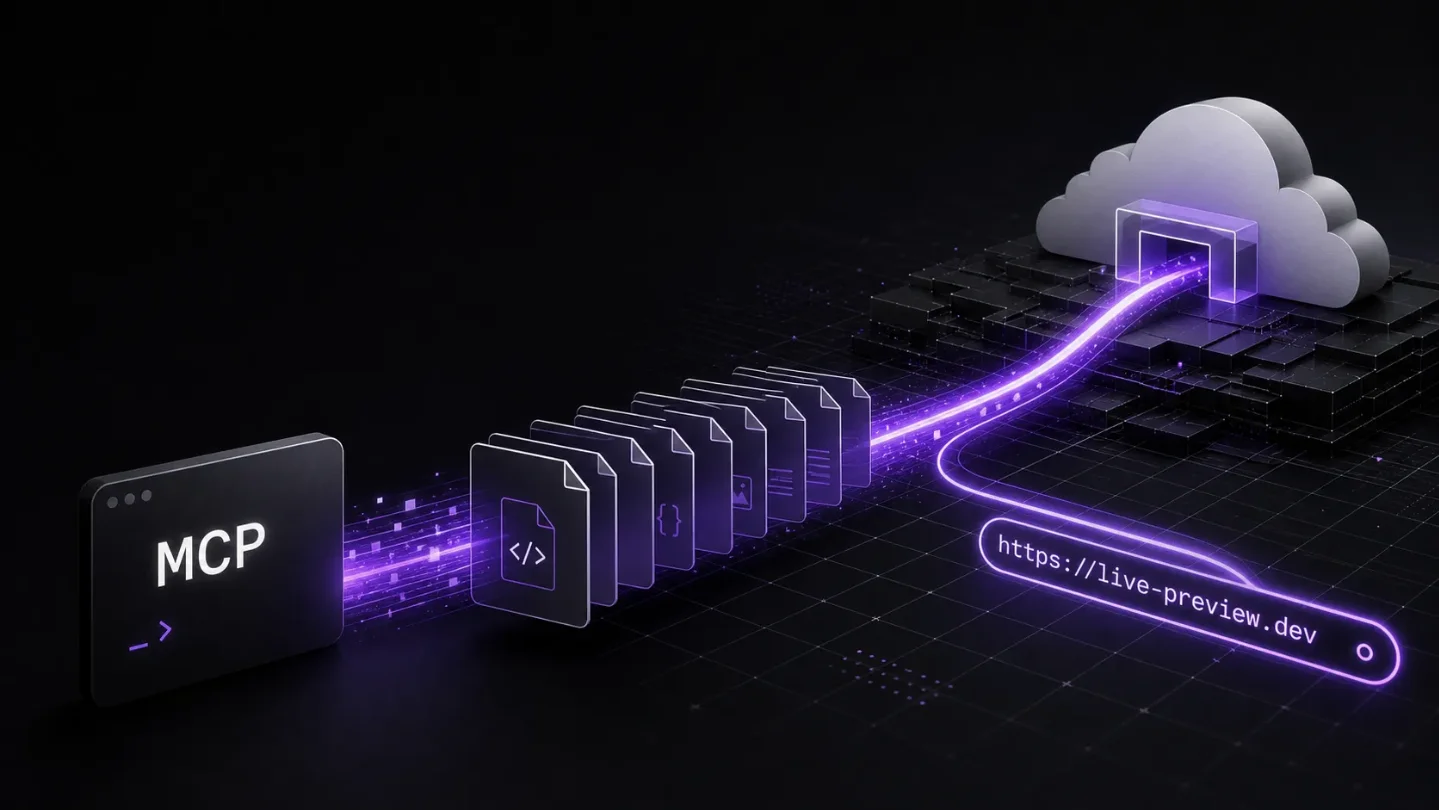
Vercel's July 23 MCP update lets agents send code directly to a new project, build it, and receive a deployment URL without a Git repository or CLI; use it for controlled previews, not as an automatic replacement for production release controls.

The change
Vercel's July 23 changelog update adds a
deploy_to_vercel tool to its MCP server. An agent can send a set of files directly to Vercel; Vercel creates a project, builds it, and returns a URL. The flow does not require a Git repository or the Vercel CLI. 1Decision: adopt this for agent-generated previews and disposable projects now. Keep watching before making it the default path for production releases.
That distinction matters. This is a new deployment entry point, not a new runtime. It shortens the distance between an agent's output and a reachable Vercel deployment, but it does not by itself answer how your team reviews, reproduces, approves, or rolls back that deployment.
Why this changes the workflow
A conventional Vercel delivery path starts with a repository change. The repository gives the team a diff, a place to review it, and a durable record of what was shipped. The new MCP path starts with files supplied to a tool call. Vercel then handles the project creation and build and gives the caller a URL. 1
For a full-stack developer using an agent to build a demo, that is a meaningful reduction in friction. The result can be handed to a teammate or opened in a browser without first creating a repository, wiring a local CLI flow, or turning the experiment into a permanent service. It fits short-lived front ends, proof-of-concept APIs, internal tools, and review artifacts better than it fits a release that must trace back to a reviewed commit.
For DevOps, the important change is the extra path into the deployment system. The agent no longer has to prepare a Git-based handoff before it can produce a live result. That is useful, but it also means the controls around this path need to be explicit: who can invoke it, which project or account receives the deployment, how environment values are supplied, and where the resulting URL and source files are recorded.
The current-week comparison
Render's July 17 MCP update takes a narrower approach. Its
trigger_deploy tool starts a new deployment for an existing service, with retrying a transient failure or forcing a clean rebuild after clearing the build cache as the stated use cases. 2| Vercel MCP deploy | Render MCP deploy trigger | |
|---|---|---|
| Starting point | A file set sent to deploy_to_vercel | An existing Render service |
| Result described by the announcement | A Vercel project is created, built, and exposed at a URL 1 | A new deploy is kicked off for that service 2 |
| Best immediate fit | Agent-generated previews and new projects | Retry and rebuild operations in an existing service |
| Migration signal | A workflow experiment, not a hosting migration | An operational convenience, not a hosting migration |
The contrast is useful because it keeps the decision grounded. Vercel is changing where a deployment can begin. Render is making an existing deployment easier to restart. Both reduce agent friction, but neither is a reason to move an application between hosting platforms.
What to adopt now
Start with a project where the deployment is the artifact, not the production system:
- Ask the agent to produce a small application or service with a complete file set.
- Send that set through the MCP deployment path and record the returned URL alongside the prompt or task that produced it.
- Check the build output, runtime configuration, and access controls before sharing the deployment outside the team.
- Delete or quarantine experiments that have no owner or follow-up action.
Keep your existing repository-centered release path for services that need reviewed diffs, predictable promotion between environments, or a formal rollback trail. If you want to test MCP deployment on a real product, begin with a non-production project and make the boundary visible to the team.
What to verify before production use
The announcement describes the direct path to a newly created project, a build, and a URL. If your desired workflow is an update to an existing production project, verify that target and its permission model before changing anything. Do not assume that creating a project is equivalent to promoting a reviewed release.
Also test the parts that are specific to your stack rather than treating the short path as a complete delivery system:
- whether the file bundle contains the lockfile and every build input your application needs;
- how secrets and environment-specific values are injected without putting them in agent prompts or generated files;
- whether your logs tie the deployment URL to an actor, task, and source revision;
- how a failed or unwanted deployment is disabled and cleaned up.
These are adoption checks, not reasons to reject the feature. They define the point at which a convenient agent demo becomes an operational surface.
Verdict: adopt the workflow, watch the migration question
Vercel's MCP deployment update is worth using when the goal is to turn agent output into a live, reviewable preview with as little setup as possible. It is especially attractive for prototypes, demos, and short-lived internal tools where a Git repository would add ceremony without adding much safety.
It is still a watch item for the production release path. Teams that rely on commit-based review, environment promotion, and audit-ready rollback should keep those controls in place and treat direct MCP deployment as a separate lane. The practical move is to test the new lane on non-production work, measure what metadata and approvals are missing, and only then decide whether it belongs in a controlled release process.
相似内容
- 登录后可发表评论。