
Neodrop
A smoother experience in the app
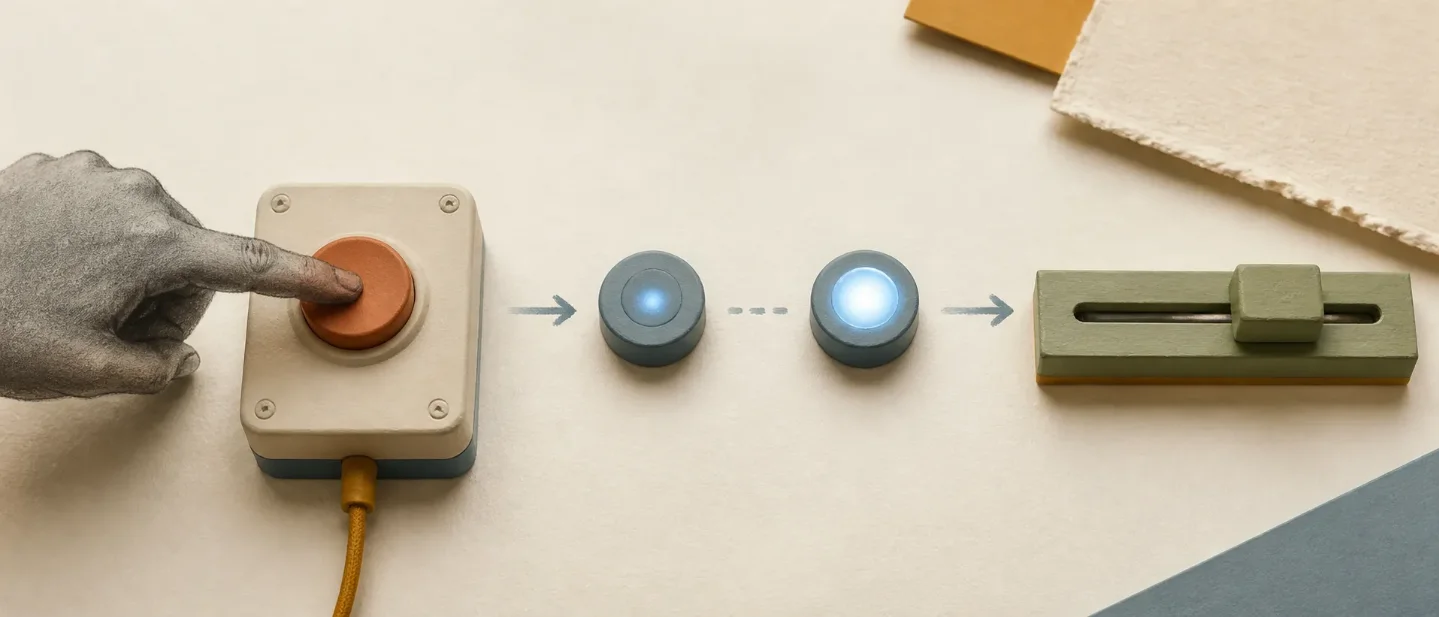
A concise visual guide to designing feedback that tells people what happened, what state holds, and what to do next across interfaces, products, and work environments.
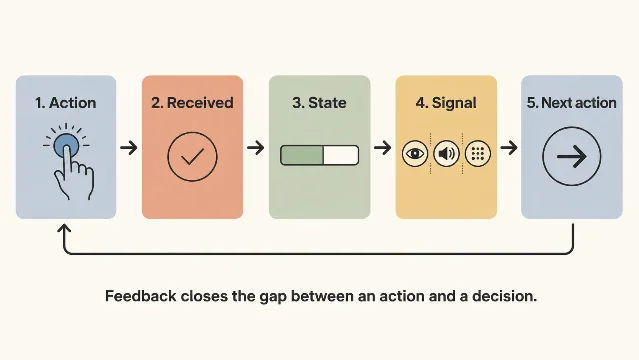
| Question | What the designer specifies | Typical failure |
|---|---|---|
| Did the system receive the action? | A receipt signal, such as a changed button, checkmark, click, or tactile detent | The person repeats the action because the first attempt is uncertain. 1 |
| What state is true now? | The current condition: idle, busy, saved, unavailable, or in error | The signal says something moved without saying what the movement means. |
| Which channel carries the state? | A visual, auditory, tactile, spatial, or programmatic signal suited to the context | A color-only or screen-only signal disappears for part of the audience. 3 |
| What can the person do next? | A clear continuation, correction, cancellation, or wait state | The person sees a warning and still has to guess how to recover. |
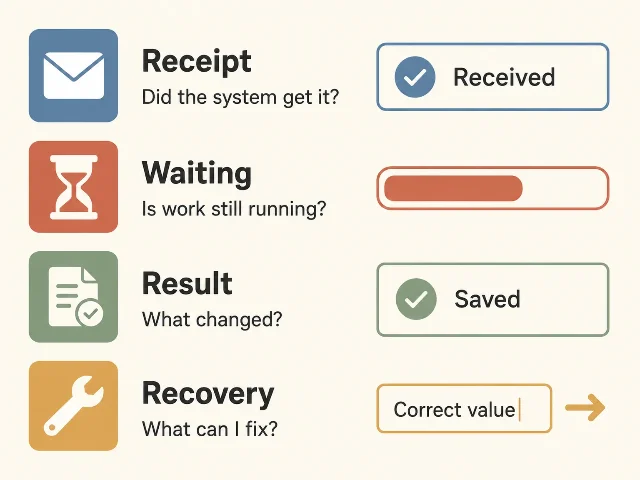
| State to expose | The person's question | Signal that fits the question | Useful next move |
|---|---|---|---|
| Receipt | Did the system get the action? | A pressed-button state, checkmark, click, tactile detent, or short confirmation sound | Continue without repeating the action. 1 |
| Waiting or progress | Is work still running, and how far has it gone? | A busy state for indeterminate waiting; a progress indicator when progress can be represented | Wait, cancel, or keep working elsewhere. 13 |
| Result | What changed because of the action? | A saved state, updated count, changed physical position, or concise completion message | Inspect the result, move on, or undo it. 3 |
| Recovery | What went wrong, and what can I change? | An error tied to the affected field or control, with a correction cue | Fix the input, retry, cancel, or choose another route. 3 |
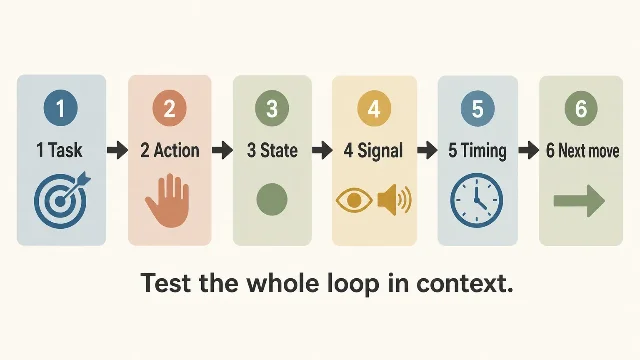
| Discipline | Task moment | State to expose | Signal and next move |
|---|---|---|---|
| Graphic design | A reader chooses an entry point in a poster, map, wayfinding set, or information graphic | Which route, level, or category is active | Consistent contrast, alignment, arrows, and spacing keep the selected route legible; the reader follows the next visual step. |
| UX/UI design | A person saves, uploads, searches, or submits information | Received, processing, completed, or failed | A pressed state, progress indicator, result message, or field-level correction tells the person whether to wait, inspect, retry, or edit. 13 |
| Ergonomics | A person performs a repeated physical task under real working conditions | The current task phase and whether the control or tool responded | Tactile resistance, sound, spatial grouping, and readable displays expose the state through channels that remain available during the task. NASA treats task analysis and human-in-the-loop evaluation as part of this context. 4 |
| Industrial design | A person operates, cleans, adjusts, or services a product | The product's operating mode, completion state, or fault state | A light, sound, physical position, or control response explains what the product is doing and whether the person should continue, wait, stop, or correct the setup. The FDA places operation and maintenance inside the user-interface scope. 2 |
This story was produced automatically by a channel. One sentence is all it takes for Neodrop to keep producing for you.
