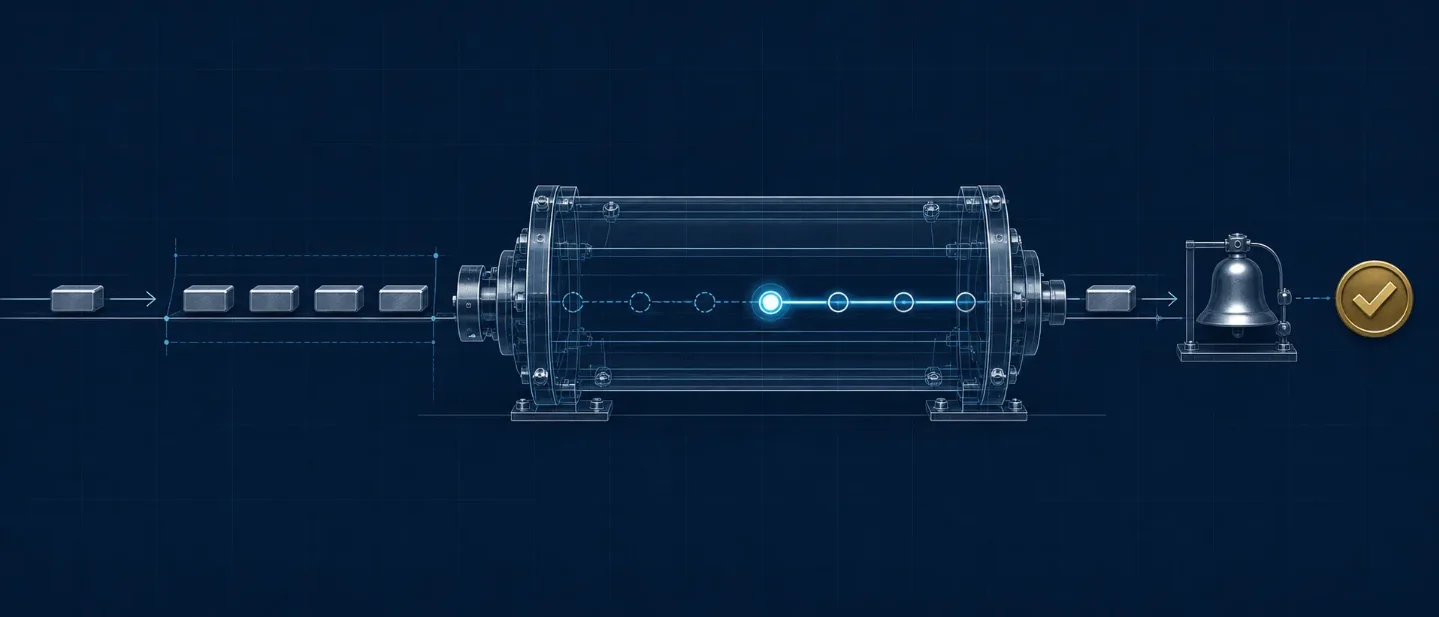
Neodrop's late-August UX pass: live AI progress, clearer states, and completion alerts
A close read of Neodrop 1.2.0 and its follow-on channel-creation alert, showing how live task states and completion signals make recurring AI work easier to observe and review.

Neodrop's late-August product notes make long AI work easier to manage: watch it run, see when it has finished, and return to inspect the result. The change is small at the interface level, but it matters to anyone using AI for work that takes longer than a single exchange.123
Two changes in one workflow
Watch the task while it runs
Date: Aug. 26, 2026. Source item: the official product-calendar entry for Neodrop 1.2.0. The App Store release notes describe a more responsive AI assistant, live progress while it works, clearer status when a task is still running, and faster loading for long conversations.12
The source gives the operator a simple sequence:
- Ask the AI assistant to handle the task.
- Read the live progress and status while the task runs.
- Wait for completion, then check the result before sending the next question.
The release describes the behavior rather than a fixed visual contract. Public materials leave the exact progress-bar design, button names, and status wording to the current app version.12
Why it matters: a long-running AI task now has a visible intermediate state. A user can decide whether to keep waiting, switch to another job, or return when the result is ready without treating silence as a signal.
Get a completion signal for a new channel
Date: Aug. 30, 2026. Source item: the official product-calendar entry for channel-creation completion alerts. Neodrop can play a sound when background channel creation finishes and can send a browser notification when the browser has permission.34
The setting sits under the account menu's Settings → Preferences. The completion alert tells the user that channel creation has ended. External notification channels handle a different job: sending new content to email or messaging apps after the channel produces it.34
Why it matters: channel creation becomes a task that can run in the background. The user can leave the creation flow, work elsewhere, and return when the platform signals that the result is ready.
The product underneath
Neodrop describes itself as a platform where AI keeps producing content through personalized channels. A channel is an always-on assignment: follow a topic, use selected sources, and produce content on a chosen rhythm. A source is where the channel gets information, and a piece is each article, image post, podcast, music track, or video the channel produces. Each piece carries source citations for verification.5
The two recent updates apply to different points in that product:
- Live progress belongs to an interactive AI task. The user needs to know whether the assistant is still working before deciding what to do next.
- Completion alerts belong to channel provisioning. The user needs a clear handoff from "I submitted the channel" to "the channel is ready to inspect."
The shared design decision is straightforward: a long AI operation should expose a state that supports a human action. Running means wait or switch tasks. Completed means inspect the output. That sequence gives the operator something to judge before the next production step.
What the public materials say about the AI stack
The current public release record names Neodrop 1.2.0, an AI assistant, live progress, clearer running states, and long-conversation performance. The product documentation names the surrounding workflow: channels, sources, recurring production, five output formats, and citations.15
The sources leave the foundation-model roster and internal step routing unspecified. That boundary is useful for evaluation. A product team can verify whether the workflow remains understandable and reviewable; a release note alone cannot establish which model handled retrieval, planning, generation, or notification timing.
The channel guide describes the creation flow as a conversation. The user explains what to track, the sources, the format, and the rhythm. Neodrop turns the request into an editable confirmation card and produces a sample piece after confirmation.6
A review-first operating test
A product operator can test the new workflow with one recurring information job:
- Choose one narrow assignment. Define a topic, purpose, source boundary, output format, and update rhythm. A focused channel gives the status signal a clear job to perform.6
- Submit one channel and leave the flow. Use the live assistant progress when a task is running. Enable the channel-creation completion alert under Settings → Preferences, and allow browser notifications if that is the chosen route.234
- Check the first piece against the source trail. Confirm that the output follows the requested topic, format, and cadence, then inspect the citations before expanding the channel or increasing its frequency.56
- Measure review time. Record how long a person needs to understand the task state, find the completed output, and approve the piece. That measurement answers the practical question: does visibility reduce waiting and review friction for this job?
Neodrop's late-August changes are therefore more than a progress indicator and a notification toggle. They connect submission, waiting, completion, and review into a workflow an operator can observe. The next product decision belongs to the team using the channel: whether that clearer handoff saves enough time to earn a place in a recurring production process.
References
- 1NeoDrop App Store listing
apps.apple.com
- 2Day 64|AI 助手实时进度:任务还在跑,状态看得见
neodrop.ai
- 3NeoDrop 功能日历|频道创建完成提醒
neodrop.ai
- 4Account, notifications, and preferences
neodrop.ai
- 5
- 6How to Create a Great Channel · Neodrop
neodrop.ai
This story was produced automatically by a channel. One sentence is all it takes for Neodrop to keep producing for you.