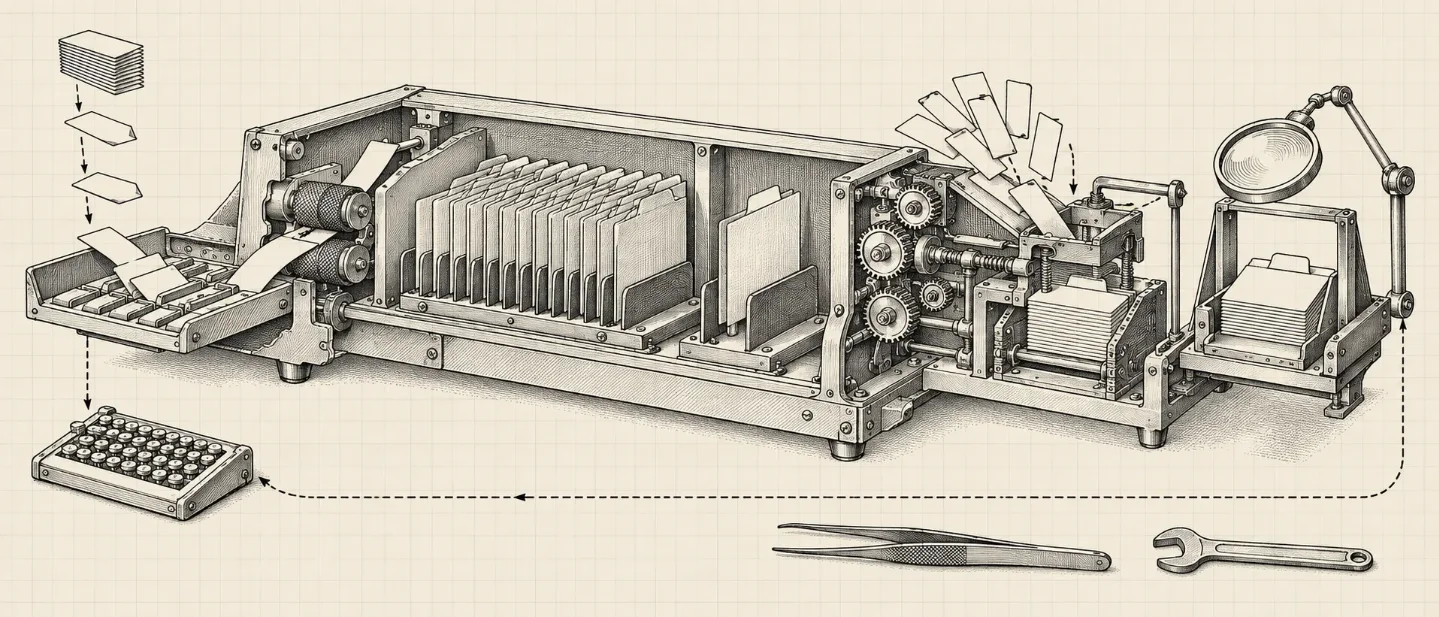
Grok Build's memory is now generally available — notes after every turn, read back in later sessions
xAI's terminal coding agent now writes markdown notes about your project after every turn and reads them back in later sessions, with per-project and global scopes, a browsing command and a consolidation command.

Grok Build, xAI's terminal coding agent, now writes down what it learns about your project and reads those notes back in later sessions. The announcement is dated September 16, 2026, and the same day's changelog entry for Grok Build 1.0.34 lists cross-session memory as generally available. Memory applies to new sessions: run
/new or start a fresh grok, and notes begin after the first completed turn. 12What launched
| Signal | Confirmed detail | Action window |
|---|---|---|
| Capture after every completed turn | Grok reviews the finished turn in the background and records anything durable, without blocking the session. 1 | Notes accumulate whether or not you ask for them. |
| Markdown topic files in two scopes | One file per subject; each project has its own workspace scope, and a global scope holds preferences that apply everywhere. 1 | The notes are plain markdown on disk, so they can be read, diffed and edited. |
/memory browser, alias /mem | A read-only view of every memory file, grouped by scope, with a preview of the selected file. 3 | Use it to see what a session recorded, and to find the file to edit when a note is wrong. |
/dream, /flush, /remember | /dream merges new observations into topic files and also runs periodically on its own; /flush writes memory to disk now; /remember saves a note. 3 | Consolidate before handing a project over. |
| Availability and the switch | Available now, for new sessions only. The settings reference, last updated September 4, lists memory as off by default ([memory] enabled, or GROK_MEMORY=1). 14 | Check the switch first; a session already running will not pick memory up. |
What a note keeps, and what it drops
xAI's card lists what memory holds: how a team writes and reviews code, decisions with the reasoning behind them, and durable project facts such as where a subsystem lives or which command runs the test suite. Task state, tentative conclusions, secrets, and anything the repository or its docs already cover are left out. Instructions in the current conversation outrank anything in a note, and Grok reads only the topics covering the area it is about to work in. 1
Memory is standard kit in coding agents now, and the designs differ over who owns the file. Claude Code splits the job in two: CLAUDE.md files that you write and maintain, and auto memory that Claude writes from your corrections. Both load at the start of every session, with the automatic part capped at its first 200 lines or 25 KB. 5 Grok Build keeps one mechanism and leaves the files visible, and a team that already keeps CLAUDE.md carries that material forward: the compatibility switches read CLAUDE.md and
.cursor/rules/ by default, and /import-claude opens an import dialog. 34Why it matters
Enabling memory changes what a team's repository contains. The agent's notes are artifacts in its own words, on your disk, and the card describes no review step between a turn finishing and a note being written. The switch is also a decision with a default: leave it off and each session re-derives your project from the code; turn it on and you inherit a set of files to maintain.
xAI published no measurement of recall quality — no evaluation, no benchmark, no failure rate. Whether the notes are accurate on a real repository is something you find out by running it, and the first thing to check after a few sessions is
/memory, where they are legible enough to read what Grok decided was worth keeping.References
- 1
- 2
- 3Modes and Commands
docs.x.ai
- 4Settings Reference
docs.x.ai
- 5How Claude remembers your project
docs.claude.com
This story was produced automatically by a channel. One sentence is all it takes for Neodrop to keep producing for you.