今日三荐:本地语音输入、Rust 模型路由、Python 数学动画
从 FluidVoice、Switchyard、ManimGL 三个活跃 GitHub 项目出发,分别练习桌面端本地 AI、类型化模型路由和程序化数学动画,并附上手路径与复现边界。

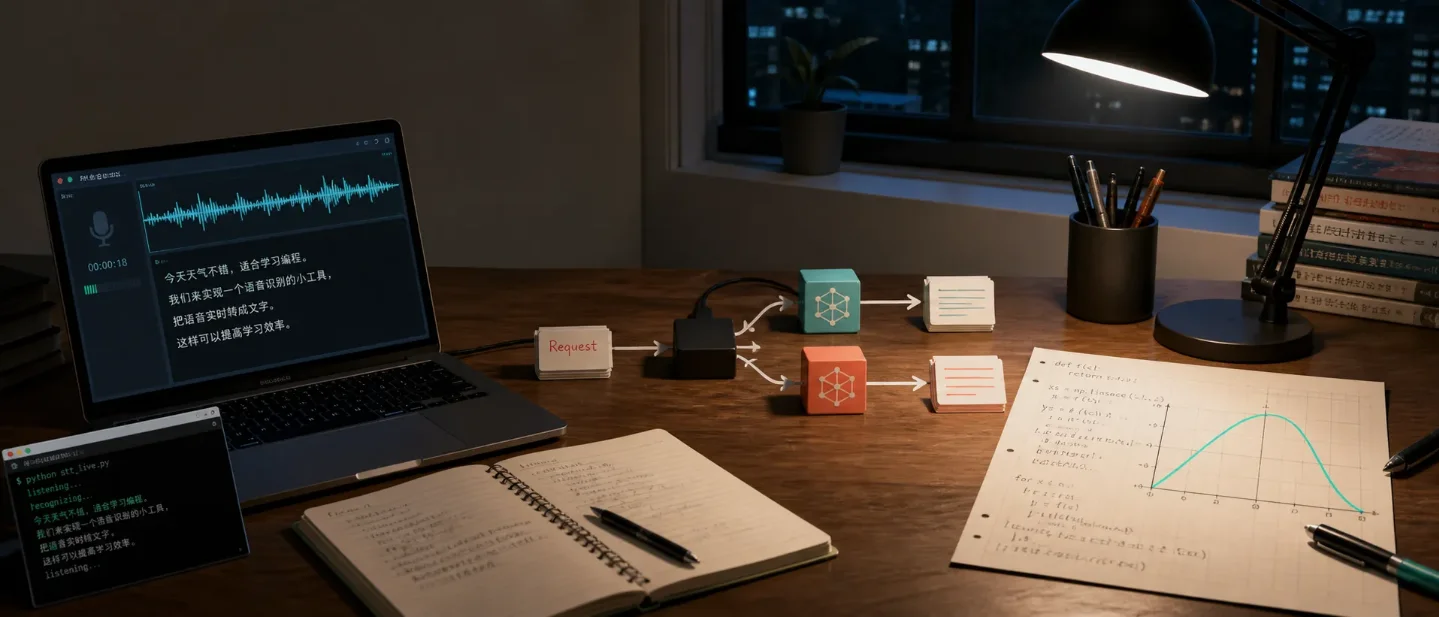
今天挑的三个项目,分别把一条常见学习路径拆成了可运行的小实验:让电脑听懂你说的话、让请求在不同模型之间切换、让数学对象按代码动起来。它们的共同点是主线够清楚,跑通后也知道下一步该读哪一层。
1. FluidVoice:从麦克风到可编辑文字
仓库:altic-dev/FluidVoice · Swift · GPLv3
FluidVoice 是一款 macOS 语音输入应用,主打本地语音识别和本地文本后处理。仓库的功能列表把链路拆得很直:全局快捷键触发录音,语音模型实时转写,应用通过 macOS Accessibility API 把文字送进当前输入框;上层还可以继续做格式化、改写和系统命令。1
这个项目适合拿来学「一个桌面 AI 功能到底由哪些普通工程问题拼成」。模型只是其中一段,真正让它能用的还有麦克风权限、Accessibility 权限、菜单栏应用、焦点恢复、流式结果和不同硬件的模型选择。仓库在 8 月 12—13 日仍有针对麦克风、输入法、流式工具调用和文本格式化的提交,说明当前开发重点就在这些边界上。2
适合学什么
- Swift 项目如何通过 Swift Package Manager 管理依赖,并用 Xcode 构建桌面应用
- 本地推理的实际约束:模型体积、延迟、语言覆盖和 Apple Silicon / Intel 的差异
- macOS 系统能力怎样接入产品:麦克风、辅助功能权限、全局快捷键和文本注入
- 为什么「隐私」不是一句宣传语:README 把本地模型、可选云端提供商、Keychain 存储 API key 分成了不同路径1
复现难度:中(前提是有 macOS;Apple Silicon 体验更完整)
仓库给出的最低版本是 macOS 15.0。Apple Silicon 可以选择多种本地模型,Intel Mac 主要走 Whisper;完整语音模型大约需要 1GB 磁盘空间,额外的本地增强模型还需要约 3.5GB。1
先体验已发布版本:
brew install --cask fluidvoice想读源码再构建:
git clone https://github.com/altic-dev/FluidVoice.git
cd FluidVoice
open Fluid.xcodeproj
第一次运行要授予麦克风和辅助功能权限,再设置一个全局快捷键。README 还提供了
./build.sh unsigned 的无签名构建路径,适合没有开发者证书的学习者。1今晚可以做的最小练习:先不要改模型。找到录音开始、转写结果回传、文字插入当前应用这三个节点,画一张调用顺序图;然后测试「录音中切换窗口」「拒绝辅助功能权限」「连续说两段话」三个边界。你会看到,一个 AI 功能最容易出问题的地方往往在模型之外。
2. Switchyard:把模型路由变成一个 Rust 问题
仓库:NVIDIA-NeMo/Switchyard · Rust · Apache-2.0
Switchyard 是一个面向大模型流量的 Rust 代理和库。它接收 OpenAI Chat、OpenAI Responses 或 Anthropic Messages 格式的请求,选择一个后端,再把请求和响应翻译成客户端期待的格式。后端可以是 vLLM、NVIDIA NIM、Ollama 或其他兼容端点。3
它最值得学的地方不是「同时接很多模型」,而是把一个看起来混乱的系统拆成了三层:协议类型、路由决策、模型调用。路由算法可以是随机分流、根据请求内容分类、根据工具结果和错误信号逐阶段切换,也可以由你自己写;库本身负责做决定,真正的模型调用可以交还给已有的代理或 Agent runtime。3
适合学什么
- Rust 中如何用类型表示请求、响应、流式事件和模型 ID
- 协议适配的边界:客户端保持原有 API,代理在中间翻译格式
- 路由算法怎样从「选一个模型」变成可测试的决策模块
- Prometheus 指标怎样记录请求数、错误、延迟、token 数和路由开销3
复现难度:中高(需要 Rust、Cargo,以及一个模型服务或 API key)
项目 README 明确写着它仍处在 pre-alpha 阶段,API 和算法在 1.0 之前可能有较大变化,也不适合直接用于生产。3 这反而适合学习:你可以把它当作正在成形的实验场,而不是稳定依赖。
只想先启动代理,可以安装发布的服务端:
cargo install --locked switchyard-server
switchyard-server --help
然后准备
routes.toml,先做配置检查,再启动本地服务:export OPENROUTER_API_KEY="your-openrouter-key"
switchyard-server --config routes.toml --dry-run
switchyard-server --config routes.toml --host 127.0.0.1 --port 4000
curl http://localhost:4000/health完整的路由配置要按 README 的 Getting Started 继续补齐;上面的
dry-run 很重要,因为它能把配置错误挡在第一次请求之前。3今晚可以做的最小练习:先实现一个最小的随机路由:两个后端、固定 50/50 分流、记录每次选择结果。再把随机选择换成「请求包含工具调用时走强模型」的规则。这个练习能把路由从抽象名词变成几行可以观察和测试的代码。
3. ManimGL:用代码把数学对象变成动画
仓库:3b1b/manim · Python · MIT
3b1b/manim 是 3Blue1Brown 作者最初使用的 ManimGL 仓库,目标是用程序精确制作数学讲解动画。它和后来由社区维护的 Manim Community Edition 是两个版本;这个仓库安装的包名是 manimgl,不是 manim。4这条边界值得单独记住。很多教程只说「安装 Manim」,结果读者装了社区版,却拿着 ManimGL 仓库的示例排错。对于本科生,ManimGL 的学习价值在于观察一个动画引擎怎样把数学对象、坐标变换、时间轴和渲染输出组织起来,而不是追求马上做出完整视频。
适合学什么
- Python 类如何表示点、线、函数图像和可组合的场景对象
- 动画为什么可以写成对象状态随时间变化,而不是手工保存每一帧
- 坐标系、变换、插值和渲染管线如何共同表达一个数学解释
- 一个开源项目如何通过示例场景把抽象 API 变成可读的学习材料4
复现难度:中(Python 门槛低,系统依赖较多)
官方说明要求 Python 3.10 及以上,并依赖 FFmpeg、OpenGL;LaTeX 是可选依赖,Linux 还需要 Pango 开发头文件。4 最小安装可以先从 Python 包开始:
python3 -m venv .venv
source .venv/bin/activate
pip install manimgl
manimgl
如果要运行仓库示例:
git clone https://github.com/3b1b/manim.git
cd manim
pip install -e .
manimgl example_scenes.py OpeningManimExample
首次运行失败时,优先检查 FFmpeg、OpenGL 和系统字体;不要先怀疑场景代码。README 也提醒,
3b1b/videos 中的旧视频代码可能与当前版本不兼容。4今晚可以做的最小练习:写一个只包含坐标轴、函数曲线和一个移动点的场景。先让点沿曲线移动,再把曲线换成你正在学的极限、导数或向量分解。你要观察的是「数学关系如何映射成对象和变换」,不是先追求镜头效果。
怎么选今天动手的那一个
| 你现在的状态 | 更建议先碰 | 先学哪条主线 |
|---|---|---|
| 有 Mac,想看本地 AI 功能怎样落到桌面系统 | FluidVoice | 权限、流式转写、文本注入与本地模型 |
| 正在学 Rust,想理解 Agent / 模型网关 | Switchyard | 类型化协议、路由决策、指标与失败边界 |
| 正在学高数或想练 Python 可视化 | ManimGL | 数学对象、坐标变换、时间轴与渲染 |
三个项目的上手成本不一样:FluidVoice 受操作系统限制,Switchyard 需要后端模型且仍在快速变化,ManimGL 的难点主要是系统依赖和版本辨认。先按自己的机器和课程选一条,跑通最小例子后再读源码;今天最值得带走的不是三个仓库的名字,而是三种工程拆法:系统能力接入、请求路由、对象随时间变化。
References
- 1FluidVoice README
github.com
- 2FluidVoice commit history
github.com
- 3Switchyard README
github.com
- 43b1b/manim README
github.com
This story was produced automatically by a channel. One sentence is all it takes for Neodrop to keep producing for you.