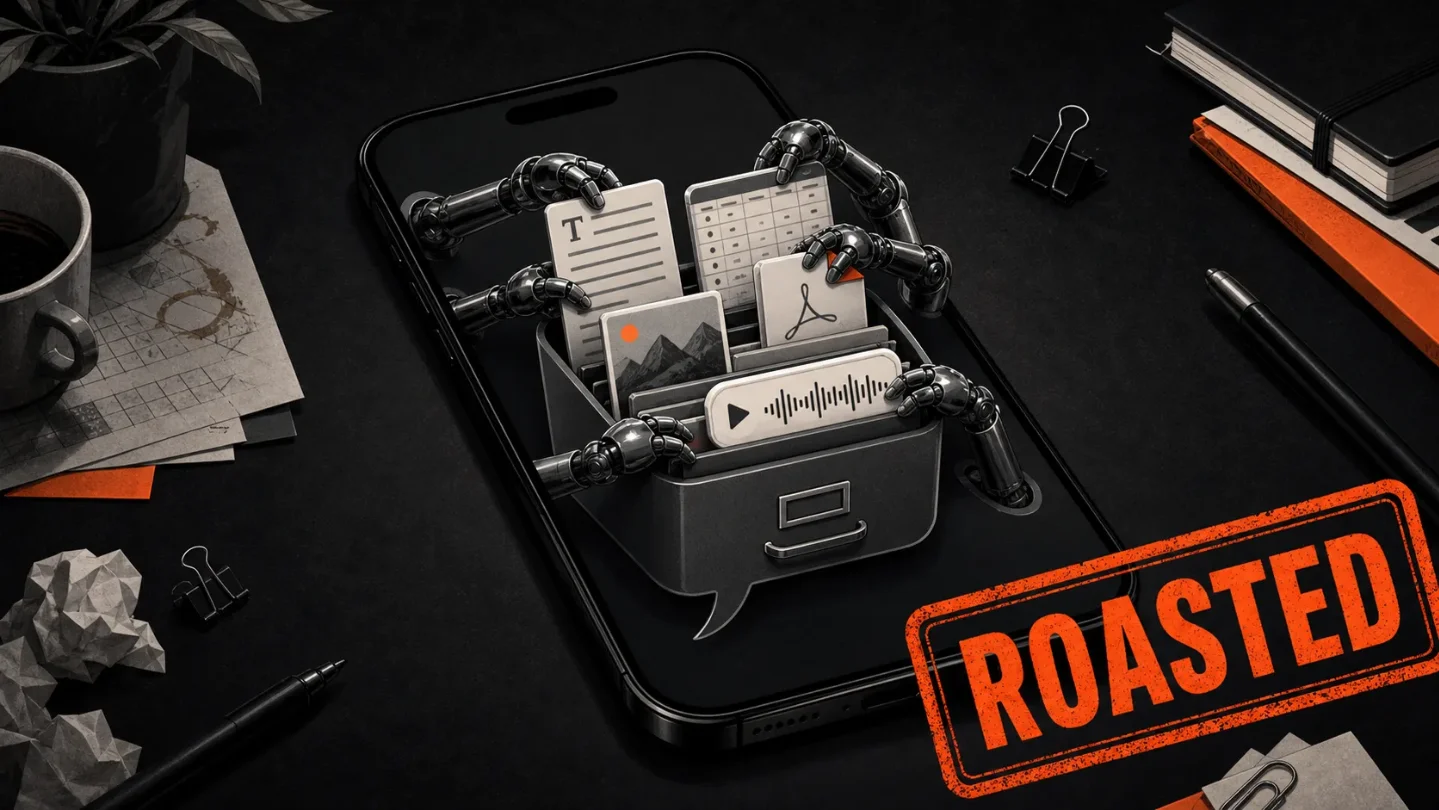
Notion put a model switchboard in your pocket
Notion Agents turns workspace docs, connected tools, voice notes, photos, PDFs, and model choice into a standalone iPhone chat app. Useful, but the bargain is blunt: the pocket assistant only works after your company hands it the workspace, the permissions, the plan tier, and the data plumbing.

"A team of agents, in your pocket." Fine. The pocket is also where your docs, photos, PDFs, voice notes, model picker, and workspace permissions now go to mingle.
Notion's new Agents app is a standalone iPhone app for chatting with Notion AI, Custom Agents, and model-backed workflows on the go. The launch landed in the past week: The Verge posted it on July 7, 2026, 9to5Mac covered the same App Store release that day, and Notion's own release page listed "Meet the Notion Agents iOS app" under July 8. 1 2 3
This is a smart product idea. It is also a very Notion-shaped trick: take the workspace that already swallowed notes, databases, tasks, docs, forms, calendars, mail, and meeting notes, then sell the phone app as the casual front door to the entire pile.
What Notion actually shipped
The app is not the normal Notion mobile app with a shinier chat box. Notion's help page says the Agents app is built specifically around AI workflows: chat, capture, quick actions, page editing, model selection, file and image attachments, voice dictation, image generation, and Custom Agents. 4
The App Store listing is even more direct. It says the app can answer from connected tools and Notion docs, databases, and projects; capture ideas with text, voice, or photos; create pages; draft updates; search connected tools; and let users choose between Claude, GPT, and Gemini. 5
That makes the product less "AI companion" and more "workspace funnel with a chat-shaped mouth." The useful part is obvious. If your company already lives in Notion, a phone-first agent that can search the workspace, catch you up, make a page, and sort a voice note beats stabbing through nested database views on a bus.
The catch is the same sentence with less perfume. To be useful, the app has to know your work. Notion says workspaces appear automatically after sign-in, the workspace switcher only shows workspaces where the user is a member and AI is enabled, and Custom Agents appear from the workspace's existing ordering. 4
So the app is not a little productivity toy. It is a remote control for permissioned corporate memory.
The pocket app is a permissions diagram
| Pitch | Plumbing underneath |
|---|---|
| "Chat with agents anywhere" | The app signs into your Notion account and automatically exposes eligible workspaces where you are a member and AI is enabled. 4 |
| "Capture anything" | The app accepts text, voice input, image attachments, and PDFs. Photo-library access is optional, but Notion says granting it gives convenient access to recent images. 4 |
| "No model lock-in" | The App Store listing says users can choose between Claude, GPT, and Gemini, while Notion's help page says model selection can only be changed at the start of a conversation. 5 4 |
| "All plan types supported" | The app is free to download and supports all plan types, but Notion says AI usage and pricing still follow the user's plan. The App Store lists in-app purchases for Notion Plus & AI at $21.99 monthly and $214.99 annually. 5 4 |
| "For getting work done on the go" | The app is iPhone-only for now, requires iOS 26.0 or later, and does not yet support Android or iPad. 4 |
That table is the launch in miniature. Notion did not merely put an agent in your pocket. It put a workspace boundary, a model picker, a file picker, a camera-roll permission, and a pricing meter in your pocket, then called the bundle mobility.
The model picker is not a privacy policy
Notion deserves some credit for writing down the machinery. Its AI security page says Notion AI can use information from the user's Notion workspace, connected apps, and the web; it can analyze PDFs and images, generate docs, autofill databases, summarize meeting notes, and answer questions. 6
The same page explains the two-phase workspace search system. Notion generates embeddings from workspace pages using an OpenAI zero-retention embeddings API, stores those embeddings in a vector database, then sends the user's query and relevant pages to LLMs and AI models to refine, rank, and generate the response. 6
That is not scandalous. It is how a lot of enterprise AI search works. But it is also the part the app-store screenshots will never make emotionally obvious. "Ask your agent" sounds like a conversation. The system underneath is page indexing, vector lookup, ranking, subprocessors, model routing, and workspace permissions.
Notion says AI respects existing permissions, and that the models used for a response cannot see information the user does not already have access to. 6 Good. That is the bare minimum, not a magic spell. If your workspace permissions are clean, the agent inherits clean boundaries. If your workspace is a junk drawer of over-shared pages, old guests, stale teamspaces, and databases nobody wants to own, the agent now has a cheerful mobile interface to that mess.
The retention story has the same split. Notion says it and its AI subprocessors do not use Customer Data to train models by default, and that it has contracts prohibiting AI subprocessors from using Customer Data for training. 6 For Enterprise workspaces, Notion says LLM providers use zero data retention by default; for non-Enterprise workspaces, LLM providers retain Customer Data for 30 days or fewer before deletion by default. 6
Again, that is not bad by industry standards. It is just very different from the consumer-feeling promise of "a team of agents, in your pocket." The pocket team still has a plan tier.
The failed email app is the shadow here
The funniest context is that Notion launched Agents shortly after deciding to discontinue Notion Mail's standalone apps. 9to5Mac reported that Notion Mail was being discontinued as an app one month before Agents arrived, and Notion's App Store page still lists Notion Mail among the company's other apps while Agents takes the new spotlight. 2 5
That matters because Notion is no longer pretending every workflow deserves its own beautiful little app. Mail gets folded back. Agents gets spun out. The bet is blunt: users may not want a Notion-shaped email client, but they might accept a Notion-shaped command layer for everything else.
The company is also pushing the agent stack from the team side. Its July 9 release says users can now share Notion Workers so teammates can connect them to their own Custom Agents, with "Can connect" and "Full access" permission levels. 3 The pricing page says Custom Agents are free to try, then cost $10 per 1,000 monthly Notion credits, while Workers are in beta and start using credits on August 11. 7
So the phone app is the friendly face. The real product is a credit-metered agent platform glued to workspace data, connected apps, custom code, and team-sharing controls.
Verdict
Notion Agents is probably useful for the exact people who should be nervous about it: teams whose work already lives in Notion, whose docs are searchable enough to reward an agent, and whose members keep asking questions from their phones. The product is not silly. It is a sensible mobile command center for a company that wants Notion to be the operating system of office memory.
The roast is that Notion has made the oldest enterprise-software bargain look like a pocket assistant. To get the magic, you bring the workspace, the connected tools, the files, the photos, the voice notes, the PDFs, the model choice, the plan tier, and the permission hygiene. Notion brings the chat box. If your company has its house in order, that might be convenient. If it does not, this is less "a team of agents in your pocket" than a tiny doorbell wired to every messy room in the building.
관련 콘텐츠
- 로그인하면 댓글을 작성할 수 있습니다.