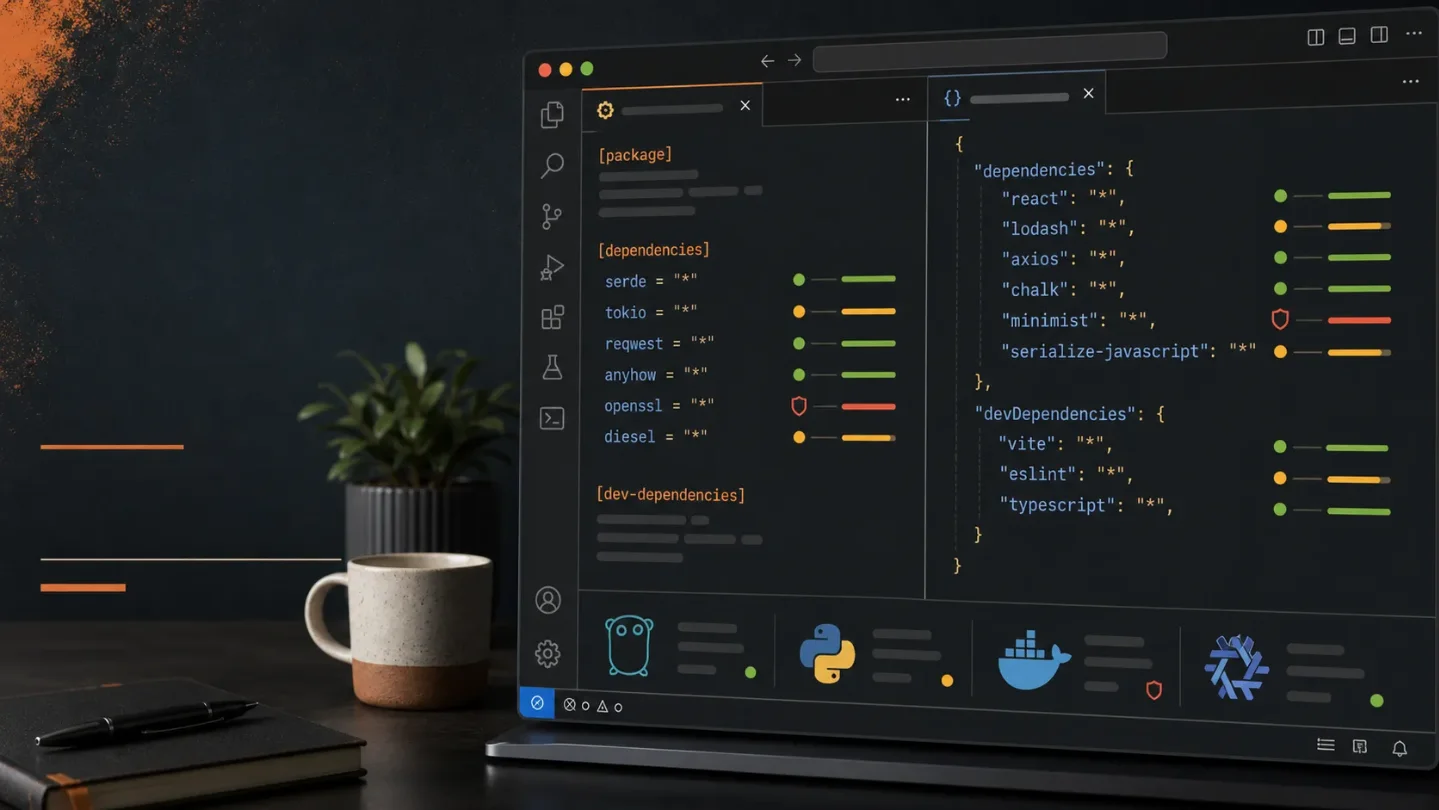
VersionLens Redux brings dependency updates to Cargo, Go, Nix, and more
VersionLens Redux puts dependency versions, update actions, and OSV vulnerability diagnostics beside manifests across Rust, Go, JavaScript, Python, JVM, and infrastructure projects.

A dependency view for mixed stacks
VersionLens Redux is a VS Code dependency dashboard for projects that do not live in one package ecosystem. Open a manifest, and it can show installed, latest, constrained, fixed, and prerelease versions inline. It also adds update actions and OSV.dev vulnerability diagnostics. 1
The interesting part is the breadth. The same extension understands
Cargo.toml, go.mod, pyproject.toml, Maven and Gradle files, Docker and Compose files, Terraform, Helm, Nix flakes, Package.swift, build.zig.zon, mix.exs, Haskell project files, and many more manifest types. 1At a glance
| Field | Details |
|---|---|
| Plugin | VersionLens Redux, extension ID xsyetopz.versionlens-redux. 1 |
| Language / use case | Cross-language dependency version tracking, updates, and vulnerability diagnostics in VS Code. |
| Best fit | Teams that move between Rust, Go, JavaScript or TypeScript, Python, JVM, infrastructure, and other manifest formats. |
| Current Marketplace listing | Version 0.1.2; Marketplace metadata captured for this issue reports 147 downloads and a 4.45 weighted rating. 1 |
| Marketplace compatibility | The listing metadata declares VS Code >=1.75.0. It is free and carries an ISC license. 1 |
| Newer project build | The project released v0.2.0 on July 19, 2026, with VSIX packages on GitHub. The Marketplace listing had not yet moved to that version when checked. 2 1 |
| Install | Install VersionLens Redux from the Visual Studio Marketplace |
The adoption signal is still small. That is useful context: this is a young project to test in a branch or one workspace, not a dependency-management standard to roll out without review.
What it does well
VersionLens Redux puts package information beside the dependency declaration instead of making you switch to a registry website or a separate CLI. Its CodeLens entries can distinguish the latest release from the versions allowed by the current constraint, fixed versions, and prereleases. The available update targets are
latest, major, minor, and patch. 1That distinction matters in a Rust workspace. A
Cargo.toml entry such as serde = "1" can accept a range of releases, while a pinned or locked dependency needs a different review path. The extension is not deciding your upgrade policy; it is putting the relevant version choices where the policy is written.The second useful layer is vulnerability feedback. The extension can enable OSV.dev diagnostics for ecosystems covered by OSV, so a dependency file can show a security warning alongside the version information. 1 Treat that as an additional signal, not a replacement for the security process that owns your lockfiles, exceptions, and CI checks.
The provider model is configurable. The Marketplace documentation lists per-provider settings for registries, prerelease handling, file patterns, HTTP behavior, and authentication. That is relevant for private registries, but it also means you should review where requests are sent before enabling the extension across a restricted workspace. 1
Usage demo: inspect a Rust manifest
Install the Marketplace build, then open a Rust project with a
Cargo.toml file like this:[package]
name = "example-service"
version = "0.1.0"
edition = "2024"
[dependencies]
serde = "1"
tokio = { version = "1", features = ["macros", "rt-multi-thread"] }After the file opens, select the
V editor toolbar icon to show release versions. Select the tag icon when prerelease suggestions are useful. The extension documents Cargo.toml as the Cargo provider's file and uses the crates.io index/API, or a configured Cargo registry, as its source. 1For a team workspace, start with explicit settings rather than making every suggestion appear automatically:
{
  "versionlens.suggestions.showOnStartup": true,
  "versionlens.suggestions.showPrereleasesOnStartup": false,
  "versionlens.suggestions.showVulnerabilities": true,
  "versionlens.cacheTtlSeconds": 3600
}
showOnStartup displays release CodeLens entries when a supported file opens. showPrereleasesOnStartup includes prerelease suggestions, showVulnerabilities enables OSV.dev diagnostics, and cacheTtlSeconds controls how long registry results stay cached. 1Now change
serde = "1" to a deliberately narrow range in a throwaway branch, inspect the latest and constrained suggestions, and choose the smallest update that fits your compatibility policy. Use the update action instead of copying a version from a browser tab. Run the project tests and review the lockfile as usual.If the CodeLens results look stale, run
VersionLens: Clear cache from the Command Palette. If nothing appears, check that editor.codeLens is enabled and that the file matches the configured versionlens.cargo.files pattern. 1The same flow works for a JavaScript or TypeScript workspace:
{
  "dependencies": {
    "zod": "^3.23.0"
  },
  "devDependencies": {
    "typescript": "^5.0.0"
  }
}
Open
package.json, inspect the CodeLens entries, and use the update target that matches the change you are prepared to review. For a monorepo, the extension also documents workspace and package-file patterns, which can keep the scan focused on the manifests that matter. 1The version caveat
There are two versions to keep straight. The Marketplace API currently reports
0.1.2 for xsyetopz.versionlens-redux. The project’s GitHub releases page marks v0.2.0 as the latest release, dated July 19, 2026, and provides VSIX packages for several platforms and architectures. 1 2That gives you a clear choice:
- Use the Marketplace build for the normal VS Code install and the version the listing currently advertises.
- Use the GitHub release page if you specifically need
v0.2.0and are comfortable installing a VSIX manually through the Extensions view.
Do not install both VersionLens Redux and the original
pflannery.vscode-versionlens. The Redux adapter warns about the conflict, and running both can duplicate CodeLens providers and commands. 1The project README describes Redux as a Rust-first port and lists VS Code, Zed, and JetBrains packages in the repository. This article recommends the VS Code Marketplace package; the repository’s other editor packages are not the same as a verified JetBrains Plugin Repository listing. 3
Install or skip?
Install it if your team maintains more than one dependency ecosystem and the friction is mostly visibility: you want to see allowed updates, prereleases, and vulnerability signals next to
Cargo.toml, package.json, go.mod, pyproject.toml, or infrastructure manifests. The one-file demo is enough to judge whether the CodeLens UI helps or merely adds noise.Skip a broad rollout for now if your project depends on private registries you have not configured and reviewed, or if the small adoption signal makes an unproven extension unacceptable in your organization. The Marketplace install is easy to undo, so a single non-sensitive workspace is a reasonable first trial. Keep the test narrow, compare the displayed versions with your registry and lockfile, and only then decide whether to enable automatic startup suggestions or save-time install commands.
관련 콘텐츠
- 로그인하면 댓글을 작성할 수 있습니다.