2026/6/17 · 8:11
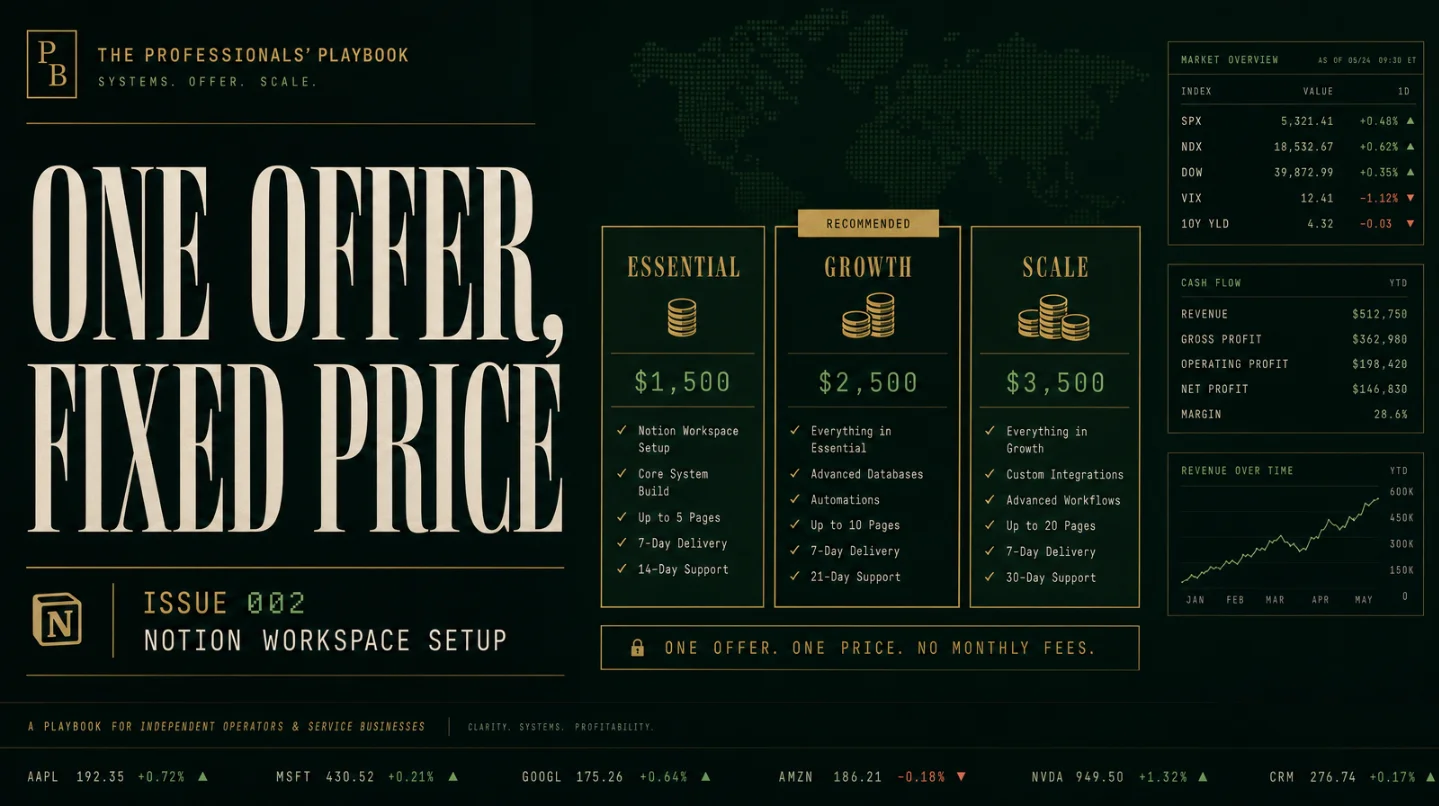
Issue 002 — Notion Workspace Setup: the $999 service teardown
A practical teardown of a $999 fixed-scope Notion workspace setup: the exact offer, two-week delivery SOP, first-client acquisition path, realistic workload milestones, scaling moves, and the AI and adoption risks to manage.

Most solo service businesses get stuck because every prospect wants a slightly different thing. A Notion setup can avoid that trap if the offer is narrow enough: one operating workspace, one fixed scope, one handoff week, one price.
The version worth testing is a $999 Notion workspace setup delivered in two weeks. That price sits below the small-agency custom-build market, where one current guide places project work at $999 to $10,000+ and another consultant publishes typical Notion projects at $3,000 to $12,000. 1 2
This is not the offer for a 30-person team that needs governance, permissions, integrations, and change management. It is the offer for a founder, coach, agency owner, or small operator whose work is scattered across docs, spreadsheets, and inboxes.
Offer
Sell the starter version as:
"I will turn your messy solo business into a clean Notion command center in 14 days: CRM, project tracker, content calendar, SOP library, dashboard, and a 60-minute handoff call. Fixed scope. Fixed price. $999."
The delivery promise should be boring on purpose. The client gets five linked databases, a dashboard, three workflow templates, a short recorded walkthrough, and one revision pass. No custom automation. No multi-team permission design. No unlimited Slack support.
統計カードを読み込んでいます…
Why $999 rather than $2,000? Because the lower price buys a first-client conversation. Agency Supply describes a $2,000 Essentials package with CRM, projects, client portal, SOP database, training, data migration, and a two-week delivery window. 1 Your $999 version should be smaller: fewer views, no client portal, no Make or Zapier automation, and a very strict handoff.
Why this is not freelancing
Freelancing starts with "tell me what you need." This offer starts with "here is what I install." That difference matters.
A freelancer hears "we need a better workspace" and inherits every undocumented process inside the client's business. A productized service sells a pre-decided system. The client can rename fields, choose labels, and bring their own examples, but they cannot turn a $999 starter setup into a custom operations consulting project.
There is real market support for that boundary. Notion itself runs a certified consultant marketplace where providers advertise custom setups, workflow design, database architecture, AI, automations, and integrations. 3 Notion's partner program also defines consulting partners around workflow design, workspace configuration, training, and change management. 4
That creates a ladder. Certified partners and agencies can live higher up the market. A solo beginner does not need to imitate them. The first wedge is a lighter setup that a client can understand without a discovery marathon.
Delivery SOP
The repeatability comes from refusing to design from scratch.
Day 0: intake form
Send a form with six questions:
- What do you sell?
- How do leads currently arrive?
- What are the stages from lead to paid client?
- What recurring work happens after payment?
- What information do you look for every week?
- Which current tools contain useful data?
Ask for screenshots or exports, but cap the review at one folder and one call. If the client cannot explain their workflow in plain language, the starter package is the wrong fit.
Days 1-2: map the operating model
Turn the intake into a one-page map: leads, projects, tasks, content, SOPs, dashboard. This is where scope creep gets stopped. If the client asks for hiring, finance, inventory, or team permissions, park it in a "phase two" list.
Days 3-7: build the workspace
Build from your own master template. The core databases:
| Database | What it tracks | Starter rule |
|---|---|---|
| CRM | Leads, status, next step, source | No complex pipeline automation |
| Projects | Paid client work or active initiatives | One project template only |
| Tasks | Work items linked to projects | Simple status and due date |
| Content | Ideas, drafts, publish dates | Optional if the client markets with content |
| SOPs | Repeatable checklists | Start with 5-10 processes |
The client should feel like the workspace was made for them, but you should know that 80% came from a stable base.
Days 8-10: migrate just enough data
Import only the live records needed to start using the system. Ten active leads, five projects, current tasks, and the most-used SOPs are enough. A client who wants years of archives migrated is buying a different service.
Days 11-14: handoff and one revision pass
Record a walkthrough. Then do one live handoff call. The revision pass should fix confusing labels, missing views, or small workflow mismatches. It should not add a new department.
A Reddit pricing thread on Notion consulting captured the real danger: once scope is unclear, beginners cannot tell how long the work will take. One commenter pushed value pricing over hourly work; another framed the choice as either a monthly retainer or a productized service with a defined scope, duration, and price. 5 That is the operating rule here.
Acquisition channel
Do not start with a website. Start with proof and a small list.
The simplest channel is LinkedIn outreach to service businesses that already show process pain: fractional COOs, coaches, boutique agencies, accountants, creators with products, and local service operators with too many moving parts. The pitch should not be "I build Notion workspaces." It should be "I turn your leads, projects, SOPs, and weekly dashboard into one usable operating system."
A 2025 Reddit thread about finding clients as a Notion consultant was promotional, but the replies still point to practical acquisition paths: LinkedIn outreach, startup communities, Slack groups, referrals, and showing practical Notion tips to build trust. 6 Treat that as directional, not audited proof.
The first-client plan:
- Build a demo workspace for one niche, such as "solo bookkeeping firm" or "one-person marketing agency."
- Record a three-minute Loom-style walkthrough.
- DM 50 operators with a specific observation from their public business.
- Offer a free 15-minute workspace teardown, not a free build.
- Close the call by showing the fixed $999 scope and the list of excluded work.
The best early lead magnet is a teardown, not a template. Templates attract people who want to pay $29. Teardowns attract people who know their current system is costing them time.
Revenue model
Four clients per month is the sane target. At $999 each, that is just under $4,000 in collected setup fees before payment processing, software, and tax. It is not a guaranteed income claim. It is a practical workload model.
The real milestone is not "hit $10k." It is this sequence:
- First, close one client from a manual outreach batch and finish the build without adding unpaid extras.
- Then, close two clients in the same month and reuse the same base template both times.
- Then, reach four clients in a month without working nights.
- Only after that, raise the price to $1,250 or create a separate $300 support month.
Current market anchors support room above $999. Agency Supply lists $2,000 and $3,500 setup packages for agency work, while Chris Wray publishes $6,000 to $12,000 as a common Business OS build range. 1 2
チャートを読み込んでいます…
Keep the plain-language math in front of you: one client proves demand, two clients prove repeatability, four clients prove workload fit. If four clients feel chaotic, the SOP is not tight enough or the scope is too generous.
Scaling ceiling
This offer does not scale by adding random services. It scales through three concrete moves.
Move 1: raise the starter price after five clean deliveries. Move from $999 to $1,250 only when the template, intake, handoff script, and revision policy are stable. Do not raise the price just because someone on the internet charges more.
Move 2: add a maintenance month. Offer $300 for one month of small fixes after the 14-day support window. Cap it at one async request per week. This catches clients who need help adopting the workspace without turning you into their operations employee.
Move 3: split advanced work into phase two. Automations, dashboards for teams, CRM imports, or permission design should be separate $1,500 to $3,000 projects. The public market already treats automations, integrations, data migration, and training as price drivers. 1
The ceiling for a calm solo operator is probably not dozens of setup clients per month. It is a handful of setups, a few maintenance months, and occasional phase-two projects. Past that, you either hire builders or become an agency.
Keeping clients and staying sane
Churn is not the main risk because the core offer is a one-time setup. The real retention problem is adoption. A client can love the demo and still stop using the workspace two weeks later.
Protect against that by selling a usable operating rhythm, not a beautiful database. Every workspace needs a "Monday dashboard," a "today" task view, and a tiny SOP for how the client should update records.
AI risk is real, but it is not fatal. Notion's Custom Agents can automate recurring workflows, run on schedules and events, use docs and databases as context, and take actions such as posting reports, filing bugs, updating records, or sending messages. 7 Notion also says Business plans include Notion Agent, with Custom Agents priced through credits for teams that need automation. 8
That means the low end of "make me a basic Notion dashboard" will keep getting cheaper. Your defense is not pretending AI does not exist. Your defense is packaging judgment: intake, workflow decisions, naming, views, handoff, and adoption. A client can ask an agent to build a database. They still need someone to decide which database should exist.
Burnout comes from weak boundaries. Put these lines in the proposal:
- "One revision pass is included. New workflows are quoted separately."
- "Automations are not included in the starter package."
- "Support ends 14 days after handoff unless you buy the maintenance month."
- "The client owns the workspace and all pages inside it."
統計カードを読み込んでいます…
How to start this week
Day 1: Pick one niche. Choose a group where the workflow is easy to understand, such as coaches, small agencies, accountants, or creators with a paid product.
Day 2: Build the demo workspace from your own life or a fictional business. Include CRM, projects, tasks, content, SOPs, and dashboard.
Day 3: Record the walkthrough. Keep it under three minutes. Show the pain first, then the cleaned-up workflow.
Day 4: Write the offer page in plain English. Use the fixed scope, the $999 price, the 14-day timeline, and the exclusion list.
Day 5: Send 20 targeted messages. Mention one visible workflow problem from the prospect's public business. Ask if they want a 15-minute teardown.
Day 6: Run the first teardown call. Do not solve everything live. Diagnose the mess, show the demo, and offer the fixed package.
Day 7: Tighten the scope based on objections. If prospects ask for automations, team permissions, or data migration, add those to the phase-two menu instead of stuffing them into the starter offer.
The test is simple: can you sell one clean $999 setup without negotiating the deliverables? If yes, you have a productized service. If every call turns into custom consulting, the product is still too loose.


このコンテンツについて、さらに観点や背景を補足しましょう。