Before You Edit After a Google Ranking Spike, Run This Search Console Check
A practical Search Console comparison for separating July's unconfirmed Google volatility from a page, query, device, or search-type problem before making SEO changes.

The July 18-19 Google volatility chatter is real, but it is not a confirmed Google update. Search Engine Roundtable reported movement in third-party tracking tools and a rise in SEO discussion, while the Google Search Status Dashboard still lists June 2026 as the latest ranking incident. 1 2
The practitioner reports do not point in one direction. In the July 2026 WebmasterWorld thread, one site owner reported traffic improving but still running 33% below normal, another described traffic as unchanged but search intent as badly mismatched, and another reported a weekend recovery. 3 That is enough evidence to investigate, not enough evidence to rewrite your site.
The one tip: segment the loss before you change a page
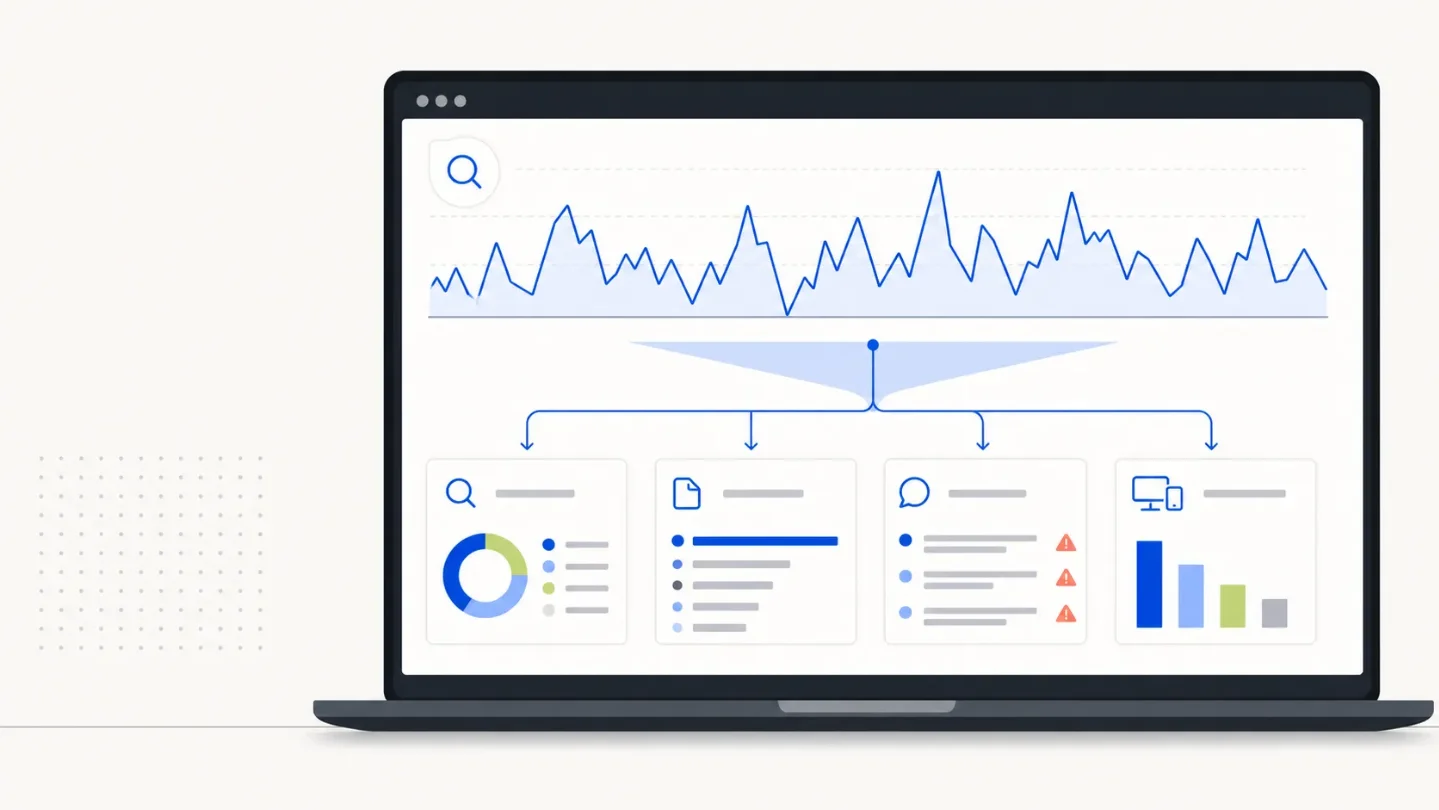
If your traffic moved during the July 18-19 volatility window, open the Search Console Performance report and compare the affected period with an equal preceding period. Then use the report tabs to answer four questions:
- Which search type moved? Check Web, Image, Video, and News separately. A change isolated to one search type is a narrower problem than a site-wide ranking loss.
- Which pages moved? Sort the Pages table by click difference. Is the loss spread across the site, limited to one template, or concentrated on one URL?
- Which queries moved? Sort the Queries table by click difference, then inspect the terms behind the largest losses. Look for a shared topic or intent rather than reacting to one keyword.
- Which devices moved? Compare mobile and desktop. A loss limited to one device points you toward a different check than a loss that appears everywhere.
Google documents this comparison workflow for traffic drops: compare date ranges, then check the query, URL, country, device, and search-appearance dimensions. It also recommends separating search types and looking for patterns in the pages affected. 4
What to record
Make a small note for the affected property with these fields:
| Field | Record |
|---|---|
| Comparison window | The affected dates and the equal preceding period |
| Search type | Web, Image, Video, or News |
| Main affected pages | Site-wide, template cluster, or specific URLs |
| Main affected queries | The terms with the largest click or impression changes |
| Device pattern | Mobile, desktop, or both |
| Impressions vs. clicks | Whether visibility fell, or clicks fell while impressions held |
Search Console defines impressions as how often a link to your site was shown and clicks as visits from that result. If impressions and clicks fall together, you are looking at a visibility pattern; if impressions hold while clicks fall, the likely investigation is different. 5
Use the pattern to choose one next move
Do not turn the table into a shopping list of SEO changes. Use it to choose the smallest relevant check:
- One page or one template: inspect that URL group for a recent deploy, indexing issue, or page-specific change before touching unrelated pages.
- Many pages, same search type and device: investigate the shared template or rendering path first.
- Impressions stable but clicks down: review the affected page titles and snippets before rewriting the page itself. Google lists this pattern as one possible explanation for a traffic drop. 4
- Clicks and impressions move in opposite directions across pages: keep the evidence separated by page and query. The forum reports show why a single site-level story can hide mismatched intent.
- A broad position change appears for many terms: save the comparison and check the Status Dashboard again before making a broad content change. Google says small position fluctuations can reverse without action and recommends avoiding radical changes when a page is already performing well. 4
The point is not to prove that July 18-19 was an algorithm update. It was not confirmed when this issue was prepared. The point is to identify whether your own data shows a coherent page, query, device, or search-type pattern that deserves a targeted fix.
How to verify the check
You are done when you can state all four answers in one sentence, for example: "Web Search clicks fell mainly on mobile for the
/templates/ pages, while impressions stayed level for three comparison queries." If you cannot state a coherent pattern, do not ship a broad SEO edit based on the spike alone. Keep the baseline note and recheck the same comparison after the volatility has had time to settle.Your action today: run one equal-period Search Console comparison, inspect the Search type, Pages, Queries, and Devices views, and change only the narrowest thing your pattern actually implicates.
Cover image: AI-generated illustration.
参考ソース
- 1Google Search Ranking Volatility This Weekend - Around July 18th & 19th
- 2Google Search Status Dashboard
- 3July 2026 Google Search Observations - Google Search and SEO forum at WebmasterWorld - WebmasterWorld
- 4Debugging drops in Google Search traffic
- 5What are impressions, position, and clicks? - Search Console Help
関連コンテンツ
- ログインするとコメントできます。