www.notion.com
Notion AI for databases — Notion Help Center
Official setup guide for Basic Autofill and Custom Agent Autofill: property types, trigger timing options, prompt examples, and the 'Autofill all pages' bulk-run button.
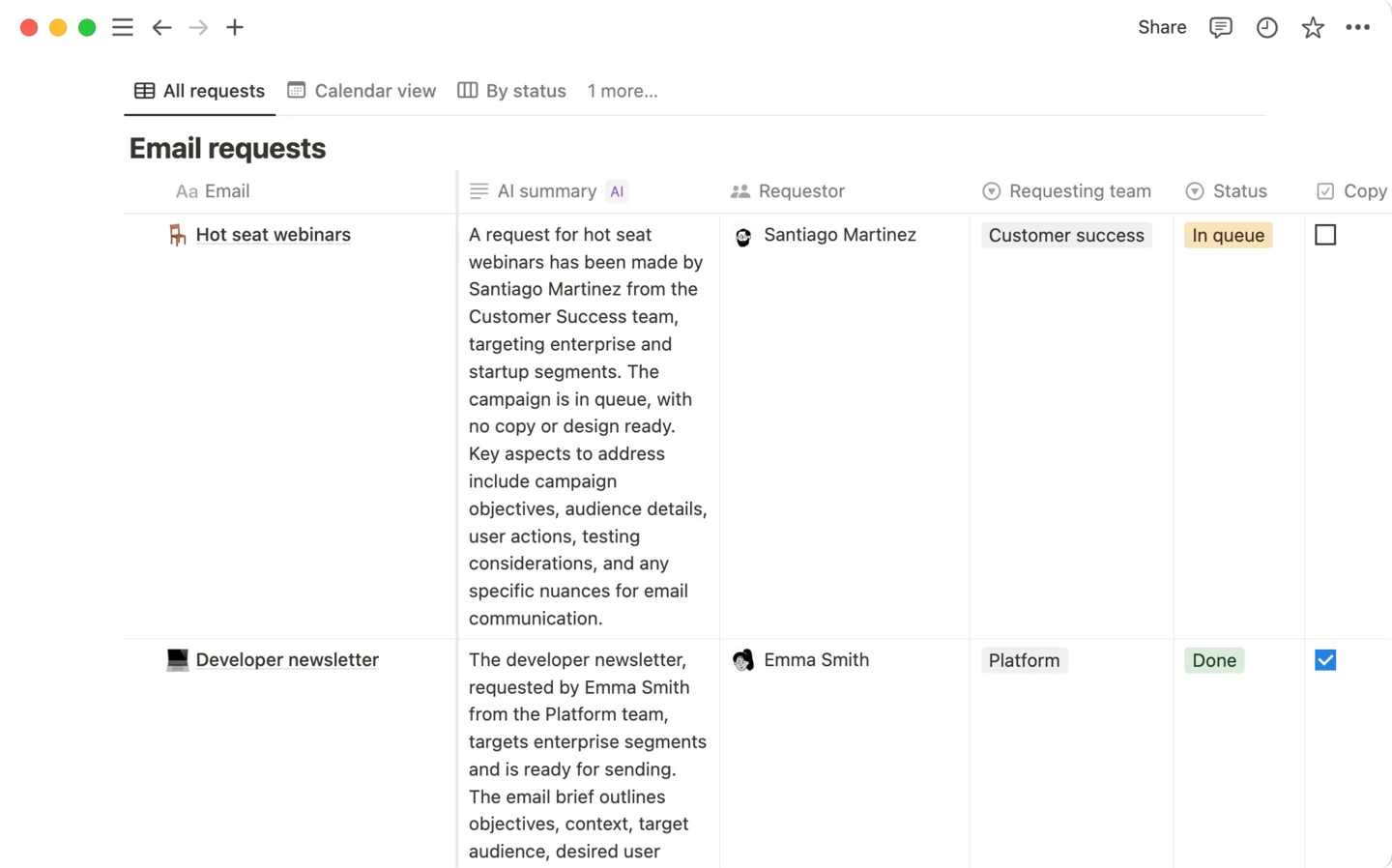
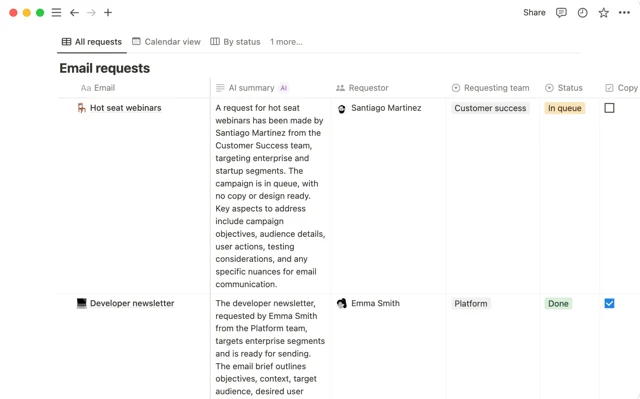
Notion AI Autofill (March 2026) auto-classifies new Feature Request rows into Category and Priority Select properties the moment a page is created — then a database automation routes P0s to Slack and Bugs to a separate tracker, with zero manual triage. Covers the two-layer Autofill model (Basic vs. Custom Agent), the 'on edit' latency gotcha, and how to chain Property edited automations downstream.

| Requirement | Details |
|---|---|
| Notion plan | Business or Enterprise (Basic Autofill included; Free/Plus get limited AI trial only) |
| Notion AI | Included in Business plan at $20/seat/month (annual) or $24/seat/month (monthly) 4 |
| Feature Request database | A Notion database with at least one Text/Title property containing the request description |
| Select properties for Category and Priority | Pre-create with your initial option set before enabling Autofill |
| Notion Automations access | Included on all paid plans; Slack notification action requires Plus or above |
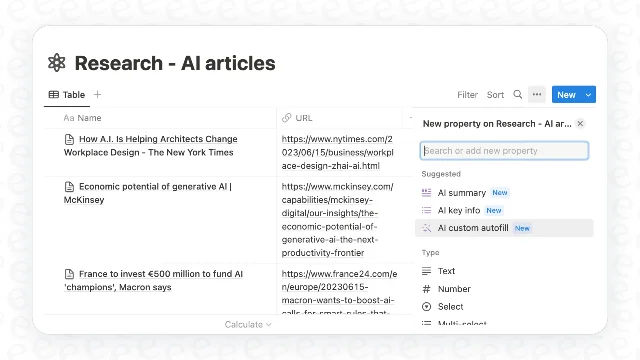
Category. Pre-populate options: Performance, UX, Platform, Analytics, Other. 1Category property name → AI Autofill → choose Basic (not Custom Agent) → select Custom autofill → write your classification prompt:Read the feature request description. Classify it into exactly ONE of these categories:
Performance, UX, Platform, Analytics, or Other.
Base your decision on the primary user need described.
If uncertain, choose Other.Priority with options: P0, P1, P2, P3. Enable Basic Autofill → Custom autofill → prompt:Read the feature request. Assign a priority:
P0 — blocks core user workflow or has direct revenue impact
P1 — high user demand, aligns with quarterly goals
P2 — nice-to-have, no urgency
P3 — low impact, revisit later
Output only the priority label.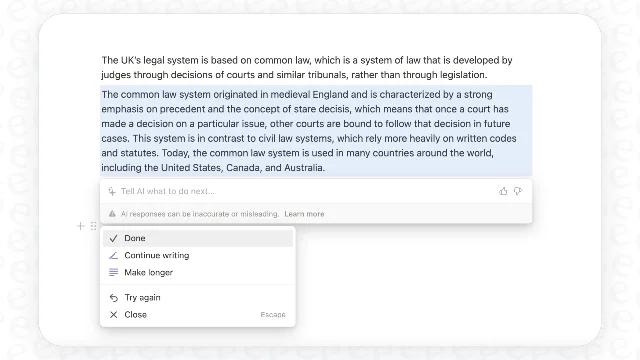
Category column header → Autofill all pages. Repeat for Priority. 1 For rows you edit later, click "Autofill this page" on each row individually — enabling "on edit" globally brings back the latency problem.Category and Priority are being filled automatically, you can trigger database automations the moment AI writes a value. 6Property edited fires when a specific property changes — and it supports matching against a particular value on Select and Status types. This lets you route on the AI's decision:Trigger: Property edited — Priority — is set to — P0
Action: Send Slack notification to #eng-leads
(include @mention + page URL)Trigger: Property edited — Category — is set to — Bug
Action: Add page to — Bug Tracker databaseAI Summary, AI Key Info, AI Custom Autofill property types) cannot be modified by an Automation's Edit Property action. However, the values AI writes into standard Text, Select, or Status properties are fully writable and triggerable. 7New row added to Feature Request DB
↓
Basic Autofill (on create) fills Category + Priority
↓
Automation: Priority = P0 → Slack #eng-leads
Automation: Category = Bug → Add to Bug Tracker DB
Priority from P1 to P0 and the page is later re-autofilled, the AI starts fresh from the original description. 9 Include all relevant signal — severity indicators, affected user count, revenue impact — directly in the description field rather than assuming AI will infer context from past corrections.Official setup guide for Basic Autofill and Custom Agent Autofill: property types, trigger timing options, prompt examples, and the 'Autofill all pages' bulk-run button.
Add more perspectives or context around this Drop.