
github.com
aome510/spotify-player
A Spotify player in the terminal with full feature parity — 专辑封面渲染、Spotify Connect、同步歌词、fzf 搜索,Official Arch Extra 仓库可装。
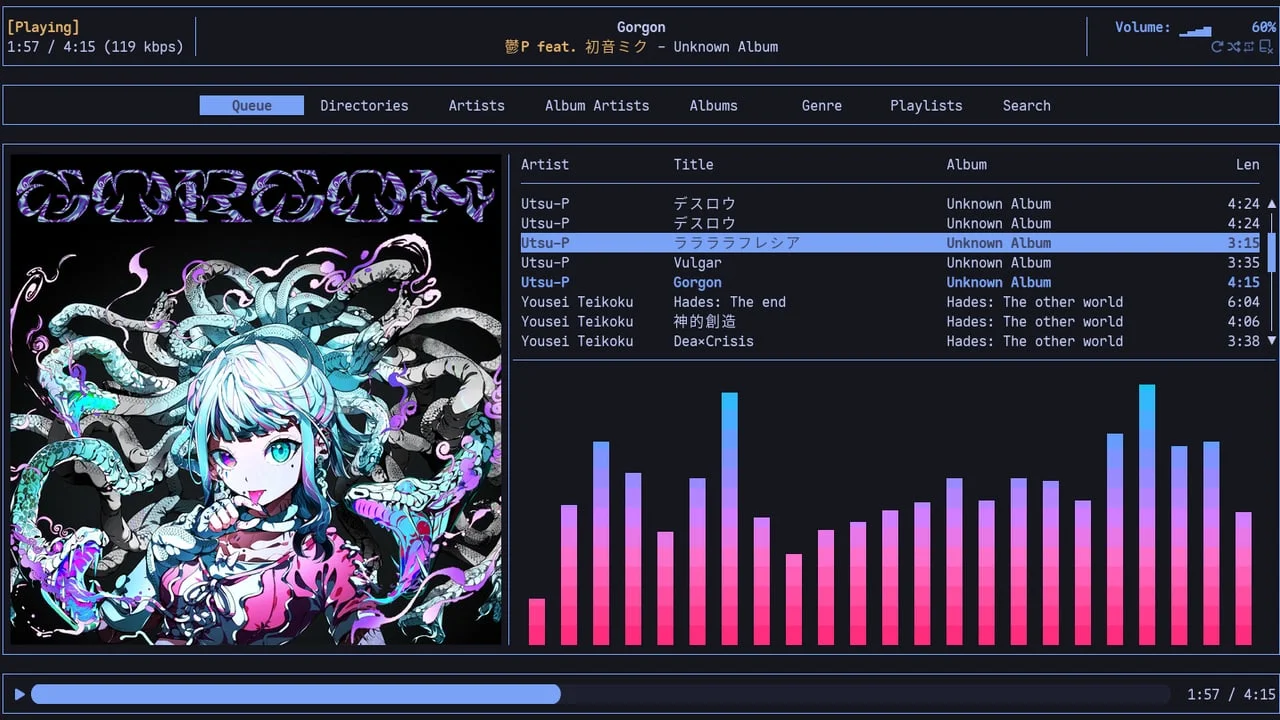
ncspot 和 spotify-player 两种 Spotify TUI 选择、kew 本地音乐播放器、rmpc 现代 MPD 客户端、cava 音频可视化、timg 终端图片查看器——6 款多媒体工具,5 款来自官方 Extra 仓库,pacman 直装。

| 工具 | 类别 | 仓库 | 安装 |
|---|---|---|---|
| ncspot | Spotify TUI | Extra | pacman -S ncspot |
| spotify-player | Spotify TUI(功能更全) | Extra | pacman -S spotify-player |
| kew | 本地音乐播放器 | AUR | yay -S kew |
| rmpc | MPD TUI 客户端 | Extra | pacman -S rmpc |
| cava | 音频可视化 | Extra | pacman -S cava |
| timg | 终端图片/视频查看器 | AUR | yay -S timg |
# 安装
pacman -S ncspot
# 启动
ncspotpacman -S spotify-player
# 首次运行会要求登录授权
spotify_player.lrc 文件、SYLT 内嵌标签(MP3)和 Vorbis 注释(FLAC/OGG)三种歌词格式;支持 Discord Rich Presence(默认开启,可关闭)。kew cure great 会在音乐库里搜索名字匹配「cure greatest hits」的目录,自动构建播放列表。搜索支持部分匹配,不需要记完整路径。# 安装(AUR)
yay -S kew
# 播放指定艺术家
kew beethoven
# 随机播放整个音乐库
kew all
# 播放指定路径
kew play "/home/user/Music/Pink Floyd - Dark Side"kew theme <名称> 切换,也可以按 t 键在内置主题间循环。配置文件在 ~/.config/kew/kewrc。# 需要先安装并运行 MPD
pacman -S mpd rmpc
systemctl --user enable --now mpd
rmpc~/.config/cava/config,支持自定义颜色、条数、平滑度、均衡器。可以通过 SIGUSR1/SIGUSR2 信号热重载配置。pacman -S cava
cava
# 按 q 退出,上下键调整灵敏度,左右键调整柱宽--grid=NxM 以网格方式浏览多张图片,可以显示文件名标题。# 安装(AUR)
yay -S timg
# 基本查看
timg some-image.jpg
# 网格浏览,2 列,显示文件名
timg --grid=2x1 --title *.jpg
# 在 fzf 预览窗口中显示图片
ls *.jpg | fzf --preview='timg -E --frames=1 -g $(( $COLUMNS/2-4 ))x$(( $FZF_PREVIEW_LINES*2 )) {}'
# 在 vifm 里打开图片(写入 vifmrc)
# filextype *.jpg,*.png {View in timg} timg --center --clear %fA Spotify player in the terminal with full feature parity — 专辑封面渲染、Spotify Connect、同步歌词、fzf 搜索,Official Arch Extra 仓库可装。

支持 MP3/FLAC/OPUS/OGG/WAV/M4A,终端内显示全彩封面,内置可视化与多格式歌词,支持 Discord Rich Presence。
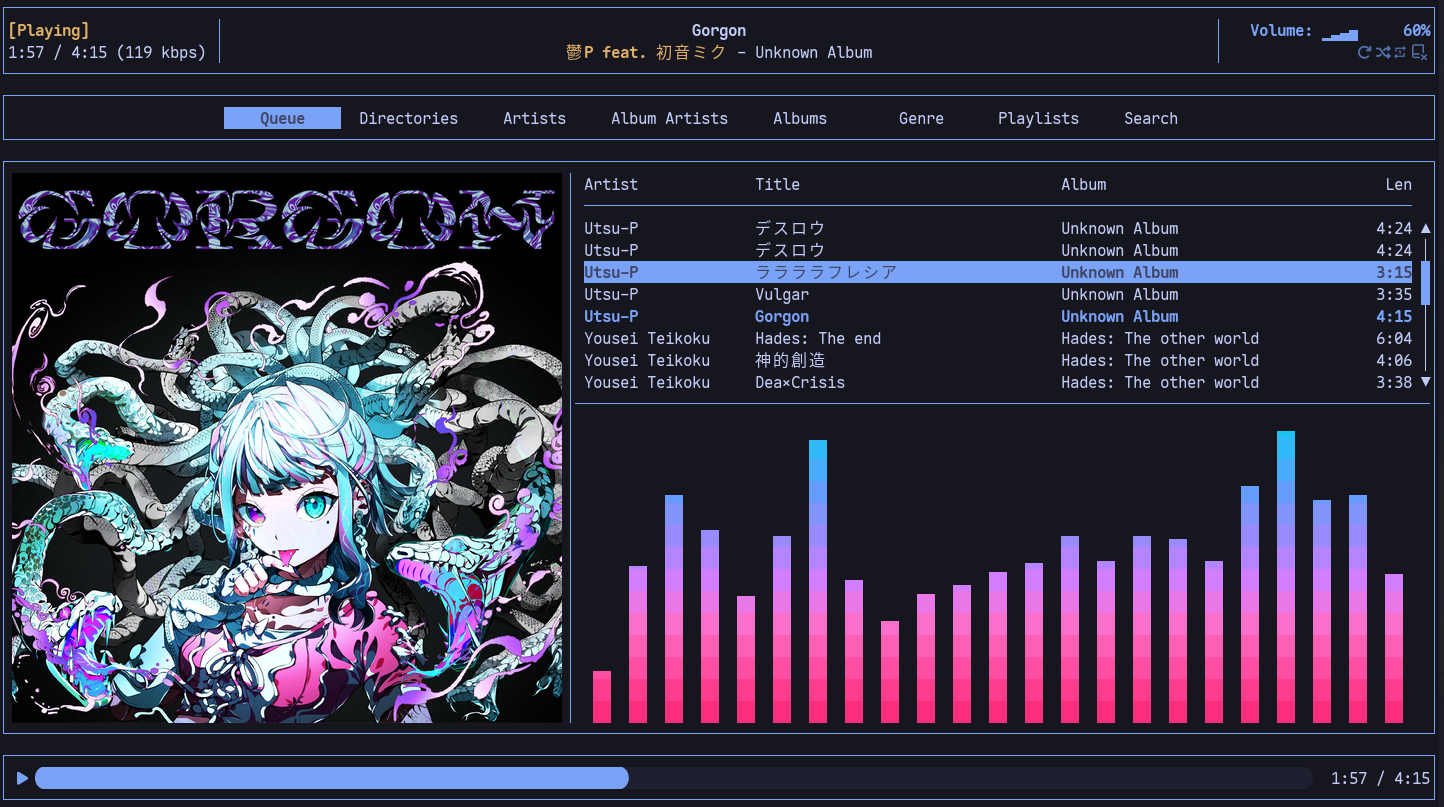
A beautiful and configurable TUI client for MPD — with album art, Cava integration, synchronized lyrics, and YouTube playback.
Add more perspectives or context around this Drop.