MicrosoftDocs/Agent-Skills: 193 Azure skills for Claude Code, Cursor, and 6 other agents
Microsoft's official Azure docs pipeline just shipped 193 pre-built SKILL.md files covering every major Azure service — here's what works, what's broken, and who should install it today.

研究速览
Today's pick:
MicrosoftDocs/Agent-Skills — Microsoft's official Azure documentation converted into structured SKILL.md files, covering 193 Azure services across 8 AI coding agents. Launched June 9, 2026. 1| Field | Value |
|---|---|
| Repo | MicrosoftDocs/Agent-Skills |
| Author | Microsoft Documentation team (MicrosoftDocs org) |
| Stars | 601 (2 days old) |
| Forks | 70 |
| License | CC BY 4.0 (docs content) + MIT (code) |
| Last generated | 2026-06-07 (weekly auto-crawl) |
| Supported agents | Claude Code, GitHub Copilot, Cursor, Gemini CLI, OpenAI Codex, OpenCode, Antigravity IDE, AdaL CLI |
| Install method | git clone + manual copy |
What it is
Microsoft's documentation team built a pipeline called
docs2skills/1.0.0 that scans Azure product documentation on Microsoft Learn, extracts high-value procedural and decision-making content, and compiles it into structured SKILL.md files. 2The result: 193 skills covering every major Azure service — Functions, Cosmos DB, Kubernetes Service, AI Foundry, Defender for Cloud, and 188 more — organized into 9 domains. 2
The design philosophy is worth quoting directly from the README:
"Rather than relying on RAG to retrieve and summarize raw text every time, we pre-compile this knowledge into structured, executable skills. The knowledge is pre-compiled into actions, choices, and guardrails the agent can use directly — not raw text that needs interpretation." 2
In practical terms, each SKILL.md file gives your agent structured access to 9 knowledge categories per service: troubleshooting, best practices, decision-making, architecture patterns, limits and quotas, security, configuration, integrations and coding patterns, and deployment. The skill also instructs the agent to use
read_file with specific line ranges from the Category Index — so the agent loads only the relevant section of a 300–500 line SKILL.md rather than dumping the whole thing into context. 3Each skill also includes an explicit "not for" field. The
azure-cosmos-db skill, for example, specifies:"Not for Azure Table Storage (use azure-table-storage), Azure SQL Database (use azure-sql-database), Azure SQL Managed Instance (use azure-sql-managed-instance), Azure Data Explorer (use azure-data-explorer)." 4
That disambiguation pattern is good skill design — it prevents an agent from hallucinating cross-service answers.
正在加载内容卡片…
Install steps
No one-liner here. Three manual steps, with one hidden gotcha for VS Code users.
Step 1 — Clone the repo
git clone https://github.com/MicrosoftDocs/Agent-Skills.gitStep 2 — Copy skills to your agent's path
Copy the folders inside
skills/ — not the skills/ folder itself — to the correct path for your agent: 2| Agent | Project-level path | Global path |
|---|---|---|
| Claude Code | .claude/skills/ | ~/.claude/skills/ |
| GitHub Copilot | .github/skills/ | ~/.copilot/skills/ |
| Cursor | .cursor/skills/ | — (project only) |
| Gemini CLI | .gemini/skills/ | — (project only) |
| OpenAI Codex | .codex/skills/ | ~/.codex/skills/ |
| OpenCode | .agent/skills/ | ~/.agent/skills/ |
| Antigravity IDE | .agent/skills/ | ~/.gemini/antigravity/skills/ |
| AdaL CLI | .adal/skills/ | ~/.adal/skills/ |
The README's explicit warning:
✅ Correct: .claude/skills/azure-functions/SKILL.md / ❌ Wrong: .claude/skills/skills/azure-functions/SKILL.md 2Step 3 — VS Code only: enable the experimental toggle
If you use VS Code with GitHub Copilot, you must manually enable
Chat: Use Agent Skills in Settings. The setting is disabled by default. Without it, no skills load — silently. 2
After copying, delete the cloned repo — you don't need it anymore.
Don't want all 193 skills? Start with a bundle. The Quick Start Bundle covers 8 essentials (App Service, Blob Storage, Functions, SQL Database, Key Vault, App Configuration, AI Foundry, Monitor). The AI/ML Developer Bundle adds 24 more AI-specific skills including Azure Machine Learning, Cognitive Search, and Speech. 5
Usage examples
Once installed, invoke through your normal agent interface. The agent loads the appropriate skill when you're working on a relevant Azure service.
Claude Code example — deploying a function with the right trigger:
You: Set up an Azure Function triggered by Service Bus messages. Make it idempotent.

Agent: [loads azure-functions SKILL.md, references deployment and integrations sections]
Uses Service Bus trigger binding → KEDA scaler config → writes idempotency check via lease on Blob Storage...
Cursor / VS Code Copilot example — architecture decision:
You: I need to store 500GB of semi-structured IoT telemetry. Cosmos DB or Azure Data Explorer?

Agent: [loads azure-cosmos-db SKILL.md, sees "Not for" disambiguation]
Recommends Azure Data Explorer for time-series IoT at scale → links to relevant Learn docs...
The skills also carry a freshness check: if
metadata.generated_at is more than 3 months old, the skill itself tells the agent to suggest pulling a newer version. That's a detail that often gets omitted in community-built skill sets. 3Skill quality
Three sampled SKILL.md files —
azure-functions (308 lines), azure-container-apps (211 lines), azure-cosmos-db (495 lines) — all have complete YAML frontmatter, working Category Index navigation, and the mcp_microsoftdocs:microsoft_docs_fetch MCP integration reference with fallback fetch_webpage. 3 6The progressive disclosure model is implemented correctly: Level 1 is the YAML description (the agent reads this first to decide if the skill is relevant), Level 2 is the full SKILL.md body, Level 3 is linked reference files like
integrations.md and deployment.md. This is the same architecture used in well-maintained community skill sets.One structural caveat: skills contain topic→URL tables that link to
learn.microsoft.com pages. The agent must fetch those pages at runtime. There is no offline mode — the skill is a structured index, not an embedded knowledge base.Community signal
The repo is 2 days old and there is no community discussion on Reddit, Hacker News, or X as of June 11, 2026. The launch landed on the same day as a major Claude release that absorbed the community's attention. 7
GitHub Issues tells a more specific story. Two open issues, both unanswered: 7
正在加载内容卡片…
Issue #11 (submitted February 18, 2026 — 113 days before publication of this article) asks about the skill refresh frequency and flags missing services: Azure Local, Azure Stack Hub, and Container Storage. No maintainer response, no label, no milestone. 8
Issue #54 (May 29) reports that Microsoft Purview is missing. Also unanswered. 9
The 601 stars in 2 days reflects genuine traction — the repo grew without a launch blog, without appearing on Hacker News, and without any social campaign. That organic velocity is a real signal. But the 113-day-old unanswered issue is also a real signal, and both belong in your evaluation.
Limitations
Six things to know before you install:
- Runtime network dependency. Skills link to
learn.microsoft.compages; the agent fetches them live. In air-gapped or restricted-network environments, skills will fail silently when the fetch fails. - No
npx skills addinstall path. The Agent Skills ecosystem has a standard one-liner install flow. This repo requires a manual clone-and-copy, which is slower and easier to get wrong. The competingmicrosoft/azure-skillsrepo (1.2k stars, 184 forks) supportsnpx skills addand includes MCP server configuration. 10 - Two Microsoft repos, incompatible install paths.
MicrosoftDocs/Agent-Skillsandmicrosoft/azure-skillsare separate, maintained by different teams, and installed differently. There is no cross-reference between them. New Azure users have no obvious way to know which to choose. - Context budget for all-in installs. Loading all 193 skills means 193 SKILL.md files in your agent's skills path. While each file uses progressive disclosure (the agent loads sections by line range, not the full file), storing all 193 in
.claude/skills/may still add noticeable overhead on first skill resolution in token-sensitive environments. - Cursor and Gemini CLI are project-only. No global install path for these two agents — you'll need to copy skills into each project separately. 2
- Auto-generated, not community-validated. The pipeline is fully automated — no humans review skill outputs before they publish. Quality appears high in the sampled files, but edge cases in less-trafficked services (e.g. Azure Planetary Computer Pro, Azure Immersive Reader) are untested by the community as of this writing.
When NOT to use this
Skip it if:
- You work primarily on AWS or GCP. This is Azure-only by design — there is no AWS equivalent in this repo.
- You need a
npx skills addor marketplace install. Usemicrosoft/azure-skillsinstead; it has a managed install path and 17 releases of version history. 10 - You're in a network-restricted environment. Without live access to
learn.microsoft.com, the skills become structured indexes with broken links. - You're a VS Code + Copilot user who frequently forgets to check experimental feature toggles. The silent failure mode (no load, no error) will waste your debugging time.
- You want battle-tested community feedback before adopting. Come back in 4–6 weeks; by then, the community signal on Reddit and Issues will reflect real-world usage.
Use it if:
- You do Azure development regularly and want an agent that stops hallucinating Cosmos DB partition key behavior or AKS networking rules.
- You're comfortable with the install manual steps and are okay being an early adopter.
- You want Microsoft-official accuracy — this content comes directly from the same Microsoft Learn pipeline that powers the official docs.
Try it now
Install Quick Start Bundle for Claude Code (8 most-used Azure skills):
# Clone repo
git clone https://github.com/MicrosoftDocs/Agent-Skills.git

# Copy Quick Start Bundle skills to Claude Code
mkdir -p .claude/skills
cp -r Agent-Skills/skills/azure-app-service \
      Agent-Skills/skills/azure-blob-storage \
      Agent-Skills/skills/azure-functions \
      Agent-Skills/skills/azure-sql-database \
      Agent-Skills/skills/azure-key-vault \
      Agent-Skills/skills/azure-app-configuration \
      Agent-Skills/skills/azure-microsoft-foundry \
      Agent-Skills/skills/azure-monitor \
      .claude/skills/

# Clean up
rm -rf Agent-Skills
Full repo: github.com/MicrosoftDocs/Agent-Skills · Bundle reference: BUNDLES.md
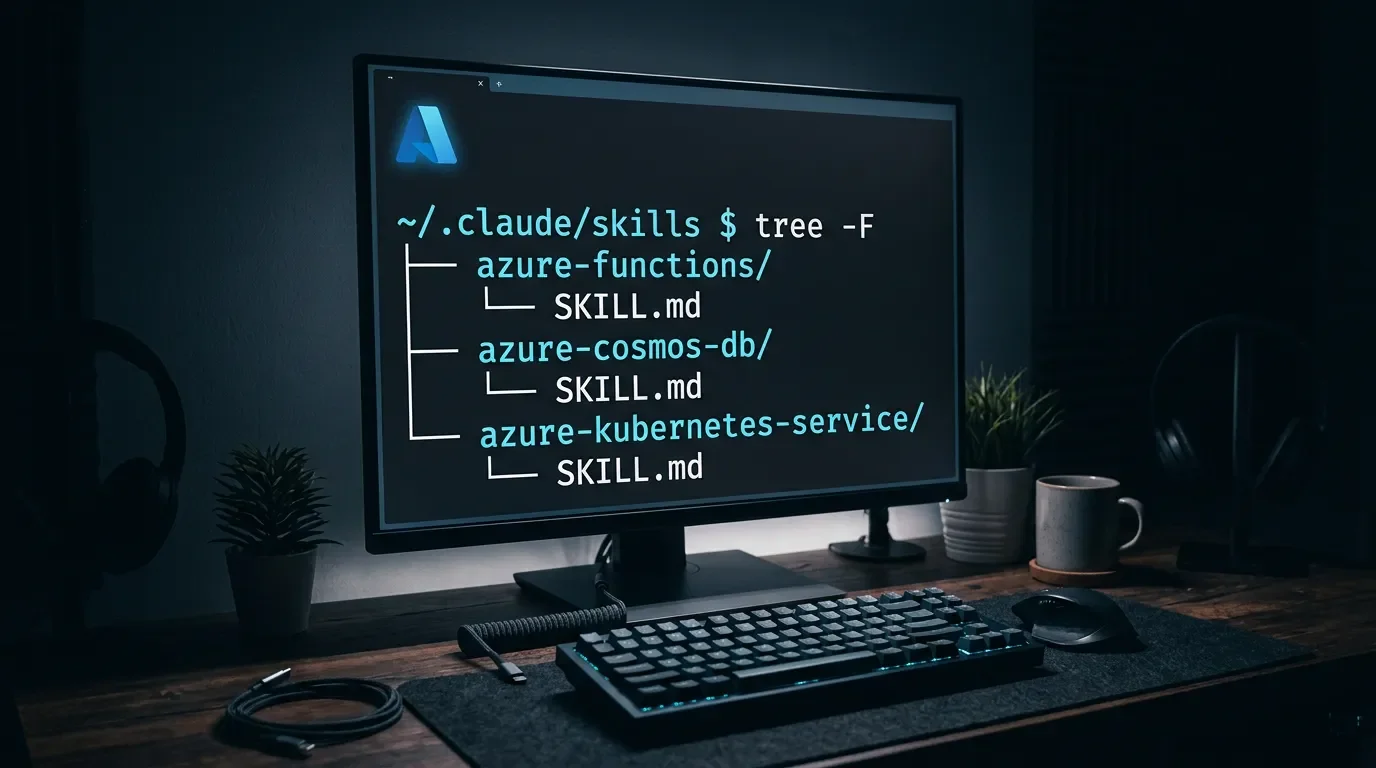
Cover image: AI-generated illustration
参考来源
- 1GitHub - MicrosoftDocs/Agent-Skills
- 2Agent-Skills/README.md at main · MicrosoftDocs/Agent-Skills
- 3Azure Functions SKILL.md
- 4Azure Cosmos DB SKILL.md
- 5Agent-Skills/docs/BUNDLES.md - Curated Skill Bundles
- 6Azure Container Apps SKILL.md
- 7Issues · MicrosoftDocs/Agent-Skills
- 8Skills · Issue #11 · MicrosoftDocs/Agent-Skills
- 9Microsoft Purview skill is missing · Issue #54 · MicrosoftDocs/Agent-Skills
- 10GitHub - microsoft/azure-skills
围绕这条内容继续补充观点或上下文。