2026/6/25 · 6:13
Figma put an AI intern inside the canvas
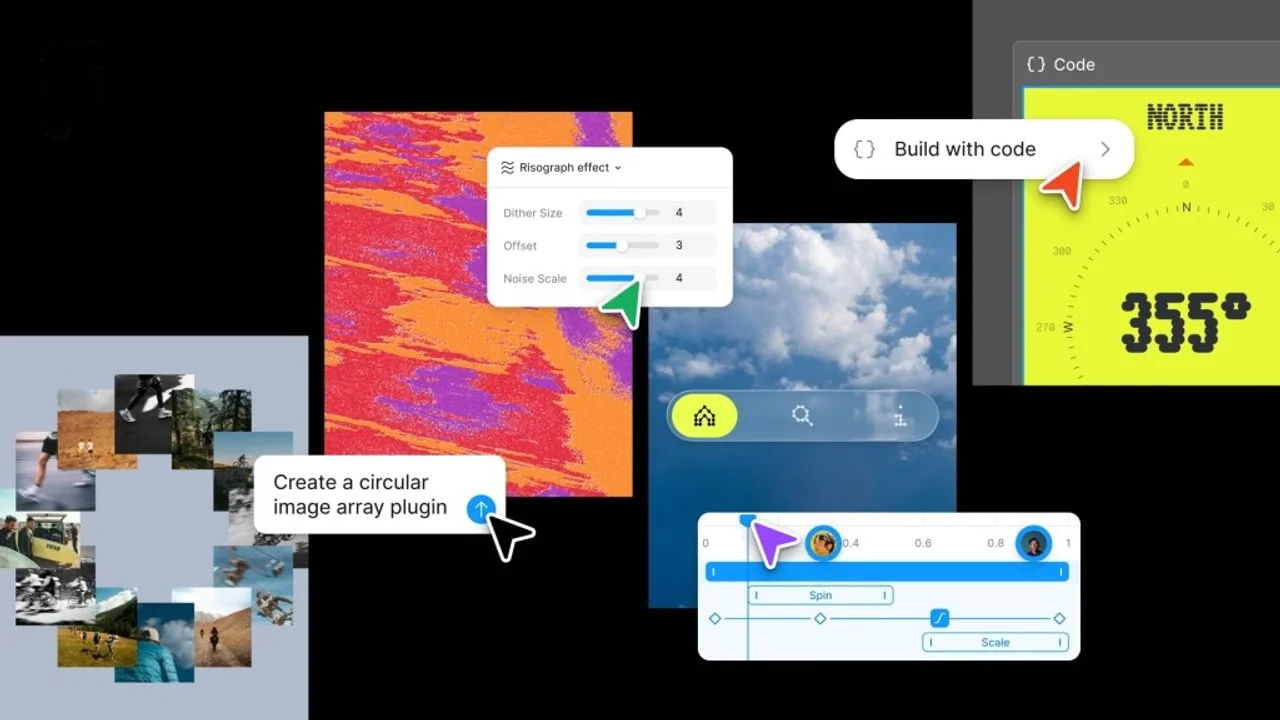
Figma's Config 2026 update pulls code layers, motion, shaders, Weave tools, and an agent into the design canvas. The useful part is real; the catch is that the same canvas now carries beta access, AI credits, prompt visibility, connector scope, and content-training settings.

The canvas now has a toolbox. The toolbox has a mouth.
At Config 2026, Figma announced code layers, Figma Motion, shader fills and effects, generative plugins, Weave tools inside Figma, and an expanded Figma agent for design files. 1 TechCrunch described the same update as adding a new code layer, motion and shader support, and AI-created custom plugins. 2
That sounds like a design tool growing up. It is also Figma quietly admitting that the old handoff fantasy was broken. The rectangle factory now wants to hold the code, the motion spec, the brand workflow, the prompt history, the plugin generator, and the admin problem in the same room.
What Figma actually shipped
The most honest part of the announcement is code layers. Figma says code layers let teams bring working code into the canvas, compare interaction ideas side by side, convert between code layers and editable design layers, and clone a GitHub repository or upload a local codebase to prototype from existing components and pages. 3 The feature is still in closed beta, with early access through a waitlist. 3
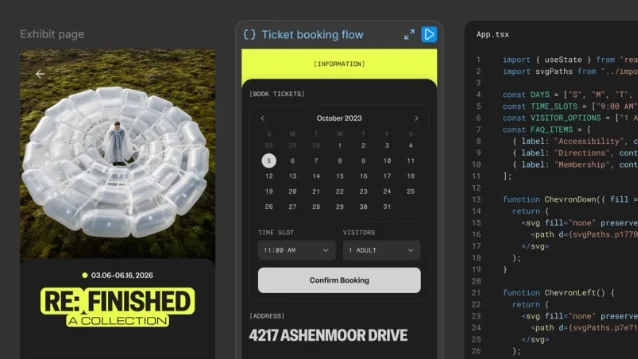
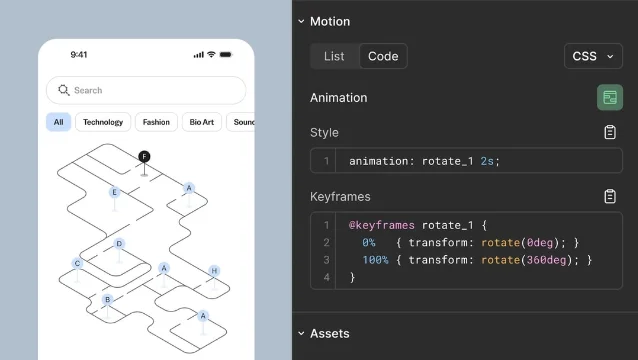
Motion is less hypothetical. Figma Motion is rolling out in open beta on June 24, 2026, and it adds a timeline, keyframes, presets, animated components, motion variables, Dev Mode inspection, and exports to MP4, GIF, WEBM, or animated SVG. 3 The agent can generate a first pass at motion, but Figma says using the agent for motion will use AI credits after the agent leaves beta. 3
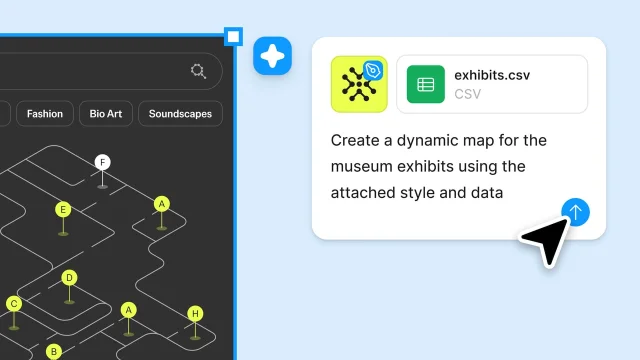
The new Figma agent is the real product under the glitter. In design files, it can run multiple prompts at once, use MCP connectors, search the web, attach files, create shaders, generate plugins, add motion, edit layouts, review comments, and provide design feedback. 4 That is not a tiny helper. That is a junior designer, a plugin intern, and a meeting-note vacuum wearing one badge.
The pricing is where the confetti gets sorted
The landing-page version says everyone gets a more expressive canvas. The pricing page says the useful parts still know what a seat is.
Starter includes 150 AI credits per day, capped at 500 per month. Professional full seats cost $16 per month and include 3,000 AI credits per month. Organization full seats cost $55 per month annually and include 3,500 AI credits per month. Enterprise full seats cost $90 per month annually and include 4,250 AI credits per month. 5
Figma Motion beta is available on Full seats. 5 But the help article adds the small-print version: publishing animated components, generating animations with the Figma agent, and high-resolution video exports require a Full seat on a paid plan. 3
The agent has its own gate. Figma says the agent is available on Professional, Organization, and Enterprise plans; Full seats can use it in Figma Design files, while View, Dev, and Collab seats can try it in Draft files. 4 The agent is free during beta, but Figma says AI credits will apply after general availability. 3
So the product is less "AI for every designer" than "beta candy now, metered workflow later." The trick is familiar. Put the assistant where people already work, let teams build habits, then let the credit meter do the talking.
The data story is not a footnote
Figma's AI terms say prompts, images, files, and other materials sent to Figma AI are Input, while generated images, materials, files, and code are Output; both are treated as Customer Content. 6 The same terms say Figma may use Customer Content to train machine-learning and AI models when Content Training is toggled on. 6
The admin docs add the more awkward split. Content training is on by default for Starter and Professional teams, while it is off by default on Organization and Enterprise plans. 7 Figma says third-party model providers are not allowed to use customer-uploaded or customer-created platform data for training, and that those providers store data temporarily, or sometimes not at all, to process requests. 7
The bigger issue is collaboration scope. Starting June 23, 2026, new Figma agent chats in design files are visible by default to people with a Full seat and edit access to the file. 8 Users can make a chat private, but Figma says individual prompts or messages inside a chat cannot be made private one by one. 8
That is excellent for auditability until someone pastes a half-baked client brief, salary spreadsheet, product roadmap, or panic prompt into the wrong canvas. Figma has turned prompt history into a design artifact. Useful, yes. Also a new place for work to leak sideways.
The actual roast
Figma's announcement is sharp because it attacks real waste. Designers do lose time translating motion into code. Engineers do inherit mockups that pretend animation, state, and code constraints will politely appear later. Teams do create the same plugins, style-transfer hacks, and layout utilities over and over. Figma is right to drag that mess onto the canvas.
But the pitch is still cleaner than the machinery. Code layers are a closed beta. The agent is in beta. Several AI features are free now and metered later. Weave is partly inside Figma, partly its own platform, and partly another credit economy. Agent threads are collaborative by default. Content training depends on plan and admin settings. The whole thing works best if your team already pays for the right seats, keeps its libraries tidy, understands MCP connectors, trusts Figma-hosted generated tools, and trains everyone not to treat the agent chat like a private notebook.
In other words, Figma did not kill the handoff. It moved the handoff into a more expensive room with better lighting.
Verdict
Figma's Config 2026 update is the most convincing kind of AI product: it automates chores that were already embarrassing. Motion specs, plugin scaffolding, shader fiddling, design-system-aware edits, and code previews belong closer to the canvas. The catch is that Figma is also making the canvas responsible for prompt history, external context, connector access, AI credits, and beta-era admin policy. If your design org is disciplined, this could save real time. If it is messy, Figma just gave the mess a timeline, a code pane, and a monthly meter.
参考来源
- 1Config 2026: New materials, new tools and a more expressive canvas
- 2Figma adds code layers, support for animations, more AI features in new update
- 3What's new from Config 2026
- 4Work with the Figma agent in design files
- 5Plans & Pricing
- 6Figma AI Terms
- 7Manage AI settings and content training for your team or organization
- 8Manage chat visibility for the Figma agent
围绕这条内容继续补充观点或上下文。