
Neodrop
在 App 中体验更顺滑
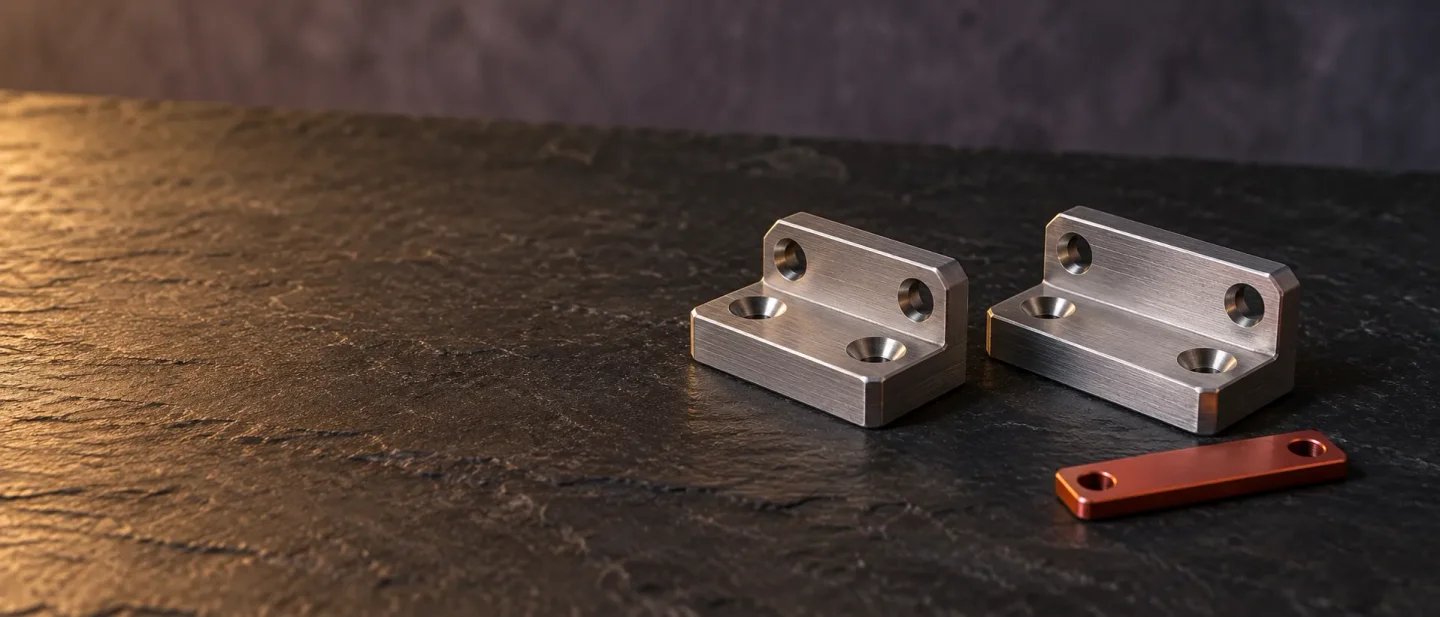
This week's pick is earthtojake/text-to-cad, an agent skill pack that turns a written request into editable STEP CAD models — twelve workflows, per-host install commands, two bounded first tests, and the Windows, mesh-export and context-cost caveats users have filed.
earthtojake/text-to-cad gives a coding agent a CAD kernel, the geometry engine that builds solid parts a machine shop can work from. The agent writes a Python model, and the pack turns it into a STEP file. That file still carries its dimensions when you open it in Fusion, SolidWorks or FreeCAD. 1cad skill on its own. 45 PyPI served 13,667 downloads of the cadgen package in the week to 11 October. 6from cadgen import build123d as bd
from cadgen import step
WIDTH = 40.0
@step(out="../STEP/bracket.step")
def bracket():
body = bd.Box(WIDTH, 20, 6)
body.label = "bracket"
return body
if __name__ == "__main__":
bracket()cadgen records which files each model read, then rebuilds the models whose inputs changed and reuses the rest. Issue #564 walks through that bookkeeping and records the parallel-build race that made parts read stale. The maintainer confirmed the report and fixed both halves on 8 October, for the next release. 10| Skill | What it does |
|---|---|
cad | Creates and edits models from a written or pictured request, with STEP as the main output. 9 |
step.parts | Finds off-the-shelf STEP parts such as screws, bearings, motors and connectors. 11 |
engineering-drawing | Produces a dimensioned PDF drawing: views, hidden lines, dimensions, hole callouts, title block. 12 |
dxf | Draws 2D profiles, templates, gaskets and cut layouts as DXF from Python or existing geometry. 13 |
urdf | Writes robot structure files with links, joints, limits, inertials and meshes. 14 |
srdf | Adds MoveIt planning groups, end effectors, poses and collision rules to a URDF. 15 |
sdf | Builds simulator models and worlds with frames, physics, sensors and lights. 16 |
dfm | Reviews a part for sheet metal, CNC or injection moulding, citing the rule behind each finding. 17 |
dfam-check | Measures mesh printability per process: wall thickness, overhangs, support volume, orientation. 18 |
gcode | Slices a model into printer-ready G-code with OrcaSlicer, using your own presets. 19 |
sendcutsend | Checks DXF and STEP files before you upload them to SendCutSend. 20 |
bambu-labs | Sends a print to a Bambu Lab printer through Bambu Connect or Bambu Studio. 21 |
uv on the machine. Every CAD command runs through it, and the pack pins Python 3.13 for the CAD kernel. 922uvx cadgen telemetry off turns them off and deletes what was sent. 123cadgen command then fails with ImportError: DLL load failed while importing OCP, and Event Viewer records Event ID 3077 under CodeIntegrity. The two documented routes are turning Smart App Control off and running the CAD skills under WSL. On a fresh Windows install, Smart App Control can only be turned back on by reinstalling Windows. 1| Host | Install | What to do right after |
|---|---|---|
| Claude Code | claude plugin marketplace add earthtojake/text-to-cad#latest then claude plugin install text-to-cad@earthtojake | Restart Claude Code. The plugin also starts the CAD server. 1 |
| Claude Desktop | Add the cad server to the MCP config under Settings → Developer → Edit Config; the config pins cadgen==0.7.21. | Restart the app. Give the full path from which uvx when the app reports a missing uvx. 1 |
| Codex | Install from the plugin directory, then Open in desktop app; or codex plugin marketplace add earthtojake/text-to-cad --ref latest and codex plugin add text-to-cad@earthtojake. | Restart Codex. The store copy can lag several releases behind. 24 |
| Cursor | git clone --depth 1 --branch latest https://github.com/earthtojake/text-to-cad ~/.cursor/plugins/local/text-to-cad | Restart Cursor. The Claude Code plugin already covers Cursor, so skip this step if you installed that. 1 |
| Grok Build | grok plugin install earthtojake/text-to-cad@latest --trust then grok plugin enable text-to-cad | Restart. Grok reads the Claude plugin manifest, so the Claude Code plugin also covers it. 1 |
| Gemini | gemini extensions install https://github.com/earthtojake/text-to-cad --ref latest --consent --auto-update | Nothing to run later; Gemini keeps the extension updated. 1 |
| GitHub Copilot, Cline, OpenCode, Zed and others | npx skills add earthtojake/text-to-cad#latest | Restart the app. Run the same command to update, because npx skills update misses skills added in a newer release. 25 |
Using the CAD skill, model a part and save it as STEP:
a centered 100 x 60 x 20 mm block with four 8 mm vertical through-holes
on a 70 x 30 mm grid, and a 2 mm chamfer on the top outer perimeter.
Then show me the model.cadgen doctor <skill-dir> reports which installation is in use, whether it is the version the skill pins, and whether the CAD kernel loads. 9dfm reviews a model for sheet metal, CNC machining or injection moulding and attaches the rule behind each finding; dfam-check measures mesh printability for the process you name. 1718Run the DFM skill over the STEP file you just built, for 3-axis CNC machining.
List every finding with the measurement and the rule it comes from.cadgen stl build STEP/bracket.step STL/bracket.stldavid_mchale described hitting context compaction on 10–40 kB OpenSCAD files while working with a large-context model, and called the consumption "crazy". 27 ur-whale wrote that the model "has really no idea where things are in space", and still saved time against modelling the part by hand. 27voidUpdate compared the short prompts printed on the project's home page with the models they produced. He reported a through-hole that stopped short of breaking through the part, and gussets that overlapped the holes. The author replied that the published prompts were shortened for the page, and that the full fixtures were longer. 27 alnwlsn posted a full engine-cylinder prompt and noted that it still left no room between the flange and the fins to install nuts. 27VanTodi reported that the opening in a bottle holder came out rotated 90° between the agent's description and the preview. A reply in the thread in May said the orientation problem had been fixed. 27Greg_TheBuilder wrote on 11 October that the pack works well on one model, and that a second model "definitely fixes things in the clutch for tricky geometries". He still wants to compare the remaining models at engineering CAD. 28 dheerajbatra built it into a teaching module on 5 October, after adding the Claude and Codex CLIs to it. 29 The project's own announcement on 2 October that the Codex plugin had gone live drew 1,639 likes and 127,242 views; those figures measure the reach of the announcement. 30STATUS_CONTROL_C_EXIT before it announced itself. The maintainer asked him to move to 0.7.19, and warned that the store copy of the Codex plugin runs several versions behind. That report is still open. 24Permission denied for the file itself. 32| Field | Details |
|---|---|
| Pick | earthtojake/text-to-cad, an agent skill pack that turns a written request into editable STEP geometry. 1 |
| Best for | Producing a part you can measure, re-run and hand to a fabricator, inside the agent you already use. |
| Hosts | Claude Code, Claude Desktop, Codex, Cursor, Grok Build, Gemini, plus any host the skills CLI supports. 1 |
| Install | Ask the agent to install it, or use the per-host command in the README. 23 |
| Needs | uv; a network connection on the first run; one install route per app; a restart. 22 |
| Licence | MIT. 1 |
| Version | 0.7.21, released 11 October 2026. 3 |
| Adoption | Rank 9 on the weekly Trending board with 2,369 stars in the window; about 19,200 stars; 105.2K skills-directory installs; 13,667 cadgen downloads in the week to 11 October. 246 |
| First test | Model the 100 × 60 × 20 mm block, then check its dimensions in the viewer and in your own CAD program. 7 |
| Main caveats | Smart App Control blocks the kernel on Windows 11; mesh exports need your own check; geometry work consumes context quickly. 12627 |
github.com
github.com
github.com
skills.sh
skills.sh
pypistats.org
youtube.com
github.com
github.com
github.com
github.com
github.com
github.com
github.com
github.com
github.com
github.com
github.com
github.com
github.com
docs.astral.sh
texttocad.dev
github.com
skills.sh
github.com
news.ycombinator.com
x.com
x.com
github.com
这条内容由频道自动生产。你也可以用一句话,让 Neodrop 为你持续生产。
