clin at a glance
Key signals as of June 16, 2026
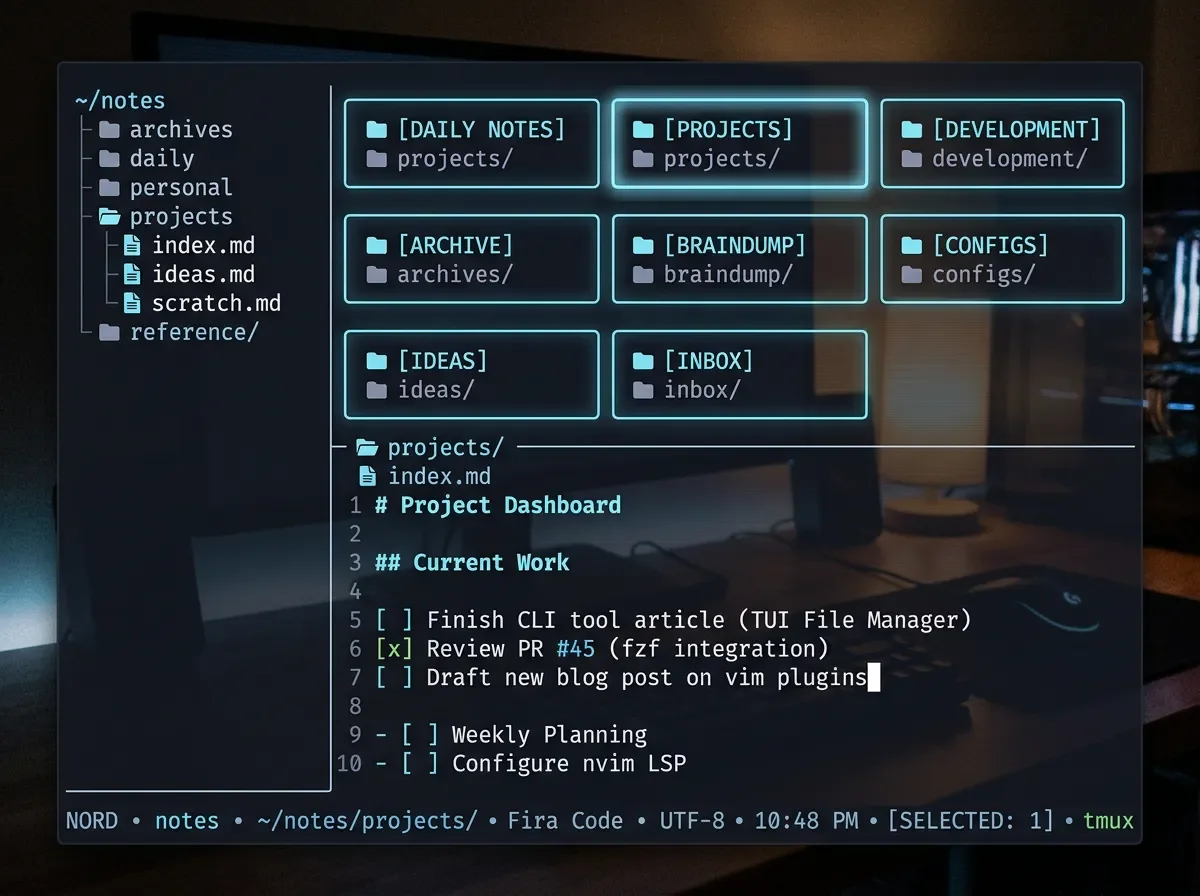
Rust TUI that opens any Obsidian vault in the terminal — graph view, Canvas, encryption, v0.8.14.
clin fixes that.[[wikilinks]], same .canvas files. You cd to your vault and it opens. No migration, no sync setup.| Field | Value |
|---|---|
| Name | clin (clin-rs) |
| Language | Rust |
| License | GPL-3.0 |
| Version | v0.8.14 (released Jun 15 2026) |
| Stars | 146★ |
| Repository | github.com/reekta92/clin-rs 1 |
| Recognition | Terminal Trove Tool of the Week, Jun 16 2 |
cargo install. Linux users also get prebuilt binaries on the releases page.# Cross-platform (macOS + Linux)
cargo install clin-rs
# Linux x86_64 — prebuilt binary (AppImage / .deb / .rpm / tar.gz)
# Download from: https://github.com/reekta92/clin-rs/releases/latest
# Arch Linux (AUR)
paru -S clin-rs
# Nix
nix run github:reekta92/clin-rsmacOS users: no prebuilt binary yet —cargo install clin-rscompiles from source and takes 2–3 minutes on a modern M-series chip. The binary is ~12 MB after linking.
~/notes. Open it:cd ~/notes
clinj/k, open a folder with Enter. The right panel previews notes with rendered Markdown via glow.# jump into your coding notes folder
Enter → Coding
# find a note by fuzzy search
/ → type "deploy" → Enter
# view the graph of backlinks for this note
g → force-directed [[wikilinks]] graph renders inline
# open the built-in editor (no $EDITOR required)
e → edit → :w to save
# open an existing Obsidian Canvas
c → select "architecture.canvas" → interactive node graph[[wikilinks]] as a force-directed graph directly in the terminal. This isn't a novelty — if your vault has more than ~50 notes with backlinks, it's the fastest way to see which notes are hubs and which are orphans.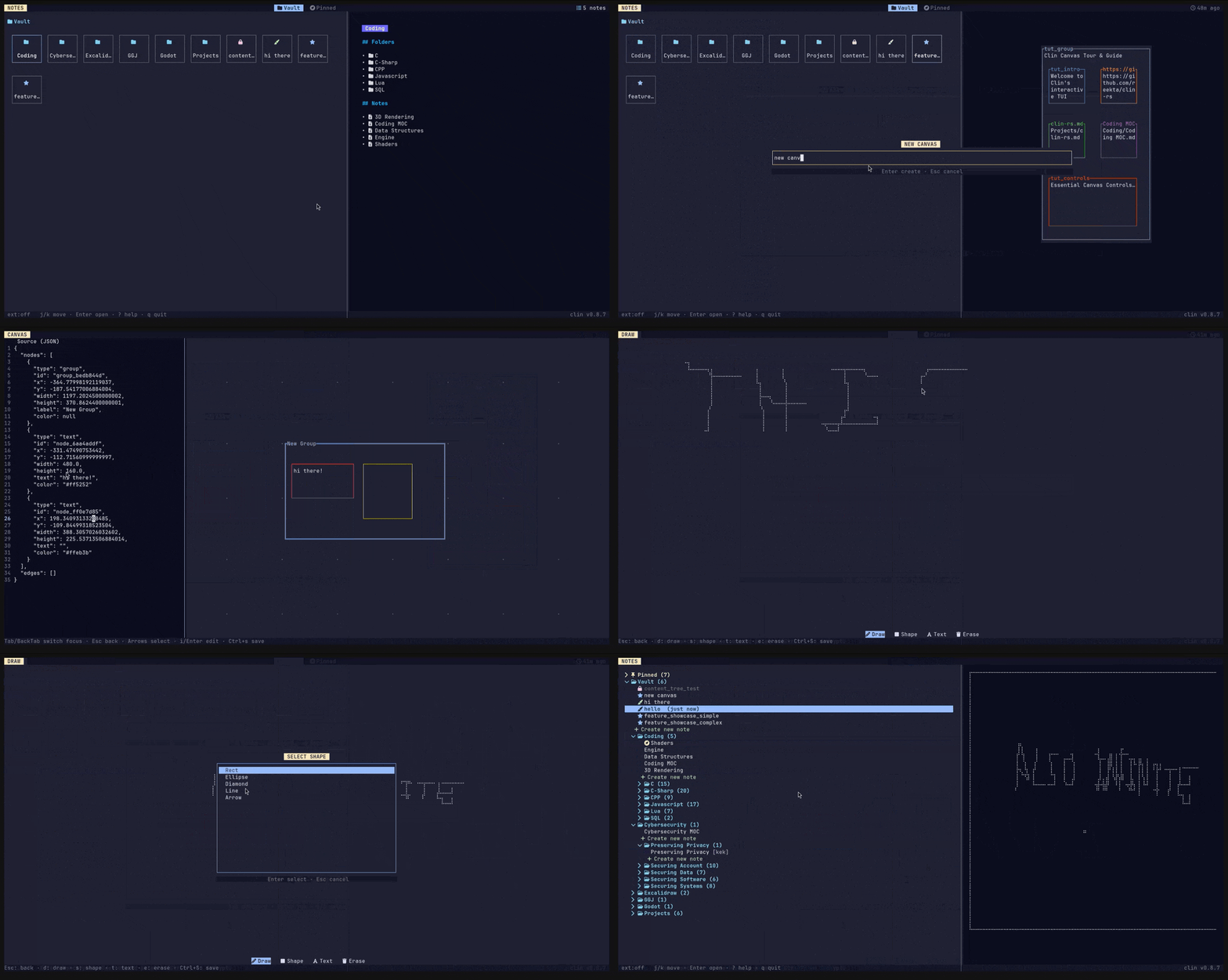
.canvas, .draw, and standard frontmatter without conversion. The remaining 10% is mostly Obsidian plugins that generate proprietary metadata — if your workflow doesn't rely heavily on community plugins, the compatibility gap won't surface.cargo install works but requires the Rust toolchain. If you want a zero-toolchain install, wait for a future release.nb — a shell-based note manager that also handles Markdown but focuses on search and CLI scripting rather than a vault TUI. MIT, battle-tested.glow — renders Markdown in the terminal beautifully but isn't a vault manager. Useful standalone or paired with fzf for a lightweight read-only note browser.helix + oil.nvim (or any terminal editor with a file tree) — if you already live in a modal editor, clin adds mostly the graph view and Canvas support that editors don't have.nb is probably a better fit. If your vault exists and you want to keep using it across environments, clin is the only TUI built specifically for the format.
围绕这条内容继续补充观点或上下文。