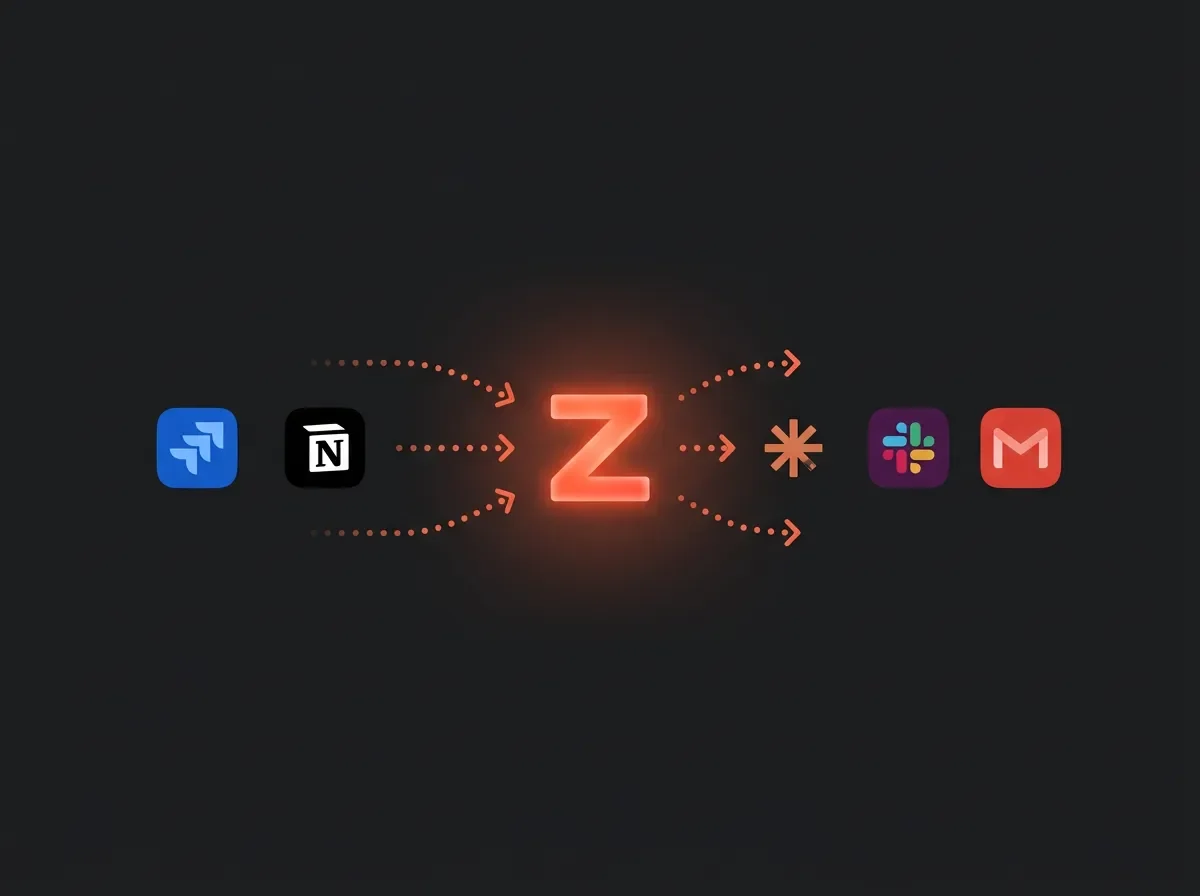
Give Claude access to Jira, Notion, and Slack in one MCP server
Zapier's MCP server (launched May 2026) lets Claude orchestrate 40,000+ actions across Jira, Notion, Slack, and Gmail through a single URL — no code required. The key trap: this works when Claude is the orchestrator calling Zapier MCP, not when a Notion Custom Agent connects to Zapier MCP (blocked by an open MCP handshake bug). Covers 5-step setup, a copy-paste sprint-check prompt, the 2-tasks-per-call cost model, and four production gotchas.

Zapier launched an MCP (Model Context Protocol — the open standard that lets AI clients call external tools) server in May 2026 that exposes over 40,000 actions across 9,000+ apps through a single URL. 1 The practical upshot for PMs: you can hand Claude a prompt like "check my blocked Jira tickets, log the count in today's Notion sprint log, then post a summary to #eng-standup" — and it executes all three steps without any code.
This article covers how to wire that up, which direction the integration actually works (there's a trap here most tutorials skip), and what it costs.
Prerequisites
| Requirement | Detail |
|---|---|
| AI client | Claude (any plan) or ChatGPT in Developer Mode — Notion Custom Agent has a compatibility issue with Zapier MCP's server covered in Gotchas 2 |
| Zapier plan | Free works (100 tasks/mo, ~50 MCP calls); Pro ($19.99/mo annual, 2,000 tasks) covers typical daily use 3 |
| Zapier apps connected | Jira, Notion, Slack, Gmail — whatever your workflow needs; each account gets connected once |
| Claude plan | Free or Pro; no special API access required for Claude desktop |
| Enterprise Zapier accounts | MCP is disabled by default — admin must contact Zapier to enable it 4 |
The direction that works (and the one that doesn't)
Before the setup steps, one architecture clarification that saves an hour of debugging.
There are two ways you could imagine wiring these tools together:
- Direction A (works): Claude or ChatGPT acts as the AI decision-maker → calls Zapier MCP as a tool → Zapier executes actions in Jira, Notion, Slack, Gmail, etc.
- Direction B (unverified, likely broken): Notion Custom Agent connects to Zapier MCP as a custom MCP server → Zapier handles multi-app execution.
Direction B is broken by a Notion-side bug: Notion's Custom Agent sends three non-standard fields during MCP initialization (
nonce, notion_user_id, prompt) that break any server using strict schema validation. 2 GitHub issue #221 on makenotion/notion-mcp-server has been open since February 2026 with no fix merged. Zapier's MCP server code is closed-source, so compatibility is unverified — and no public report exists of anyone successfully connecting Zapier MCP to a Notion Custom Agent.Direction A has no such issue. Use Claude as the orchestrator. You still write to Notion and read from Jira — you just do it through Claude's chat window.
正在加载内容卡片…
Set up your Zapier MCP server
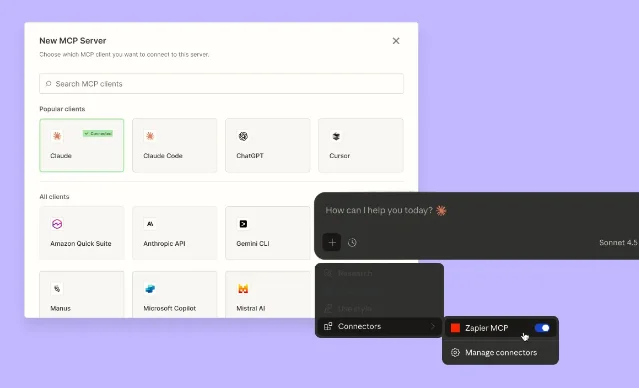
Step 1 — Create the server. Go to mcp.zapier.com → click + New MCP Server → select Other as the client type (Notion is not in the dropdown; Claude Desktop doesn't have a native entry either, so "Other" is correct for both) → name it (e.g., "PM Daily Ops") → click Create MCP Server. 5
Step 2 — Copy your server URL. Click the Connect tab. You'll see a unique per-user URL. Treat this like a password — Zapier's own docs say so: "Your MCP server URL is like a password. Do not share it, as it can be used to run your actions and access your data." 5 If it leaks, hit Rotate token to invalidate it immediately.
Step 3 — Add tools. Click + Add tool → search for the apps you need → select specific actions → connect your accounts → configure required fields (you can set fields as fixed values, AI-suggested, or AI-chosen from a list). Add at minimum: a Jira action (e.g., Search Issues), a Notion action (e.g., Create Database Item or Update Database), and a Slack action (e.g., Send Message). 6
Step 4 — Set write tools to "Always ask." While testing, keep write actions in confirmation mode. This lets you verify the AI's intended action before it fires.
正在加载内容卡片…
Connect the server to Claude
Step 1 — Open Claude's MCP settings. In Claude Desktop: Settings → Developer → Add MCP Server. In Claude.ai (web): the MCP connector is under your profile → Connectors.
Step 2 — Paste the server URL. Use the Streamable HTTP transport type. Zapier MCP no longer supports SSE — if your Claude version asks, select HTTP, not SSE. 7
Step 3 — Verify the connection. After saving, the tools you added in Zapier should appear in Claude's tool list. Ask Claude: "What Zapier tools do you have available?" — it will list them. If you see zero tools, check that the server URL is correct and the connection uses HTTP transport.
A concrete PM workflow: the morning sprint check
Here's what a prompt-to-execution cycle looks like once the server is live.
The prompt (paste this directly into Claude):
Check my Jira board for any tickets with status "Blocked" assigned to my team.
Find the count, then add a new row to my Notion sprint log database with:
- Date: today
- Blocked count: [whatever you find]
- Notes: list the ticket IDs
Then post this summary to the #eng-standup Slack channel.
What Claude does:
- Calls
jira_search_issueswith a JQL filter forstatus = Blocked AND assignee in membersOf("your-team"). - Parses the response to count and collect ticket IDs.
- Calls
notion_create_database_itemwith the sprint log database ID, writing Date, Blocked count, and Notes fields. - Calls
slack_send_messageto#eng-standupwith a formatted summary.
Each tool call consumes 2 Zapier tasks. The three-call workflow above uses 6 tasks total — about $0.06 on the Pro plan's per-task math, run daily for a month: 22 business days × 6 tasks = 132 tasks, comfortably inside the 2,000-task Pro quota. 8
This is fundamentally different from a traditional Zap: the AI decides when and whether to call each tool based on what it finds, rather than a fixed trigger-action sequence running on autopilot.
Gotchas
Notion's write-only limitation via Zapier MCP. Zapier's Notion MCP integration exposes only 8 actions: Add Block to Page, Archive Item, Add Comment, Create Database Item, Create Page, Add Content to Page, Restore Item, and Update Database. 4 Database Query and Page Read are absent. This means Claude can write to Notion through Zapier MCP, but cannot read Notion page content through this path. Workaround: if your workflow needs to read Notion, use the official
notion-mcp-server (which you connect separately as a second MCP server in Claude and which covers Notion read operations natively).The handshake bug applies if you try Direction B anyway. If you ignore the architecture note above and attempt to connect Zapier MCP to a Notion Custom Agent, darkangelpraha's GitHub report confirms the failure mode: "Any MCP server using strict schema validation is incompatible with Notion Agent." 2 The Notion-side
.strip() middleware fix documented in a previous issue doesn't apply here because you don't control Zapier's server code.Failed calls don't count, but batch operations multiply fast. Zapier doesn't charge tasks for failed tool calls. However, batch operations scale linearly: "add 5 rows to a database" triggers 5 separate tool calls, consuming 10 tasks. 8 When tasks run out mid-month, MCP calls stop entirely — there's no hold buffer, unlike Zap runs. Structure your tools to avoid implicit loops.
Enterprise accounts need MCP unblocked first. Zapier Enterprise disables MCP by default and also doesn't support in-plan app/action restrictions with MCP out of the box. 4 If you're in an Enterprise workspace, flag this to your Zapier admin before building anything.
Silent failures in complex chains. Dennis Chiuten, who compared Notion Custom Agents and Zapier Agents in a hands-on review, flagged the risk: "For production workflows, silent failures are the most dangerous kind. A missed notification means a missed follow-up, a dropped lead, or a broken process nobody catches for days." 9 Claude surfaces tool errors in the conversation, but if you're running this unattended (e.g., through Claude API with a cron job), add error-handling instructions to your prompt: "If any tool call fails, stop and tell me which step failed and why."
ChatGPT requires Developer Mode. If you prefer ChatGPT over Claude, Zapier MCP only works in ChatGPT's Developer Mode — not the standard interface. 1
参考来源
- 1Zapier MCP: Perform 30,000+ actions in your AI tool
- 2GitHub: Notion Agent sends non-standard MCP fields, breaking strict-validation servers
- 3Zapier Plans & Pricing
- 4Zapier: Notion MCP Server page
- 5Zapier Help Center: Use Zapier MCP with your client
- 6GitHub: zapier/zapier-mcp
- 7Zapier Docs: Clients
- 8Zapier Help Center: How Zapier MCP usage works
- 9Work.flowers: Notion Custom Agents vs Zapier Agents
围绕这条内容继续补充观点或上下文。