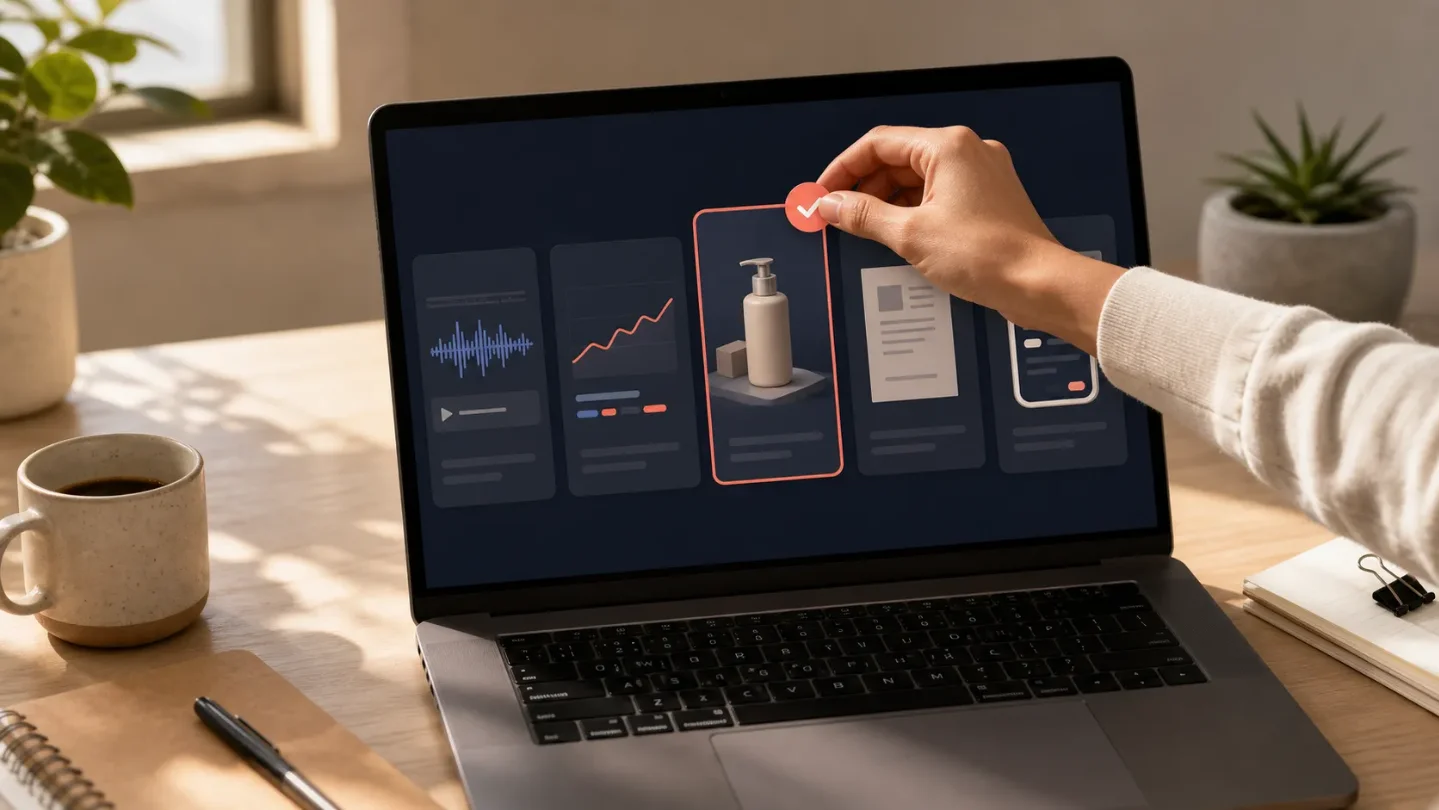
5 creator tools from Aug. 2-3: audio repair, ad automation, 3D stores, app research, and Markdown capture
Five new tools cover a narrow but useful range: repair a finished track, audit Google Ads, build a 3D product experience, study monetizing apps, or turn screen captures into Markdown.

Five launches to test
This edition covers August 2, 7:45 a.m. through August 3, 7:45 a.m. Eastern Time. One official product page is dated August 2. The four Product Hunt items are on the August 3 daily board and their detail pages say "Launching today," but those public pages do not show the launch hour. Treat them as August 3 launches with an undisclosed hour, not as proof that each was live before the 7:45 a.m. cutoff.
The useful pattern is small and specific: repair one piece of audio, audit one ad account, put one product into 3D, study one app's paywall, or turn one screenshot into reusable Markdown. None of these needs to replace a whole stack on day one.
| Tool or platform | What changed | Best fit | First test |
|---|---|---|---|
| 1minAI Audio Inpaint | Replace a selected section of an MP3 or WAV with a natural-language prompt. 1 | Video creators, podcasters, music producers | Repair one 5- to 10-second problem in a copy of a finished file |
| Airtop for Google Ads Automation | Build campaigns, research keywords, audit waste, optimize spend, and create reports through a conversational agent. 23 | Creators and small teams running Google Ads | Ask for a read-only audit of one campaign before allowing changes |
| Ctruh Studio | Generate 3D assets and publish no-code product showcases, virtual stores, configurators, and AR experiences. 24 | Ecommerce sellers and product creators | Build one private product visualizer with one asset |
| Appllama | Search 25,500+ screens from 620+ top-earning iOS apps, including onboarding and paywall flows. 256 | App founders, designers, and subscription businesses | Compare one competitor's first seven screens with your own |
| Snapdown | Turn a Mac screen region into structured Markdown locally on Apple silicon. 27 | Creators turning visual research into documents | Convert one table screenshot and check the Markdown by hand |
1minAI fixes a selected piece of audio instead of rebuilding the file
Audio Inpaint lets you upload an MP3 or WAV, mark a start and end point, describe the replacement, and download a new file while leaving the unselected audio unchanged. The official page lists examples such as replacing traffic noise with birds, adding a piano passage, creating a transition, or continuing music in the same orchestral style. 1
That is a practical fit for a podcast correction, a video pickup, or a short music edit where the surrounding performance is already right. It changes the unit of work from "reopen the whole project" to "regenerate this segment and listen for the seam." The page also says the tool sits beside 1minAI's other audio features, including voice design, voice cloning, text to sound, and music generation. Those are company-described capabilities, not an independent quality test. 1
The access page is available through Try Audio Inpaint. The dated article does not state a price, credit allowance, file-size limit, or retention policy. Keep a local copy of the original and do not overwrite the master.
Try this first: duplicate a finished recording, mask one 5- to 10-second noise or pause, and generate two alternatives with different prompts. Compare the edit on headphones and speakers before deciding whether it saves more time than a conventional waveform edit.
Airtop turns Google Ads maintenance into a conversation
Airtop's August 3 Product Hunt launch is specific to Google Ads: it says the agent can research keywords, create campaigns, audit wasted spend, monitor performance, and produce reports. 23
The broader Airtop product explains why this is different from a chat assistant that only drafts recommendations. Its agents can browse logged-in websites in the cloud, connect through Claude, Codex, n8n, Make, and Zapier, and run on schedules or triggers. The company says its Agent Builder compiles plain-English instructions into reusable automation code. 8
For a creator or small online seller, the narrow use case is a recurring campaign check: find search terms spending without useful outcomes, collect a report, and leave the final bid or budget decision with a person. This is more specific than the ad workflow tools covered in the July 29 issue, which focused on testing and optimization more broadly.
Product Hunt marks the launch with free options, while Airtop's site routes readers to sign up. The pages retrieved here do not disclose the exact Google Ads quota, automation limits, or paid tiers. Do not connect an account with a meaningful budget until you know whether an agent can make live changes and how approval works.
Try this first: ask for a read-only audit of one low-budget campaign covering keyword waste, search terms, and recent performance. Export or copy the report, verify five findings in Google Ads, and keep all write actions disabled.
Ctruh Studio puts 3D product presentation in a browser
Ctruh Studio is listed as an AI-powered no-code platform for creating, customizing, and publishing interactive 3D experiences. Its Product Hunt page names AI-generated 3D assets, product showcases, virtual stores, configurators, and AR experiences as the main outputs. 4
The fit is clearest for a seller whose product is hard to explain with flat images: furniture, cosmetics, accessories, collectibles, or a configurable physical product. A 3D viewer can answer one question a static product photo cannot, such as how an object changes when a color or component changes. That benefit depends on load speed and mobile usability, neither of which the public launch page quantifies.
The launch page marks Ctruh as having free options and links to Ctruh Studio. The official page returned only a minimal shell in this pass, so pricing, export formats, embedding limits, and asset ownership are not verified here. The launch description is enough to test the concept, not enough to commit a storefront to it.
Try this first: use one product and one variant to make a private visualizer. Check the first load on a phone, rotate the object for five seconds, and see whether a customer can reach the purchase link without an explanation from you.
Appllama makes onboarding and paywalls searchable
Appllama launched as a design-research platform for app creators. The Product Hunt page says it covers onboarding, paywall, home, and in-app flows from more than 600 top-earning iOS apps, with UI elements, colors, fonts, and revenue, downloads, and ratings shown in context. 25
Its current home page shows a larger inventory: 25,500+ screens from 620+ apps, with new apps added weekly. It also exposes individual screen flows and labels revenue figures as estimates. 6 That distinction matters. The collection can make patterns easier to inspect, but the displayed business figures should be treated as product-presented estimates, not audited market data.
For a subscription app or digital product, the useful change is research speed. Instead of collecting isolated screenshots, you can study the sequence from first open to permission request to paywall, then compare that sequence with your own activation funnel. Appllama says you can start free without a card; pricing and Pro access are linked separately. 5
Try this first: pick one successful app in your category, map its first seven screens and paywall trigger, then compare the same path in your product. Record one hypothesis about the first value moment before changing any copy or layout.
Snapdown turns visual research into editable notes
Snapdown converts any selected region of a Mac screen into structured Markdown, preserving headings, lists, tables, and text instead of returning a flat OCR block. The Product Hunt page says the capture stays local on Apple silicon and can be pasted anywhere with one shortcut. 7
This is not a new model release. It is a small creator utility for the moments when research lives in a dashboard, a product demo, a PDF viewer, or a web table and the next step is a brief, checklist, or content outline. Local processing also gives a clearer answer to one common question: whether a screenshot has to leave the computer before it becomes usable text.
The listing marks Snapdown with free options and links to the Mac app. The public launch page does not state a price, supported Intel Macs, Windows support, or the exact languages and table edge cases it handles. Treat Apple silicon as the confirmed boundary.
Try this first: capture one table and one multi-level heading from material you are allowed to copy. Compare the Markdown with the source before using it in a client document or publishing workflow.
Where I would start
- Editing audio: start with 1minAI on a disposable copy. The test is fast and the original stays intact.
- Running Google Ads: use Airtop for a report before granting permission to change anything.
- Selling a physical product: test Ctruh only on a private page until mobile performance and embedding terms are clear.
- Building a subscription app: use Appllama to form one onboarding hypothesis, not to copy a competitor's screen.
- Turning screenshots into documents: try Snapdown if you already work on Apple silicon and can verify the output manually.
The common thread is not that five new tools deserve five new subscriptions. Each one isolates a small decision: is this audio segment worth regenerating, is this campaign wasting spend, does a product need a 3D explanation, where does a paywall appear, or can a screenshot become reliable source material? Test the one attached to a workflow you already run.
References
- 1Free AI Audio Inpaint
1min.ai
- 2Best of Product Hunt: August 3, 2026
producthunt.com
- 3Airtop for Google Ads Automation
producthunt.com
- 4Ctruh Studio
producthunt.com
- 5Appllama
producthunt.com
- 6Appllama
appllama.io
- 7Snapdown
producthunt.com
- 8Airtop
airtop.ai
This story was produced automatically by a channel. One sentence is all it takes for Neodrop to keep producing for you.