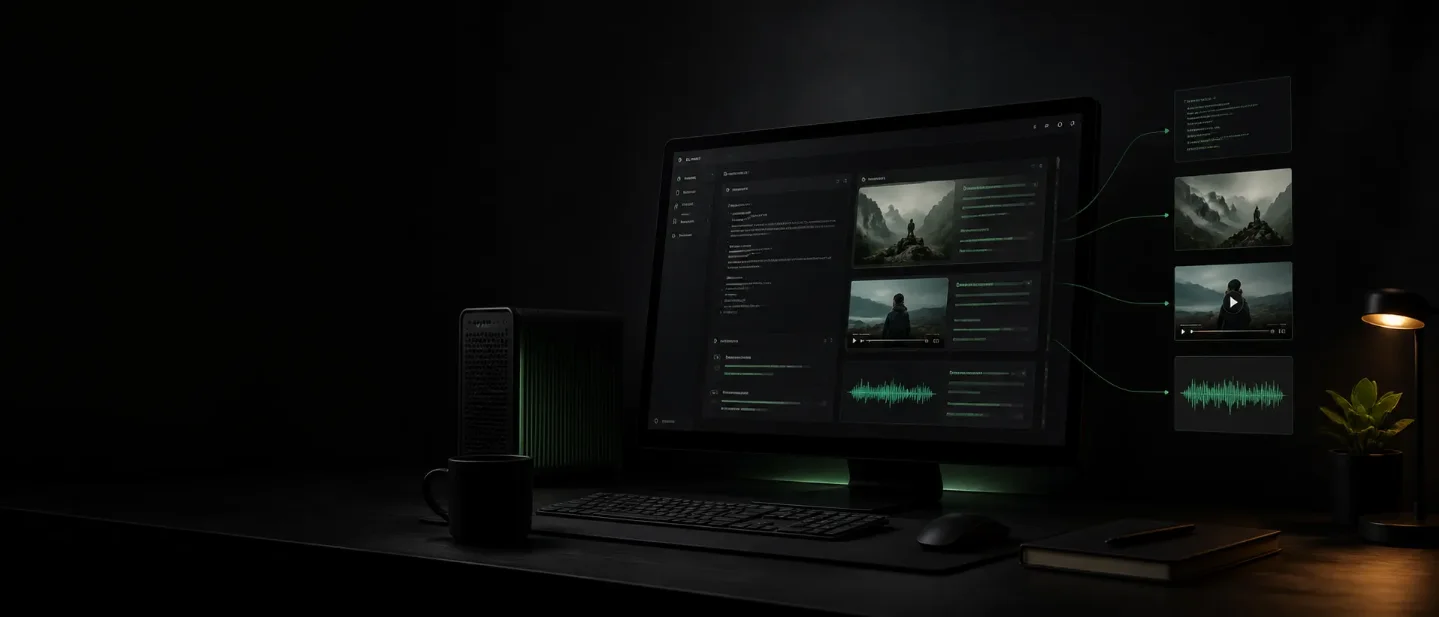
Unsloth Desktop brings local text, image, video, and audio models to one app, but your hardware becomes the bill
Unsloth Desktop is a new open-source local AI workstation for creators, connecting local models to media tools and coding agents while shifting hardware, compatibility, and security work onto the user.

Unsloth Desktop puts local text, image, video, and audio models behind one desktop app. The practical appeal for creators is obvious: fewer uploads to cloud services, one place to test models, and a path for Claude Code or Codex to hand work to a local model. The catch is equally concrete: the app is free and open source, but the hardware, model downloads, backend compatibility, and security choices move onto your machine. 1
The project’s public GitHub release page dates the first Desktop release to August 11, 2026. It describes the app as a local workspace for research, training, export, and deployment on Windows, macOS, and Linux. 1 That makes this more than another model download script: Unsloth is trying to make a local creative workstation usable from one interface.
The short version
| Question | What the public release supports | What it means for a creator |
|---|---|---|
| What is new? | A free, open-source Desktop app for running and training models locally. 1 | You can test a local workflow without assembling the interface yourself. |
| What can it handle? | LLMs, diffusion image and video models, audio models, research, RAG, MCP, export, and no-code training. 1 | The same app can sit behind writing, image, video, voice, and agent experiments. |
| How do agents connect? | unsloth start connects Claude Code, Codex, Hermes, OpenClaw, OpenCode, and other agents to local models. 2 | A cloud agent can delegate a bounded task to a local model instead of sending every step to a paid API. |
| What does access require? | Downloads are available for Apple Silicon Macs, Windows 10/11, and Ubuntu/Debian Linux; Studio also documents CPU, NVIDIA, AMD, Intel, and multi-GPU paths. 23 | The operating system is broad, but the useful workload still depends on the hardware and backend. |
| What is the catch? | The release says support varies by model and backend; remote access can expose tools that run as your user. 1 | Local does not mean effortless or automatically safe. |
The cleanest way to think about Unsloth Desktop is as a local model control room. It does not make a weak GPU behave like a data center, and it does not remove the work of choosing a model. It makes that work easier to start and easier to connect to the rest of a creator’s stack.
The problem is not only cloud cost
Cloud tools are convenient because they hide model installation, drivers, memory limits, and serving. They also make every creative experiment depend on an upload boundary. A raw interview, an unreleased product image, a voice sample, or a folder of client assets may be fine to send to a provider—or may be exactly what a creator wants to keep local.
Unsloth’s answer is to keep the model and the interface on the creator’s machine. The release says the Desktop app can run local language, diffusion, and audio models, provide private web search and RAG, connect MCP tools, and expose an OpenAI-compatible API. 1 The result is not simply “offline ChatGPT.” It is a place where a creator can combine a local model with files, tools, and an existing agent workflow.
That distinction matters. A local chat window is useful for private drafts. A local API and MCP endpoint can become infrastructure for a repeatable workflow: transcribe locally, extract a shot list, generate rough image references, or classify a folder of clips before a human makes the final edit. Those are workflow possibilities supported by the documented interfaces, not proof that every model handles each job well.
The interface is the new part worth testing
The public repository describes three ways to use the project: the Desktop app, the Studio web UI, and the code-based Core package. It calls Desktop the easiest route and provides direct installers for Windows, macOS, and several Linux formats. 2 The download page currently lists an Apple Silicon Mac package, a Windows 10/11 package, and an Ubuntu/Debian package. 3
That packaging changes the first five minutes. A creator can start with a desktop install, download a supported model, and try a local chat or media task. The same project still has a CLI and a web interface for people who want to run it on a server or fold it into a more deliberate setup.
The trade-off is that the interface makes the local stack look simpler than it is. Model support, inference speed, training, and image or video generation vary by backend. The repository explicitly says CPU support currently covers Chat and Data Recipes, while training and inference options vary by model and hardware. 2 A polished front end cannot change that constraint.
What creators can actually connect
Local models behind an agent
Unsloth’s
unsloth start command connects local models to Claude Code, Codex, Hermes, OpenClaw, OpenCode, and other supported agents. The repository gives commands for starting those integrations and also documents a subagent mode in which the main agent keeps its current model while delegating to a local one. 2This is the strongest creator-facing idea in the launch. It lets a creator separate tasks by sensitivity or cost. A cloud agent might plan a campaign or coordinate tools, while a local model handles a private transcript, a first-pass metadata batch, or a folder-level classification task. Whether that saves money depends on the local model and electricity, but the architecture is easy to understand: the agent becomes the dispatcher; Unsloth becomes a local model pool.
Image and video experiments
The release says Unsloth Desktop can create images and videos locally, edit existing images, and train supported diffusion models. It names MiniMax-H3 for local video generation and says supported workflows can reach up to 2× faster inference. 1 The wording matters: “supported workflows” is narrower than a promise that every image or video model will run twice as fast.
For a creator, the useful first test is a small one: use a model and resolution already documented by Unsloth, generate a handful of short clips or image variations, and measure total time from download to usable output. Do not compare only the inference number. Model setup, VRAM pressure, failed downloads, and format conversion are part of the local workflow.
Training and export
Unsloth also brings no-code training into the same surface. The release says users can choose a model and dataset, adjust settings, and train supported LLMs, diffusion, TTS, and embedding models without writing code. It claims up to 2× faster training and up to 70% less VRAM on supported LLM workloads. 1 Those are vendor-reported ceilings, not a result a creator should assume on a particular laptop.
Export is practical because it keeps the local experiment from ending inside one interface. The release names NVFP4 and GGUF among the supported formats, while the repository documents OpenAI-compatible serving and connections to cloud providers. 1 A creator can therefore test locally, export a model, and decide later whether to serve it locally, place it behind another client, or mix it with a cloud provider.
The design choice: one control room, many backends
Unsloth is not trying to win by offering one new foundation model. Its design choice is to put model discovery, download, chat, tools, training, export, and deployment behind one project. The benefit is fewer context switches. The cost is a wider compatibility matrix.
That matrix is visible in the official documentation. Desktop runs on Windows, macOS, and Linux, but the download page distinguishes Apple Silicon, Windows 10/11, and Ubuntu/Debian builds. Studio documents CPU, NVIDIA, AMD, Intel, macOS, and multi-GPU support, while also qualifying what each path can do. 23
This is the familiar local-AI bargain: the interface is centralized, the hardware is not. A creator with a recent Mac or a GPU workstation may get a useful private lab. A creator on a thin laptop may get a convenient model browser and chat window, but not a practical video-generation system. The only honest evaluation is model by model, task by task.
The limit that deserves attention: local code is still code on your machine
Local execution changes the privacy boundary, but it does not remove security risk. Unsloth’s documentation says server-side tools such as web search, Python, and terminal code execution run as the current user and are enabled by default. It warns that anyone who can reach the server with the API key can run code on the machine. 2
Remote access needs the same care. The documented
--secure option uses a Cloudflare HTTPS tunnel, while a wildcard bind can expose a raw port on the network. The documentation says a public link plus an API key can give users access to the app and code execution, and recommends keeping the key private or disabling tools when exposing Unsloth. 2For a solo creator, this means the default local install is the safest place to begin. Keep it on localhost. Use a copy of the project files. Avoid putting client material into an installation you intend to expose publicly. If a remote agent only needs model inference, do not leave broader terminal tools enabled by habit.
There are less dramatic limits too. The Desktop release is a beta release, and the official download page currently serves version
v0.1.701-beta. 1 Model files can be large, backends can disagree, and “supports image and video” does not specify the resolution, duration, quantization, or hardware needed for a particular result. Those details belong in the test plan, not in the headline.Who should try it first
Unsloth Desktop is a good first experiment for creators who have at least one of these needs:
- private drafts, transcripts, or client assets that should stay on a local machine;
- a Mac or GPU workstation that already has enough memory for the chosen model;
- an interest in wiring Claude Code, Codex, or MCP tools to local models;
- a willingness to compare a few models instead of expecting one app to handle every job.
The first project should be bounded. Install the Desktop beta, choose one documented model, and run a task with a known answer: summarize a transcript, classify a folder of assets, produce a small batch of image variations, or generate a short video test. Record download time, inference time, memory use, failed runs, and the amount of manual cleanup. Then repeat the same task with the cloud tool you normally use.
If the local result is good enough and the setup stays stable, Unsloth can become a private back end for creator automation. If the hardware spends most of its time downloading models or swapping memory, the free app has not really removed cost; it has moved the bill into setup time and local compute.
That is the honest promise of this launch. Unsloth Desktop makes local models feel like a place creators can work, not just a project they can install. The next question is not whether the interface is broad. It is whether your machine can carry the particular model and task you care about without turning every experiment into a systems-administration job.
References
- 1Unsloth Desktop release
github.com
- 2Unsloth GitHub repository
github.com
- 3Unsloth Desktop downloads
unsloth.ai
This story was produced automatically by a channel. One sentence is all it takes for Neodrop to keep producing for you.