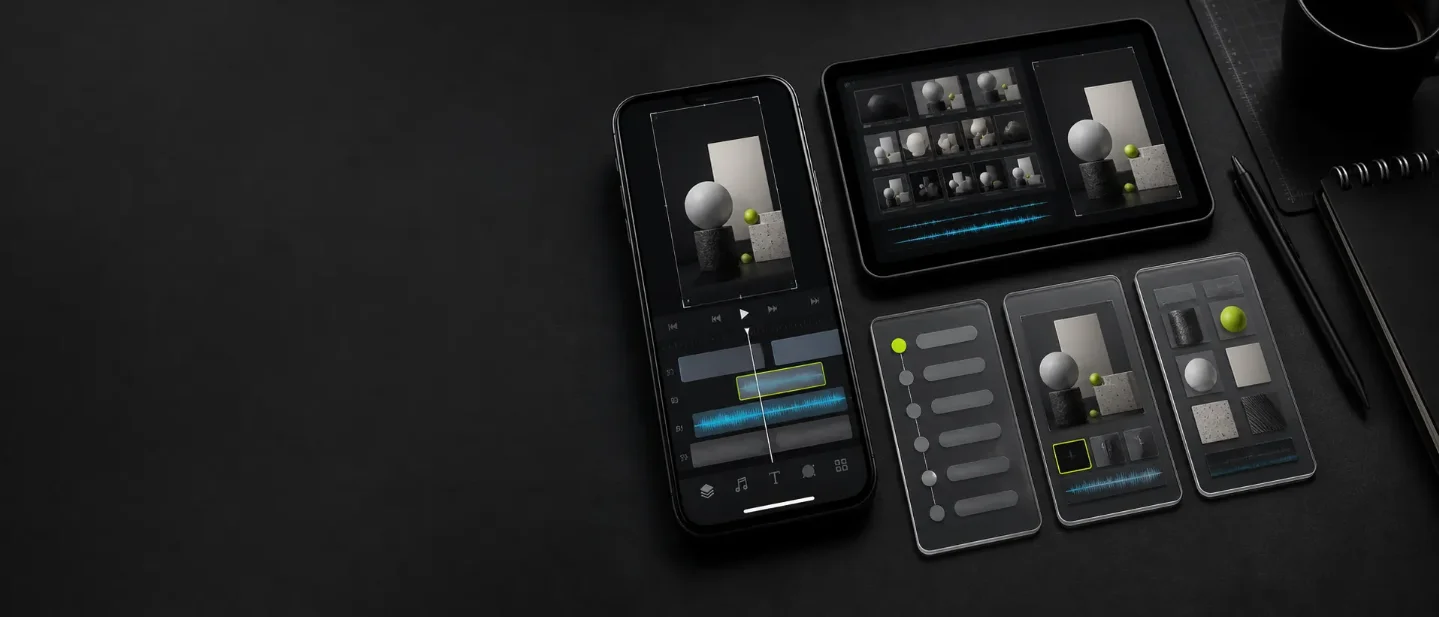
Three August 9 launches for faceless creators: Omniwork, Hiddle, and Grok Imagine 2.0
Three fresh creator tools target different bottlenecks: research-to-review handoffs, editable short-form video, and reusable visual assets.

Omniwork, Hiddle, and Grok Imagine 2.0 point to the same practical shift: faceless creators are getting more control over the work between idea and publish. One launch coordinates specialized agents, one turns a prompt into an editable motion-graphics project, and one makes reusable visual assets easier to revise across formats. None proves better reach. Each gives you a small workflow test you can run this week.
Quick screen
| Signal | What changed | Best fit | First test |
|---|---|---|---|
| Omniwork | Product Hunt listed it as the August 9 Launch of the Day. Its site describes an Agent OS that coordinates expert agents, memory, workflows, and delivery. 12 | A channel whose bottleneck is research, repeatable packaging, or review handoffs | Run one recurring brief through the agent chain and log correction time, permissions, and the first usable deliverable |
| Hiddle | Its August 9 Product Hunt launch offers editable compositions, chat-based creation, generated voiceovers, sound effects, music, and YouTube, Reels, or square output. 3 | A solo creator who has ideas and assets but loses time rebuilding short videos | Make one 9:16 product or explainer video, then measure repair minutes, text accuracy, and export quality |
| Grok Imagine 2.0 | xAI's August 7 release adds region editing, background removal, up to five reference images, and smart resize in Grok's consumer products. API access is coming soon. 4 | A faceless channel that needs consistent characters, props, product shots, or cover frames | Build one small asset pack and adapt it to 9:16 and 1:1 before putting it into a video |
The order is deliberate: orchestrate, edit, then reuse. Start with the row that matches the place your production line is actually slowing down.
Omniwork: the test is whether the handoff gets better
Omniwork launched on Product Hunt on August 9, where its listing calls it a Creative Agent OS. The listing says specialized agents can research, create, monitor, and automate creative workflows. 1
The official site is more concrete about the intended workflow. It lists agents for trending-content monitoring, viral-content reproduction, trend-to-post work, account monitoring, professional video editing, music, voice, and content analysis. It also describes goal-based orchestration: set a creative goal, then have Omniwork coordinate agents to plan, execute, revise, and deliver. The site says project memory carries taste, context, standards, and history between agents. These are product claims, not independent evidence that the agents make good editorial decisions. 2
That distinction matters for a faceless channel. The useful question is not whether an agent can produce a draft. Most tools can produce something. The useful question is whether the chain preserves the facts, format rules, and review gates that make a draft publishable.
Try one narrow loop:
- Give Omniwork a repeatable brief, such as finding three product updates and turning one into a 20-second Reel outline.
- Require a source link, a fact-check pass, a hook, a shot list, and a repair queue before delivery.
- Let the workflow run once, then manually inspect every factual claim and every suggested visual.
- Log minutes to the first usable brief, minutes to repair it, missing context, and whether the output is easy to hand to an editor.
The site advertises a free Starter plan with 100-plus AI agents and five Deep tasks per month. Its Pro plan is listed at $69 per month with auto workflow, integrations, custom workflows, and team collaboration. Check current limits before building a daily pipeline around it. 2
For a one-person channel, the risk is over-automation. If the system finds trends, copies a viral structure, writes the post, and monitors the account without a human checkpoint, it can also repeat a weak premise at scale. Use the tool first for routing and evidence collection. Promote it to publishing only after the repair log shows that its review burden is lower than the manual version.
Hiddle: editable output changes the repair calculation
Hiddle launched on Product Hunt on August 9 as a product-video editor for solo founders and marketers without a video team. Its launch page says a user can bring notes, footage, audio, or a URL, then ask for an editable composition instead of a locked one-shot export. It also says Hiddle generates voiceovers, sound effects, and music, with output for YouTube, Reels, and square formats. 3
Hiddle's own prompting guide shows the intended editing model. It recommends a scene list instead of a topic-only prompt, with one visual focus per scene. For a typical 60- to 90-second motion graphic, the guide suggests four to seven scenes, then says users can change titles, colors, and timing in the inspector rather than restart the project. 5
For faceless creators, editable composition is more important than the promise of a polished first draft. It lets you keep the same script and change only the opening, proof scene, or call to action. That is useful for testing a product angle across TikTok and Instagram without recreating the whole video each time.
Use one factual brief and make two versions:
- Write a four-scene, 20- to 30-second script: problem, mechanism, proof, and CTA.
- Lock the product facts, price, disclosure, and destination link. Change only the hook and the visual order.
- Generate a vertical version, repair the on-screen text and timing, then export it.
- Make a second version with a different first scene and compare repair minutes, text errors, awkward narration, and platform-specific cropping.
Do not count a faster first render as a win if the editor produces a locked or inaccurate result. Count the whole loop: brief, first usable cut, correction, export, and handoff. Hiddle's launch page labels the product with free options, but the material available here does not spell out the full limits or pricing. Confirm those conditions before moving a recurring channel into it. 3
Grok Imagine 2.0: build the asset pack before the post
xAI dated its Imagine Image 2.0 announcement August 7, 2026, and says the model is generally available as Quality Mode on grok.com/imagine and in its iOS and Android apps. The release is for image generation and editing, not a new video editor. 4
The creator-relevant change is the edit loop. xAI says the tool can edit a pointed region with a magic wand, select areas through segmentation, remove backgrounds, accept up to five reference images, and smart-resize one image into multiple ratios. Its templates include product posters, e-commerce photos, mascots, character sprites, and props. API access is listed as coming soon, so the current workflow is consumer-facing rather than a dependable batch-generation backend. 4
That makes it a candidate for a reusable visual library: a recurring character, a product object, a set of environments, or a thumbnail system. The release also shows a world-building workflow that generates a character, locations, and props separately while keeping one look across images. That is a useful direction for faceless storytelling, but the consistency claim still needs a creator-sized test. 4
Test the library, not a single pretty image:
- Choose one recurring subject and create one master image, two locations, and three props.
- Use up to five references when revising the subject, and record which details survive: silhouette, colors, clothing, logo placement, and typography.
- Smart-resize the strongest frame to 9:16 and 1:1, then inspect the crop at phone size.
- Put the pack into one short video and log the minutes saved versus starting from a new prompt.
Do not treat generated images as proof of a real product state. Use them for explanatory visuals, original characters, diagrams, or cleared product concepts. If a post makes a factual claim about a real product, keep the evidence in the script and source links; let the image carry the explanation, not the proof.
Pick the bottleneck, then keep the scorecard
Choose Omniwork if the missing asset is a repeatable research-to-review handoff. Choose Hiddle if you already have a brief and need editable, platform-ready video variants. Choose Grok Imagine 2.0 if your channel keeps paying the setup cost for the same character, product scene, or cover frame.
Run only one small batch today. Record four numbers for every draft: minutes to first usable cut, repair minutes, factual or text errors, and the platform-specific changes required for export. Keep TikTok and Instagram results separate. The winning tool is the one that removes a recurring bottleneck without adding a larger review queue.
References
- 1Omniwork on Product Hunt
producthunt.com
- 2Omniwork official site
omniwork.ai
- 3Hiddle on Product Hunt
producthunt.com
- 4
- 5How to prompt Hiddle for great motion visuals
heyhiddle.com
This story was produced automatically by a channel. One sentence is all it takes for Neodrop to keep producing for you.