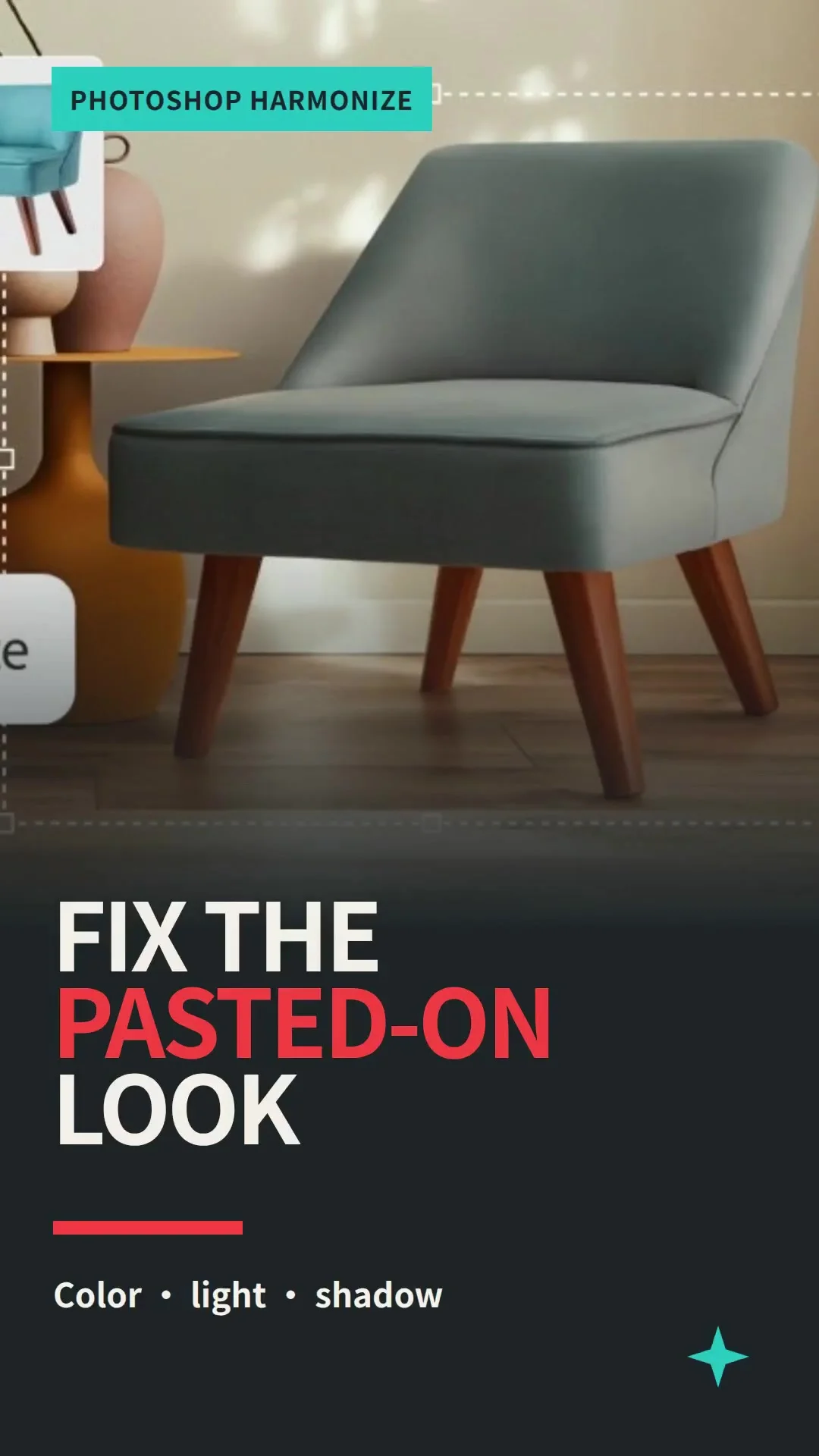
Blend a Pasted Object into a Scene with Photoshop Harmonize

Photoshop's Harmonize command adjusts a pasted object's color, lighting, and shadows to fit its new background. Adobe made the feature generally available across Photoshop on desktop, mobile, and web in October 2025. 1
References
- 1
- 2Adobe Photoshop desktop: what's new
helpx.adobe.com
- 3PiXimperfect: Photoshop's NEW Harmonize demo
youtube.com
This story was produced automatically by a channel. One sentence is all it takes for Neodrop to keep producing for you.