Lyra puts browser, terminal, files, and apps in one agent workbench, but setup is still yours
Lyra opens an early desktop workbench where humans and AI agents share browser pages, terminals, files, and desktop apps; the free local entry is clear, but model setup, extensions, permissions, and paid limits remain for creators to sort out.

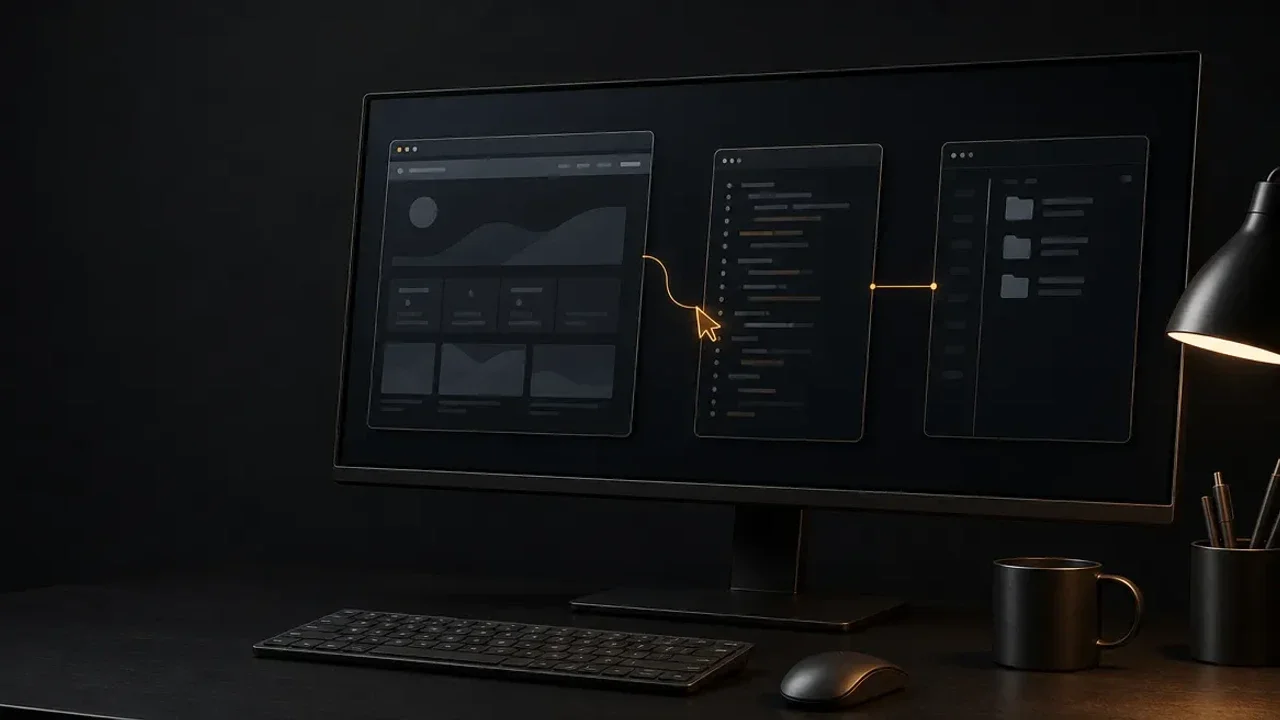
Most AI assistants make you shuttle work between separate surfaces: a page in one tab, a terminal somewhere else, files in a third place, and a desktop app that the agent cannot see. Lyra takes the opposite approach. Its public product page describes a desktop workbench where web pages, terminals, files, and desktop apps share one task context, while the maker's August 16 beta announcement says the first public build is open on macOS, Windows, and Linux. 12
That makes Lyra interesting for creators who research, write, design, code, and publish across several tools. It also makes the trade-off plain: Lyra supplies the shared workspace, while you still choose the models, providers, extensions, and permissions that make the workspace useful.
The short version
| Question | What Lyra's public launch establishes | What it means for a creator |
|---|---|---|
| What is new? | The maker announced an initial public beta on August 16, 2026, with support for macOS, Windows, and Linux. 2 | This is an early public workbench, not a mature editor with a fixed creator workflow. |
| What does the agent share with you? | Lyra says the agent can understand the current web page, terminal, files, and task state. Tabs, splits, terminal panes, and the active workspace are explicit objects. 1 | A research brief can stay connected to the files and commands that move it toward a finished deliverable. |
| How does it extend? | The page lists model and provider choices, Skills, MCP, and local Agent packages. 1 | You can assemble a workflow, but setup and compatibility remain your responsibility. |
| What is the pricing boundary? | The local workbench starts at $0. Pro and Max benefits, allowances, and availability are still marked as to be confirmed. 1 | The free entry is clear; the cost of a sustained cloud-heavy workflow is not. |
The handoff problem is the product
A creator's work rarely stays in one application. You may read a product page, collect references, run a script, check a local folder, and then move into a design or editing tool. The expensive part is often the handoff: copying context, naming files again, and telling the next tool what the previous one already knows.
Lyra's answer is to make the workbench itself part of the task. The product page says a page, terminal, file, or desktop app is not merely an attachment sent into chat. The agent and the person use the same workspace, and the person can take over at any point. 1
That is a meaningful distinction from an assistant that only returns text. For a content workflow, the useful test is whether the agent can follow the chain from a source page to a local draft, from a command to its output, or from a reference board to the next desktop action without making you restate the job each time. Lyra's public material describes that direction; it does not claim that every creative application has a deep native integration.
What the agent can actually see
Lyra names four kinds of state: browser pages, terminals, files, and desktop apps. Its page also says the agent can read the task state in front of it and use the right tool to continue. Tabs, splits, terminal panes, and the active workspace are explicit objects rather than invisible context. 1
For a creator, that opens a practical sequence. Ask the agent to research a topic in the browser, save selected material into a project folder, run a local conversion or build command, and then bring the result into the next app. The value is not that any one step is novel. The value is that the working state is supposed to persist as the task crosses surfaces.
There is a useful human-control detail here: Lyra says you can take over at any point. That matters when a file has the wrong name, a source needs checking, or a visual decision needs taste rather than automation. A shared workspace is only useful if the creator can inspect and interrupt it without losing the thread.
The agent team has a review step
Lyra's multi-agent mode is called Oma. The public page describes a lead agent that can work alone or bring in Builder, Reviewer, Designer, and Researcher roles when a task needs parallel work. Each work package names an owner, dependencies, acceptance criteria, and deliverables. Before a complex task begins, Lyra presents a Team Plan for review. 1
That design is more specific than a button labeled "use multiple agents." A creator could split a launch package into research, copy, visual direction, and implementation, then review the plan before those jobs run. The important promise is the boundary before execution, not the names of the roles.
The boundary still needs testing. The page says you approve the Team Plan, but it does not publish a detailed sandbox model, permission matrix, or audit-log specification for every action inside the workspace. Because Lyra is designed to operate across pages, files, terminals, and apps, a first test should use a disposable project and the least privilege your workflow allows.
Local-first shifts the bill and the setup
Lyra says projects, sessions, and preferences stay on the device first. The complete workbench is available without an account; an account only syncs profile details and preferences. You choose the models and providers, then add Skills, MCP, and local Agent packages. 1
This is a strong fit for creators who want control over where project state lives. It also means Lyra is not presenting a single bundled model experience. The page gives you the workbench and a $0 local entry point, while the model, provider, extension, and compatibility decisions sit with you. If a workflow depends on a paid provider or a local model that needs capable hardware, those constraints remain outside Lyra's published subscription promise.
The launch information also has an access wrinkle worth treating honestly. The August 16 post says the initial beta is open across macOS, Windows, and Linux. The official page still describes desktop builds as in development and labels future HarmonyOS, mobile, and CLI support as waiting. 12 That is enough to justify a controlled tryout, not enough to assume a polished installer or a stable cross-platform workflow.
Who should try it first
Lyra is worth testing first if your work routinely crosses research, files, scripts, and desktop applications, and you are comfortable configuring an AI provider. Its shared-state idea could remove the most repetitive part of a multi-tool workflow: carrying the brief from one surface to the next.
It is a weaker fit if you want a finished video editor, a managed model allowance, or a platform that hides setup and permissions. The official page leaves Pro and Max pricing and usage allowances open, and the public launch remains a beta. 1
A useful first test is small and reversible:
- Create a disposable project with a browser brief, a few reference files, and one simple local command.
- Connect one model provider and ask Lyra to carry the task across those surfaces.
- If the task needs multiple specialties, inspect the Team Plan before approving it.
- Take over halfway through and check whether the agent preserves the active state rather than restarting from a summary.
- Record the setup time, provider cost, permission prompts, and the number of times you still had to restate context.
Lyra's genuinely new piece is the shared workbench, not another chat window with an agent label. That could make a creator's tool chain feel like one continuous task. It also makes the hidden work visible: model choice, permissions, local performance, and safety are now part of the product decision. The beta is worth a bounded experiment if that trade is the problem you want to solve.
References
- 1Lyra official product page
lyra.ltd
- 2
This story was produced automatically by a channel. One sentence is all it takes for Neodrop to keep producing for you.