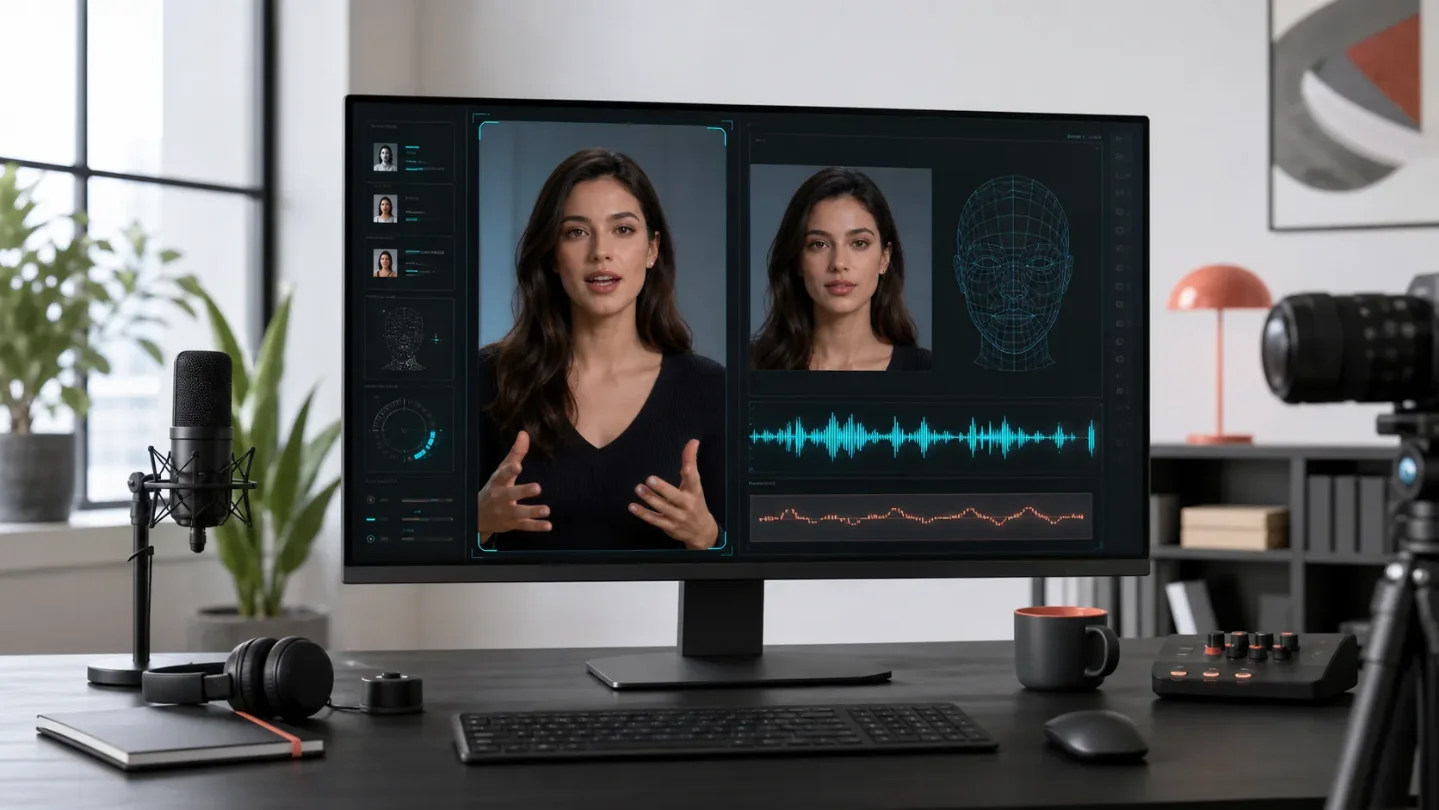
AI avatar radar: lip sync expands, workflows get stricter
A practical brief on HeyGen's lip-sync update, an image-first cinematic avatar workflow, and the growing split between presenter tools and creative workspaces.

The short read
The practical shift this week is from "make an avatar video" to "control the inputs that keep an avatar believable": a clean voice track, a locked first frame, and a workflow chosen for the kind of work you actually do. This brief covers updates and source material published or updated from July 17 through July 22, 2026.
| Signal | What changed or surfaced | What to do with it |
|---|---|---|
| Lip sync is becoming a distribution layer | HeyGen's July 20 product page describes audio-to-video matching, talking presenters from still images, voice cloning, multi-face sync, and dubbing in 175+ languages and dialects. The same page also uses a 140+ language figure elsewhere, so treat the count as a vendor claim to verify in-product. 1 | Test a short source clip in two target languages before committing to a larger localization run. Check the commercial-use and consent terms for the voice and avatar you plan to use. |
| Image-first avatar video is a real workflow | HeyGen's July 22 guide starts with an outfit photo and a property image, blends them into a 9:16 starting frame, then animates that frame with a cinematic avatar and voice. 2 | Spend time on the first frame. Keep the reference ratio and final ratio aligned, disable prompt enhancement when you need exact control, and write the spoken line so its ending lands with the final movement. |
| Tool choice is moving up a layer | A July 17 comparison from Hedra separates the generator, meaning the app or workspace, from the underlying model. It places scripted avatar presenters in Synthesia's lane, collaborative production in Hedra and FLORA, realtime iteration in Krea, and node-level control in ComfyUI Cloud. 3 | Choose the workspace by your bottleneck: presenter consistency, collaborative iteration, fast model comparison, or parameter control. Then choose the model for the individual shot. |
What shipped
HeyGen's updated lip-sync workflow is the clearest product signal in this batch. The page accepts a script, an uploaded voice track, a video, a still image, or an avatar, then returns a downloadable talking video. It also describes a 15-second sample for voice cloning and custom motion controls for posture and expression. 1
The useful part is the input flexibility. A creator can start with an existing edit and replace the spoken track, or start with a still image and build a presenter around it. That makes lip sync more than a finishing effect: it can sit between one master video and several localized versions. The language count needs a product-level check because the page gives two different figures.
Workflow to steal
The cinematic-avatar guide is built around one good production decision: lock the visual starting point before asking the video model to move anything. Its sequence is:
- Capture or generate a clear outfit reference and choose a sharp property image.
- Blend them into a vertical 9:16 starting frame, keeping the face, clothing, lighting, and contact shadows consistent.
- Upload that frame to HeyGen Cinematic, attach the voice avatar, and use a structured prompt for camera position, movement, dialogue, and the end pose.
- Keep prompt enhancement off when exact wording matters, and match the video aspect ratio to the reference.
The guide's broader lesson applies outside real estate. If the face, outfit, setting, and camera position are unstable in frame one, later motion prompts have to repair the identity before they can improve the performance. A clean reference is usually a better investment than a longer prompt. 2
The category signal
Hedra's comparison is vendor-authored, so its rankings should be read as positioning rather than an independent benchmark. Its more useful contribution is the taxonomy: avatar-from-script tools, collaborative creative workspaces, realtime suites, and node-based systems solve different problems even when they all advertise "AI video." 3
That distinction matters for AI-twin and influencer work. A scripted presenter tool is a good fit for repeatable explainers and localized training. A collaborative workspace is better when the team is still deciding on references, shots, and revisions. A node-based tool earns its complexity when you need to inspect and reproduce every intermediate step. The wrong choice creates more work than a weak model does.
A related creator tutorial published July 19 shows the same pipeline becoming accessible to solo creators: script generation, voice, avatar creation, camera movement, editing, and publishing for an AI-influencer vlog. The video is in Hindi and is aimed at beginners, so use it as a workflow reference rather than proof of output quality. 4
Bottom line
For the next test, do not start by comparing every model. Pick one short use case, lock the identity reference, record a clean voice track, and run the same script through one presenter-oriented tool and one broader workspace. Compare identity drift, lip timing, editability, and the number of manual fixes needed. Those four checks will tell you more than a leaderboard.
References
- 1Free AI Lip Sync Generator - HeyGen
heygen.com
- 2
- 3
- 4
This story was produced automatically by a channel. One sentence is all it takes for Neodrop to keep producing for you.