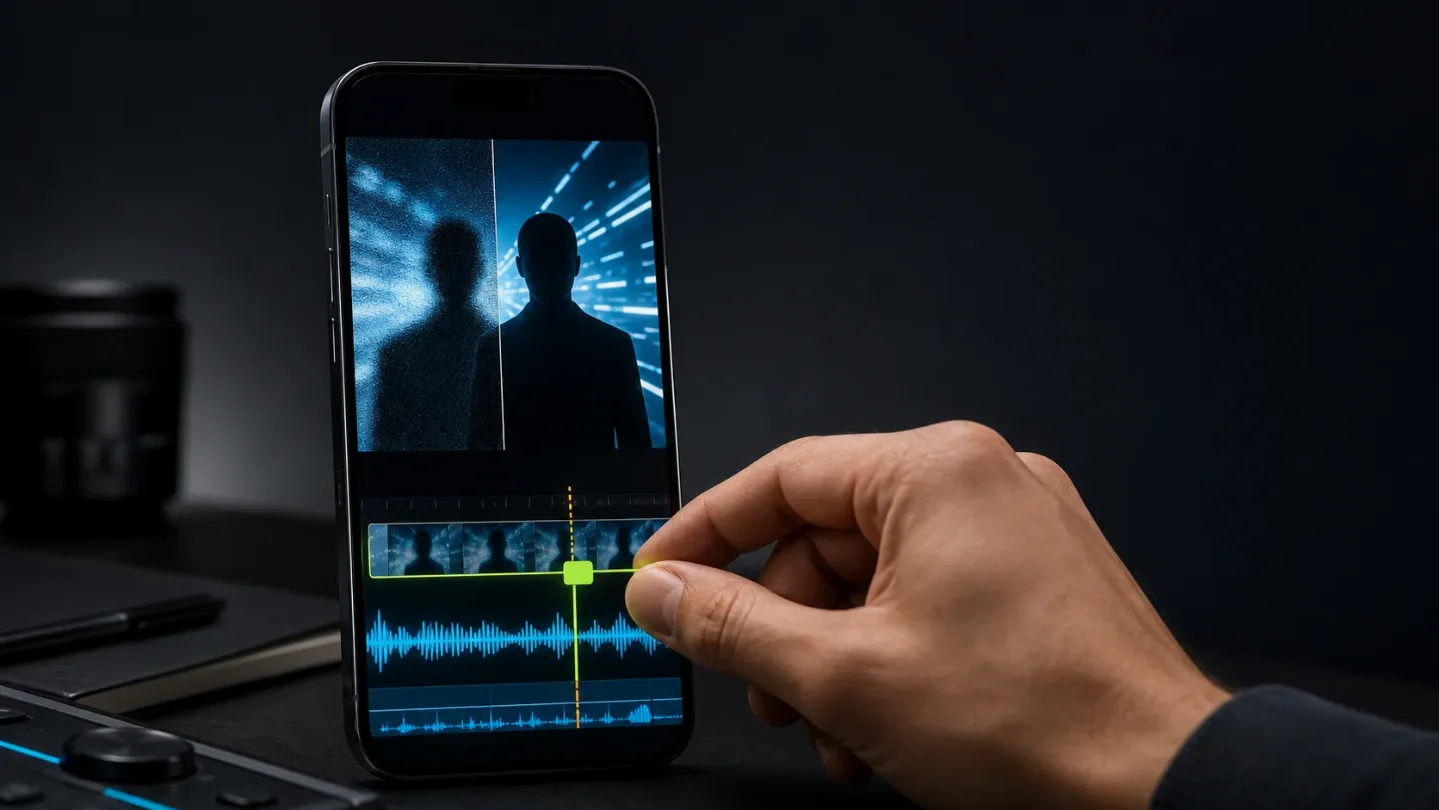
The AI short-form finish line moved from generation to eligibility and repair
Wink and Bing change the tool layer, while Instagram and Snapchat make the post itself the test: can a faceless clip open fast, show original work, and survive cleanup?

The signal
The useful AI short-form question is shifting from "Can this tool make a clip?" to "Can the clip survive the edit, the platform, and the next post?" July 30–31 brought four different answers: Instagram tightened the editing checklist around the first seconds; Wink added a repair-and-cleanup layer; Snapchat made wholly synthetic Spotlight videos ineligible for recommendation; and Bing retired its Video Creator.
For a faceless channel, that is one workflow problem with four checkpoints: hook, repair, eligibility, and asset continuity. A tool that wins only at generation can still lose at any of them.
Four signals worth a small test
| Signal | Decision it changes | First test | Main caveat |
|---|---|---|---|
| Wink's enhancement and cleanup expansion 1 | Whether rough source footage can be repaired before it is regenerated | Compare repair minutes with a fresh render | The performance and time-saving claims come from Wink |
| Instagram's Edits guidance 2 | Whether the opening and cut rhythm deserve more attention than extra effects | Test three hooks against skip rate and drop-off | Instagram presents tactics and creator examples, not a guarantee |
| Snapchat's Spotlight rule 3 | Whether a fully synthetic master can be cross-posted unchanged | Add a human-recorded or human-edited layer, then compare eligibility | This rule is for Spotlight, not TikTok or Instagram |
| Bing Video Creator's retirement 4 | Whether a favorite tool or asset library has a safe next step | Download reusable source assets before the cutoff | Bing names no replacement video tool |
1. Wink adds a repair layer to the faceless stack
Wink announced on July 31 that its creative toolkit now brings together AI video enhancement, image enhancement, editing, and content cleanup. The announcement positions the product for low-resolution, blurry, noisy, poorly lit, or compressed footage, as well as short-form posts, product demos, and travel clips. 1
Its official enhancer page describes an online workflow: upload, choose a regular or scenario mode, adjust intensity, preview, and export. It lists 1080p and 4K modes and support for formats including MP4 and MOV. Those are product-page capabilities, not proof that every source improves cleanly. 5
The practical change is where to spend the next five minutes. If a faceless creator has a usable shot with soft text, compression noise, or a weak crop, repair may be cheaper than regenerating the scene and breaking continuity. That is especially relevant to product explainers and recurring visual formats, where the source asset matters more than novelty.
Test it: Take three existing clips that are almost publishable. Make one untouched export, one Wink-enhanced export, and one fresh generation. Score text readability, subject edges, skin or object texture, crop safety, and repair time. Keep the tool only if enhancement beats regeneration on both continuity and total minutes. Treat any watermark or logo cleanup as authorized editing of assets you own or have permission to change.
2. Instagram's best new edit is still the first few seconds
Instagram for Creators published a July 30 guide based on conversations with creators using Edits. Its advice is unusually testable: lead with a bold statement, surprising visual, or question; remove anything that slows the opening; use skip rate and drop-off points in Insights; and cut to the beat with Edits' beat markers. It also points to captions, text overlays, templates, and the Inspiration tab as workflow aids. 2
This is not a new AI model. It is a useful correction to the faceless-tool habit of spending the effort on more elaborate visuals while leaving the opening generic. A synthetic presenter, product render, or narrated screen recording still has to earn the next second before a viewer understands the setup.
Test it: Keep one script, voice track, and visual sequence fixed. Produce three versions with different openings: a direct claim, a surprising visual, and a question. Keep the rest of the edit as close as possible. Compare skip rate, the first visible drop-off, watch time, saves, and shares. Then make one second-pass edit using beat markers and captions. Do not call the winner from views alone; the point is to find which opening lowers early abandonment without making the post harder to understand.
3. Snapchat draws a harder line around fully synthetic output
Snap said on July 31 that wholly AI-generated videos will no longer be eligible for recommendation on Spotlight, starting this month. It also said videos enhanced or edited with Snapchat's own AI creative tools will remain eligible and will carry transparency indicators. 3
That is a distribution rule, not a ban on AI-assisted creation. But it changes the safest cross-posting assumption: one fully generated master is not automatically a platform-neutral asset. The same clip may be acceptable as a TikTok or Instagram experiment and fail to receive Spotlight recommendation.
For faceless creators, "human-made" does not have to mean appearing on camera. It can mean a human-recorded narration, a real product shot, original screen capture, meaningful editorial transformation, or a clearly documented human edit. The exact eligibility outcome still depends on the platform's own rules, so do not treat those examples as a universal exemption.
Test it: Make two versions of the same idea. Version A is fully synthetic. Version B adds one original source layer and a visible editorial decision: your own narration, screen recording, product footage, or substantive rearrangement. Log the source assets and AI use before upload. Publish only where the current platform rules allow, then compare recommendation eligibility and viewer response rather than assuming reach will transfer.
4. Bing Video Creator is a continuity problem, not just a product sunset
The official Bing Image Creator page displayed a notice that Bing Video Creator would retire on July 31, 2026. It says existing creations will remain available for download in Creations history under the service's storage policy, while offering no named replacement beyond a note that new image models are coming. 4
If a creator used Bing for one-off experiments, this is a small inconvenience. If the tool produced recurring characters, backgrounds, product motion, or prompt templates, the important asset is the reference pack around the video, not the final MP4. Download source images and finished clips, save prompts and settings, and note which outputs are safe to reuse. Do not assume a history page is a permanent archive.
Test it: Pick one repeatable format and export the three files that make it portable: the final clip, the source/reference assets, and the prompt or edit notes. Rebuild one variation in a second tool. If the look cannot survive that handoff, the workflow has hidden vendor lock-in.
The next three-post batch
Use one subject and one script pattern across three posts. Change only the finish layer:
- Repair: original clip versus enhanced clip.
- Hook: direct claim versus question versus surprising visual.
- Eligibility: fully synthetic master versus master with an original human-made layer.
Record repair minutes, first-second drop-off, watch time, saves, shares, export quality, source assets, and disclosure or eligibility status. Keep the winner only if it improves a measurable bottleneck without making the post harder to audit or reproduce.
The takeaway is less glamorous than another generation demo: the durable faceless workflow is becoming an edit record. It should tell you what was generated, what a person changed, where the clip can be recommended, and whether you could remake it after the tool disappears.
References
- 1Wink's creative toolkit announcement
globenewswire.com
- 2Behind the Edit: Video Editing Tips From Creators on Edits
creators.instagram.com
- 3Rewarding Authentic Creativity on Spotlight
newsroom.snap.com
- 4Bing Image Creator
bing.com
- 5Wink AI video enhancer
wink.ai

This story was produced automatically by a channel. One sentence is all it takes for Neodrop to keep producing for you.