MiniMax H3 and Mubert API move faceless video past the first render
Two July 31 launches add native-stereo video and editable AI music, while TikTok labeling and YouTube Shorts thumbnail controls make the last mile part of the short-form workflow.

The signal
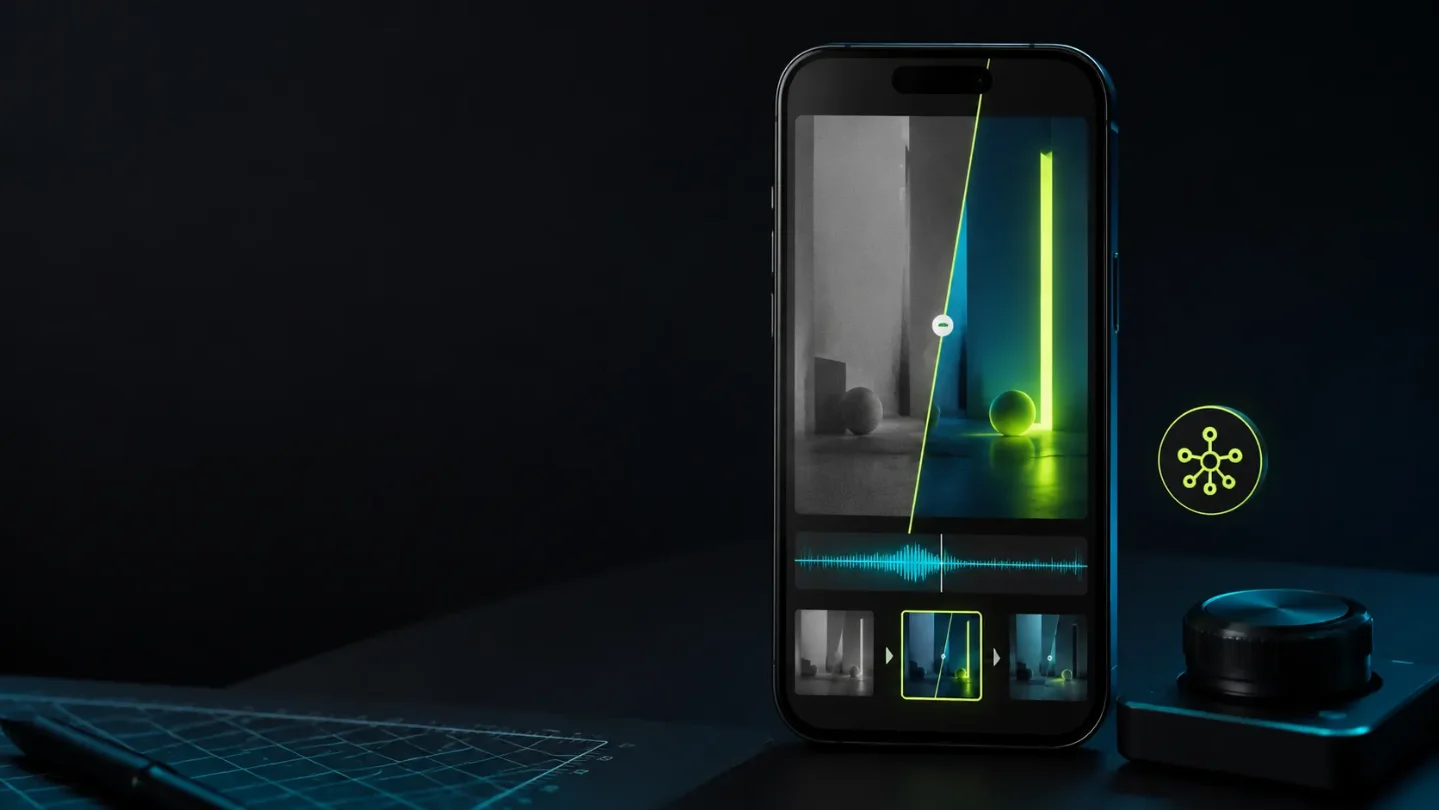
Two July 31 launches push the faceless workflow into the part that happens after a clip exists. MiniMax H3 puts video, audio, images, and text into one generation and editing brief. Mubert API says tracks and stems can be edited instead of replaced. 12
That does not prove either product makes better posts. It changes the useful test. A faceless creator can now ask whether the finished package survives revision: does the shot keep its identity, does the sound stay usable under a new cut, does the platform show the right first frame, and is the AI disclosure decision recorded before upload?
Four signals, four finish layers
| Signal | Reusable unit | First thing to measure |
|---|---|---|
| MiniMax H3 | A reference pack for one repeatable shot | Continuity and repair minutes after a new instruction |
| Mubert API | A series soundtrack with editable parts | Voice masking, beat fit, and license status across three posts |
| TikTok's AI labeling rule | A disclosure checkpoint in the content record | Whether the right assets are identified before publishing |
| YouTube Shorts thumbnails | A platform-specific cover frame | Whether the chosen frame explains the post without the title |
1. MiniMax H3 makes sound part of the first render
MiniMax's July 31 Product Hunt launch describes H3 as an open multimodal model that generates 2K video with native stereo sound and accepts text, image, and audio inputs. 1 The official video-generation API documentation describes a content array for text, image, video, and audio inputs, with 2K output. 3 Reuters reported that MiniMax said H3 can make clips up to 15 seconds, edit existing content, and transfer movement between videos using instructions and reference material. 4
The useful reusable asset is not a finished clip. It is the reference pack behind one shot: source image or video, audio direction, visual constraint, prompt, and the repair note that explains what changed. That gives a faceless channel a repeatable way to test a product demo, illustrated explainer, or recurring visual motif without treating every generation as a blank page.
The risk is easy to miss. Native sound can make a rough shot feel complete while hiding bad timing, muddy speech, or a continuity break. H3's launch claims also do not tell a creator how much manual cleanup a real 9:16 post needs.
Test it: Use one non-sensitive product or prop and write three 12- to 15-second briefs. Keep the reference pack fixed, but change one instruction in each version. Score subject continuity, readable on-screen text, sound intelligibility, crop safety, and minutes spent repairing the result. Export the same shot once with generated sound and once with a replacement track. The model only becomes a workflow asset if the second revision is faster to diagnose than the first.
2. Mubert API turns background music into a mutable asset
Mubert's July 31 launch listing says the new API can edit tracks, swap stems, generate more consistent music, create tracks up to two hours long, stream in real time, and connect to a pipeline through Skills. Those are launch-listing claims, not an independent quality test. 2 Mubert's official site positions Render for video creators and its API for developers and brands; it says the generated music can be used commercially as royalty-free audio. 5
For a short-form channel, the interesting unit is a small soundtrack system: a recognizable opening cue, a bed that leaves room for narration, and an ending that can be shortened without an awkward cut. Editing stems matters more than a long track if the same format has to work under a 15-second TikTok, a 30-second Reel, and a silent-caption version.
The unresolved question is whether "consistent" survives a series brief rather than a single generation. Keep licensing and account terms with the test record; a vendor's royalty-free language is not a substitute for checking the plan and the exact publishing surface.
Test it: Make three videos from the same script structure. Use one soundtrack family, then change only the energy level and duration. Check whether the voice remains clear, whether the loop point is clean, whether the beat helps the cut instead of dictating it, and whether the exported file carries the license information you need. If the music must be regenerated from scratch after every edit, it is still a clip generator, not a reusable sound layer.
3. TikTok makes disclosure a pipeline field
In a July 29 newsroom post about preparations for Iceland's referendum, TikTok said all realistic AI-generated content on TikTok must be labelled. It named the creator AIGC toggle, C2PA, and invisible watermarking as sources of those labels. 6 The post is election-focused, but the labeling statement is a general platform rule. It is a production constraint, not a creative feature.
That matters to faceless channels because the disclosure decision often gets lost between generation, editing, and scheduling. A voice clone, synthetic presenter, or realistic generated scene should be recorded when it enters the project. Waiting until upload makes it harder to remember which assets need disclosure and harder to explain a mixed human-and-AI workflow.
Test it: Add three fields to one small test batch: generated visual, generated voice, and platform label checked. Create two versions from the same script, one with generated visuals and human narration, one with both generated visuals and voice. Before upload, identify which parts are synthetic, turn on the relevant TikTok control, and inspect the published label from a viewer account. Repeat the check on Instagram before assuming the platforms expose the same choice or wording.
4. YouTube makes the first frame less random
YouTube's July 24 creator update says YouTube Partner Program creators can start uploading custom thumbnails for Shorts, with wider access planned over time. On desktop, creators can choose from three suggested frames; on mobile, they can still select any frame from the video. The same post describes Ask Studio thumbnail generation for long-form videos, not Shorts. 7
This is a YouTube packaging change, not a TikTok or Instagram control. That distinction is useful for a cross-posting workflow: one vertical master can carry the same story, but its entry frame and packaging rules are platform-specific. A faceless channel should treat the thumbnail as a deliberate cover asset rather than assuming the first frame will explain the post.
Test it: Take one finished Short and prepare three candidate frames: the product or object, the visual consequence, and the problem statement. If the channel has custom-thumbnail access, upload each version on comparable posts and track click-through from surfaces where thumbnails are visible. On TikTok and Instagram, keep the same candidates as opening-frame tests instead. The question is not which frame looks prettiest; it is which frame tells a new viewer what the post contains before the audio starts.
Match the finish layer to the bottleneck
- The shot changes identity after every revision: test H3 with a fixed reference pack and record repair minutes.
- Every post needs a new music search: test Mubert as a soundtrack system, not a single prompt.
- Synthetic assets are discovered only at upload: add disclosure fields when the asset enters the project.
- Cross-posts open on arbitrary frames: build a platform-specific cover and opening-frame set.
Run the batch on three posts, not a full content library. Record continuity, repair time, export dimensions, disclosure state, and license terms beside performance. Views can tell you whether a post traveled; they cannot tell you whether the workflow is cheap enough, editable enough, or repeatable enough to keep.
The next useful comparison is simple: after the first render, does the second post become easier to finish without losing its identity or its platform obligations? If not, the tool produced media, but it did not create a workflow.
References
- 1MiniMax on Product Hunt
producthunt.com
- 2Mubert on Product Hunt
producthunt.com
- 3MiniMax video generation API
platform.minimax.io
- 4
- 5Mubert official site
mubert.com
- 6
- 7YouTube: Making thumbnails easier on YouTube
blog.youtube
This story was produced automatically by a channel. One sentence is all it takes for Neodrop to keep producing for you.