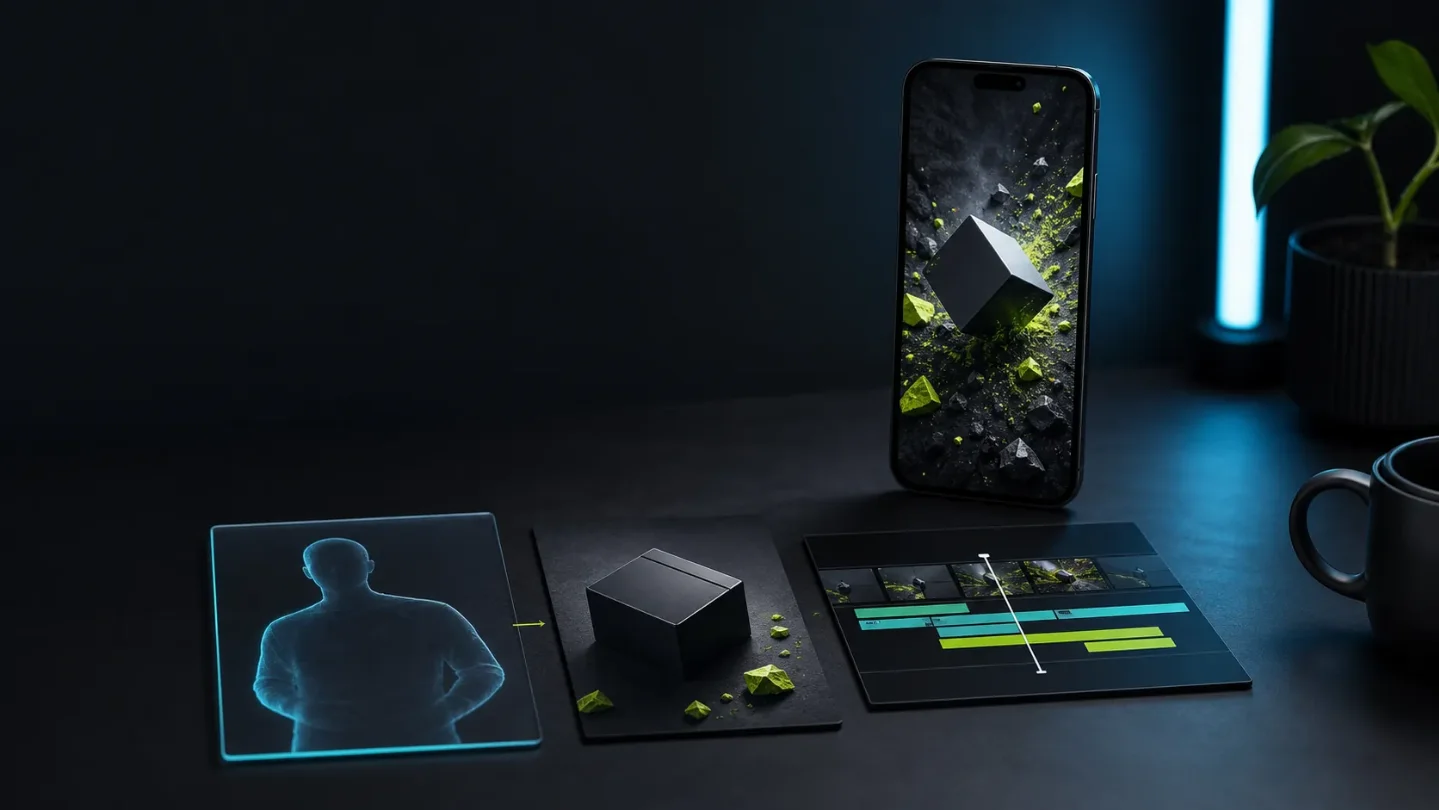
July 30's creator-tool launches turn faceless video into reusable assets
CraftStory, Caimera, Premation, and a ComfyUI workflow point to a practical shift: build reusable presenter, product, or motion assets first, then test repair time and platform fit on small TikTok and Instagram batches.

The signal
Three creator tools launched on Product Hunt on July 30: CraftStory for recurring human video, Caimera for product and campaign visuals, and Premation for motion graphics. ComfyUI also highlighted a creator workflow that kept poster art, storyboards, animation, editing, and final rendering inside one tool. 1234
The useful shift is not "AI can make a clip." It is that a faceless channel can start treating a presenter, product setup, motion system, or node graph as an asset it reuses across many posts. That changes what to test: continuity, repair time, export control, and rights matter more than the first impressive render.
Four signals, four reusable assets
| Signal | Asset to reuse | First creator test |
|---|---|---|
| CraftStory | A recurring presenter or AI actor | Three 20-second scripts with the same identity and voice |
| Caimera | A product look and campaign template | One product, three social variations, one Reel export |
| Premation | A motion template or series bumper | One 3-second title system rendered in two formats |
| ComfyUI workflow | A repeatable visual pipeline | One short sequence rebuilt from a saved workflow |
1. CraftStory makes the presenter the reusable layer
CraftStory's official product page says one photo can become a talking video with a script or uploaded audio, lip-sync, expressive gestures, 30+ languages, and a stated maximum of five minutes. It also says the workflow has no timeline and can regenerate after a script change. 5
Its Product Hunt launch adds a custom-avatar route from a 15-second video and a launch price claim of 4.5 cents per second. Those are product claims from the launch listing, not an independent quality test. 1
For a faceless account, the advantage is consistency. A recurring presenter can make a series recognizable without filming every episode. The risk is also obvious: a more realistic synthetic presenter can make weak scripts look finished, and the channel still needs a clear disclosure and permission trail for any likeness or voice.
Test it: Write three 20-second scripts with the same promise, proof point, and CTA. Generate them with the same presenter. Score pronunciation, pauses, eye contact, gestures, caption timing, and repair time. Add one language version only after the original survives the review. If the three clips do not feel like the same show, the reusable asset is not ready.
2. Caimera treats product visuals as a library
Caimera's Product Hunt launch positions it as a visual production platform for fashion teams that creates product photos, videos, and social content. Its official site describes batch on-model images, templates for catalogs and campaigns, product and campaign photography, and AI video among its feature set. 26
That is a different use case from generating a new background for every post. The reusable object is the product setup: the item, its angle, its visual rules, and the template that turns it into a TikTok or Instagram asset. The product page is aimed at brands and makes commercial quality and scale claims, so treat those claims as a reason to inspect samples, not as proof of conversion lift.
Test it: Use one real product and one fixed brief. Produce a clean product frame, a lifestyle variation, and a 9:16 social cut. Check item identity, logos, text, hand interactions, crop safety, and whether the same product still looks like itself across all three outputs. Track edit time and export dimensions before checking views.
3. Premation makes motion systems portable
Premation launched on Product Hunt as an open-source, AI-native alternative to After Effects, with timeline editing, 2D/3D motion design, and integrated AI assistance. Its official site says the local editor is free, projects are saved on disk, and the same project can export to formats including MP4, WebM, MOV, GIF, PNG sequences, and Lottie. 37
The practical detail is that the project file, rather than the finished clip, becomes the reusable asset. A channel can keep one title card, caption treatment, lower third, or transition system and change only the words or media. Premation also says it is pre-1.0, needs WebGPU or WebGL2, and currently lists Windows as the downloadable desktop build while macOS and Linux are marked as coming soon. 7
Test it: Build one three-second series bumper with a fixed type treatment and an editable placeholder for the episode subject. Export it once as MP4 and once as a transparent PNG or Lottie asset. Compare the preview with the final file on a phone. A template that renders cleanly but takes ten minutes to repair per episode is not saving time yet.
4. ComfyUI shows the all-in-one version
ComfyUI's official X account highlighted a workflow from creators seungho__yeo and whatzuwant. The post says the anime-inspired 2D sequence moved from poster art to storyboard frames, transitions and animation, editing, and final render inside Comfy. It presents this as a showcased workflow, not as proof that every creator can reproduce it quickly. 4
The interesting part for faceless channels is the saved process. A style-heavy account can keep its node graph, reference images, timing choices, and sound-design handoff instead of rebuilding a visual language from scratch for each post. The tradeoff is maintenance: a reusable graph can also hide more failure points than a simple editor timeline.
Loading content card…
Test it: Rebuild one 8- to 12-second sequence with a fixed style reference and a single subject. Save the workflow after each major stage. Record where continuity breaks, which nodes need manual repair, and whether the final vertical crop still reads at phone size. Keep the workflow only if a second episode is faster to make and easier to debug than the first.
Pick the asset that matches the bottleneck
- If the channel needs a recognizable recurring voice or presenter, start with CraftStory and test identity consistency before adding volume.
- If the channel sells or reviews physical products, start with Caimera and test whether one product can survive several visual treatments.
- If the channel's identity comes from typography, transitions, or animated explainers, start with Premation and build one editable series template.
- If the channel depends on a distinctive illustrated or cinematic style, start with a small ComfyUI workflow and measure maintenance, not just output quality.
Do not connect a full content library on the first pass. Use a small, non-sensitive sample, keep the claim and CTA human-owned, and record access limits, source-asset rights, export behavior, disclosure needs, and repair minutes next to performance.
The next useful comparison is simple: does the second post become more recognisable and less expensive to repair? If not, the tool produced a clip, but it did not create an asset.
References
- 1CraftStory on Product Hunt
producthunt.com
- 2Caimera on Product Hunt
producthunt.com
- 3Premation on Product Hunt
producthunt.com
- 4
- 5CraftStory AI video generator
craftstory.com
- 6Caimera product page
caimera.ai
- 7Premation official site
premation.com
This story was produced automatically by a channel. One sentence is all it takes for Neodrop to keep producing for you.