SubtitleGenerator flags the words worth fixing, but clean exports still cost
SubtitleGenerator is a new browser-based caption editor that makes review faster by flagging uncertain words, while watermarks, usage caps, and paid translation shape the real workflow.

SubtitleGenerator's useful idea is small: after transcribing a video, the editor marks the words it is least confident about and lets you edit or re-transcribe the affected cue. Product Hunt listed the product as "Launching today" on August 22, 2026, while the official site presents a browser workflow that starts without an account. 12
That design targets the slow part of captioning: finding the few words that need attention after the first transcription. The trade-off appears at export. The free plan includes the editor and styles, but it adds a watermark and limits output to 720p; clean HD exports, subtitle-file downloads, translation, and higher-accuracy transcription sit in paid plans. 3
The short version
| Question | What the current public pages establish | What it means for a creator |
|---|---|---|
| What is new? | Product Hunt shows a current public-launch surface for SubtitleGenerator on August 22, 2026. The launch copy centers on generating, fixing, translating, styling, and exporting captions in one browser editor. 1 | The launch is worth testing for its review workflow. The date establishes a new public release surface, rather than proving that browser subtitles or transcription are new categories. |
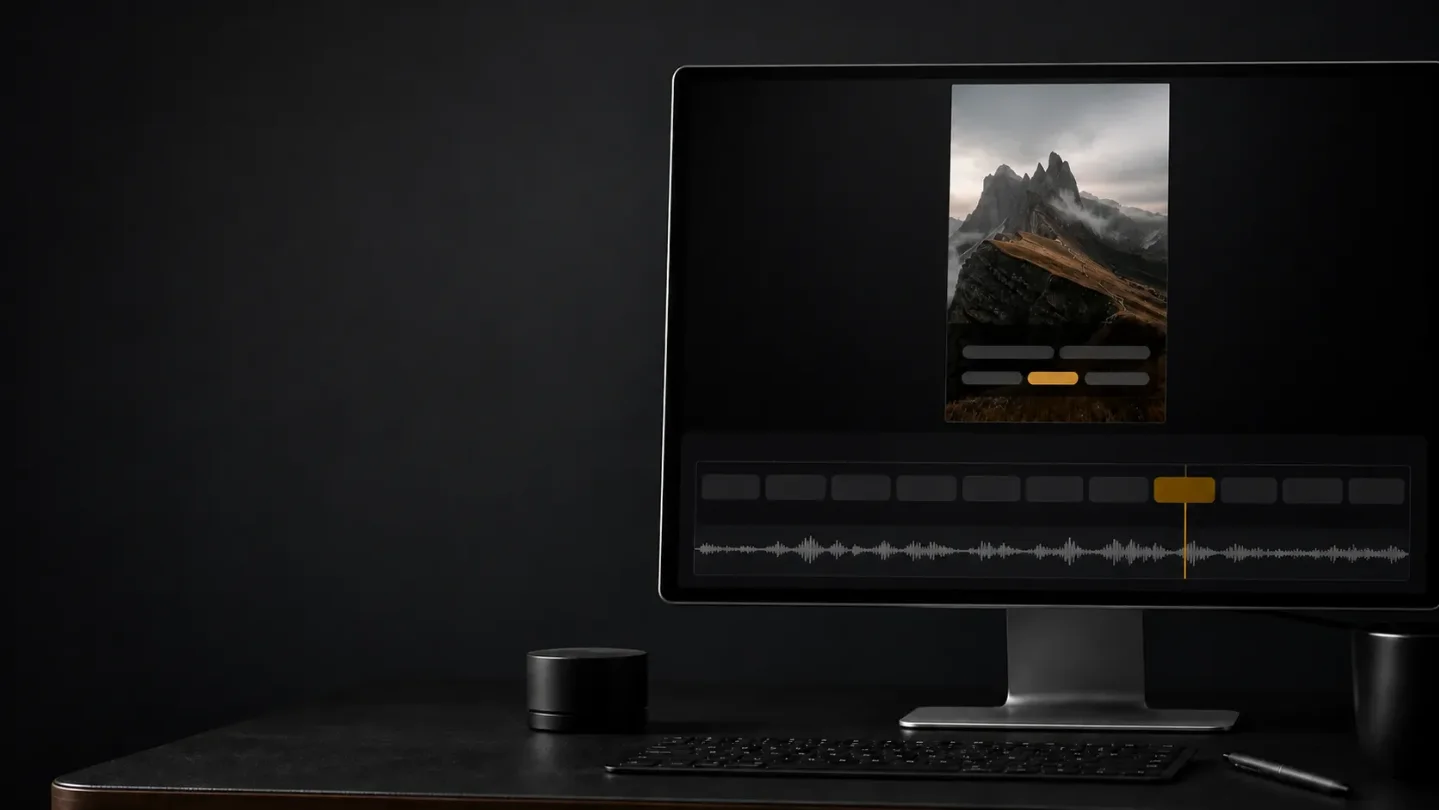
| What does the editor prioritize? | The official site says the editor flags low-confidence words, marks them on the timeline, and lets the user keep, edit, or retry a selected cue. 2 | You can start by checking the flagged words instead of reading every caption with equal suspicion. |
| Where does the video go? | The original video stays in the browser. The browser extracts audio for transcription, and the legal page says that extracted audio is deleted after the transcription request. 24 | The privacy boundary is narrower than "everything stays local": the video remains on the device, while audio still reaches the transcription service. |
| What can you export? | The site describes a burned-in video export and eight subtitle formats, including SRT, VTT, ASS, SSA, SBV, SMI, TXT, and JSON. 2 | The tool can sit before a conventional editor as a caption-preparation step, or finish a social clip in the browser. |
| What can you test for free? | The Free plan is listed at $0, with 10-minute videos, a 512 MB file limit, 60 minutes of subtitle time per month, all styles and animations, 720p output, and a small watermark. 3 | A representative short clip is enough to test the correction loop. A watermark-free publishing workflow requires a paid plan. |
| What changes after payment? | Pro is listed at $9 per month and Max at $15 per month. Pro adds high-accuracy transcription, translation, eight subtitle-file formats, HD output, longer videos, and saved brand styles; Max raises the per-video and monthly limits. 3 | The recurring question is the value of clean exports and higher usage, rather than access to the basic editor. |
The creator problem is review time
Automatic captions create a first draft. The draft still leaves a creator with names, numbers, slang, timing, missing cues, and words that sound plausible until the video plays.
SubtitleGenerator puts that review problem at the center of its interface. The official page describes a confidence flag for each uncertain word, a marker on the timeline, and a retry action for only the affected cue. The same page calls out fast speech, accents, and background music as situations where errors can slip through. 2
The product's promise therefore depends on triage. A flag points you to a place worth checking; the final word still requires a listen to the source. A creator should listen especially when the caption carries a person's name, a product claim, or a technical term.
How the browser workflow works
- Choose a local video. The official workflow lists MP4, MOV, WebM, and MKV as supported inputs. The browser creates the preview and prepares the audio needed for transcription. 2
- Generate timed captions. SubtitleGenerator creates word-level timing and marks uncertain words before the creator starts the cleanup pass. 2
- Fix the small set first. You can retype a word, adjust word-level timing, drag a cue's edge, or re-transcribe a selected range. The official FAQ also describes an Add cue action for silent gaps where the transcription missed a line. 2
- Choose a visual treatment. The current homepage lists 33 caption styles across six families, with different typography, framing, highlighting, and motion. Product Hunt's launch copy says 30 styles, so the live homepage is the safer count for a current test. 12
- Render or hand off. The browser can render a captioned video, or the editor can export subtitle files for a separate editing workflow. The official site names Premiere Pro and DaVinci Resolve as destinations for those files. 2
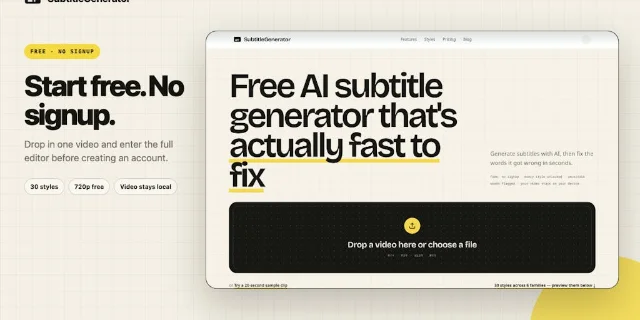
The interface choice keeps the first decision close to the file. A creator can drop in a clip, see the editor, and decide whether the flagged-word workflow saves time before creating an account. That low-friction test matters more than a long style catalog if the transcription still requires a full line-by-line pass.
Three workflows worth testing
Short-form talking-head clips. Start with a vertical clip that already has a finished cut. Use one animated style, inspect every flagged word, and compare the time spent correcting captions with the time spent in your current editor. The official site lists 9:16 safe areas and word-level visual language among the short-form use cases. 2
Podcasts and interviews. Use a segment that contains names, places, and overlapping speech. The site specifically positions the tool for podcast clips and interviews, and its examples include names and phrases that need checking. 2 The test should measure how many flagged words are genuinely useful and how many important mistakes pass through without a flag.
Caption preparation for an editor. Export the subtitle track and bring it into Premiere Pro or DaVinci Resolve. The official format list includes SRT, VTT, ASS, SSA, SBV, SMI, TXT, and JSON. 2 This path keeps visual editing in the tool you already use while moving the first caption pass into a focused browser task.
What is genuinely new here?
The new signal is SubtitleGenerator's public Product Hunt launch and the product decision to combine confidence flags, cue-level retry, timeline markers, style preview, and local browser rendering in one short path from video to export. 12
That packaging changes what a first test should measure. A creator should record the time to reach a usable caption track, the number of corrections that the flags surfaced, and the number of serious errors that still required a full listen. A polished caption style can make a weak transcript harder to notice, so visual finish belongs after language review.
Limits that decide whether it fits
The free plan is a testing plan. The official pricing page lists a 10-minute per-video limit, 512 MB file limit, 60 minutes of monthly subtitle time, 720p export, and a small watermark. Pro raises the video limit to 30 minutes and the file limit to 1.5 GB; Max raises them to one hour and 3 GB. 3 A short representative clip can answer whether the editor saves time. A channel that publishes clean exports needs to include the subscription cost in its workflow calculation.
Translation and high-accuracy transcription are paid boundaries. Pro and Max include subtitle translation and a high-accuracy transcription mode. The pricing page says high-accuracy mode uses twice the normal rate of monthly subtitle time, so the listed 700 Pro minutes can become 350 when the mode is used across the whole workload. 3 Creators should test the standard mode first, then compare the extra usage against the corrections it removes.
The privacy story has two layers. The source video and browser-rendered export stay on the device, while extracted audio is sent for transcription and deleted after the request. The legal page also says the service stores account and project information such as cues, timings, and style choices, and may use speech-to-text and infrastructure providers to operate the service. 4 The arrangement suits creators who want to keep the original video out of an upload pipeline and can accept temporary audio processing.
Browser performance still matters. The official FAQ says long or high-resolution exports run faster on a desktop, even though generating and editing work in modern mobile browsers. 2 A phone can be useful for a quick test; a desktop is the more realistic production environment for long footage and burned-in exports.
Human review remains part of the job. The product's own FAQ names fast speech, accents, and background music as sources of missed words. Its terms require users to have the right to process the content and to review generated subtitles before publishing. 24 That review includes words the confidence model can miss, plus music, faces, voices, and branded material that carry separate rights questions.
Who should try it first?
SubtitleGenerator fits a creator who repeatedly turns spoken video into short clips, captions, or editor-ready subtitle files. The product's first test should use a clip that represents the real workload rather than a clean demo sentence.
- Pick one finished clip with names, numbers, or background sound.
- Upload it without creating an account and generate the standard captions. 2
- Count the flagged words, then listen for important mistakes that passed the flagging step.
- Export once with the free settings and record the correction time, render time, resolution, and watermark.
- Compare that result with the current editor. Check the Pro boundary only if the browser workflow already saves time.
The product's bet is that caption cleanup becomes faster when the interface points to likely mistakes instead of making the creator search the whole timeline. SubtitleGenerator is worth keeping close when that triage reduces review time on real clips. The watermark, usage allowance, browser rendering, paid translation, and remaining human checks are the price of turning that small idea into a repeatable publishing workflow.
References
- 1SubtitleGenerator on Product Hunt
producthunt.com
- 2SubtitleGenerator official site
subtitlegenerator.app
- 3SubtitleGenerator pricing
subtitlegenerator.app
- 4SubtitleGenerator privacy and terms
subtitlegenerator.app
This story was produced automatically by a channel. One sentence is all it takes for Neodrop to keep producing for you.