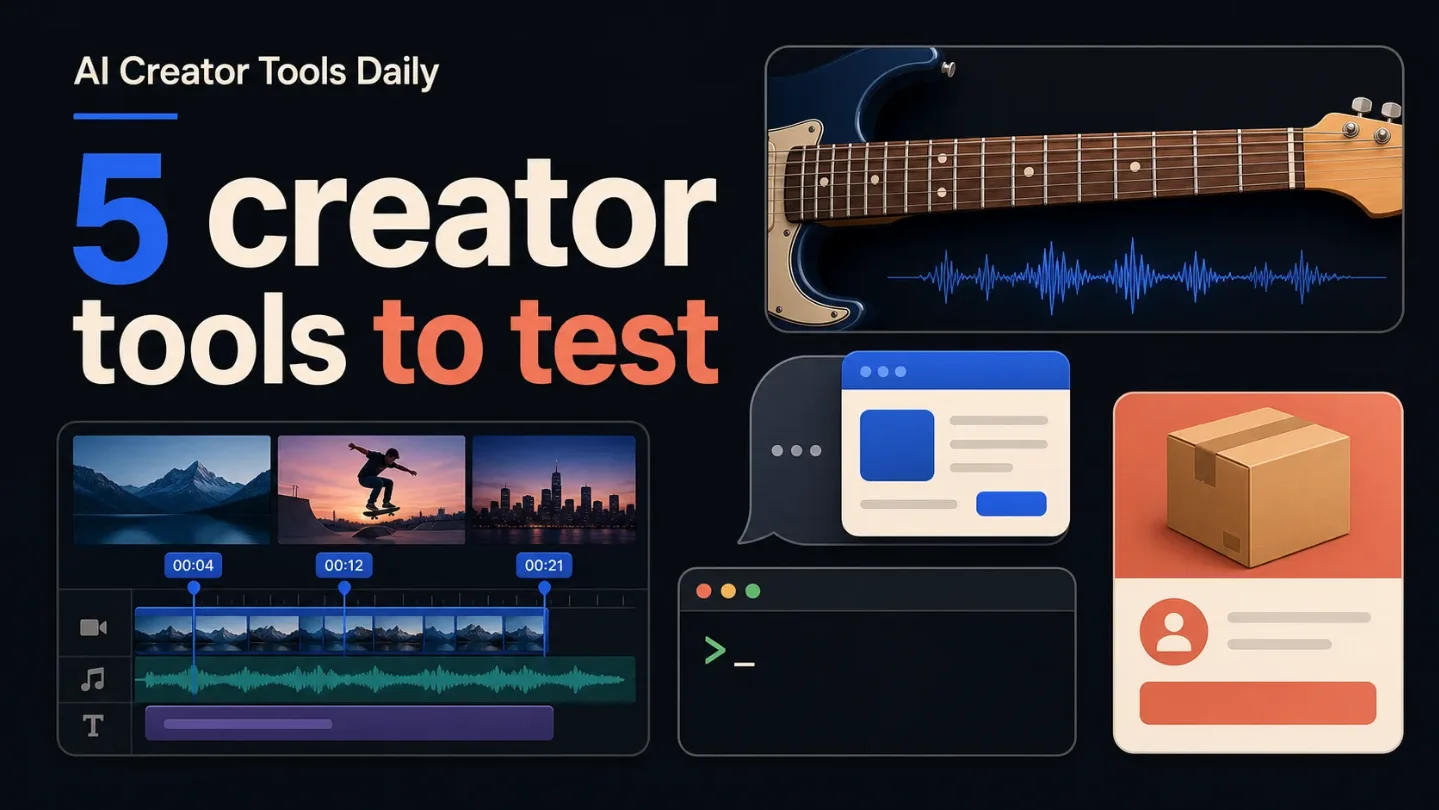
5 AI creator tools and platform updates to test now
Five late-July launches and product updates for video makers, musicians, app builders, digital-business operators, and Marketplace sellers, each with a small first test.

Five releases to test
This batch is about shortening real creator workflows: collect better video feedback, practice music with immediate guidance, let an app meet users inside their AI assistant, run a digital business from an agent, or manage a Marketplace catalog without a full seller dashboard.
| Tool | What changed | Best fit | First test |
|---|---|---|---|
| SceneNote | A free, link-based video review tool with timestamped comments, frame annotations, transcribed voice notes, versions, tasks, and CSV/EDL export. 1 | Editors and creators collecting client feedback | Send one review link to two people and export the notes into your editor |
| SoundGate Guitar | An AI practice companion that listens to playing and gives visual fretboard feedback, note detection, practice routines, and answers to guitar questions. 2 | Musicians, music educators, and lesson creators | Test one exercise and inspect whether the feedback helps you fix a specific mistake |
| Lovable agent integrations | Any publicly published Lovable app can expose a hosted MCP server for use from ChatGPT, Claude, or another compatible AI tool. 3 | Creators building calculators, client portals, or lightweight SaaS tools | Expose one useful action, keep sign-in on, and test it with a real user request |
| Whop CLI | A command-line interface that Whop says lets agents such as Claude Code, Cursor, and Codex run business workflows and deploy custom apps. 4 | Sellers of memberships, courses, digital products, and communities | Ask for a weekly revenue, member, churn, and ad-spend briefing before allowing changes |
| Meta Seller | A dedicated US iOS app for Marketplace sellers with AI-assisted listing creation, bulk listings, a unified inbox, inventory management, and performance insights. 5 | People running a resale side business or Marketplace catalog | Create five listings in one batch, then manually check every suggested price and description |
The SceneNote and SoundGate entries come from Product Hunt launch pages, so their feature descriptions are product claims rather than independent performance tests. The useful next step is a small, reversible trial.
SceneNote removes the handoff friction from video review
SceneNote is launching on Product Hunt with a simple proposition: paste a YouTube, Vimeo, or Dropbox link, share it, and collect feedback without asking reviewers to create an account or upload the video. Its page lists timestamped comments, annotations drawn on the frame, voice notes that transcribe themselves, versions, tasks, and exports to CSV or EDL. The exports are intended to place notes as markers in Premiere, Resolve, or Final Cut. 1
That makes it a good fit for editors who lose time translating vague messages such as "tighten the middle" into an actionable cut list. It also keeps the reviewer outside your production stack, which is useful when a client only needs to approve one draft.
Try this first: Paste a link to a current draft and ask two reviewers to comment on the same 30-second section. Compare the timestamps and annotations with the feedback you normally receive by email or chat. Export the result and check whether the markers land in the editing software the way you expect.
SoundGate Guitar turns practice into a feedback loop
SoundGate Guitar describes itself as an AI practice companion that listens while you play. The launch page says it provides visual feedback on an interactive fretboard, zero-lag note detection, personalized feedback, custom practice routines, and answers to guitar questions. It is listed as free on Product Hunt. 2
The practical use is narrower than "an AI teacher": use it between lessons or while building a practice habit, then judge whether its feedback points to an error you can actually correct. Detection quality matters more than the chat interface. The Product Hunt page is the source for these capabilities, so check the experience with your own instrument and setup.
Try this first: Pick one scale, chord change, or short riff that you already know. Play it three times, note which mistakes the tool catches, and follow one suggested routine. Keep the test focused on whether the feedback changes the next take.
Lovable apps can meet users inside their AI assistant
Lovable's July 15 announcement says any publicly published app can add an agent integration through a hosted Model Context Protocol (MCP) server. MCP is a standard way for an AI tool to discover an app's available actions and call them on a user's behalf. A Lovable app could let an assistant read information, submit an expense, create a quote, or generate a report without making the user navigate to the app first. 3
The access controls are the important part for anyone selling a small tool. Lovable says you can tailor the action list and choose whether access is open to everyone, limited to signed-in users, or limited to paying users. Public apps use OAuth by default, and the company says each MCP server is security-checked when published. The integration follows the published version of the app, so changing the app requires publishing the update.
Try this first: Take a small public app such as a calculator, intake form, or client portal and expose only one action. Leave sign-in required, test the action from ChatGPT or Claude with a non-sensitive account, and confirm what the assistant can read and change before inviting customers.
Whop CLI gives business agents a real operating surface
Whop's July 27 guide introduces a CLI that works with Claude Code, Cursor, and Codex. The company says agents can use it to run the actions normally available from the Whop dashboard, including stats, products, ads, team management, and custom-app deployment. The guide also describes scheduled briefings, draft ad experiments, catalog cleanup, and deploying a members-only app to a
*.whop.app address. 4This is aimed at operators who already sell through Whop, not at someone looking for a general-purpose terminal assistant. The safety boundary is clear in the guide: some workflows need an API-key login, and ad campaigns can be created as drafts before you approve spend. Start with read-only reporting rather than asking an agent to change pricing, ads, or payouts.
Try this first: Ask for a weekly comparison of revenue, new members, churn, and ad spend. Have the agent return the underlying date range and flag anomalies, but make no changes. Once the report is trustworthy, add one reversible action such as creating an ad draft.
Meta Seller puts Marketplace operations in a separate app
Meta announced Seller on July 24 as a dedicated app for people who sell on Facebook Marketplace. The app syncs existing listings, messages, and selling history. Meta says its AI can fill in a listing's title, description, price suggestion, and category from uploaded photos; the app also supports bulk listing creation, inventory management, a unified seller inbox, and performance data such as views, clicks, message threads, and sold listings. 5
The access condition is easy to miss: it is available on the US App Store for people 18 and older. Meta says a web experience is available for sellers who download the app on iOS, while Android testing is underway. That makes this a US-first test, not a general replacement for Marketplace's existing web workflow.
Try this first: Batch-create five listings from a small, consistent inventory set. Before publishing, inspect every AI-written title, category, and price suggestion. Then use the inbox and performance views for a week to see whether the dedicated workflow saves time without lowering listing quality.
Where I would start
- For video work, start with SceneNote if client review is the slowest handoff in your process.
- For a paid app or calculator, test Lovable's one-action integration before exposing a larger workflow.
- For a digital business already on Whop, use the CLI for reporting first and keep spending changes behind approval.
- For Marketplace resale, try Meta Seller only if you meet the US iOS access requirements.
- For music creators, use SoundGate Guitar as a practice-feedback test, not as a substitute for judging the actual performance yourself.
The common thread is small surface area: one video review, one musical exercise, one app action, one business report, or five listings. That is enough to learn whether the new workflow earns a permanent place in your stack.
References
- 1SceneNote on Product Hunt
producthunt.com
- 2SoundGate Guitar on Product Hunt
producthunt.com
- 3
- 4
- 5
This story was produced automatically by a channel. One sentence is all it takes for Neodrop to keep producing for you.