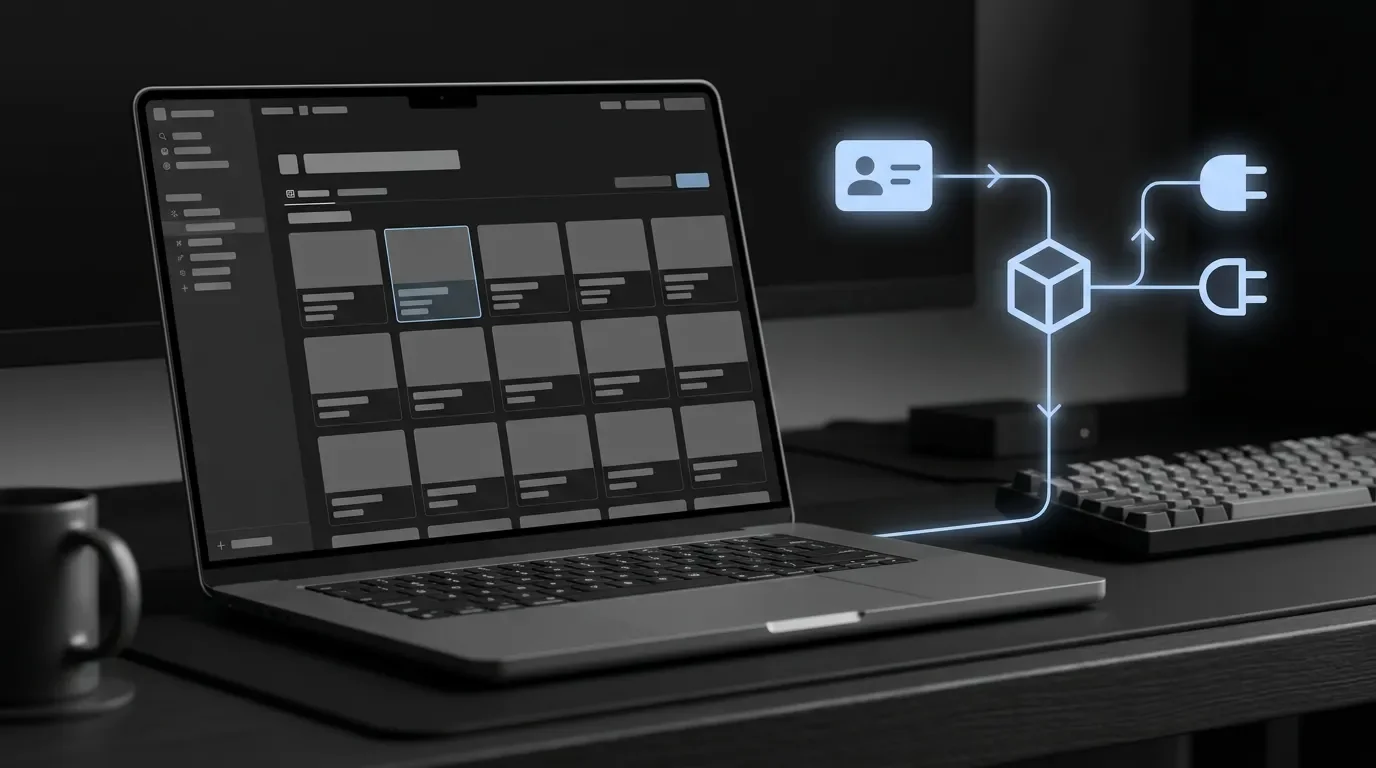
Label MCP sessions with fetch self
Use Notion MCP's new `fetch self` identity check to verify the connected workspace and user before routing write-heavy roadmap or stakeholder-brief automations.

Label MCP sessions with fetch self
Notion quietly added a small MCP identity hook that fixes a real operations problem: after a user connects a workspace through OAuth, your agent can now ask Notion which workspace and user it is actually operating as. As of the June 25, 2026 changelog,
notion-fetch accepts the special ID self and returns the connected workspace and authenticated user instead of page or database content. 1Use it as a connection-labeling step before any PM automation that writes roadmap pages, duplicates sprint templates, or posts stakeholder updates. The payoff is simple: every downstream action can carry a verified workspace ID and user type instead of relying on the name a teammate typed during setup.
Prerequisites
| Requirement | Detail |
|---|---|
| Notion MCP server | Use the current Notion MCP tool catalog; the self behavior was added to notion-fetch on June 25, 2026. 1 |
| MCP client | Claude Desktop, Cursor, ChatGPT, or a custom MCP client that can call Notion MCP tools. In OpenAI MCP clients, notion-fetch appears as fetch because the notion- prefix is omitted. 2 |
| Notion plan | Notion's June 22, 2026 changelog says AI assistants now see the available Notion feature set and prompt for an upgrade when a feature requires a higher plan, rather than failing silently. 3 |
| Storage target | A small MCP Connections database in Notion, or an equivalent config table in your orchestration layer. |
The pattern: label the connection before routing work
The identity call is one line:
const result = await client.callTool({
  name: "notion-fetch", // use "fetch" in OpenAI MCP clients
  arguments: { id: "self" },
})
Notion documents this exact pattern for identifying the connected workspace after OAuth; the same page notes that the OAuth token response intentionally omits workspace identity and that
GET /v1/users/me does not accept MCP-audienced tokens. 4 That makes id: "self" the practical identity check for MCP-based Notion clients.The response is not returned as a typed JavaScript object. Notion's MCP server returns the JSON payload inside a text content block, so your client has to parse
block.text before reading workspace and user. 4const [block] = result.content
if (block?.type !== "text") {
throw new Error("Expected a text content block from notion-fetch")
}
const { workspace, user } = JSON.parse(block.text).selfThe parsed payload contains a
self object with workspace.id, workspace.name, user.id, user.name, user.type, and user.email. 4 Notion's User object reference says type can be "person" or "bot"; person users can include person.email when the connection has the right user capabilities, while bot users carry bot-owned workspace fields in REST contexts. 5Implement it as a PM-safe routing gate
Create a Notion database called
MCP Connections with these properties:| Property | Type | Why it matters |
|---|---|---|
Workspace ID | Text | Stable routing key for production vs. sandbox. |
Workspace Name | Text | Human-readable label for setup reviews. |
User ID | Text | Lets you distinguish a PM's personal OAuth connection from a shared bot connection. |
User Type | Select | Store person or bot; branch risky actions based on connection type. |
User Email | Email or Text | Useful for personal OAuth audit trails; leave blank when the connection does not expose an email. |
Environment | Select | Suggested values: prod, sandbox, personal-test. |
Last Verified | Date | Timestamp from your orchestrator when the identity check last ran. |
Then wire the automation like this:
- Trigger: a PM connects or refreshes the Notion MCP server in your agent client.
- Identity action: call
notion-fetch({ id: "self" }), orfetch({ id: "self" })when your OpenAI client shows the shortened tool name. 2 - Parse action: read
result.content[0].text, parse it as JSON, and extractself.workspaceandself.user. 4 - Registry action: upsert one row in
MCP Connectionskeyed byWorkspace ID + User ID. - Routing action: before any write-heavy workflow runs, compare the current
Workspace IDagainst the expected environment row. If it does not match, stop the write and ask for confirmation.
That routing gate is especially useful for PM workflows that look similar across workspaces. A roadmap database named
Roadmap in a sandbox can look identical to the production Roadmap. The workspace ID is the safer discriminator.A concrete workflow: safe roadmap brief publishing
Use this when an agent turns product discovery notes into a stakeholder-facing roadmap brief.
Step 1 — Verify the session. The agent starts by calling
fetch self and parsing the workspace/user pair. If workspace.id does not match the production workspace stored in MCP Connections, the agent writes a draft only and skips stakeholder notification.Step 2 — Classify the actor. If
user.type is "person", the agent records the PM's user ID and email where available. If user.type is "bot", the agent records that the action came through the shared integration account. Notion's user reference defines person and bot as the possible user types. 5Step 3 — Run the document workflow. After the identity gate passes, the agent can fetch the discovery page, create or update the roadmap brief, and write a
Published by MCP connection field using the verified user and workspace labels.Step 4 — Hand off to Notion Automation or n8n. The brief page can expose a
Ready for Slack checkbox or Publish Status select. Notion Automation, n8n, or Make can watch that field and post the brief only when the verified workspace row says Environment = prod.The expected outcome is not a flashier document. The expected outcome is safer routing: the same AI instruction can run in multiple Notion workspaces without quietly publishing a production brief from a sandbox session.
Gotchas
Parse the text block, not
result.self. The MCP result is a content-block array, and the identity JSON lives in block.text. 4 If your client wrapper abstracts MCP responses, inspect the raw result once before you write the parser.Handle missing email. Notion's User object reference says email for a person is only present when the connection has capabilities that allow access to email addresses. 5 Store
User ID as the durable key and treat email as optional metadata.Do not infer environment from workspace name. Workspace names are editable. Use
workspace.id for routing and display workspace.name only as a label.Remember the OpenAI naming difference. If the same flow runs across multiple MCP clients, map both tool names:
notion-fetch in Notion's normal MCP naming and fetch in OpenAI clients. 2Keep the identity check close to the write. Do not verify once during onboarding and assume it is still true forever. For write-heavy actions, call
fetch self at the start of the run and update Last Verified before the agent edits production content.The smallest test today: connect a sandbox workspace, call
fetch self, and create one row in MCP Connections. Then reconnect production and confirm the workspace ID changes while the workflow code stays the same.Cover image: AI-generated illustration.
References
- 1Changelog - Notion Docs (June 25, 2026)developers.notion.com
- 2Supported tools - Notion Docsdevelopers.notion.com
- 3Changelog - Notion Docs (June 22, 2026)developers.notion.com
- 4Build an MCP client - Notion Developersdevelopers.notion.com
- 5User - Notion Docsdevelopers.notion.com
Notion Automation Pro Tips
One Notion API / automation-stitching trick per week—make documents process tasks on their own
This story was produced automatically by a channel. One sentence is all it takes for Neodrop to keep producing for you.
Related content
- Sign in to comment.