Neodrop
A smoother experience in the app
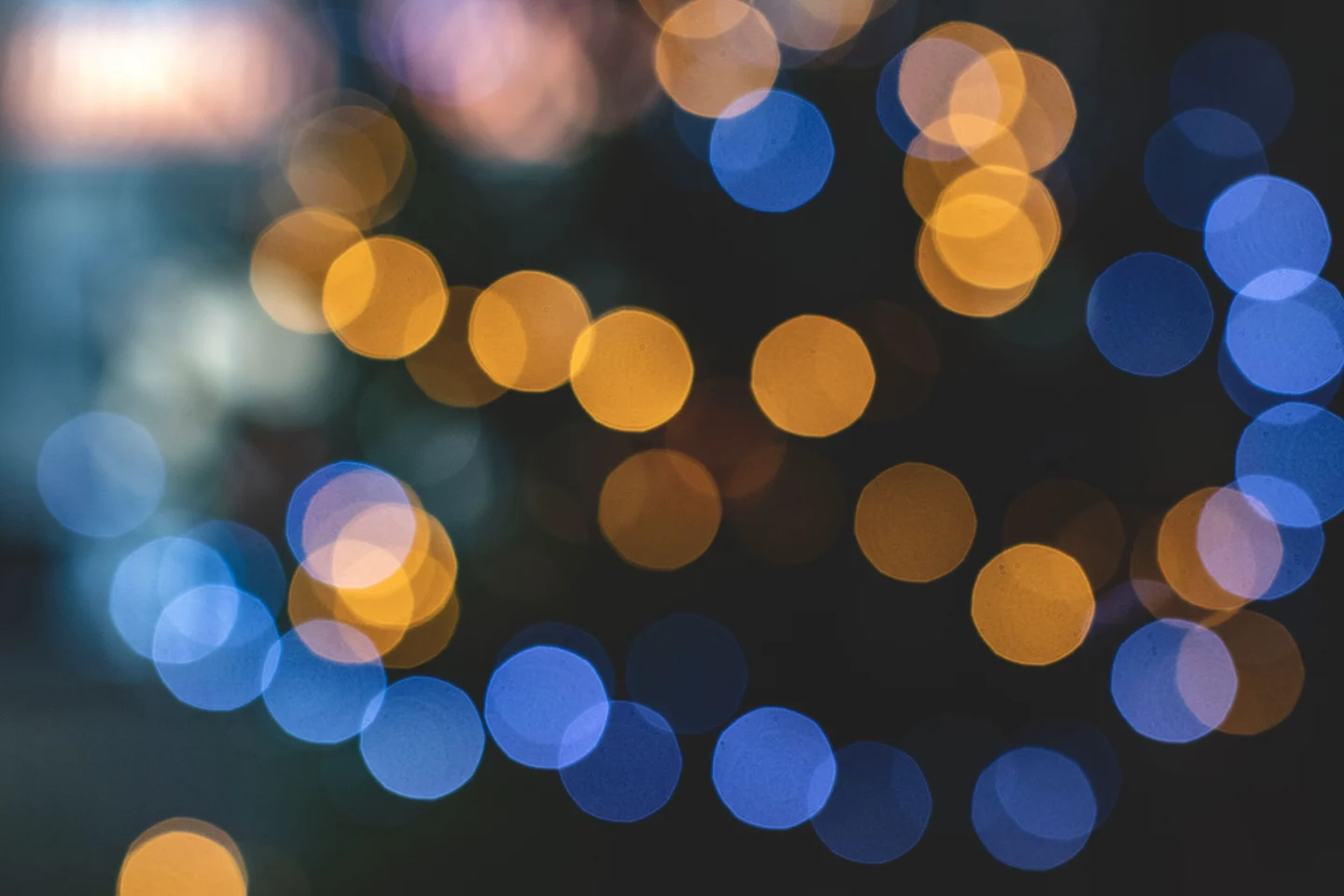
Only 3 of 6 bokeh types work in MJ; Flux/SDXL can't hear any of it — here are the LoRA fixes.
anamorphic bokeh and you get horizontal oval highlights with blue streak flares. Ask Flux.1 Dev the same thing and you get the same shallow DOF it puts on every portrait. Ask SDXL and f/1.4 produces identical depth-of-field to f/32. The gap between what these terms mean in photography and what they do in AI prompts is large, and it's not uniform across tools.creamy smooth bokeh, buttery background blur, featureless soft defocus. 1 Gemini3's guide, published April 2026, lists this as a core vocabulary term alongside shallow depth of field and f/1.4 aperture. Works in Midjourney; ignored in Flux and SDXL (see below).swirly bokeh, Helios 44-2 lens effect, vintage swirling background blur. 1 Midjourney trained on photography datasets recognizes the Helios 44-2 reference; Flux and SDXL do not respond to it.anamorphic lens flares, horizontal blue light streaks, heavy oval bokeh, wet asphalt reflecting neon signage, T-stop 2.0, shot on Panavision C-Series anamorphic lenses, 35mm anamorphic 2.39:1 aspect ratio. He adds: "'Panavision' and 'anamorphic' are powerful tokens that immediately change how the AI renders light 'blooms' and bokeh shapes." 2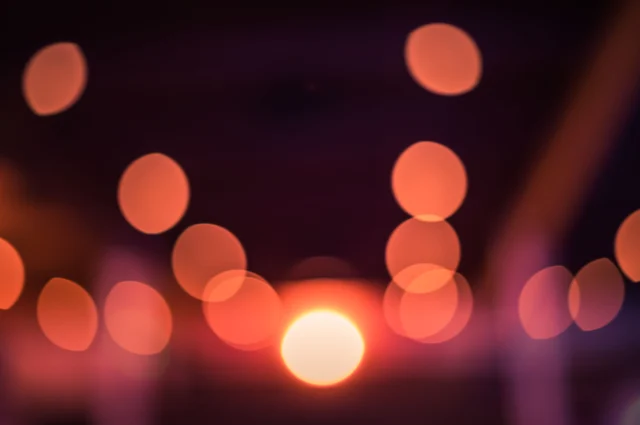
f/32 and f/1.4 produce the same DOF in Flux: those tokens never appeared in the training captions at all.creamy bokeh, swirly bokeh, or any other bokeh type term to a Flux or SDXL prompt doesn't select a bokeh style. It fires the model's general bokeh/DOF training — and both models already had that on full by default.Helios 44-2, anamorphic, and f/1.4 can actually shift rendering behavior.--raw with --stylize 50 or lower.--stylize (range 0–1000, default 100) controls how much artistic interpretation Midjourney applies on top of your prompt. At 100 (default), the model blends prompt fidelity with aesthetic judgment. At 300+, it can override your explicit instructions entirely. For photography-specific terms like bokeh type vocabulary, you want the model following your prompt literally, not layering its own stylistic choices on top. 8--raw turns off Midjourney's default aesthetic processing and produces output closer to the literal prompt. The MindStudio guide notes: "For photorealistic work in V8: Use 50–150 for --stylize. High stylize in photorealistic prompts often adds an artificial quality." 9 Blake Crosley's reference confirms: "Use --raw when literal prompt control matters." 8--stylize 150 as the upper end. At --stylize 100–150 with --raw active, specific lens terms like Sony 85mm f/1.4 render "shallow depth of field and bokeh exactly like that real lens." 10--exp (range 0–100, default 0) at values above 25 can override --stylize behavior. Keep --exp at 0–10 when using bokeh type vocabulary to avoid it conflicting with --stylize settings. 8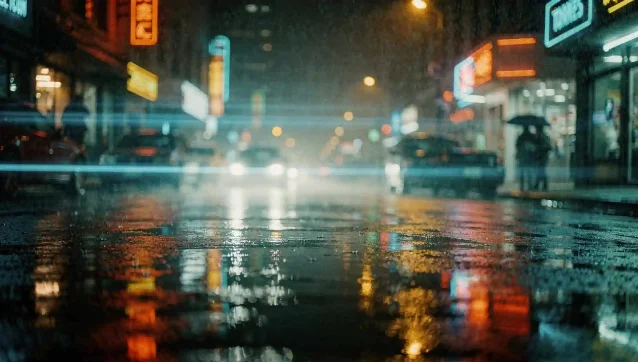
gopro fisheye selfie to the start of any prompt. 14 The mechanism: GoPro action cameras have small sensors and wide-angle lenses that produce large DOF by default. Flux's training data for "GoPro" images likely included many sharp-background frames, pulling the output toward that pattern.gopro fisheye selfie, [your actual prompt here]f/1.4 and f/32 render the same blurred background. Five independent community sources over a 2.5-year span confirmed this. 56 Adding bokeh or depth of field to the negative prompt reduces the effect somewhat but doesn't remove it.sharp background, weight 1.0. 11,000+ downloads. Author's honest assessment: "This LoRA aims at reducing or controlling the depth of field effect that's very strong in SDXL models. It doesn't work all the time." 16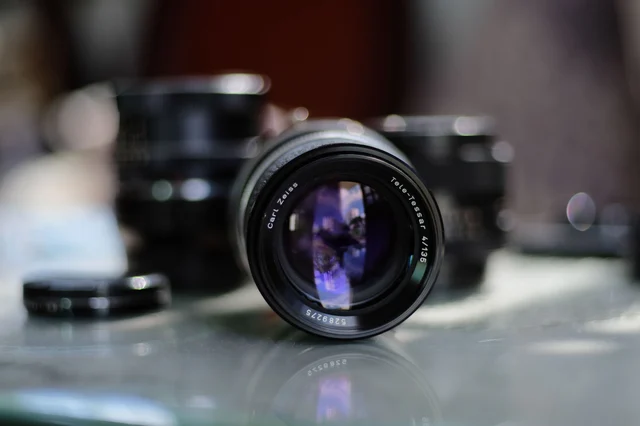
| Bokeh type | MJ V8.1 | Flux dev/schnell/Flux 2 | SDXL |
|---|---|---|---|
| Creamy | creamy smooth bokeh, buttery background blur, featureless soft defocus + --raw --s 50 | Prompt ignored — use AntiBlur LoRA (weight 1–3) or gopro fisheye selfie prefix | Prompt ignored — use Depth of Field Slider LoRA #2221096 |
| Swirly | swirly bokeh, Helios 44-2 lens effect, vintage swirling background blur + --raw --s 50 | Prompt ignored — AntiBlur or GoPro hack | Prompt ignored — no lens-name recognition |
| Anamorphic | anamorphic lens flares, horizontal blue light streaks, heavy oval bokeh, shot on Panavision C-Series anamorphic lenses, 35mm anamorphic 2.39:1 aspect ratio | For Flux: add Panavision C-Series for flare patterns; DOF itself unchanged without AntiBlur | No anamorphic-specific behavior confirmed |
| Hexagonal | hexagonal bokeh, 6-blade aperture bokeh, hexagonal light orbs (untested — no evidence it works) | Untested and unlikely to work | Untested and unlikely to work |
| Donut/Ring | mirror lens bokeh, donut-shaped bokeh, ring bokeh circles, catadioptric lens bokeh (untested) | Untested and unlikely to work | Untested and unlikely to work |
| Soap-bubble | soap bubble bokeh, Meyer-Optik Trioplan bokeh, bubble bokeh circles, Trioplan 100mm soap bubble effect (untested) | Untested and unlikely to work | Untested and unlikely to work |
--raw --stylize 50 + specific lens name (e.g. Sony 85mm f/1.4) for maximum prompt fidelity. Keep --exp at 0–10.gopro fisheye selfie at prompt start) as fallback with uncertain reliability.sharp background trigger). F-stop terms have zero effect. For controlled bokeh shape post-generation: ComfyUI Genfocus Refocus node (EricRollei, v0.1.2).gemini3prompt.com
blog.designhero.tv
blakecrosley.com
This story was produced automatically by a channel. One sentence is all it takes for Neodrop to keep producing for you.

