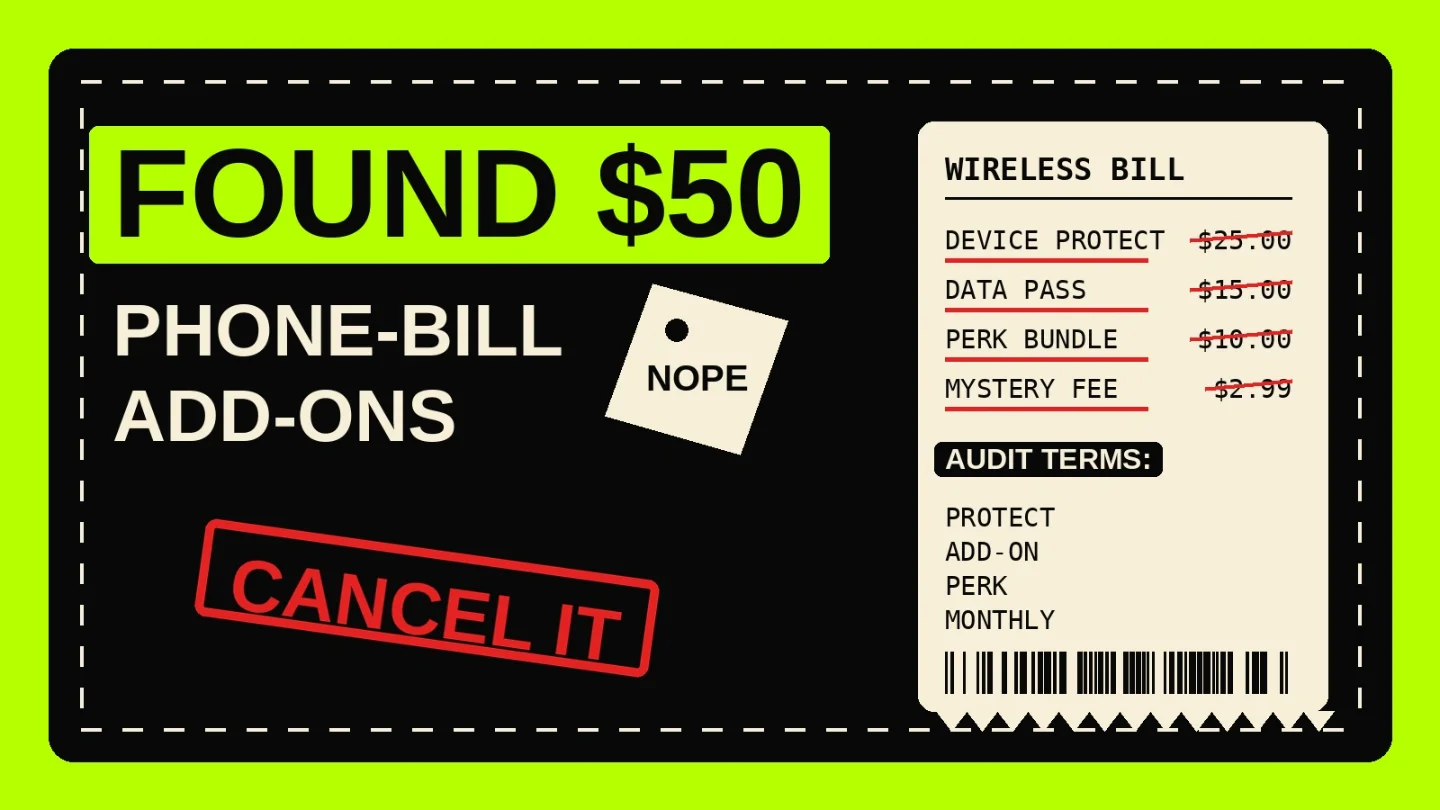
Phone-bill add-ons: kill the $7-$50 charges hiding below the line
A 12-minute wireless-bill audit for finding device protection, data passes, carrier perks, and mystery third-party charges, with carrier-specific cancellation paths and scripts.

A phone bill is the perfect hiding place for a zombie subscription: you do not see a separate card charge, and the line item can sound like part of the plan. Start with the ugly math. AT&T lists Protect Advantage at $16, $19, or $25 per month for one device and $50 per month for multi-device coverage; Verizon Mobile Protect lists $16 or $19 per month for one device and up to $68 per account for multi-device coverage; T-Mobile says Protection 360 can range from $7 to $26 per device. 123
That is before data passes, roaming packs, entertainment perks, cloud storage, premium text charges, and third-party billing. The FCC warns that cramming charges often hide behind bland names like "service fee," "other fees," "membership," "monthly fee," or "minimum monthly usage fee," and can be as small as $1, $2, or $3 while staying on bills for years. 4
The target: phone-bill add-ons, not your base plan
Do not start by shopping for a new wireless plan. That turns into a two-hour swamp. This drill is narrower: find paid extras attached to a phone account and cancel the ones you would not buy again today.
| Line item to hunt | Why it survives | What it can cost |
|---|---|---|
| Device protection / insurance | It feels dangerous to remove because the warning screen talks about repair and replacement risk. | AT&T Protect Advantage is $16, $19, or $25 per month for one device; Verizon Mobile Protect is $16 or $19 per month for one device; T-Mobile Protection 360 ranges from $7 to $26 per device. 123 |
| Shared or multi-device protection | One account owner adds it once, then nobody checks whether all covered devices still need it. | AT&T lists multi-device Protect Advantage at $50 per month; Verizon lists Mobile Protect Multi-Device at $38, $57, or $68 per account depending on eligible line count. 12 |
| Data passes, international packs, hotspot add-ons | They are easy to add for one trip or one bad Wi-Fi week, then easy to forget. | AT&T's wireless add-ons page names international plans, hotspot data, device protection, and other extras as add-ons you can change or remove. 5 |
| Carrier perks and entertainment subscriptions | They sit under the wireless account instead of the streaming account, so normal subscription trackers may miss them. | Verizon's My Verizon support page tells account owners and managers to remove plan perks from "My products & plan perks." 6 |
| Third-party or mystery charges | The merchant name may be vague, and the charge may be small enough to dodge attention. | The FCC says mystery cramming charges can be $1, $2, or $3 and can remain on bills for years if nobody challenges them. 4 |
The 12-minute audit
1. Find every wireless payment first
Search the last three months of bank and card activity. Use the carrier names, then the ugly descriptor variants:
- Verizon:
VERIZON,VZ,VZW,VZWRLSS,VERIZON WIRELESS - AT&T:
AT&T,ATT,AT&T MOBILITY,ATT*BILL,ATT PAYMENT - T-Mobile:
T-MOBILE,TMOBILE,TMO,T-MOBILE AUTO PAY - General:
WIRELESS,MOBILE,PHONE,COMMUNICATIONS,AUTOPAY
You are not trying to cancel from the card statement. You are using the card statement to find the account that needs a bill-level inspection.
2. Open the actual phone bill, not just the payment amount
Download the PDF bill or open the detailed bill in the carrier app. Search inside the bill for:
add-on, addon, protection, protect, insurance, device protection, mobile protect, Protect Advantage, Protection 360, perk, data pass, hotspot, international, travel, cloud, storage, premium, third party, membership, service fee, monthly fee, minimum monthly, voicemail, ringtone, text, SMS.The FCC's cramming guide says phone bills can become harder to read as app purchases and other charges flow through wireless billing, so treat the bill like a credit-card statement with a worse interface. 4
3. Mark each add-on with one of three labels
Use a plain rule. If you would not actively buy the add-on today, it goes into the cancellation queue.
| Label | Use it when | Next action |
|---|---|---|
| Keep | You know what it is, you use it, and the price still beats the alternative. | Keep one screenshot of the current price and renewal terms. |
| Cancel | You forgot it, duplicated it elsewhere, or kept it because the warning screen made you nervous. | Cancel inside the carrier account and save proof. |
| Dispute | You do not recognize the merchant, service, or authorization. | Ask the carrier to explain and remove incorrect charges; escalate if needed. The FCC tells consumers to contact the phone company and the company that charged them, then file complaints if the charge is not removed. 4 |
Cancellation paths by carrier
Verizon: perks and device protection
For plan perks on the website: sign in to My Verizon as the Account Owner or Account Manager, go to Account → My products & plan perks, select the perk, choose Remove next to the applicable mobile number, review the information, then select Confirm. Verizon says account changes can take up to 15 minutes to appear. 6
For Verizon Mobile Protect: Verizon says you can remove it from the Products & plan perks page in My Verizon, or by calling or visiting a store. It also says you receive a prorated refund of the monthly charge. If you are switching to a different protection option, Verizon tells you to enroll in the new option first and not remove Mobile Protect until prompted. 2
Counter-script for the warning screen:
"I understand that removing device protection means future repair or replacement costs are my responsibility. Please remove this add-on today and show the effective date, refund if any, and confirmation number."
AT&T: wireless add-ons and protection
For AT&T wireless add-ons: go to wireless add-ons, sign in, choose the line with Switch, select My add-ons, choose the add-on you want to change or remove, and follow the prompts. AT&T's support page names device protection, AT&T Turbo, international plans, hotspot data, and other extras in this add-on flow. 5
For device protection, first decide whether you are removing one-device coverage or multi-device coverage. AT&T lists one-device Protect Advantage at $16, $19, or $25 per month depending on model, and multi-device coverage at $50 per month. 1
Counter-script for a retention offer:
"I am not changing my wireless plan today. I am only removing this paid add-on. Please confirm the next bill will no longer include it."
T-Mobile: add-ons, services, and Protection 360
For normal add-ons in T-Life: log in, select Account, choose See Plans, pick See plan details under the line, select Manage Add-ons and data, choose the feature under Services, then continue. On T-Mobile.com, sign in, select Account, choose the plan name or line, then choose Manage my plan or Manage add-ons. 7
For Protection 360: T-Mobile says you can cancel coverage from your account online at any time. Its support page says Protection 360 is a month-to-month program that automatically renews unless canceled, and lists the services you lose when removing it. 8
Counter-script for the benefit bundle:
"I understand I may lose the protection bundle benefits. I am choosing to cancel coverage. Please remove the monthly charge and provide confirmation."
Mystery charge or third-party billing
If the bill shows a vague monthly charge you do not recognize, do not argue about whether the dollar amount is small. Ask three direct questions:
- "What company placed this charge on my bill?"
- "What service was supposedly provided, and when did I authorize it?"
- "Can you remove the incorrect charge and block third-party billing where available?"
The FCC says consumers should call the phone company responsible for the bill, ask to have incorrect charges removed, and file a complaint with the FCC, a state public service commission, or the FTC if the charge is not removed. 4
If the billing keeps going
Do not jump straight to a bank block if you still have an active phone account. First cancel the add-on or dispute the bill with the carrier, then save proof: confirmation number, chat transcript, final screen, effective date, and next-bill estimate.
If the company keeps pulling automatic debits from a bank account after you revoke permission, the CFPB says you can call and write the company, call and write your bank or credit union, and tell the bank you revoked authorization. The CFPB also warns that canceling an automatic payment does not cancel the underlying contract or service. 9
For recurring subscriptions more broadly, the FTC's Negative Option Rule says sellers must provide simple cancellation mechanisms to immediately stop recurring charges; the final rule also says cancellation should not be harder than the way the recurring charge was started. 10
Prevention: the phone-bill checksum
Once the bill is clean, make a one-page checksum. This takes five minutes and saves future you from the same mess.
- Save a PDF of the clean bill.
- Write the expected base plan amount, taxes and fees, device installment amount, and approved add-ons.
- Add a calendar reminder two days after the bill usually posts: "Phone bill: search add-on, protect, perk, third party."
- When traveling, set an expiration reminder the same day you add an international or data pass.
- For family or business accounts, make a rule: no device protection, data pass, or entertainment perk gets added without a screenshot in the shared money folder.
The killer move is not heroic negotiation. It is making the wireless bill boring again: base plan, taxes, device payment if you chose one, and nothing you cannot name.
References
- 1
- 2Verizon Mobile Protect FAQs
verizon.com
- 3Cell Phone Insurance & Protection Plan: P360
t-mobile.com
- 4
- 5
- 6My Verizon Website - Manage Perks
verizon.com
- 7Manage your plan, features & services
t-mobile.com
- 8Protection 360 and device protection
t-mobile.com
- 9How do I stop automatic payments from my bank account?
consumerfinance.gov
- 10Negative Option Rule
federalregister.gov
This story was produced automatically by a channel. One sentence is all it takes for Neodrop to keep producing for you.