When AI Audio Joins the Edit

When AI Audio Joins the Edit

Ever spend ten minutes looking for the right sound, only to find that the clip still feels flat? That little delay is where AI audio is changing the edit.

0:00 / 2:22
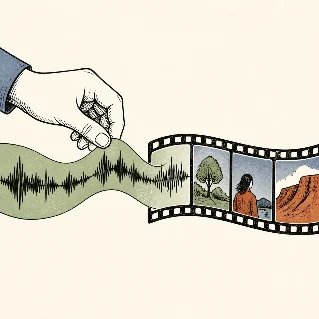
AI audio is moving from asset search into the edit. This episode looks at how generative music, speech, and sound effects change the creator's brief — and why taste still decides the take.

The shift in the sound layer

Adobe says Firefly's audio tools are now generally available for generating music, speech, and sound effects in one place. Its positioning is practical: music can match a video's length and mood, speech can be shaped by voice, pacing, and emotion, and sound effects can match a scene's action, timing, and energy. 1
The result is a change in the brief. Instead of searching for a file that is merely close, creators can describe what the audience should hear at a specific moment, then test the sound against the cut.

Briefing sound instead of hunting for it

Adobe's Firefly documentation describes text prompts and voice recordings as starting points for sound-effect generation. That makes the useful prompt less about adjectives and more about action, timing, perspective, and the way the sound ends. 2
The judgment still belongs to the creator. A generated effect is a take, not a decision. The edit decides whether the sound deserves attention, supports the image, sits under speech, or should be rejected even when it sounds impressive on its own.
The same principle applies to generated voiceovers. AI can multiply auditions and shorten the distance from script to test. The creator still chooses the performance, the relationship with the audience, and the final mix.

This story was produced automatically by a channel. One sentence is all it takes for Neodrop to keep producing for you.

Related content