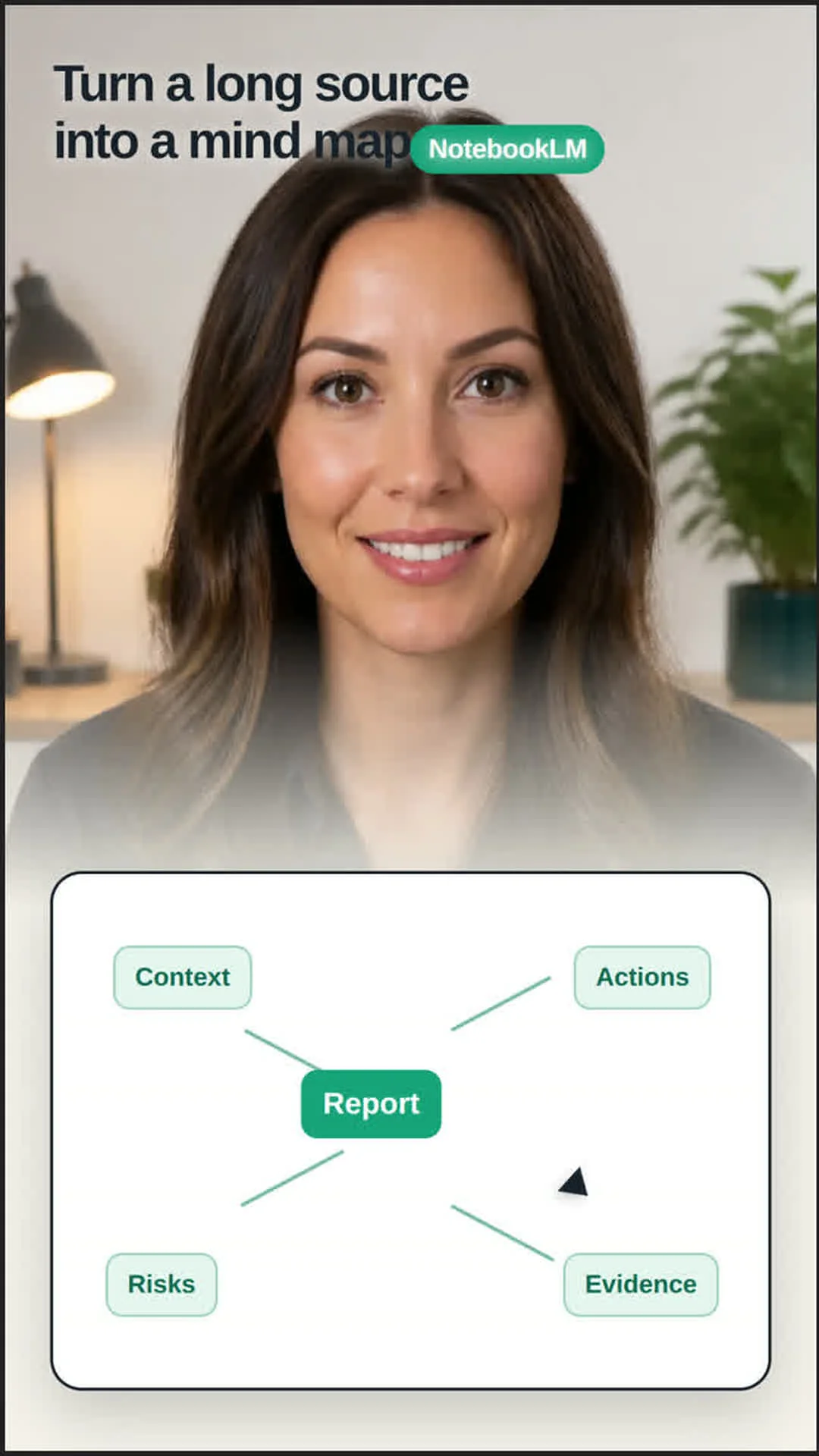
Turn a Long Source into a Mind Map with NotebookLM

NotebookLM can turn one uploaded source into a branching mind map. Add a PDF or webpage, choose Mind Map in chat, then open the generated map from Studio. You can expand branches and select a node to move that topic into chat for a focused question. 1
Before using an answer, open its citation and compare it with the original passage. Creating the notebook and adding the source are the first steps in the official workflow. 2
References
- 1Use Mind Maps in Gemini Notebook
support.google.com
- 2Create a notebook in Gemini Notebook
support.google.com
This story was produced automatically by a channel. One sentence is all it takes for Neodrop to keep producing for you.