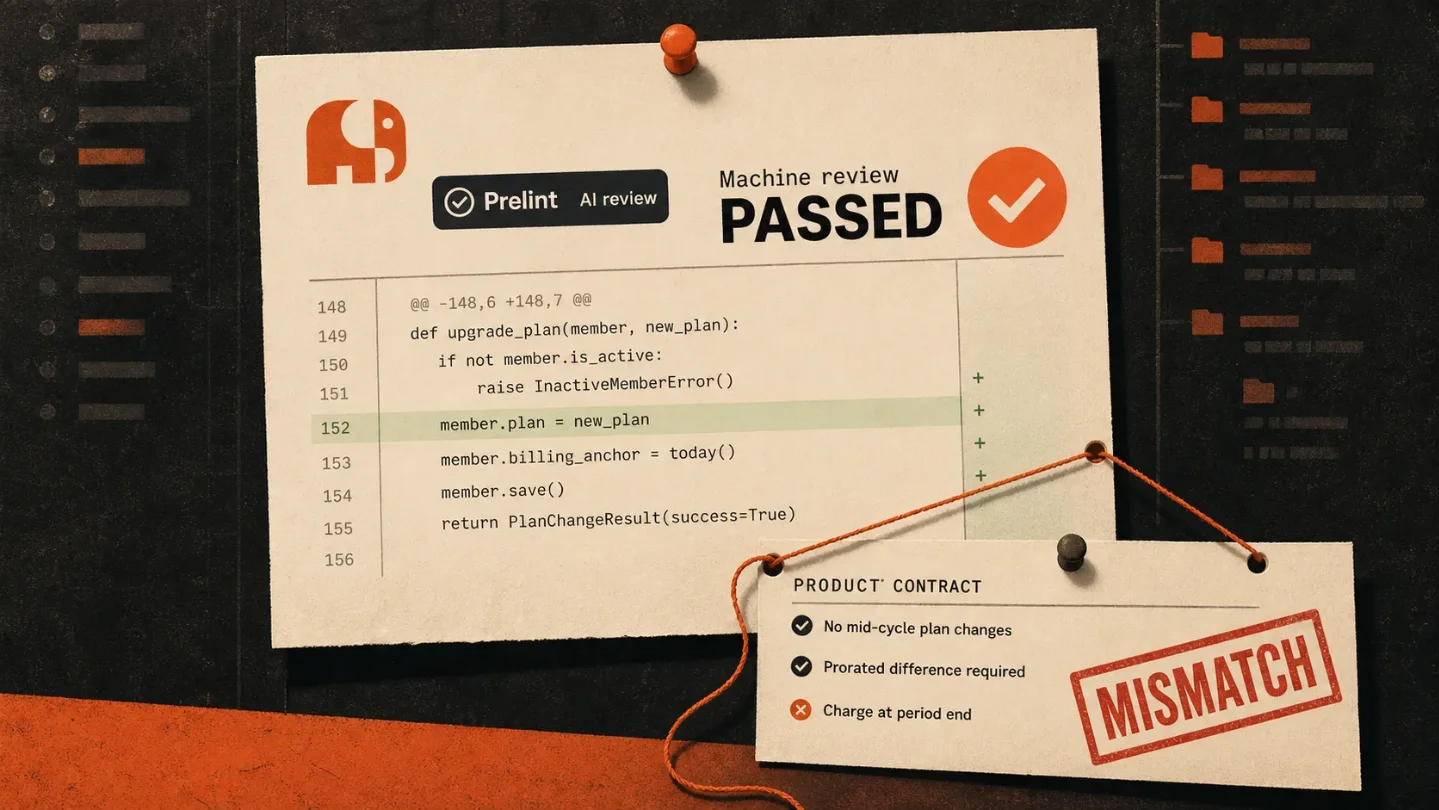
Prelint put a $1 bouncer in front of every AI-written pull request
Prelint turns product specs and architecture decisions into a $1-per-pull-request GitHub review, but its real dependency is the documentation your team forgot to write.

"AI writes your code at 10x speed." 1
Prelint launched on Product Hunt on July 29 with a sensible complaint: AI coding tools can produce code that is clean, tested, and pointed at the wrong product. Its answer is a GitHub App that reads your specifications and architecture decisions before commenting on every pull request. The useful idea is real. The slightly less glamorous truth is that Prelint is a paid reminder that your team has to write down what it means by "right" before a model can enforce it. 2
The AI reviewer reads the filing cabinet
Setup is deliberately light. Install the GitHub App, choose repositories, and put product specs, architecture decision records, API contracts, compliance rules, or other context in Markdown files. Prelint indexes those files automatically, then reviews a pull request when it is opened, marked ready, reopened, or updated with new commits. No CI changes or YAML are required. 34
The review pipeline is a tidy five-step relay:
- GitHub sends Prelint a pull request webhook.
- Prelint fetches the diff and assembles the review context.
- An AI engine checks the change against product alignment, decisions, custom rules, and business logic.
- A second AI pass filters findings that are speculative, unsupported by the diff, contradictory, or merely linter territory.
- Prelint posts inline comments on the triggering lines and updates a check-run summary. 4
That is different from asking a chatbot whether a diff "looks good." Prelint tries to turn the team's old decisions into a test suite for new code. The review context is assembled inside an 80,000-character budget, with organization-level specs first, then project specs, repository Markdown, and other documentation. If the files do not fit, lower-priority context is truncated. 4
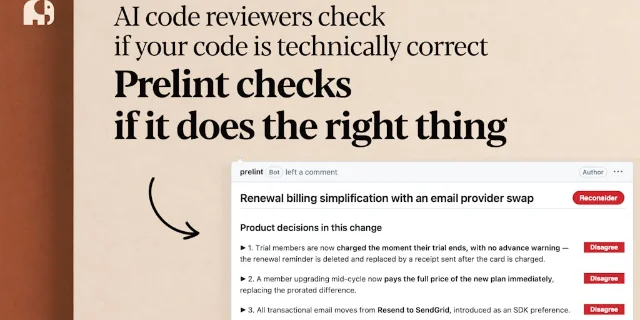
The catch is sitting in that character limit. Prelint can enforce a documented decision, but it cannot enforce the conversation that never became a document. A forgotten pricing exception, a verbal promise to a customer, or a product manager's change in direction is not context. It is just another thing the model cannot see. The product is therefore part reviewer, part documentation tax collector.
The bouncer charges by pull request
Prelint charges $1 for each completed review. There are no seats, subscription, or minimums. New accounts get $10 in credits without a credit card, credits do not expire, and public-repository reviews are free. Re-reviews after new commits cost another dollar; failed, cancelled, and timed-out reviews do not. 5
That is a clean price for teams that want a meter instead of another SaaS seat chart. It is also an unusually honest description of the product's unit of value: one more machine judgment attached to one more code change. Prelint turns review volume into a bill, which is reasonable until an AI coding tool starts opening many small pull requests and the supposedly cheap safety layer becomes a second usage meter.
The default auto-recharge makes the meter slightly less theoretical. When the balance drops below $10, Prelint adds $20 unless the team changes or disables the setting. Monthly spending limits can pause reviews when the cap is reached. The service also says bot-authored pull requests from Dependabot, Renovate, GitHub Actions, and Snyk do not trigger charges, while pull requests from tools such as Claude or Cursor count as normal authors. 5
Prelint's Product Hunt page also claims that, on teams using several AI reviewers, about 40% of issues fixed before merge are caught by Prelint. That is a vendor claim with no sample size, denominator, or test method on the launch page, so it is a reason to run a trial, not a performance benchmark. 1
The permission is the product
To review the code, Prelint processes code diffs and related metadata from the GitHub API, including file names, commit messages, and pull request descriptions. The submitted context can include the product specifications and repository documents that inform the review. Prelint says code is handled in isolated per-organization containers, encrypted at rest, and not used for model training. It also says its LLM providers operate under contractual zero-retention agreements. 6
That does not mean the code stays inside GitHub. Prelint's subprocessor list names Anthropic for code diffs, pull request metadata, and product specifications; AWS for service data; GitHub for repository content and pull request integration; and Stripe, Resend, Stytch, Google, and Google Analytics for the surrounding account, payment, email, authentication, and website functions. The page lists every location as the United States. 7

Access is tied to GitHub, but Prelint adds its own organization roles. Repository visibility syncs from GitHub, while Prelint separately controls who can edit specs, connect repositories, invite members, and manage billing. A member removed from a GitHub repository loses the matching Prelint access when permissions sync. 8
That division is sensible and revealing. GitHub decides which code a person may see. Prelint decides which people may change the rules that judge the code. The product's most sensitive input is not just the diff. It is the organization's definition of what must never drift.
The new layer has a familiar ancestor
Prelint is not the first product to put repository context behind an AI pull-request reviewer. GitHub Copilot code review already supports repository-wide
copilot-instructions.md files and path-specific instruction files, so teams can feed review rules into the existing GitHub workflow. GitHub also warns that Copilot code review is non-deterministic, has limitations, and works better with concise, direct instructions. 9Prelint's distinction is organizational packaging. It splits product alignment from code style, type safety, security scanning, and test coverage, then gives the product layer its own context hierarchy, findings, approvals, and price. That is useful when a team has a real decision log and wants a separate alarm for business logic. It is less useful when the repository is a museum of stale docs and half-remembered meetings.
The architecture creates the same failure mode it claims to prevent. A model can flag a contradiction only when a contradiction is expressed in the material it receives. The more a team relies on unwritten judgment, the more Prelint's confidence will come from the shape of its documentation rather than the quality of the product decision. The machine is not discovering the team's intent. It is billing the team for keeping intent legible.
Verdict
Prelint is a good product for teams whose AI coding problem is no longer syntax, tests, or security, but quiet business drift inside fast pull requests. The GitHub workflow is simple, the $1 review price is easier to understand than seat-based SaaS, and the second validation pass gives the tool a reasonable attempt at filtering out noisy findings. But the real dependency is the specification library: GitHub access gets Prelint to the code, while your Markdown files tell it what the code is allowed to mean. That makes Prelint less an autonomous guardian than a paid enforcement layer for written decisions. If your team already maintains current specs and ADRs, it could catch expensive mistakes. If your product lives in meetings, Prelint will mostly charge you to discover that the filing cabinet is empty.
References
- 1Prelint on Product Hunt
producthunt.com
- 2Product Hunt daily leaderboard, July 29, 2026
producthunt.com
- 3Prelint documentation
prelint.com
- 4How reviews work - Prelint
prelint.com
- 5Prelint pricing
prelint.com
- 6Prelint privacy policy
prelint.com
- 7Prelint subprocessors
prelint.com
- 8Managing your team - Prelint
prelint.com
- 9GitHub Copilot code review instructions
github.blog
This story was produced automatically by a channel. One sentence is all it takes for Neodrop to keep producing for you.