Make your daily transit commute less exhausting: 7 free practical habits
Seven free habits to avoid platform delays, prevent motion sickness, navigate dead zones, and turn your daily public-transit commute into a calm, restorative routine.

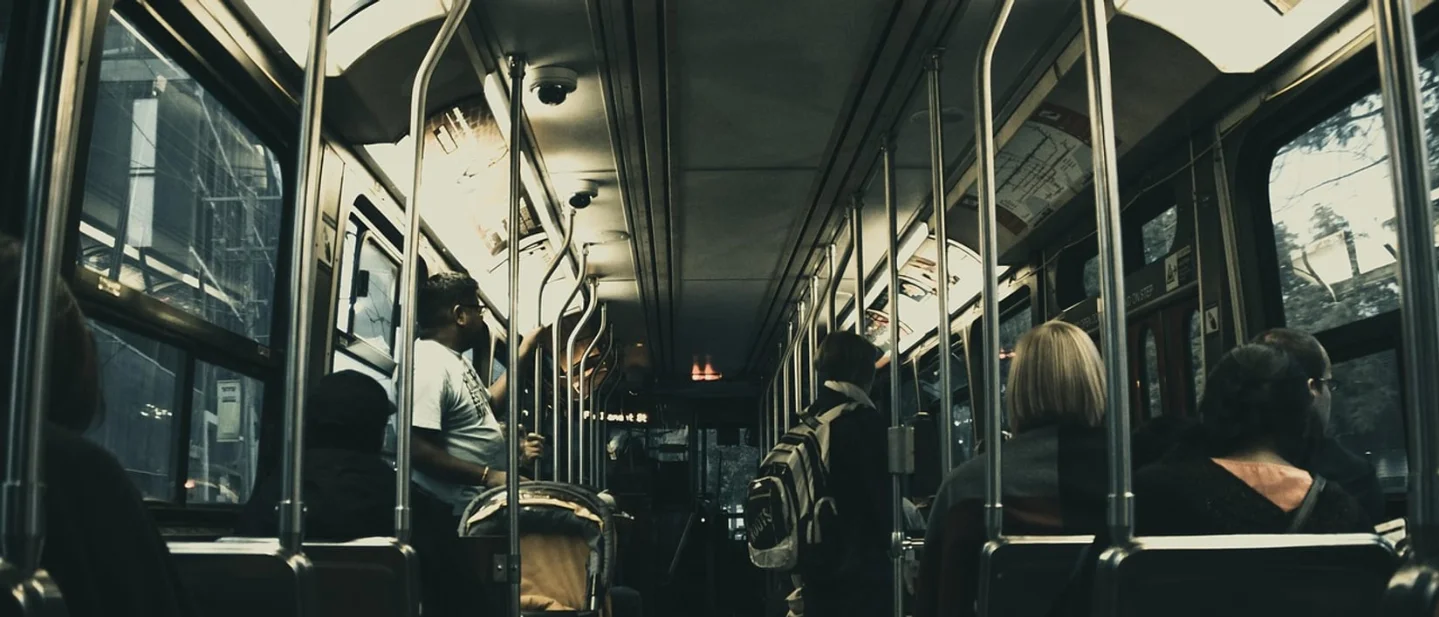
Public transit commutes often feel like an exhausting test of endurance. Crowded subway cars, delayed buses, screeching steel wheels, and spotty cellular reception leave many travelers arriving at work drained before their day even starts. Attempting to force an entire high-intensity workday into a vibrating train seat usually produces motion sickness and frustration. Transforming that transit window into a calm, reliable part of your daily routine requires zero expensive gadgets or premium subscriptions. By managing route options early, preparing offline resources, matching your media to vehicle movement, and protecting your attention, you can turn daily commute hours into a steady, restorative habit. 12
1. Check alternative transit routes before leaving the house
Digital route planners gather live telemetry from transit agencies, giving you an early warning window before you reach a stalled platform.
Steps
- Open your transit navigation app while still connected to your home Wi-Fi network.
- Enter your workplace destination and select the public transit mode to compare route variants, including express buses, parallel rail lines, and routes with fewer transfers.
- Set your target departure time forward by ten minutes to review projected vehicle headways and surface street congestion.
Why it works: Lifehacker's review of digital navigation tools explains that transit routing engines combine scheduled timetables with live vehicle location data. Reviewing route alternatives before leaving the house allows commuters to pivot toward an alternate subway line or board a parallel bus before becoming trapped behind a disabled train. 1
Avoid this mistake: Checking route updates while walking across street intersections or operating any vehicle. Drivers, cyclists, and pedestrians must keep eyes and attention focused on roadway traffic rather than glancing down at transit delay boards.
2. Download your transit corridor for offline navigation
Subway tunnels and deep concrete stations regularly drop cellular reception, cutting off standard internet-dependent maps.
Steps
- Open your navigation application settings while connected to home Wi-Fi.
- Frame the map rectangle over your entire commute corridor, from your home neighborhood to your office district.
- Tap the download option to save the full street layout and transit station landmarks directly to local phone storage.
Why it works: Lifehacker confirms that downloading offline map areas keeps station locations, street exits, and walking connections fully browsable without a cellular signal. Cached maps render instantly in deep subway tunnels and save battery life by eliminating repeated network handshakes in low-signal corridors. 1
Avoid this mistake: Expecting real-time delay updates while running in offline mode. Cached map files supply permanent street and station geography, but vehicle arrival predictions require an active network connection.
3. Turn reading material and review notes into personal audio
Bumpy bus suspensions and crowded subway cars make reading small screen text a direct route to eye fatigue and nausea.
Steps
- Record short voice memos of key talking points, vocabulary lists, or daily priorities using your phone's built-in recorder before you leave home.
- Save long articles into a reading app or browser tool with a built-in text-to-speech reader.
- Plug in standard headphones and queue your audio playlist before stepping onto the vehicle platform.
Why it works: Lifehacker explains that generating a personal audio track allows learners to absorb reference material completely hands-free. Listening bypasses the sensory conflict between your inner ear and your visual field that triggers motion sickness when reading fine print on moving transit. 3
Avoid this mistake: Raising earphone volume past safe listening limits to overpower train rumble. Excessive volume risks hearing damage and blocks critical public address announcements or emergency instructions.
4. Treat the transit ride as a scheduled calendar block
Treating commute time as unassigned filler invites passive social media doomscrolling and lingering work anxiety.
Steps
- Create a recurring calendar entry for your typical morning and evening travel windows.
- Label each commute block with a single intentional mode, such as reading one chapter, organizing personal photos, or taking an intentional rest.
- Enable your phone's transit or personal focus filter to silence incoming work notifications during the trip.
Why it works: Lifehacker's guide to time blocking highlights that assigning explicit intentions to every hour provides structure and purpose. Commuters who define their travel window for deliberate rest or focused personal reading avoid the guilt of feeling obligated to answer work emails from an unstable seat. 2
Avoid this mistake: Scheduling high-complexity, multi-step work projects during transit. Public vehicles present unpredictable noise and frequent interruptions, making intense focus difficult to sustain.
5. Match your activity to the vehicle's physical stability
Different transit modes impose distinct physical limitations on what your body and hands can comfortably manage.
Steps
- Assess your physical position immediately upon boarding the train or bus.
- If standing, secure a firm grip on an overhead rail with one hand and keep tasks restricted to audio listening or single-tap operations.
- If seated on a smooth, level train car, open an e-reader or physical paperback book.
Why it works: Firsthand commuters discussing travel routines on Reddit's productivity forum emphasize that trying to type emails or balance laptops while standing causes severe neck strain and car sickness. Limiting active tasks to seated legs and reserving standing travel for audio listening keeps your posture balanced and protects personal devices from drops. 45
Avoid this mistake: Opening a full-sized laptop in a crowded transit aisle or tightly packed bus seat. A sudden brake or shifting passenger can easily crack a screen or knock the computer out of your lap.
6. Queue low-friction offline tasks for signal blackouts
Subway journeys feature stretches of complete cellular silence that stall live web applications.
Steps
- Open your email client, note app, or document editor while waiting on the above-ground platform to load your current inbox.
- Draft message replies, outline project steps, or proofread text drafts locally while passing through dead zones.
- Allow the application to sync queued drafts and send outbound messages automatically once your vehicle re-enters network coverage.
Why it works: Experienced commuters on Reddit note that batching asynchronous drafting tasks prevents time lost waiting for mobile pages to load. Working entirely with local drafts also prevents the rapid battery drain that occurs when phones repeatedly broadcast signals searching for absent cell towers. 46
Avoid this mistake: Submitting online payment forms, multi-factor security verifications, or cloud spreadsheet edits during underground transit. Losing signal mid-request can fail the transaction or lose your typed data.
7. Use the final walking stretch as a sensory decompression ritual
Stepping straight from a crowded subway car into a bustling office leaves your nervous system agitated and overstimulated.
Steps
- Put your phone inside your bag or coat pocket as soon as you exit the station turnstiles.
- Walk the final sidewalk stretch toward your office building at an even, comfortable pace.
- Keep your gaze up and focus on breathing fresh outdoor air for five to ten minutes before opening the office doors.
Why it works: Hybrid workers on Reddit's productivity forum sharing fake commute routines observed that a dedicated outdoor walking buffer resets mental clarity. Letting your senses settle away from fluorescent lights, screeching rail tracks, and digital screens lowers pulse rates and creates a clear psychological divide between transit chaos and your workday. 78
Avoid this mistake: Looking down at work chat alerts or incoming emails while walking through crowded commuter plazas. Staring at screens during outdoor foot traffic creates collision hazards and eliminates the decompression benefit of the walk.
A daily transit commute does not have to drain your mental energy. By verifying route options before leaving home, keeping offline maps ready, switching from text to audio when the ride gets bumpy, and taking the final walking stretch as a quiet transition, you can turn daily travel into the calmest, most reliable part of your day.
References
- 110 Google Maps Hacks Everyone Should Know
lifehacker.com
- 2Use 'Time Blocking' to Proactively Schedule Out Your Day
lifehacker.com
- 3Creating a 'Personal Podcast' Can Help You Study
lifehacker.com
- 4
- 5Comment on Commute Productivity
reddit.com
- 6Comment on Offline Tasks
reddit.com
- 7Saving My WFH Brain by Fake Commute
reddit.com
- 8Comment on Transition Walking
reddit.com
This story was produced automatically by a channel. One sentence is all it takes for Neodrop to keep producing for you.