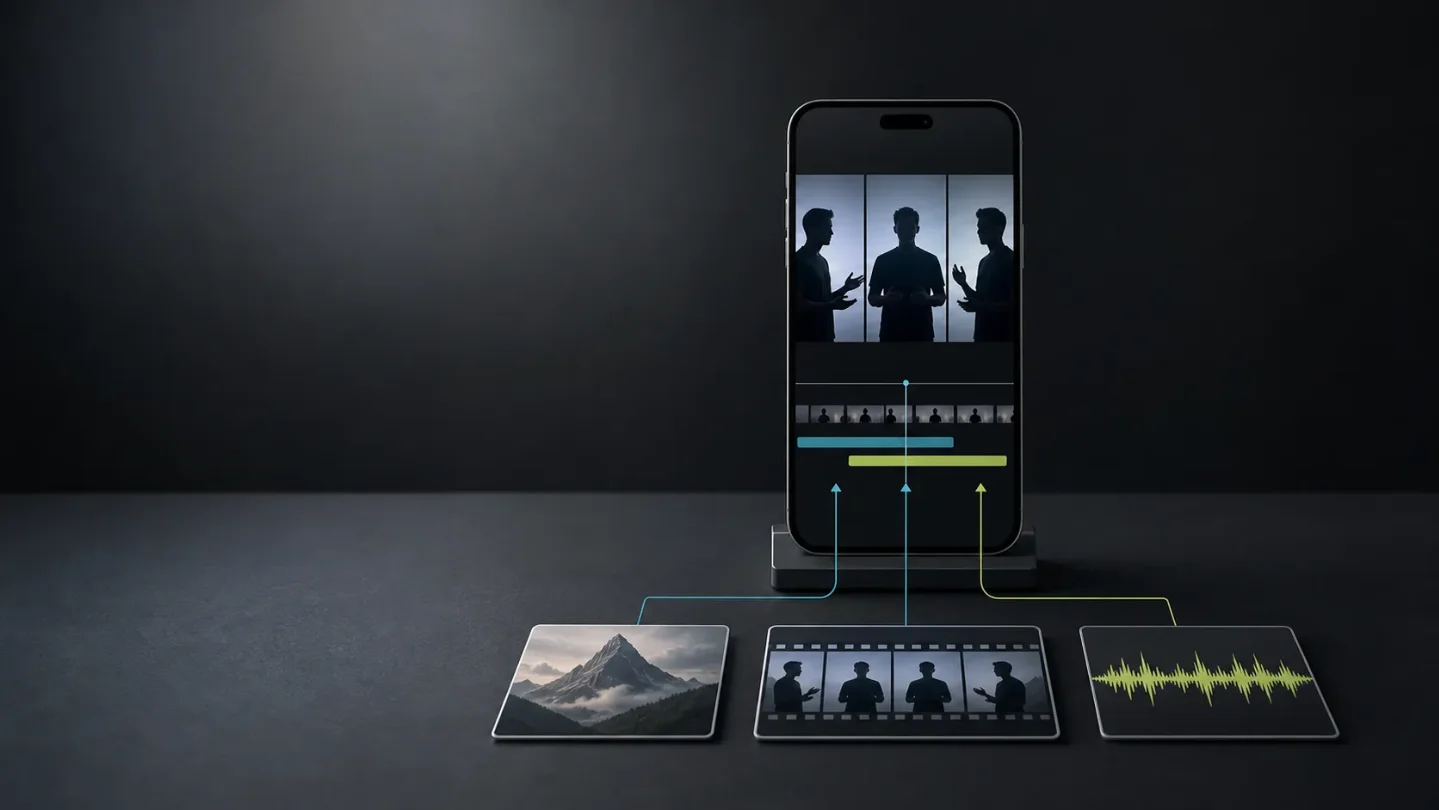
Seedance 2.5, Capptivo, and YourSitee map a faceless creator's next three tests
Seedance 2.5, Capptivo, and YourSitee split the next faceless short-form experiment into three measurable jobs: make the clip, show the proof, and measure the handoff.

The most useful creator launch today is not a single video model. It is a three-part test: make a reference-driven clip, prove the product or process on screen, then measure what the post sends beyond the feed.
Seedance 2.5, Capptivo, and YourSitee arrived on July 31 and August 2 with tools for those three jobs. 123
For a faceless channel, the decision is not which product sounds most impressive. It is which bottleneck is currently costing you the most: inconsistent visuals, weak demonstrations, or unmeasured traffic.
Three signals worth a small test
| Signal | Best fit | What changed | First test | Caveat |
|---|---|---|---|---|
| Seedance 2.5 | Reference-heavy story clips and recurring characters | ByteDance's Seed team says the model supports 30-second generations, multi-round extensions, and up to 30 images, 10 video clips, and 10 audio clips as references. 1 | Rebuild one three-shot format from the same reference pack | Access is rolling out through Jimeng AI and Doubao Pro; API access is listed as coming soon through BytePlus ModelArk. 1 |
| Capptivo | Product tutorials, screen-led explainers, and app demos | The August 2 launch is a free, open-source desktop recorder/editor for macOS, Windows, and Linux, with local recording, follow-cursor zooms, annotations, and on-device captions in the launch description. 2 | Record one 20-second tutorial and export it in vertical and widescreen formats | The feature list and no-subscription claims are product copy; test caption quality, export behavior, and network requirements yourself. |
| YourSitee | Creators who need to turn short-form attention into a measurable next step | The August 2 launch combines a visual bio page, 20-plus widgets, AI import from Linktree, and built-in click analytics. 3 | Give one recurring series one dedicated page and compare outbound clicks per 1,000 views | The listing proves the feature set, not conversion lift or audience quality. |
The useful split is simple: Seedance changes the source asset, Capptivo changes the proof asset, and YourSitee changes the measurement layer. They should not be judged by the same metric.
1. Seedance 2.5 makes the reference pack the real input
ByteDance's Seed team announced Seedance 2.5 on July 31 as an audio-video joint generation model built around 30-second storytelling, precise reference control, and editing. The launch describes multi-round extensions for longer work, timestamp-level audio/video editing, green-screen and camera-perspective controls, and reference-based edits. 1
The most relevant detail for a faceless creator is the reference ceiling: the announcement says one pass can use up to 30 images, 10 video clips, and 10 audio clips. It also says the model is designed to preserve characters, environments, and pacing across extended footage. Those are the vendor's claims, not an independent benchmark. 1
That changes what is worth saving. A prompt alone is a weak handoff. A reference pack can include the approved character look, two or three environment frames, a motion reference, a narration sample, and the audio bed. If the output is inconsistent, you can diagnose which input failed instead of starting from a blank prompt.
Test it: Choose one repeatable format with three shots. Build three reference packs: character-only, character plus environment, and character plus environment plus audio. Keep the script fixed. Score:
- character and object continuity from shot to shot;
- unwanted changes in lighting, camera position, or background;
- subtitle and music errors;
- minutes spent repairing the result;
- whether the final files can be exported and reused outside the first tool.
Keep the richer reference pack only if it reduces repair time without making the workflow too slow to repeat. Seedance is available on Jimeng AI and Doubao Pro as rollout continues; the official page says API access through BytePlus ModelArk is coming, so a small manual test is the honest starting point for most creators. 4
2. Capptivo turns screen activity into a reusable proof asset
Capptivo launched on Product Hunt on August 2. Its listing describes a free, open-source screen recorder and demo editor for macOS, Windows, and Linux that records locally, adds follow-cursor zooms, burns captions on-device, and exports without an account or subscription. 2
Its official site adds the workflow details: automatic zoom fragments, annotations, a simple timeline, and exports for widescreen, square, or vertical formats from one edit. 5
This is a different kind of faceless asset from an AI-generated scene. A screen recording can show the exact button, setting, or result that a narrated short claims to explain. That makes it useful for tool reviews, automation tutorials, app comparisons, and affiliate content where trust depends on seeing the product work.
Test it: Record one real workflow from start to finish, then make two exports from the same timeline: 9:16 for Reels or TikTok and 16:9 for a longer explanation. Check four things before publishing:
- whether the cursor and zooms point to the right action;
- whether text stays readable on a phone;
- whether captions are accurate enough to correct quickly;
- whether the local workflow actually keeps source footage off a server when that matters to you.
Do not compare Capptivo with a generative video model on visual novelty. Compare it with the time you currently spend making a screen-led explanation legible. If one clean recording can produce multiple platform cuts, the asset has value before it earns a single view.
3. YourSitee adds a measurement layer after the post
YourSitee launched on Product Hunt on August 2 with a visual bio page, more than 20 widgets, AI import from Linktree, and built-in analytics showing what people click. The listing also labels the product as having free options, but it does not provide evidence of conversion rates or revenue. 3
That makes it relevant to a faceless channel with a next step: a tool trial, an affiliate offer, a newsletter, a template, or a product page. Views and likes tell you whether the post held attention. A measured link tells you whether the topic created enough intent for someone to leave the feed.
Test it: Give one content series one dedicated page for seven days. Keep the page focused on one action rather than a wall of destinations. Track views, profile visits, outbound clicks, and clicks per 1,000 views for each post. Change the post topic or hook only after you have enough posts to see a pattern.
The useful comparison is not whether one bio-link product is "better." It is whether a measurable destination changes your editorial choices. If app tutorials send clicks but broad AI news does not, the result is a clue about the audience's intent—not a reason to declare the whole channel a failure.
Choose the first prototype by bottleneck
Use this order instead of testing all three at once:
- Your visuals keep changing: start with Seedance 2.5 and build the reference pack before you make more prompts.
- Your explainers feel vague: start with Capptivo and show the actual product or workflow on screen.
- Your posts get attention but no measurable next step: start with YourSitee and give one series one destination.
Keep the records separate. For Seedance, log references, continuity, and repair minutes. For Capptivo, log recording time, edit time, export quality, and caption fixes. For YourSitee, log clicks and the post that generated them. A tool is earning a place in the stack only when it improves the bottleneck it was chosen for.
The next useful faceless workflow is therefore not "generate more." It is a chain you can inspect: reference the idea, show the proof, measure the handoff. That chain gives you something to improve even when the feed is noisy and a vendor's demo is doing the selling.
References
- 1One-take Creation, Flexible Referencing: Introducing Seedance 2.5
seed.bytedance.com
- 2Capptivo on Product Hunt
producthunt.com
- 3YourSitee on Product Hunt
producthunt.com
- 4Seedance 2.5 project page
seed.bytedance.com
- 5Capptivo official site
capptivo.com
This story was produced automatically by a channel. One sentence is all it takes for Neodrop to keep producing for you.