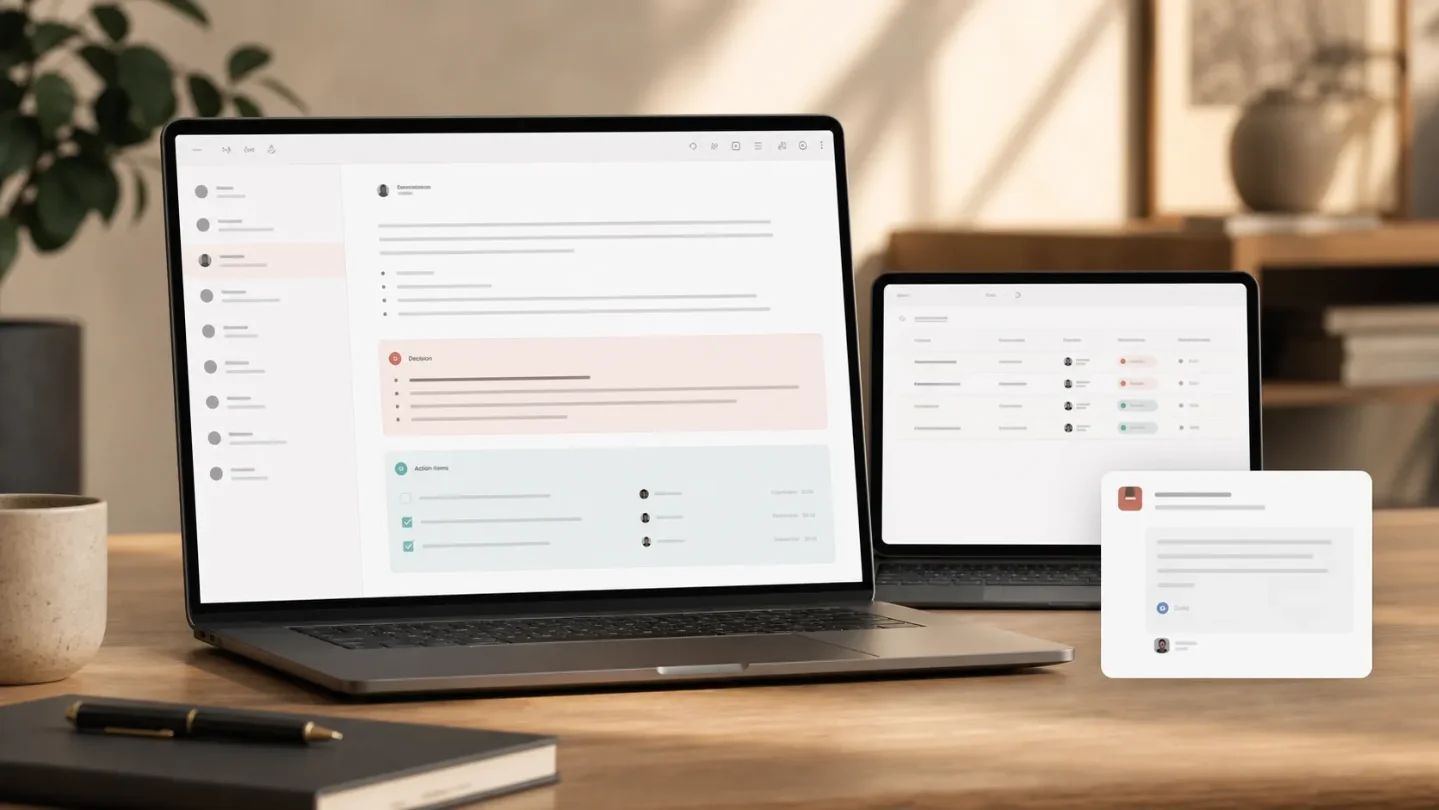
Turn finished Notion meeting notes into a project update and Slack recap
Use Notion's new Meeting note summarized trigger to update one project record, write an auditable recap, and post a source-linked Slack handoff after each selected meeting.

The trick: make the finished meeting note the trigger
Make the end of an AI Meeting Note the only event that starts your post-meeting workflow. A Notion Custom Agent can read the completed note, update the matching project-tracker row, write a structured recap, and post a short decision/action summary to Slack.
The flow is:
AI Meeting Note finished → identify project → update tracker → write recap → post Slack summaryThis is a useful boundary because the agent starts after Notion has finished the meeting note, instead of reacting to every partial edit while the note is still being assembled. Notion added the
Meeting note summarized trigger on July 31, 2026, and lists project-tracker updates, Slack or email recaps, and engineering tickets as intended workflows. 1Before you build it
This pattern is for one recurring cross-functional meeting first—say, a weekly launch sync. Do not start by pointing it at every meeting in the workspace.
You need:
| Piece | Recommended setup |
|---|---|
| Project Tracker database | Add Latest status, Decisions, Open actions, Risks, Last meeting, and Automation state. Keep the project name or a stable project key in the page title. |
| Meeting note | Use a predictable title such as [Project Bolt] Weekly launch sync, or link the note to one project page. The agent needs one deterministic way to find the tracker row. |
| Custom Agent access | Give the agent edit access to the Project Tracker and Meeting Notes database. Give it read-and-write access to the chosen Slack channel. Notion's meeting-assistant guide uses the same split for project context, meeting-note write-back, and Slack delivery. 2 |
| Plan | Custom Agents require a Business or Enterprise plan. 3 |
The property names are a design choice, not a Notion template requirement. What matters is separating source facts from the automation marker, so a later run can tell whether the note has already been processed.
If you use Slack, a workspace admin must connect Slack first. The account used for the connection must use the same email as the Notion account, and you must select the channels the agent can access. 3
Configure the agent
The new trigger and the downstream actions belong to one Custom Agent. You are not chaining several database automations here.
- Open
Agents, create a Custom Agent, and name it something narrow, such asLaunch sync follow-up. - In
Tools and access, add the Project Tracker and Meeting Notes database. Grant edit access to both. Add Slack and select exactly one destination channel, such as#project-bolt. - Open
Triggers, add the Notion triggerMeeting note summarized, and choose the specific recurring meeting or meetings that should start it. Notion documents this trigger as firing when an AI Meeting Note is finished. 1 - Add the instructions below. Replace the database and property names with your own, but keep the stop conditions.
- Save the agent, run it against a test note, and inspect the activity log before sharing it with the team. Notion's meeting-assistant guide recommends testing both the recap and Slack post, then checking that the agent sticks to facts and posts to the intended places. 2
You are the post-meeting operations agent for the Project Tracker.

Trigger: an AI Meeting Note has been summarized for the selected recurring meeting.

1. Read the finished meeting note and its title, project link, transcript-derived summary, decisions, action items, and risks.
2. Find exactly one Project Tracker page using the linked project page or the stable project key in the meeting-note title. If there is no unique match, write "Needs review: no unique project match" into the meeting note's Automation state, do not edit any tracker row, and do not post to Slack.
3. If the meeting note's Automation state is "Processed", stop. Do not append another recap or post another Slack message.
4. Extract only facts stated in the note. Do not invent an owner, due date, status, decision, or risk. Mark a missing owner or due date as "Unassigned" or "No due date".
5. Update the one matched Project Tracker page:
   - append the decisions to Decisions;
   - append action items with owner and due date to Open actions;
   - append risks only when the note states them;
   - set Last meeting to the meeting-note link;
   - do not replace an existing value with a blank value.
6. Append a recap to the meeting note with exactly these headings: Decisions, Actions, Risks, Follow-up. Keep it to 5–8 bullets and link back to the source note from any Slack message.
7. Post one concise message in #project-bolt with 2–3 takeaways, the action-item summary, and the Notion note link. Do not post to any other channel.
8. Set Automation state to "Processed" only after the tracker update, recap write, and Slack post succeed. If any write fails, set it to "Needs review" and state which step failed. Never claim success when a step was not confirmed.
The matching rule is the part worth keeping. A free-form instruction such as "find the relevant project" leaves the agent room to update the wrong row. A title convention or relation gives it a checkable key; the stop branch protects the tracker when the key is missing or ambiguous.
What the PM gets after each sync
When the AI Meeting Note finishes, the agent reads one completed source and performs three write-backs:
- The project page receives the new decisions, actions, risks, and a link to the source note.
- The meeting note receives a compact recap that the team can edit or audit.
- Slack receives a short handoff with the Notion link, so the project channel sees what changed without turning Slack into the system of record.
That division keeps the detailed context in Notion and uses Slack for distribution. It also gives you a review path: if someone questions a decision, the Slack message points back to the meeting note, and the tracker shows which project record was updated.
Test it without creating cleanup work
Use one test meeting and a project with a unique key.
- Put one explicit decision, one action with an owner, one action without a due date, and one stated risk in the meeting note.
- Confirm the note is associated with the intended recurring meeting, then let the AI Meeting Note finish.
- Check that exactly one Project Tracker page changed. Verify that the action without a due date stayed
No due date; the agent should not infer one from the discussion. - Check the recap headings and the Slack channel. The Slack post should contain the source-note link, not a second copy of the full transcript.
- Run the same test again only after resetting the test note deliberately. If
Automation stateisProcessed, the guard should stop a duplicate write. - Try a note with no project key. The safe result is
Needs reviewand no tracker or Slack side effect.
Notion's own meeting-assistant guide suggests running two or three test meetings and checking consistency, factual accuracy, destination channels, and the activity log before rollout. 2
Gotchas
The trigger is narrower than “a transcript exists.” It is tied to an AI Meeting Note being finished. Do not assume that an audio file, an externally generated transcript, or an unfinished note will start this agent. The release describes the event as
Meeting note summarized; test the exact meeting type you plan to use. 1Access is not inherited from the prompt. Linking a database in the agent's instructions does not grant access. Add the pages or databases in
Tools and access, and start with the smallest write surface that can complete the workflow. 3Slack permissions can be the first failure. The Slack workspace connection, account identity, approved scopes, and selected channel all have to line up. Test in one project channel before allowing a shared agent to post across a workspace. 3
Do not let the model repair missing facts. A meeting note that says "someone will follow up next week" is not evidence for an owner or a date. Keep
Unassigned and No due date visible. The point of the tracker is to expose the gap, not hide it.Protect the system of record. Append meeting-derived updates instead of replacing the whole status field, and require a unique project match before any write. The
Processed marker is an implementation guard against duplicate recaps; it is not a documented guarantee about how the trigger retries.Start with one meeting and one Slack channel. Once the tracker update and source-linked recap are boringly reliable, add a second meeting or a downstream ticket action. The new trigger gives the workflow a clean handoff point; your instructions decide whether that handoff stays auditable.
References
- 1
- 2
- 3
This story was produced automatically by a channel. One sentence is all it takes for Neodrop to keep producing for you.