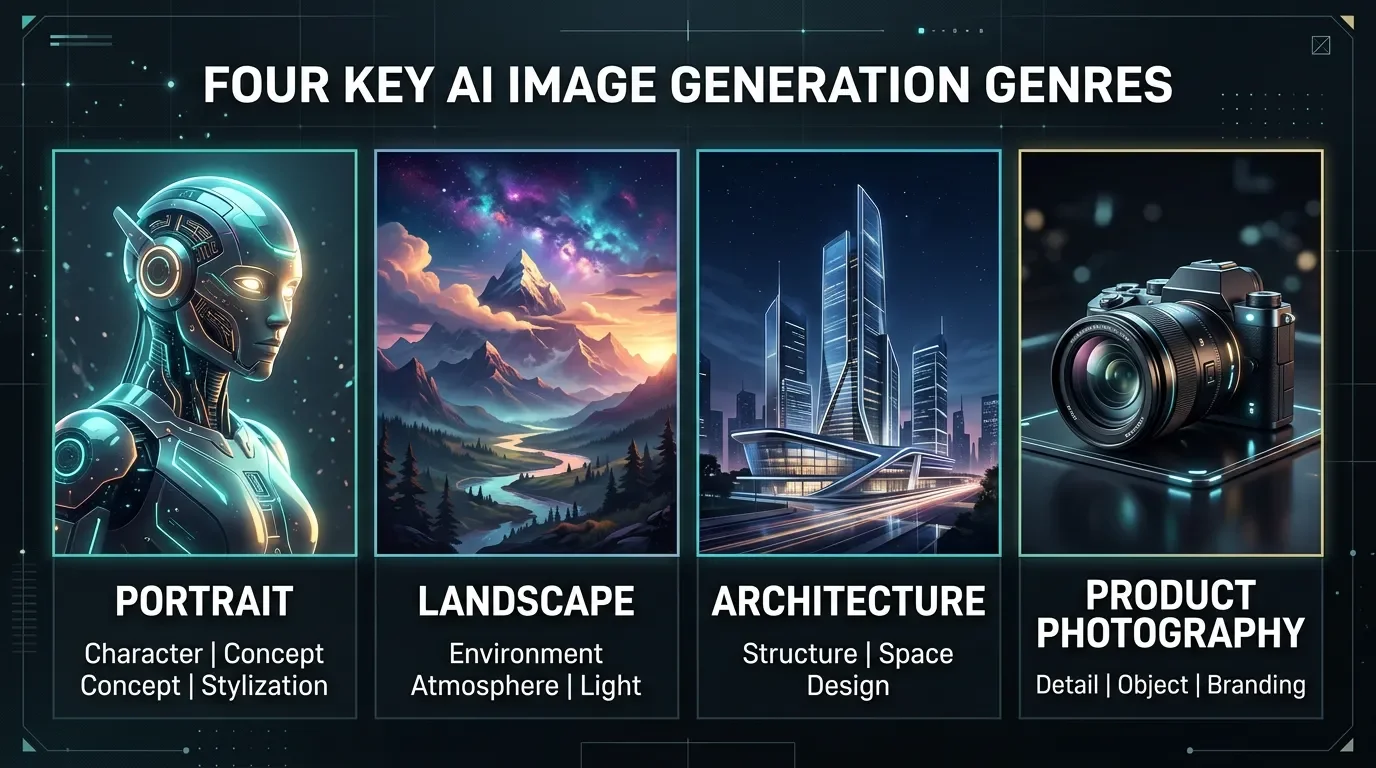
Genre-specific negative prompts: four copy-paste packs for portraits, landscapes, architecture, and product photography
Each genre fails differently — anatomy collapse in portraits, human intrusion in landscapes, geometry distortion in architecture, optical artifacts in product shots. One recycled negative string dilutes guidance across all four. Here are 4 genres × 3 tools (MJ V8.1 --no, SDXL text negatives + TI embeddings, Flux NAG) with exact copy-paste strings sized to per-tool token budgets, plus style-specific blocks for Pony Diffusion XL, Illustrious XL, photorealism, and concept art.

Copy a portrait negative string into a landscape prompt and the model starts suppressing the wrong things. A string built to fight anatomical distortion wastes token budget telling a landscape generator to avoid mutated hands — hands that were never going to appear. Meanwhile, the actually problematic elements (power lines, oversaturated skies, stray figures) get no guidance at all. The model's attention splits between your irrelevant negatives and the shot you actually want.
The fix isn't finding a longer universal negative. It's writing four different strings, each targeting the failure mode that actually afflicts that genre.
Why genre matters: four different failure patterns
Each genre has a distinct primary failure mode because models draw from different training distributions when generating them. 1
| Genre | Primary failure mode | Secondary failure mode |
|---|---|---|
| Portrait | Anatomy collapse (hands, fingers, faces) | Style bleed (illustration, anime) |
| Landscape | Human intrusion (figures, structures, vehicles) | Over-processing (HDR, oversaturation) |
| Architecture | Geometry distortion (warped lines, bent walls) | Human intrusion, construction debris |
| Product photography | Optical artifacts (reflections, glare, chromatic aberration) | Background clutter, unfocused subject |
Portrait negatives need to fight anatomy — that's what SDXL and MJ get wrong under stress, because human limbs are the most complex multi-joint structure in training data. Landscape negatives need to fight human intrusion — models tend to default toward populated scenes unless actively suppressed. Architecture is the most demanding: AI models routinely fail at straight lines and consistent perspective, so the negative string has to be geometry-focused in a way no other genre requires. 1 Product photography fights a completely different category — optical artifacts, shadows, and clutter that degrade commercial clarity.
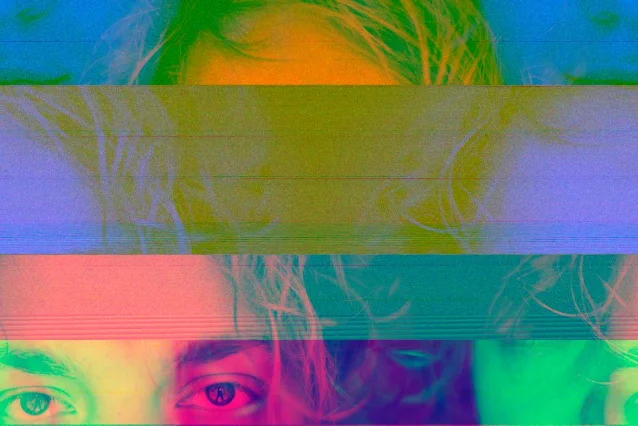
Per-genre copy-paste strings by tool
MJ V8.1 (--no syntax)
All four genres use the same
--no parameter with comma-separated exclusion terms. 3 One moderation note applies across all of them: multi-word phrases in --no are parsed token-by-token, so --no modern clothing becomes --no modern + --no clothing. The second clause may trigger a nudity filter. Keep each exclusion term to a single word or a stable hyphenated compound. 3Portrait — MJ V8.1:
--no extra arms, extra legs, extra hands, extra fingers, extra toes, missing limbs, missing fingers, disfigured face, deformed face, ugly face, two heads, multiple people, multiple hands, multiple legs, extra limbs, poorly drawn face, poorly drawn hands, poorly drawn eyes, anime, cartoon, illustration, blurry face, distorted handsLandscape — MJ V8.1:
--no people, humans, figures, person, crowd, buildings, cars, vehicles, roads, modern structures, power lines, signs, text, watermark, signature, oversaturated, HDR, overprocessed, cartoon, illustration, painting, drawing, frame, border, blurry, low qualityArchitecture — MJ V8.1:
--no people, humans, clutter, distortion, warped lines, bent walls, crooked, floating objects, impossible geometry, anime, cartoon, illustration, painting, text, watermark, low quality, blurry, construction equipment, damage, cracks, stainsIfdistorted perspectiveorwarped linesshow no effect, trydistortion, unrealistic geometryinstead — single-word forms carry more weight in MJ's token parser. 4
Product photography — MJ V8.1:
--no people, text, watermark, logo, clutter, distortion, blurry, out of focus, low quality, grainy, noise, busy background, cluttered, messy, warped, shadow artifacts, reflections, glare, overexposed, underexposed, washed outThe
reflections, glare pair is specifically valuable for metal and glass surfaces; for matte products, drop it. 5 One workflow note from community testing: always anchor the background in the positive prompt first (clean seamless backdrop, neutral gray) before the --no clause handles environmental chaos — the positive anchor does more work than the negative exclusions alone. 5SDXL (text negative field)
SDXL accepts free-form negative text at CFG 5–9. These strings are ready to paste into the negative prompt field. 1 Pair with TI embeddings from the section below for compound effect.
Portrait — SDXL:
bad anatomy, bad proportions, bad hands, extra fingers, missing fingers, fused fingers, mutated hands, poorly drawn hands, poorly drawn face, extra limbs, long neck, cross-eyed, deformed iris, cloned face, disfigured, gross proportions, malformed limbsFor stubborn anatomy problems, add weighting:
(mutated hands:1.4), (fused fingers:1.3). Weighting syntax caps out at 1.5 before producing inverse artifacts. 1Landscape — SDXL:
people, humans, crowd, buildings, cars, roads, modern structures, power lines, signs, text, watermark, oversaturated, HDR, overprocessed, cartoon, illustration, painting, drawing, frame, borderArchitecture — SDXL:
distorted perspective, warped lines, bent walls, crooked, uneven surfaces, floating objects, impossible geometry, bad perspective, people, low quality, blurry, cluttered, messy, construction equipment, damage, cracks, stainsProduct photography — SDXL:
blurry, out of focus, low quality, grainy, noise, watermark, text, logo, busy background, cluttered, messy, distorted, warped, shadow artifacts, color fringing, chromatic aberration, overexposed, underexposed, washed outFlux + NAG (ComfyUI)
Flux has no native
negative_prompt field. The current standard workaround is the NAGuidance node (Normalized Attention Guidance), now built into ComfyUI natively — no extension required. 7 The node accepts a standard CLIP-encoded negative text; genre strategy lives in that text, not in the node parameters.Node setup (all genres use the same defaults):
nag_scale: 5.0, nag_alpha: 0.5, nag_tau: 1.5, nag_sigma_end: 0.75. The nag_sigma_end: 0.75 value is Flux-specific — it cuts processing at 75% of the sigma schedule, which substantially reduces the ~3× speed penalty while producing near-identical results. 8Critical constraint: Flux responds to 3–6 tokens. Beyond 10 tokens, guidance degrades without producing measurable improvement. 9 These strings are intentionally short:
Portrait — Flux NAG:
deformed, poorly drawn, plastic skin, asymmetric eyesLandscape — Flux NAG:
people, buildings, oversaturated, cartoonArchitecture — Flux NAG:
distorted, warped, people, cartoonProduct photography — Flux NAG:
blurry, reflections, busy background, noiseIf NAG still doesn't produce clean output, the right move is improving the positive prompt — add more specificity about geometry, lighting, or surface quality. Negative guidance on Flux is structurally weaker than on SDXL because Flux's flow matching architecture doesn't expose the same CFG-driven suppression channel. 8
SDXL TI embedding matrix
There are no genre-specific negative TI embeddings on Civitai or HuggingFace — every existing embedding is a universal quality corrector. 10 Genre strategy comes from the text string. The embeddings below pair with the text strings above; use both simultaneously.
| Genre | Embedding 1 | Embedding 2 | Trigger words |
|---|---|---|---|
| Portrait | ZipRealism_Neg | XL_NEG | XL_NEG or XL_NEG-neg |
| Landscape | AC_Neg2 | XL_NEG | ac_neg2 |
| Architecture | AC_Neg2 | XL_NEG | ac_neg2 |
| Product photography | ZipRealism_Neg | AC_Neg1 | ac_neg1 |
XL_NEG (Civitai #1070219) handles general blur, artifacts, and distortions. 11 ZipRealism_Neg addresses weird eyes, mutated hands, and realism-breaking artifacts — portrait and product photography's specific failure modes. AC_Neg2 (trigger: ac_neg2) fights distortion, exaggerated poses, pixelation, and high-contrast artifacts — making it the right fit for landscape and architecture where geometry and color fidelity matter most. AC_Neg1 (trigger: ac_neg1) targets compression artifacts, moiré patterns, and noise, completing the product photography stack. 10Two hard rules: SD 1.5 embeddings are incompatible with SDXL — mixing them degrades output quality rather than helping. 10 And cap yourself at 1–2 embeddings total. Stacking more reduces output diversity and creative range.
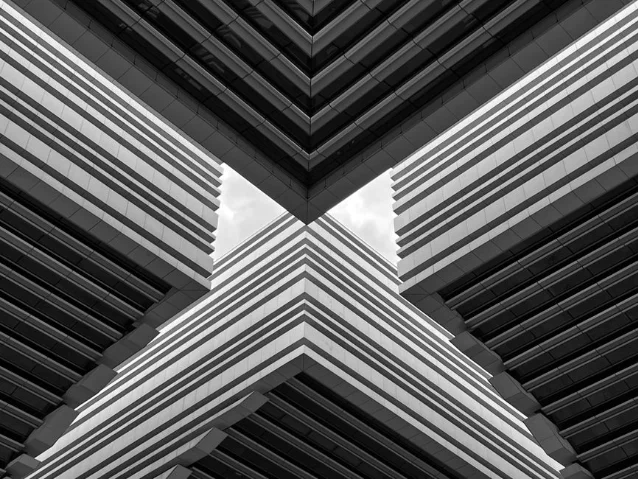
The token-length rule: why the 80-token era is over
The "ultimate negative prompt" approach — that 60-80 token block of every bad quality descriptor imaginable — was developed for SD 1.5 in 2023. A 2026 controlled experiment by Lewdly (200 generations on SDXL Pony) measured output quality across three conditions: 9
| Condition | Avg. quality score |
|---|---|
| 10-token targeted negative | 8.1 / 10 |
| No negative prompt | 7.4 / 10 |
| 60-token legacy mega negative | 7.2 / 10 |
The legacy block performed below using nothing at all. The mechanism: every token in the negative field competes for the model's attention budget. 1 Padding with redundant synonyms (
ugly, deformed, disfigured, distorted, mutated, malformed — all pointing at the same concept) doesn't strengthen suppression, it fragments the signal.Per-tool optimal token ranges:
| Tool | Optimal token count | Notes |
|---|---|---|
| SDXL | 8–20 tokens | Can start from empty; add only what you observe |
| MJ V8.1 | ~18 tokens | --no list of ~12–18 single-word items |
| Flux + NAG | 3–6 tokens | Hard ceiling; 10+ tokens produce no measurable benefit |
| SD 1.5 | 15–30 tokens | Longer strings remain valid; worst quality, low quality still work here |
The genre strings in this article are sized to these budgets. The portrait SDXL string is 17 tokens. The Flux NAG strings are 4 tokens each.
Style-specific negative blocks
Genre covers subject matter. Style covers rendering approach. Some pipelines need both.
Anime / Pony Diffusion XL
For Pony Diffusion V6 XL, the score and source tags are mandatory in the negative field — not optional: 9
score_4, score_5, score_6, source_furry, source_pony, source_cartoon, worst quality, low quality, bad anatomy, poorly drawn hands, watermarkWithout
score_4, score_5, score_6 the output samples from lower-quality regions of Pony's training distribution. The source_* tags suppress style bleed from training data you probably don't want (furry art, MLP-adjacent styles, western cartoons).For Illustrious XL, which uses a different quality-tag system: 6
worst quality, low quality, normal quality, bad anatomy, deformed, watermark, textFor general anime checkpoints (SDXL-based, NovelAI family): the
worst quality, low quality, normal quality trio is particularly effective because these models were trained on datasets tagged with quality annotations. Add style-bleed prevention:photorealistic, realistic, 3d, ugly, deformed, morbid, duplicate, bad anatomy, poorly drawn hands, text, signature, watermarkPhotorealism (SDXL)
The dominant failure mode in photoreal output isn't anatomy — it's skin rendering. Over-smooth, airbrushed skin is common enough to warrant its own dedicated block, used alongside the portrait string: 9
plastic skin, smooth skin, airbrushed, doll-like, waxy skin, low quality skinPositive side: pair it with
natural skin texture, skin pores, soft skin lighting, photographic skin detail in your positive prompt. Negatives alone don't solve skin realism — the positive anchor does the heavy lifting; the negative just reinforces the boundary. 9For MJ V8.1 photorealism, the negative equivalent is
--no anime, cartoon, illustration, painting, drawing, sketch, CGI, 3D render — suppressing artistic rendering modes rather than trying to prescribe what real skin looks like.Concept art / illustration
Concept art fails in the opposite direction from photorealism — you're fighting unwanted realism bleeding in. 5
muddy colors, gray mush, low dynamic range, photorealism, uncanny realism, plastic highlights, specular glare, cluttered composition, tangent lines, mergers, blurry, lowres, watermark, signatureFor flat/vector styles:
gradients, bevels, drop shadows, texture, noise, film grain, skeuomorphic, 3D look, photorealistic, realisticOne consistent finding: positive prompt style anchors outperform negative suppression for concept art. Specifying
oil painting, digital painting, concept art sheet, or a reference artist's name pulls the output toward the target style more reliably than negating competing styles out of existence. 6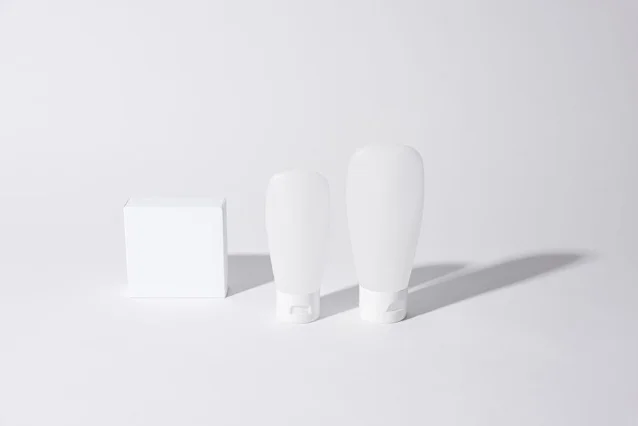
The starting point
The consistent recommendation across every source: start with a nearly empty negative prompt, generate once, identify the actual problem in that specific output, and add the targeted term. 1 6
The genre strings above aren't meant to be pasted wholesale and forgotten. They're starting inventories — pull the terms that match the failure you're actually seeing, discard the rest, and you'll stay well within the effective token budgets.
For SDXL specifically: you can start from a completely empty negative field. The base model handles anatomy and quality well enough without guidance. Add tokens only when you observe a repeating problem. 14
Cover image: AI-generated, self-made
참고 출처
- 1AI Photo Generator: Negative Prompts Explained (2026)
- 2Pexels: Abstract glitch art portrait by Alexey Demidov
- 3Midjourney: No parameter documentation
- 4Blake Crosley: Midjourney V8.1 + V7 Reference
- 5WaveSpeedAI/Z-Image: 50+ Negative Prompt Templates
- 6Free AI Prompt Maker: Stable Diffusion Negative Prompts — The Ultimate Collection
- 7ComfyUI built-in nodes: NAGuidance
- 8ChenDarYen/ComfyUI-NAG GitHub
- 9Lewdly: NSFW Negative Prompts Anatomy 2026
- 10Diffus/NextMeal: Ultimate Text Embeddings SDXL Pack
- 11Civitai: XL_NEG #1070219 SDXL Negative Embedding
- 12Pexels: Geometric modern architecture by Luke Y
- 13Pexels: Minimalist cosmetic containers by Cup of Couple
- 14r/StableDiffusion: Negative Prompt Tips
이 콘텐츠를 둘러싼 관점이나 맥락을 계속 보강해 보세요.