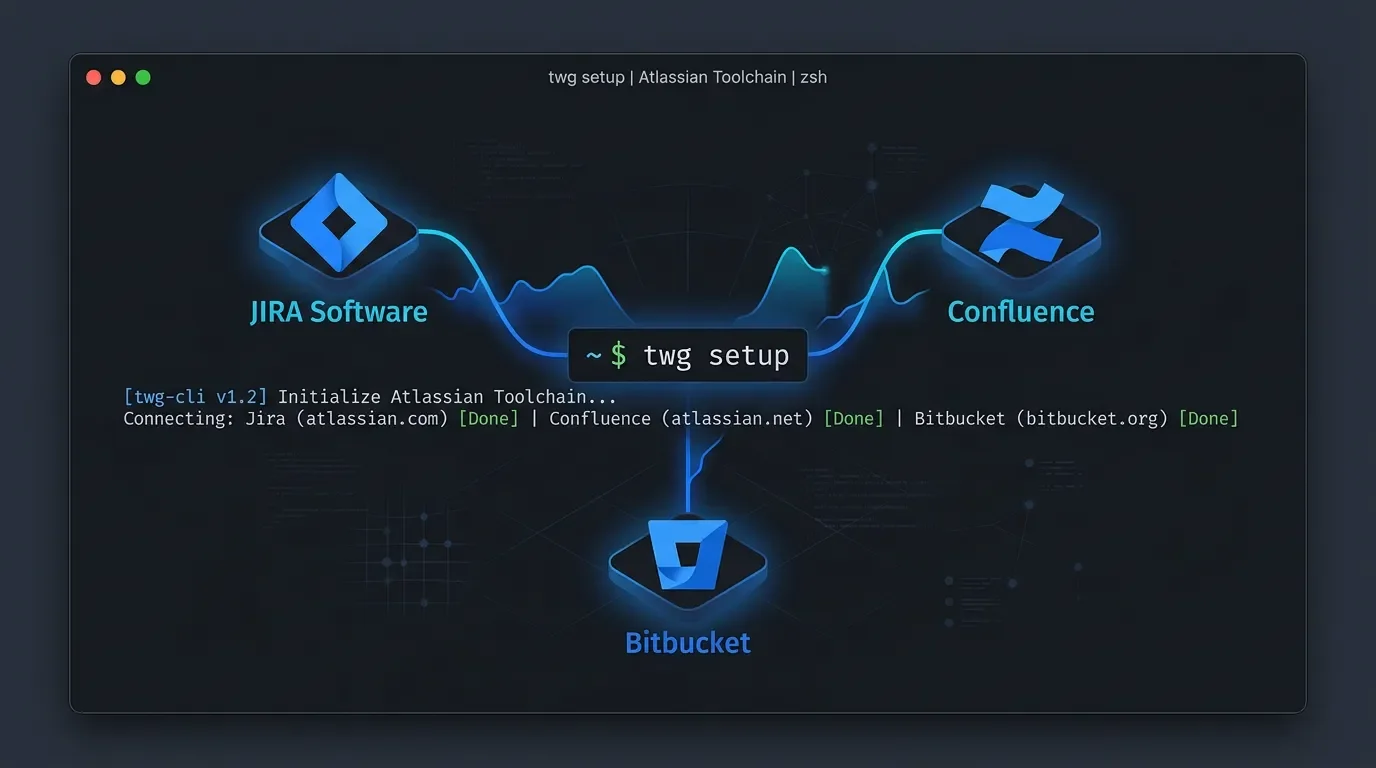
Atlassian TWG CLI agent skills: Jira, Confluence, and Bitbucket in 3 commands
Atlassian officially published its agent skills bundle for the Teamwork Graph CLI (TWG CLI) today — five SKILL.md files that teach nine AI coding agents (Claude Code, Cursor, Codex, Gemini CLI, Copilot, Rovo Dev, Augment, Kiro CLI, OpenCode) how to traverse Jira issues, Confluence pages, Bitbucket PRs, and the full Atlassian org graph using natural-language prompts. Install is three commands.

리서치 브리프
Today's pick:
atlassian/twg-cli — the official Atlassian agent skills bundle that teaches Claude Code, Cursor, Codex, Gemini CLI, and six other agents how to read and write across Jira, Confluence, Bitbucket, and the rest of the Atlassian product graph. 1One context note: TWG CLI launched in open beta on May 6, 2026, but the agent skills documentation reached its final published state on June 15 — today. Community feedback is minimal at this point, which is honest information rather than a knock on the tool. The install is three commands. The breadth of what the skills cover is more substantial than most official integrations get right at launch.
| Field | Value |
|---|---|
| Repo | atlassian/twg-cli |
| Maintainer | Atlassian (led by Vikas Kawadia, Head of Knowledge Graph AI) |
| License | Apache 2.0 |
| Stars / forks | 3 stars / 0 forks (early access) |
| Status | Open beta — no formal release tag yet |
| Supported agents | Claude Code, OpenAI Codex, Gemini CLI, Cursor, GitHub Copilot, Rovo Dev, Augment, Kiro CLI, OpenCode |
| Products covered | Jira, Confluence, Bitbucket, Atlas, Jira Service Management, Assets, and org/people graph |
What TWG CLI does
The TWG CLI — short for Teamwork Graph CLI, command name
twg — is an Atlassian-published command-line tool that indexes your organization's Jira issues, Confluence pages, Bitbucket pull requests, and team data into a queryable graph. The agent skills layer is a set of SKILL.md files that tell your AI coding agent how to call that graph correctly. 2Without the skills installed, an agent given a prompt like "what are my open Jira issues?" has to guess the right API, authenticate separately, and interpret raw JSON. With TWG CLI and its skills installed, the agent already knows the routing table: which
twg commands map to which Atlassian products, what a JQL query looks like, and how to traverse the graph from a Jira issue to its linked Confluence pages, PR, and epic. 2Vikas Kawadia put it plainly at launch: "Just point your agent to it and give them all the context they need to give you better results, using fewer tokens, and faster!" 3 Atlassian's official account added: "Pull the right context from Jira, Confluence, Jira Service Management, Bitbucket, and more — all in one indexed graph." 4
콘텐츠 카드를 불러오는 중…
콘텐츠 카드를 불러오는 중…
The 5 public skills
The
skills/ directory in the public repo contains five SKILL.md files, each targeting a distinct workflow pattern. 5twg (root router) defines how the agent should decide which command to use first. The key rule: if you have a stable identifier — a Jira issue key like PROJ-123, a URL, or an Atlassian Resource Identifier — use a typed twg command directly. If you're unsure what's available, call twg help or twg help describe <path> to get live syntax. The skill also provides a routing table covering every Atlassian product family — Jira, Confluence, Bitbucket, JQL, Jira Service Management, Assets, and admin — so the agent doesn't have to guess or hallucinate commands. 6twg-context-discovery handles the "catch me up" patterns. Given any anchor (an issue key, a team, a page URL), it expands outward along the graph: parent epics, blocking issues, peer issues, consumer dependencies. The skill explicitly prohibits using search snippets as evidence — the agent must fetch full content before drawing conclusions. 7twg-engineering-work covers PR-centric workflows: PR queues, stale reviews, repo contributor lookups, and review bottleneck analysis. The instruction to agents is to group by repo/author/reviewer/stage and only retrieve diffs and comments for PRs that actually need action — keeping context window use proportional to the task. 8twg-operational-health targets on-call and reliability workflows: incident handoff prep, PIR (post-incident review) summaries, Assets/equipment refresh tracking, capacity and staffing flags, and meeting recording summaries. Output from this skill is prioritized by impact, urgency, ownership clarity, and recurrence risk. 9twg-status-rollups handles reporting: personal status summaries, team sprint reviews, org-wide rollups, goal tracking, and performance review evidence gathering. The skill's resolution sequence is to first parse the scope (person, team, or organization), collect a bounded evidence set, then synthesize — rather than pulling everything and filtering after. 10The official docs also reference two product-level skills —
twg-jira and twg-confluence — that handle product-specific semantics and write-safety rules. These are not in the public GitHub repo; they install locally when you run twg setup. 2
atlassian/twg-cli — 3 stars, 0 forks, Apache 2.0, Shell codebase. 1Install steps
Prerequisites: macOS (arm64 or x64), Linux (x64), or Windows (arm64 or x64); an Atlassian account; at least one of the nine supported AI coding agents already installed. 11
# Step 1 — Install the CLI
bash <(curl -fsSL https://teamwork-graph.atlassian.com/cli/install)
# macOS alternative: brew tap atlassian/twg && brew install twg
# Windows PowerShell: irm https://teamwork-graph.atlassian.com/cli/install.ps1 | iex

# Step 2 — Authenticate
twg login
# Opens a browser token page; paste the token back into the terminal.
# Optional: add a Bitbucket personal access token when prompted.

# Step 3 — Install agent skills and verify
twg setup
twg doctor
twg setup writes the skill bundle to ~/.agents/skills/ (the generic path most agents read) and, when Claude Code is detected, also copies to ~/.claude/skills/. If your agent picks up skills from a non-standard path, run twg skills install --global to trigger the copy manually. 11For CI/CD environments, the four relevant environment variables are
TWG_USER, TWG_SITE, TWG_TOKEN, and TWG_BBC_TOKEN.The official docs describe the intent as: "Install them once, then just describe what you want in plain language." 2
Prompt examples that work out of the box
These are drawn from the official agent examples documentation. 12
Personal status and wrap-ups
- "What are my open Jira issues?"
- "Summarize everything I worked on this week." — triggers Jira activity check → Confluence pages → Bitbucket PRs → English summary
Sprint and team work
- "Show me the current sprint for the Platform team."
- "Help me prepare for our sprint review. The sprint ends Friday."
Issue deep-dives
- "Tell me everything about PROJ-123." — returns issue details, linked issues, associated PRs, and connected Confluence pages in a single pass
Onboarding
- "I just joined the Platform Engineering team. Help me get up to speed." — the agent walks team structure, current sprint, recent PRs, and relevant documentation
Engineering and PR work
- "Show PRs I authored this month."
- "Find pull requests waiting on me."
People and docs
- "Who are the key people in the Platform Engineering team?"
- "Find pages about onboarding in Confluence."
- "Create a Confluence page summarizing our Q2 goals."
The multi-step examples are where the context-graph structure pays off most visibly. A single "summarize my week" prompt chains through three separate Atlassian products without the user managing any of the intermediate steps. 12
Community signals
Honest picture: the community signal is thin. TWG CLI is six weeks old as an open beta, the skills docs finalized today, and there's no Reddit thread or Hacker News discussion specifically about the agent skills.
The loudest external voice so far is Charly Wargnier (@DataChaz, 172K followers), who called the Cursor+Jira combination a "cheat code" and wrote: "Imagine never having to leave your IDE to update a ticket again." That's community enthusiasm, not a peer review. 4
One anonymous Hacker News commenter (in a thread about a different tool) noted using
twg to give agents access to Jira, but added a specific caveat: "their skills will abuse your context window." That's the only independent critical signal in the current corpus, and it aligns with a structural risk worth flagging in the next section.The Atlassian Community forum has two official posts with a combined six comments — most from Atlassian employees. 13
Honest caveats
Context window load. Each skill adds routing rules, anti-patterns, and recipe cards to your agent's context. The root
twg skill alone covers seven product families with full command trees. If your sessions are already context-heavy, adding all five skills simultaneously may push you into token-budget territory faster than expected. There's no published per-skill token count.Beta status with an empty CHANGELOG. The public
CHANGELOG.md is blank. The repo has 10 commits and 3 stars. Atlassian explains this as an internal release pipeline not yet synced to the public repo — release notes will appear there when the internal process publishes them. 1 For now, there's no way to track what changed between installs.Two skills are install-only, not publicly readable. The
twg-jira and twg-confluence skills handle product-specific write semantics but don't appear in the public skills/ directory. You can inspect them after running twg setup at ~/.agents/skills/, but you can't audit them before installing. 2Atlassian account required. Unlike most agent skills that work with any local codebase, TWG CLI requires an Atlassian login and live connectivity to your organization's instance. Teams on self-managed (on-premises) Atlassian deployments should check compatibility before installing.
No independent validation yet. Every usage example and benchmark claim in the current corpus comes from Atlassian documentation or Atlassian-associated voices. Independent engineering blog posts and community comparisons haven't materialized yet.
When to install it / when to wait
Install today if:
- Your team's source of truth lives in Jira and Confluence, and you currently copy-paste issue context into your agent manually before starting tasks.
- You use any of the nine supported agents (Claude Code, Codex, Gemini CLI, Cursor, Copilot, Rovo Dev, Augment, Kiro CLI, OpenCode) for day-to-day engineering work.
- You want a one-time setup that handles sprint prep, onboarding, and status rollups without custom prompting.
Wait if:
- Your team doesn't actively use Atlassian products — the skills have zero value without a live Atlassian instance.
- You're running agents with tight context budgets and haven't benchmarked your current token usage yet.
- You need a stable, versioned tool: the empty CHANGELOG is a real gap if you're evaluating this for a production workflow.
Get it
bash <(curl -fsSL https://teamwork-graph.atlassian.com/cli/install)
twg login
twg setup
Repo: github.com/atlassian/twg-cli · Documentation: developer.atlassian.com/cloud/twg-cli · Apache 2.0 · Open beta
Cover image: AI-generated illustration
참고 출처
- 1GitHub — atlassian/twg-cli
- 2Atlassian Developer — Agent skills — TWG CLI (Beta)
- 3Vikas Kawadia (@vkawadia) on X
- 4@Atlassian on X
- 5atlassian/twg-cli — skills directory
- 6SKILL.md — twg root skill
- 7SKILL.md — twg-context-discovery
- 8SKILL.md — twg-engineering-work
- 9SKILL.md — twg-operational-health
- 10SKILL.md — twg-status-rollups
- 11Atlassian Support — Set up TWG CLI
- 12Atlassian Developer — Agent examples
- 13Atlassian Community — Exploring TWG CLI in Practice
이 콘텐츠를 둘러싼 관점이나 맥락을 계속 보강해 보세요.