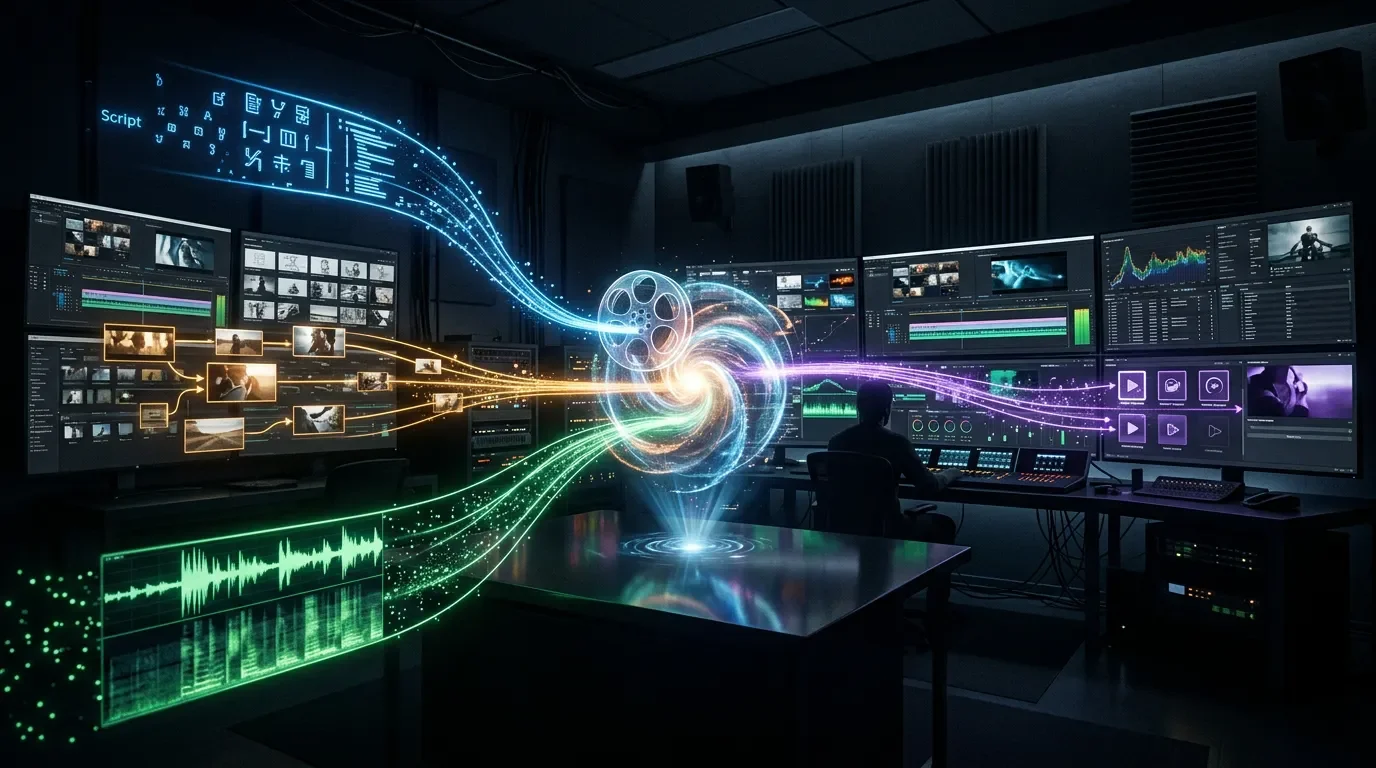
OpenMontage: give your coding agent a video production studio
First open-source agentic video system — #1 GitHub Trending, 15K stars, $0–$2.50/video, Claude Code/Cursor/Copilot/Windsurf/Codex.
Three days ago, calesthio/OpenMontage had 8,200 GitHub stars. Today it has 15,000, and it's sitting at #1 on GitHub Trending for the third straight day. 1 The obvious question isn't whether the star count is real — it's whether the software underneath it is worth your time to install.
The short answer: yes, if you're a Claude Code or Cursor user who wants to automate short-to-medium video production and is comfortable treating it as a developer tool. Not yet, if you need something your video client can run without a command line.

콘텐츠 카드를 불러오는 중…
What it does
OpenMontage (AGPLv3, 15K stars, 1.8K forks) calls itself "the first open-source, agentic video production system." 3 That's not marketing copy for a text-to-video wrapper. The project's actual design is closer to a production studio you feed a prompt — the agent researches your topic, writes a script, generates or retrieves visuals, records narration, finds background music, burns subtitles, and renders the final video, all in a single session.
The key architectural decision that separates it from most AI video tools: OpenMontage can pull real motion footage from Archive.org, NASA, Wikimedia Commons, Pexels, and Pixabay, then edit that footage into a proper timeline — cuts, pacing, scene ordering — rather than animating static images with pan-and-zoom effects. As calesthio put it in the README: 3
"Most 'free AI video' stacks quietly mean 'animate still images.' OpenMontage can do that too, but it can also build a finished video from real footage pulled from free/open sources, ranked semantically, edited intentionally, and rendered as a proper timeline."
The system runs 12 production pipelines (animated explainer, documentary montage, product demo, data visualization, and others) across 52 tools, backed by 500+ agent skills organized in three layers. 4
The three-layer skill architecture
Understanding the layer structure is worth two minutes — it explains why the agent behaves differently from a naive "ask Claude to make a video" approach:
- Layer 1 (
tools/+pipeline_defs/): what the system can execute. 52 Python tools and 13 YAML pipeline manifests define the available capabilities. 4 - Layer 2 (
skills/): how OpenMontage wants those tools used. Four subdirectories —skills/pipelines/(stage-by-stage director instructions for each pipeline),skills/creative/(28 skills covering narrative structure, sound design, typography, color grading),skills/core/(FFmpeg, Remotion, HyperFrames, WhisperX),skills/meta/(reviewer and checkpoint protocols). 5 - Layer 3 (
.agents/skills/): 47 external knowledge packages (Flux best practices, ElevenLabs, Remotion, ai-video-gen, etc.) loaded on demand. 4
The AGENT_GUIDE makes the design intent explicit: "The intelligence is in the skills, not in improvised code. An agent that reads the director skills and Layer 3 knowledge will produce significantly better output than one that calls tools directly with generic prompts." 4
Supported agents
OpenMontage ships a dedicated config file for each of five AI coding assistants: Claude Code (
CLAUDE.md), Cursor (CURSOR.md + .cursor/rules/), GitHub Copilot (COPILOT.md + .github/copilot-instructions.md), Windsurf (.windsurfrules), and Codex (CODEX.md). 6 All five point to the same AGENT_GUIDE.md, so the agent behavior is consistent across platforms. Local LLM support via Ollama and LM Studio is listed as coming soon. 3The
CLAUDE.md file is nine lines. Its only instruction: "MANDATORY: Read AGENT_GUIDE.md before responding to ANY user message. There are no instructions in this file. All instructions are in AGENT_GUIDE.md." 6Install
Prerequisites: Python 3.10+, FFmpeg, Node.js 18+, and one of the five supported AI coding assistants. 3
One-command setup:
git clone https://github.com/calesthio/OpenMontage.git
cd OpenMontage
make setup
If you don't have
make (Windows):pip install -r requirements.txt
cd remotion-composer && npm install && cd ..
pip install piper-tts
cp .env.example .envWindows note: If Remotion hangs during rendering on a restricted or proxy network, add this line toremotion-composer/remotion.config.ts:Config.setBrowserExecutable("C:\\Program Files\\Google\\Chrome\\Application\\chrome.exe"). This is a known issue (GitHub #148) — Remotion tries to download its own browser runtime, which fails behind proxies. 7
Zero-API-key test render:
make demoThis renders three pre-built Remotion demos:
world-in-numbers (45-second KPI chart explainer), code-to-screen (50-second HTTP request walkthrough), and focusflow-pitch (40-second startup pitch). No API keys required. 3Then open the project directory in your agent:
# Claude Code — opens the project so CLAUDE.md is in scope
claude .

# Cursor
cursor .
Important
.env gotcha: After cp .env.example .env, every key in the file is set to its own comment text (e.g., FAL_KEY=# Your fal.ai API key here). This means all tools report ✅ available in the preflight check even with no real credentials — the inline-comment .env parser strips nothing. 8 A fix PR (#132) is open. Until it merges, manually edit .env and delete everything after the = sign on any key you're leaving blank.Provider setup (optional but recommended)
OpenMontage supports 14 video providers, 10 image providers, and 4 TTS engines. The full paid stack includes Kling, Runway Gen-4, Google Veo 3, FLUX, ElevenLabs, and Suno. 9
The recommended free-first ramp:
| Step | What to add | Cost |
|---|---|---|
| Baseline | Piper TTS (local, offline) + Pexels/Pixabay stock | $0 |
| +1 | Google API key (TTS: 1M characters/month free) | $0 |
| +2 | ElevenLabs key (10K characters/month free) | $0 |
| +3 | fal.ai key (FLUX images + Kling/MiniMax video) | ~$0.03/image |
| Full | OpenAI + Runway + HeyGen + Suno | Variable |
A scored selector automatically picks the best available provider for each asset type across seven dimensions (task fit 30%, output quality 20%, control features 15%, reliability 15%, cost efficiency 10%, latency 5%, continuity 5%). 9
Usage examples
The minimum viable prompt (zero API keys)
Make a 45-second animated explainer about why the sky is blue.Output: Piper TTS narration + Remotion animated scenes + word-level burned-in subtitles. Render time: 5–10 minutes. Cost: $0. 3
Ghibli-style animation (~$0.15, needs FAL_KEY)
Create a 30-second Ghibli-style animated video of a magical floating library
in the clouds at golden hour.
Output: 12 FLUX-generated images, cross-fades with cinematic camera movement, particle overlays, ambient music. 10
Reference-guided style matching
Paste a YouTube Short, TikTok, or Instagram Reel URL and add: "Match the pacing and transitions of this video." The agent analyzes cut rhythm, scene count, and transition style, then generates 2–3 concept variations rather than copying the source. 3
Data-driven video ($0)
Create a 60-second data-driven video about coffee consumption around the world.Output: animated bar charts and pie charts built with Remotion. No external API required. 10
Sci-fi cinematic trailer (~$2.50, full provider stack)
Create a cinematic 30-second trailer for a sci-fi concept:
humanity receives a warning from 1000 years in the future.
Output: Veo/Kling motion clips, Hans Zimmer-style score, title cards. Render time: 25–40 minutes. 10
Cost transparency
The three verified API costs published in the repo (not estimates): $1.33 for a 60-second Pixar-style animated short, $0.69 for a product ad with full narration/subtitles/music, $0.15 for a 12-scene Ghibli animation with custom camera motion. 11 As the README states: "No surprise bills. The agent tells you what it will cost before it spends." 3
Community signal
The project's star growth is real — 8.2K to 15K in three days, driven by a cluster of AI educator posts. AI educator Rituraj (@RituWithAI, 63K followers on X) published the breakdown that triggered most of the growth on June 20, drawing the line between genuine video production and animated-image stacks: 12
콘텐츠 카드를 불러오는 중…
Developer @stevencheng (3.5K followers, robotics/vision background) cloned and tested the project in April, describing the experience as "upgrading from a screwdriver to a cordless drill — same job, way less friction on the setup side." 13 He reported two friction points: local model weights consuming 12 GB of disk space, and config files that "felt like reading a restaurant menu in another language until I found the example YAMLs." 13
NerdZap reviewer Ash Lockett (17 years IT/security) rated the architecture positively but was direct about the access barrier: "This is excellent news for technically literate creators looking to escape the subscription fees of closed platforms. However, the requirement for an AI coding environment and command-line setup means this is strictly a tool for developers and power users." 14
One honest signal: the gap between GitHub stars and actual usage discussion is wide. Reddit's r/ClaudeCode, r/aivideo, r/videoproduction, and r/Python have zero OpenMontage threads as of June 23. 15 The official YouTube demo has 98 views and 0 comments after two days. Two Hacker News submissions scored 7 and 5 points respectively. 16 The star curve reflects KOL amplification, not broad daily-driver adoption — yet.
Four Signals (AI signal tracker for engineering leads) scored it 8.2/10 overall, with novelty: 9 and community: 9, but strategic value: 6, noting the project is still in early adoption. 17
Known limitations
| Issue | Details | Status |
|---|---|---|
.env comment-text bug | cp .env.example .env sets all keys to their own comment text; all tools falsely report ✅ available | Fix PR #132 open 8 |
| Google service-account auth broken | google_tts and google_imagen only accept API key strings — not service-account JSON (GOOGLE_APPLICATION_CREDENTIALS) | PR #132 open 8 |
| No checkpoint/resume | Long runs that fail mid-pipeline (API error, rate limit) require a full restart from the beginning | Feature request #129 open 18 |
| Windows Remotion hang | Restricted or proxy networks prevent Remotion from downloading its browser runtime | Workaround: configure Chrome path in remotion.config.ts 7 |
| Onboarding gap | GitHub Issue #144: a user couldn't figure out what "open in the project" meant — the setup docs assume familiarity with agent-scoped context | Open 19 |
| License: AGPLv3 | Any software that integrates OpenMontage and is distributed externally must also be AGPLv3 — SaaS usage triggers copyleft. Note: one community post incorrectly listed the license as MIT. 12 | Verify before commercial use |
KnightLi's tutorial framed the current state well: "It is not something I would treat as a stable commercial editing system on day one." The recommendation is to start with 30–60-second clips, verify each stage's output manually, and add API providers incrementally. 20
When to use / when not to use
Install it if:
- You already use Claude Code, Cursor, Codex, Windsurf, or Copilot and want to add video output to your agent workflow
- You're automating educational, product, or data-visualization videos at scale (internal tooling, developer docs, social content pipelines)
- You want zero-cost video output and are willing to work with Piper TTS + stock footage
- You're comfortable treating early-stage software as early-stage software: manual QA, direct GitHub issue filing, occasional workarounds
Hold off if:
- You need a stable production pipeline that a non-technical stakeholder can run
- You're on Windows in a corporate proxy environment without admin rights to configure Chrome paths
- Your use case requires distributing OpenMontage as part of proprietary software (AGPLv3 requires releasing your source)
- You plan to use Google Cloud service accounts for TTS or Imagen — the auth path is currently broken
Quick reference
| Repository | calesthio/OpenMontage 2 |
| License | AGPLv3 |
| GitHub stars | 15K+ (+3,590 on June 23 alone) 1 |
| Forks | 1.8K 2 |
| Commits | 106 2 |
| Supported agents | Claude Code, Cursor, GitHub Copilot, Windsurf, Codex 3 |
| Prerequisites | Python 3.10+, FFmpeg, Node.js 18+, one supported agent |
| Zero-cost path | make demo → three Remotion pre-built renders, no API keys |
| Cost floor (paid) | ~$0.15 for a 30-second FLUX-generated animation (FAL_KEY only) 11 |
| Active open issues | #129 (no checkpoint/resume), #131 (auth bugs), #144 (onboarding), #148 (Windows hang) |
| Author | calesthio (@calesthioailabs) |
Cover image: AI-generated illustration
참고 출처
- 1
- 2calesthio/OpenMontage — GitHubgithub.com
- 3OpenMontage READMEgithub.com
- 4OpenMontage AGENT_GUIDE.mdgithub.com
- 5skills/INDEX.md — GitHubgithub.com
- 6CLAUDE.mdgithub.com
- 7
- 8
- 9PROVIDERS.mdgithub.com
- 10OpenMontage PROMPT_GALLERY.mdgithub.com
- 11
- 12@RituWithAI on Xx.com
- 13@stevencheng on Xx.com
- 14NerdZap — OpenMontage reviewnerdzap.com
- 15
- 16HN post — 7 points, 1 commentnews.ycombinator.com
- 17Four Signals — calesthio/OpenMontagefoursignals.dev
- 18GitHub Issue #129 — Checkpoint/Resumegithub.com
- 19GitHub Issue #144 — Onboarding confusiongithub.com
- 20KnightLi — OpenMontage tutorialknightli.com

This Week's Trending Agent Skills
Each week, recommend a high-usage, well-reviewed Skill for Claude / Cursor / Cline and other Agents, with install steps, usage examples, and real user feedback
이 콘텐츠는 채널이 자동으로 생성했습니다. 한 문장이면 Neodrop이 당신을 위해 계속 만들어 냅니다.
관련 콘텐츠
- 로그인하면 댓글을 작성할 수 있습니다.