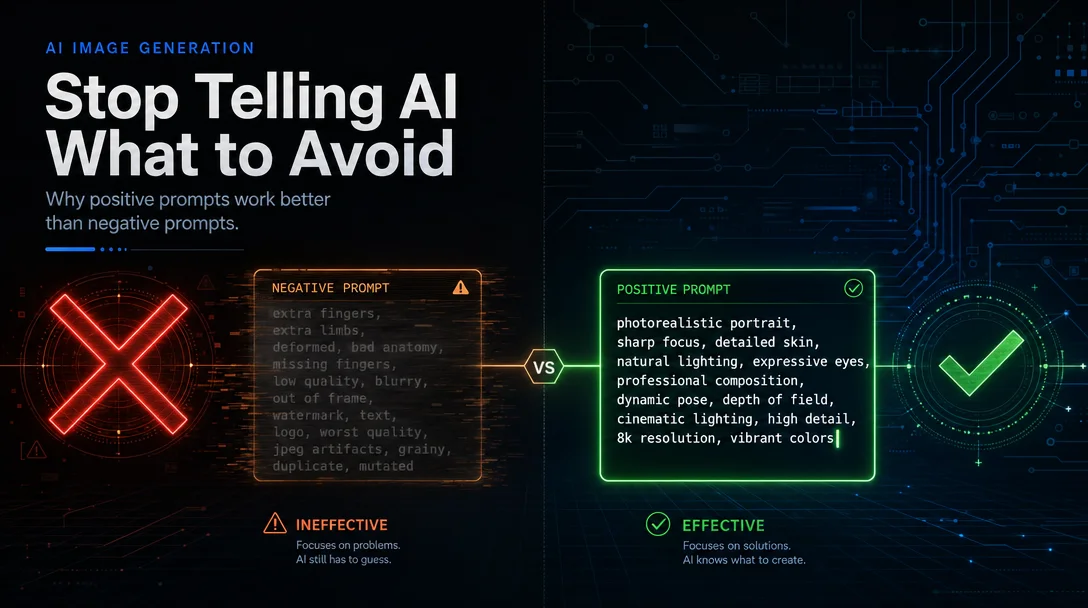
Why negative prompts fail in distilled SDXL
At guidance_scale=1 — the default for SDXL-Turbo, SDXL-Lightning, and LCM-LoRA — negative prompts change zero pixels. Here's the math behind why, a per-model behavior table with CFG ceilings, and four copy-paste workarounds that restore negative prompt control.

Paste
(low quality, worst quality:1.4), extra fingers, blurry into the negative prompt field of SDXL-Turbo and run it. Then delete every word from that field and run again. The two outputs are pixel-identical. 1That's not a ComfyUI bug. It's the intended behavior of every distilled few-step model — and it has an exact mathematical reason.
Why the negative prompt stops working: CFG=1 collapses to the positive branch
The classifier-free guidance formula is:
output = uncond + (cond − uncond) × guidance_scaleWhen
guidance_scale = 1, that simplifies to output = cond. The unconditional branch — where the negative prompt lives — drops out completely. 1Distilled models hit this wall by design. SDXL-Turbo's training (Stability AI's Adversarial Diffusion Distillation) runs the teacher model with CFG applied, then trains the student to reproduce that CFG-guided output in one step. 2 The student's weights have the CFG amplification baked in. Running CFG again at inference would double-apply it, pushing outputs out of the training distribution and causing visible saturation collapse. As Félix Sanz put it: "These methods already used a CFG value during their training, so there is no need to use it again as it would reduce the quality of the result." 3

Per-model behavior table
The three main distillation families behave differently when you push CFG above 1, and each has a different ceiling before the image degrades.
| Model | Default CFG | Negative prompt status | CFG headroom | Degradation mode |
|---|---|---|---|---|
| SDXL-Turbo | 1.0 | ❌ Zero effect | Up to ~1.2 — then oversaturation | Images brighten and blow out above 1.2; below 0.8 they darken and lose detail 1 |
| SDXL-Lightning | 0.0 (baked) | ❌ Zero effect | Up to ~2.5 safely | "Deep frying" (oversaturation + artifacts) starts mild above 1.3 but is manageable to 2.5 4 |
| LCM-LoRA | 1.0 (baked) | ❌ Zero effect at default | Up to ~2.0 with quality loss | Images fry or blur at CFG=2; doubling steps can help but negates the speed advantage 5 |
| Hyper SD (8-step CFG variant) | 1.0–2.0 | ⚠️ Partial at CFG ≥ 1.5 | Up to ~2.0 (CD tuner + Vectroscope can push to ~2.0) | Deep frying above 1.5 without mitigation 4 |
| DreamShaper XL Turbo | 2.0 | ✅ Fully functional | Designed for CFG=2 | — fine-tuned to tolerate higher CFG 1 |
The official Stability AI model card is direct: "SDXL-Turbo does not make use of guidance_scale or negative_prompt, we disable it with
guidance_scale=0.0." 6 The LCM-LoRA model card adds: "Please make sure to either disable guidance_scale or use values between 1.0 and 2.0." 7Workaround 1: DreamShaper XL Turbo — the fine-tuned exception
The cleanest fix is switching models. DreamShaper XL Turbo (by Lykon, available on Civitai) is a community fine-tune built on the SDXL-Turbo base that re-introduces CFG tolerance. At CFG=2 with 4 steps, negative prompts work normally — Andrew at Stable Diffusion Art confirmed this with a direct test: negative prompt
mustache successfully removed facial hair from generated portraits, something vanilla Turbo can't do at any CFG setting. 1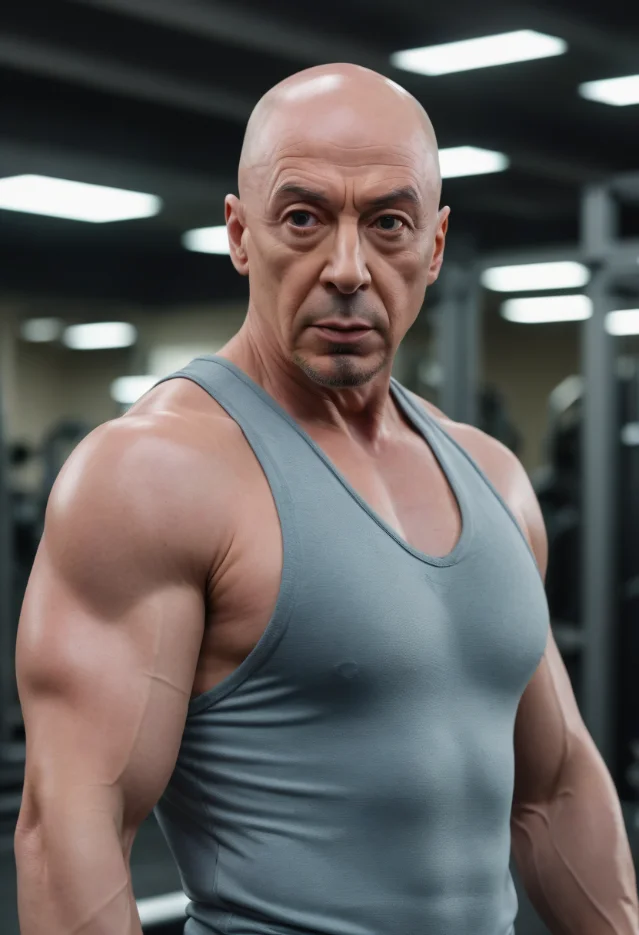
Copy-paste settings for DreamShaper XL Turbo:
Model: DreamShaperXL_Turbo_v2_1.safetensors
Sampler: DPM++ SDE Karras  ← must be SDE, not 2M SDE
CFG: 2
Steps: 4–8
Resolution: 1024×1024
Negative prompt: (low quality, worst quality:1.4), cgi, text, signature, watermark, extra limbs
The sampler matters: Lykon (DreamShaper's creator) specifies DPM++ SDE Karras — not DPM++ 2M SDE Karras. 8 Using the 2M variant degrades results.
Workaround 2: ByteDance's CFG-preserved Hyper SD LoRA
On 2024-04-30, ByteDance's AutoML team member yuxi_ren posted directly in the r/StableDiffusion Hyper SD settings thread: "Hi, we have uploaded the CFG-preserved hyper-SD15 LoRA and hyper-SDXL LoRA just now, higher cfg and negative prompts may be helpful, looking forward to your use and feedback!" 9
The file:
Hyper-SDXL-8steps-CFG-lora.safetensors (787 MB) at ByteDance/Hyper-SD on HuggingFace. An SD1.5 equivalent is also available.Copy-paste settings for Hyper SDXL CFG LoRA:
Model: SDXL base + Hyper-SDXL-8steps-CFG-lora.safetensors
Sampler: DPM++ 2M SDE, scheduler: SGMUniform
CFG: 3–5
Steps: 8
Negative prompt: standard quality strings work at CFG ≥ 3
The community model CreaPrompt_Hyper_CFG (by jice on Civitai) is built on top of this official LoRA and supports CFG up to 7.5 — though higher CFG values require proportionally more steps (steps=8 at CFG=5.5). 10
Workaround 3: SDXL-Lightning at CFG 2.5 — the practical sweet spot
SDXL-Lightning has more CFG headroom than Turbo or LCM-LoRA. Community testing found it can reach CFG=2.5 without visible frying, whereas Hyper SD-XL starts degrading above 1.5. 4
Copy-paste settings for SDXL-Lightning with partial negative prompt:
Model: SDXL base + sdxl_lightning_8step_lora.safetensors (LoRA strength: 1.0)
Sampler: DPM++ 2M SDE, scheduler: SGMUniform
CFG: 2.0–2.5
Steps: 10
Negative prompt: (low quality, worst quality:1.4), blurry, extra limbs
The gain is modest — at CFG=2.5, negative prompts influence color and luminance more than composition. Don't expect the reliability you'd get from vanilla SDXL at CFG=7.
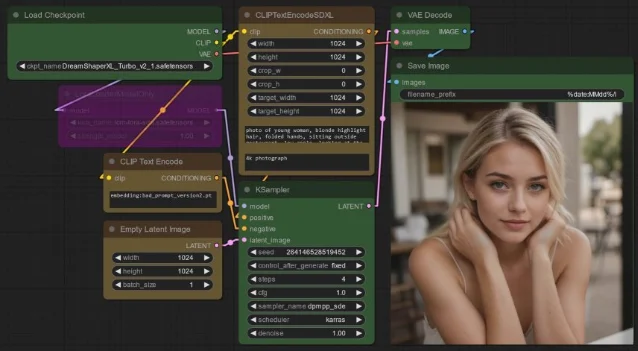
dpmpp_sde sampler and karras scheduler, with steps at 4 and CFG at 1. 11Workaround 4: NAG node in ComfyUI (CFG=1, no speed penalty on quality)
The NAG (Negative Attention Guidance) ComfyUI custom node by Kijai replaces standard text conditioning with a single-encoder setup plus a NAG node, enabling negative prompt behavior while keeping
guidance_scale=1. 12The cost: roughly 3× slower generation, since it must run two conditioning passes. For batch workflows this may be acceptable. For real-time/interactive use it defeats the purpose of running a 4-step model.
Fallback: positive reframing
When none of the above is practical, the alternative is dropping the negative prompt entirely and restating constraints positively. The substitution pattern:
| Typical negative prompt | Positive reframe |
|---|---|
extra fingers, bad hands | perfect hands with exactly five fingers, anatomically correct |
low quality, blurry | sharp focus, photorealistic, 8k detail |
watermark, text, logo | clean image, no text, minimal composition |
bad anatomy, deformed | realistic anatomy, well-proportioned body |
This approach works on every distilled model regardless of CFG setting, because it steers the positive conditioning branch — which is all that's active at
guidance_scale=1.Which path to take
- Need full negative prompt control → DreamShaper XL Turbo at CFG=2, DPM++ SDE Karras, 4–8 steps
- Staying on vanilla SDXL-Lightning → Try CFG 2.0–2.5 with an 8-step LoRA; expect partial effect only
- Staying on Hyper SD → Download ByteDance's CFG-preserved LoRA and run at CFG=3–5
- ComfyUI workflow and can tolerate 3× slower speed → NAG node
- Any distilled model, want zero configuration change → Positive reframe your prompts
The CFG=1 default is a training constraint, not a permanent architectural limit. DreamShaper XL Turbo's existence proves that re-fine-tuning can restore CFG sensitivity — and ByteDance's decision to release a CFG-preserved LoRA proves that even the original teams acknowledged the trade-off was worth revisiting. 9
Cover image: AI-generated illustration
참고 출처
- 1Stable Diffusion Art — SDXL Turbo: Real-time Prompting
- 2Stability AI — Adversarial Diffusion Distillation
- 3Félix Sanz — SDXL-Lightning: quick look and comparison
- 4u/no_witty_username on r/StableDiffusion
- 5HuggingFace Blog — SDXL in 4 steps with Latent Consistency LoRAs
- 6HuggingFace — stabilityai/sdxl-turbo model card
- 7HuggingFace — latent-consistency/lcm-lora-sdxl model card
- 8Diffus / Lykon — DreamShaper XL v2.1 Turbo DPM++ SDE
- 9ByteDance — Hyper-SDXL-8steps-CFG-lora.safetensors on HuggingFace
- 10jice on Civitai — CreaPrompt_Hyper_CFG
- 11myByways — SDXL-based 4-step models compared
- 12r/StableDiffusion — Use NAG to enable negative prompts in CFG=1 condition
이 콘텐츠를 둘러싼 관점이나 맥락을 계속 보강해 보세요.