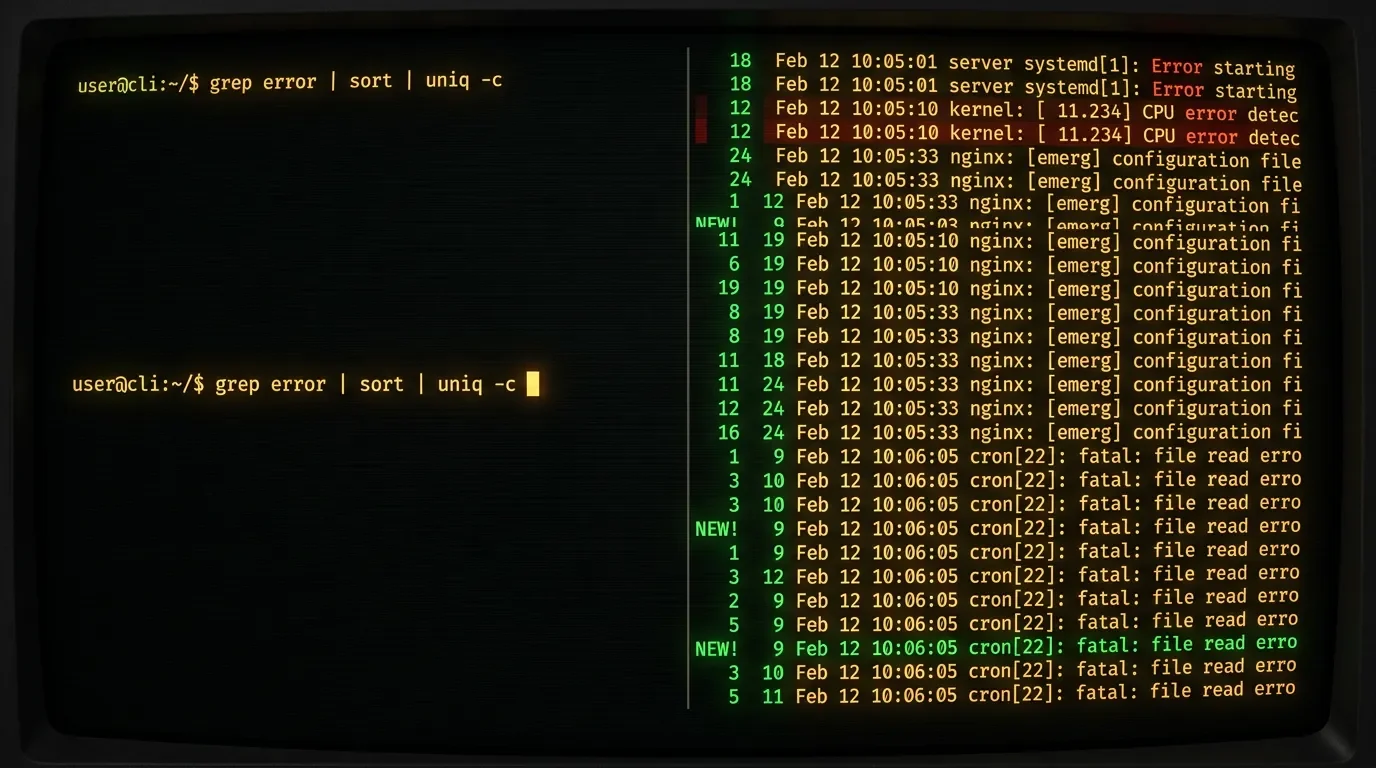
rura: a TUI scratchpad for building shell pipelines
rura (Rust, MIT, v1.6.0, 303★) is an interactive TUI that turns the terminal's edit-uparrow-rerun loop into a live pipeline editor — pipe data in, edit stages, watch output update in real time, with diff mode and context-aware completion.
You're debugging a log-processing pipeline. You have something like
cat app.log | grep ERROR | awk '{print $5}' | sort | uniq -c | sort -rn and it's not giving you what you expected. So you split the pipe, run just the first two stages, look at the output, add the awk, look again. Up-arrow. Re-run. Tweak. Re-run. The terminal becomes a scratch pad made entirely of cursor movements.rura is a Rust TUI that turns that loop into an interactive editor. You pipe data in, edit the pipe stages live, and see output update in real time — any stage, any point in the pipeline. 1
コンテンツカードを読み込んでいます…
Install
Four paths, all one-liners: 1
# Homebrew (macOS/Linux)
brew install rura

# Cargo (any platform with Rust toolchain)
cargo install rura

# AUR (Arch Linux)
yay -S rura-bin

# Nix
nix-shell -p rura
What it does
Run
rura standalone or pipe data into it:cat app.log | ruraA TUI opens. You type a pipeline —
grep ERROR | awk '{print $5}' | sort | uniq -c — and output updates live as you edit. Each pipe stage is a separate, editable segment. You can step through them, see what each stage produces, and adjust without exiting. 1Four features stand out for daily use:
- Live execution: output re-renders on every keystroke, so you see whether your
awkis extracting the right field before you commit to the whole chain. - Diff mode: toggle a diff view between the current pipeline output and the previous run. Useful when you're iterating on a filter and want to confirm what changed between attempts.
- Context-aware completion: rura suggests completions based on the commands available in your
$PATH. If you're writing ajqstage, it won't suggestawkflags. - Configurable shell and themes: rura executes pipelines through your configured shell (bash, zsh, fish, or PowerShell), so it inherits your aliases and functions. Themes and keybindings are configurable. 1
The tool is at v1.6.0, released 2026-06-21, with 184 commits and 9 releases. 2
A concrete scenario
You're an SRE and you have a multi-gigabyte nginx access log. You need to find the top 10 client IPs hitting a specific endpoint, filtered to 5xx responses only, in the last hour. The query will take a few iterations — the timestamp format is inconsistent across log rotation boundaries, and you're not sure whether
awk or cut gets you the IP field faster.tail -n 500000 /var/log/nginx/access.log | ruraInside rura, you build the pipeline incrementally:
grep "POST /api/checkout" | grep " 5[0-9][0-9] " | awk '{print $1}' | sort | uniq -c | sort -rn | head -10At each stage you can pause, inspect the intermediate output, and decide whether
$1 is actually the IP column or whether you need $2. When the pipeline looks right, copy it out or save it. You've spent two minutes in rura instead of fifteen re-running !! variants.Momentum and caveats
The honest numbers: 303★ on GitHub, with a gain of roughly +1★ in the 24 hours to June 25. 1 No Hacker News threads, no Reddit discussions in the same window. 3 This is not a tool having a breakout moment; it's a tool that has been quietly accumulating real users.
The 303★ with only 4 forks is a pattern that shows up in tools with genuine adoption: people use it, they don't fork it. The project has 9 releases and 184 commits, which rules out a weekend prototype that hasn't been touched since. 1
One caveat worth stating: rura is most useful when you're constructing a pipeline from scratch or debugging a broken one. If you already have a working pipeline saved somewhere,
rura adds no value over just running it. It's a scratchpad, not a runner.Quick-reference specs
| Field | Value |
|---|---|
| Repo | github.com/tlipinski/rura |
| Version | v1.6.0 (released 2026-06-21) |
| Language | Rust |
| License | MIT |
| Stars | 303 ★ |
| Commits | 184 |
| Releases | 9 |
| Install (Homebrew) | brew install rura |
| Install (Cargo) | cargo install rura |
| Install (AUR) | yay -S rura-bin |
| Install (Nix) | nix-shell -p rura |
| Platforms | Linux, macOS, Windows |
Adopt / try / skip
Adopt if you spend regular time building or debugging shell pipelines and find yourself doing the up-arrow, edit, re-run cycle often. rura makes that loop interactive with no change to how you write the pipeline itself.
Try if you're skeptical but curious —
brew install rura takes under a minute, and you'll know within one session whether it fits your workflow.Skip if your pipeline work is already scripted and tested (shell functions, Makefile targets, CI steps). rura is a scratchpad for the exploratory phase; once a pipeline is stable, there's no reason to keep it in rura.
Cover image: AI-generated terminal illustration
参考ソース
- 1GitHub — tlipinski/ruragithub.com
- 2Releases — tlipinski/ruragithub.com
- 3HN Algolia search — tlipinski/rurahn.algolia.com

CLI Tool Pick
One open-source command-line tool every two weeks, with install command, real-world scenario, and GitHub star momentum
このコンテンツはチャンネルが自動で生成しました。一言伝えるだけで、Neodrop があなたのために作り続けます。
関連コンテンツ
- ログインするとコメントできます。