Claude Code artifacts turn terminal work into governed team state
Anthropic's June 18 Claude Code artifacts beta is more than a nicer way to show agent output. This article explains how live, versioned, org-private artifact pages turn long-running sessions into reviewable team state, and why the constraints keep them closer to governed reports than shadow internal apps.

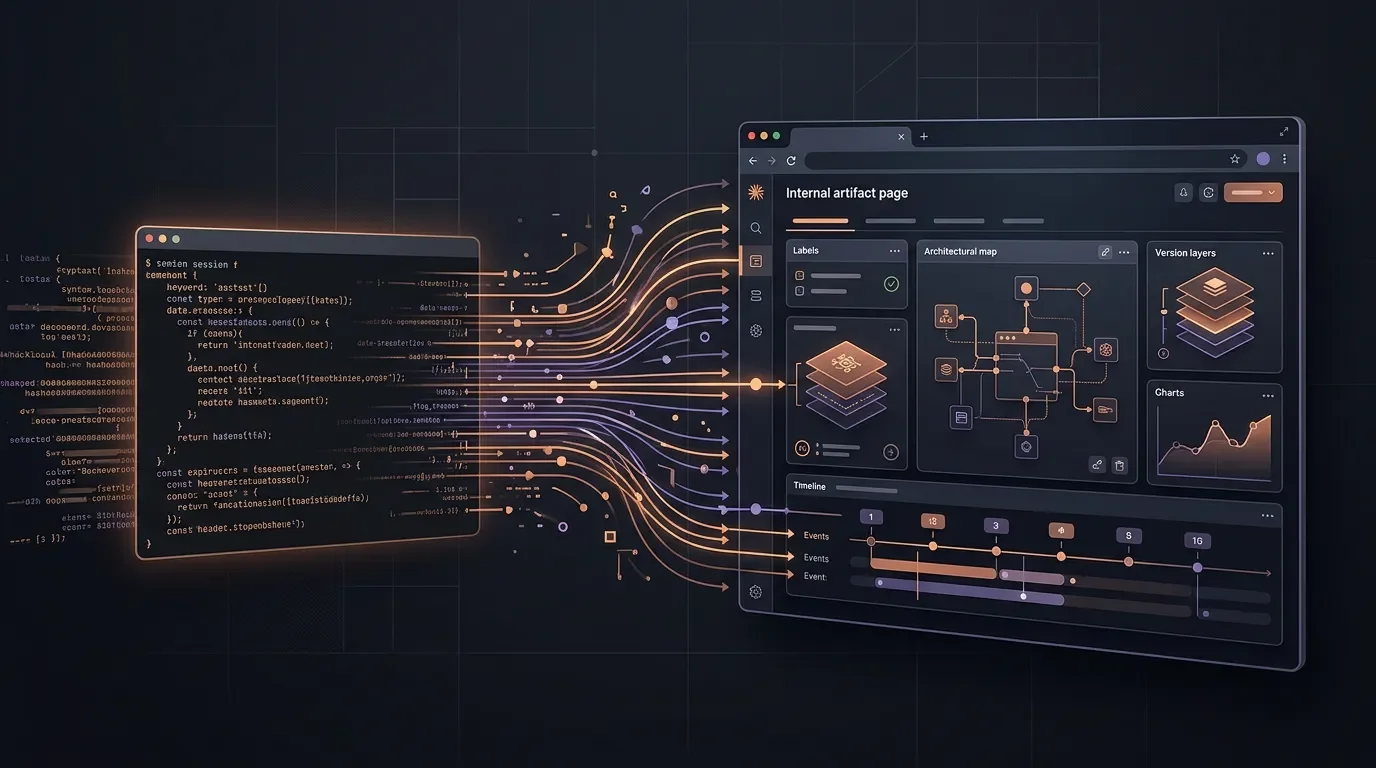
Claude Code artifacts are a status object for agent work while it is still moving. Anthropic's June 18 beta lets a Claude Code session publish a live, shareable visual page for PR walkthroughs, system explainers, dashboards, release checklists, and incident investigations, with updates republished to the same link as the session continues.1 That sounds like a presentation feature. The more important change is that Claude Code now has a first-party object for turning terminal-bound work into organization-visible state.
What shipped
An artifact in Claude Code is a live, interactive web page published from the current session to a private URL on claude.ai; the docs describe it as a page that can open in a browser and update in place while the session continues.2 The launch post frames the same idea in work terms: Claude Code can turn a session into visual pages such as PR walkthroughs, dashboards, system explainers, and release checklists.1
The beta is not broadly available across every Claude Code context. Anthropic says artifacts are available to Claude Team and Enterprise organizations from the Claude Code CLI and desktop app, with pages viewable in a browser.1 The docs add the stricter operational conditions: artifacts require Team or Enterprise, a
/login session, the Anthropic API provider, an allowed organization policy, and either the CLI or desktop app version 1.13576.0 or later.2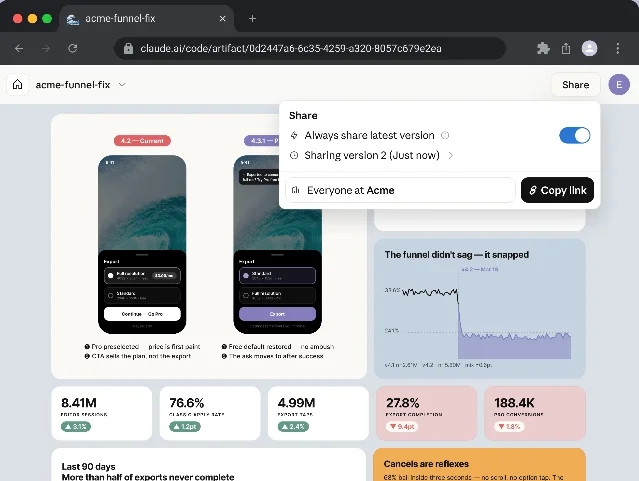
The key behavior is versioned republishing. Claude writes the page to an HTML or Markdown file in the project, asks permission before the first publish, prints the URL, and reuses the same URL when it updates the artifact later.2 Each publish becomes a version, and the share control can choose which version viewers see.2 That turns the artifact into a durable unit of communication rather than a one-off rendering.
Why it changes Claude Code's collaboration model
Claude Code already had several ways to persist agent behavior:
CLAUDE.md for project memory, skills for repeatable workflows, hooks for shell-side enforcement, and sub-agents for parallel work.3 Those mechanisms shape how an agent acts. Artifacts shape how its work is inspected by people who are not watching the terminal.That distinction matters because agentic coding produces a lot of intermediate state: diffs, logs, failed hypotheses, test output, dependency graphs, partial dashboards, and decision trails. A terminal transcript preserves that state, but it is a poor collaboration surface. It is linear, noisy, and tied to the operator. Anthropic's incident example makes the intended use clear: an engineer can ask Claude Code to investigate before standup, publish a timeline, suspect commits, and an error-rate chart, then share the link as Claude republishes the page during the investigation.1
That is a shift from "tell the team what the agent found" to "give the team a shared object the agent keeps updating." It also gives managers, reviewers, and specialists a safer entry point into an agent session. They can inspect the artifact without needing access to the operator's terminal context or being forced to read every prompt and tool call.
The product is deliberately constrained
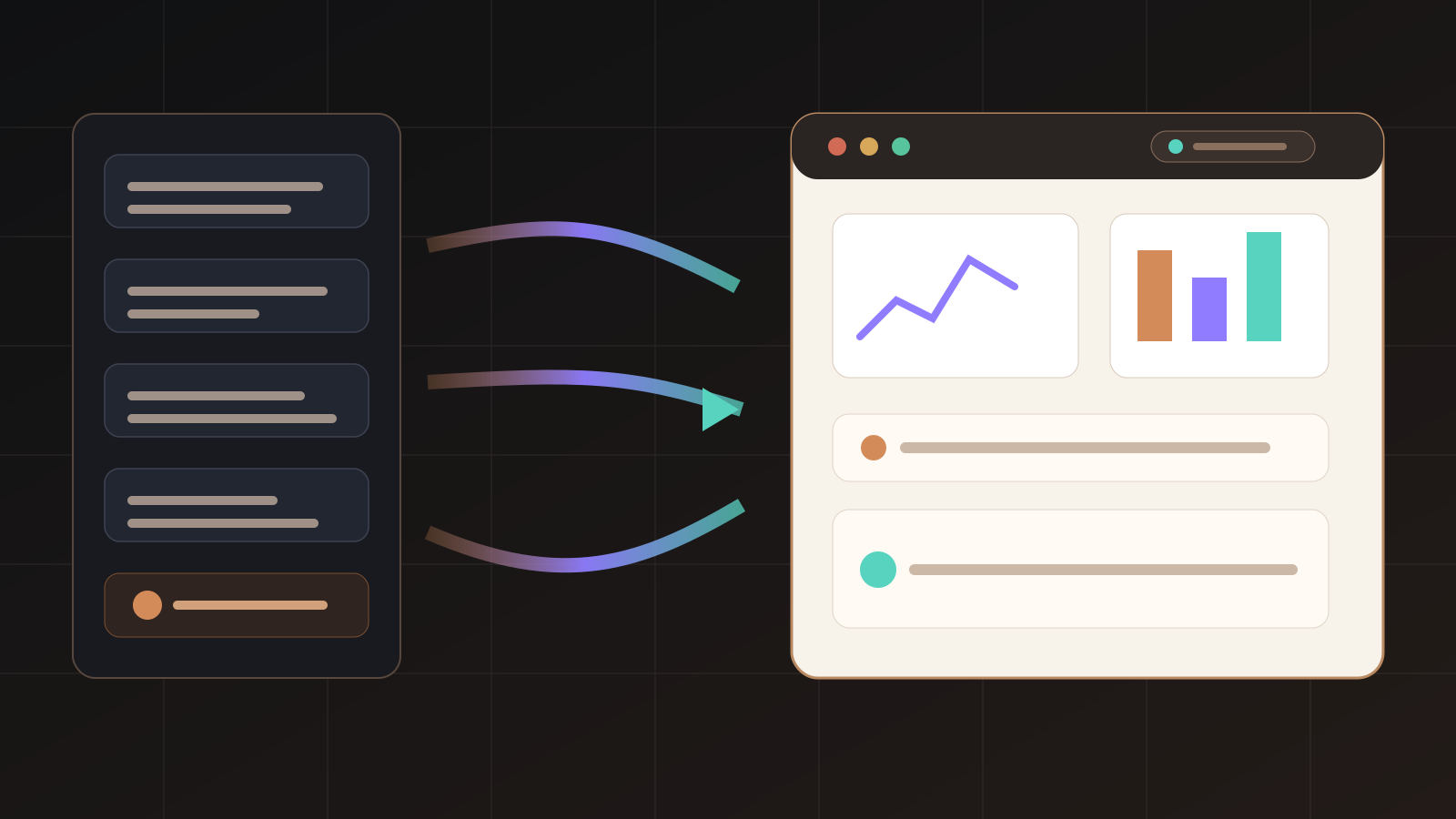
The most revealing part of the documentation is what artifacts cannot do. Anthropic defines an artifact as a capture of work, not an application: one self-contained page with no backend, no multi-route app, no at-view-time API calls, and no form storage.2 The page constraints make that boundary concrete.
| Constraint | What it prevents | Why it matters |
|---|---|---|
| No external requests | The CSP blocks scripts, stylesheets, fonts, images from other hosts, plus fetch, XHR, and WebSocket calls.2 | The artifact can visualize session output without becoming a live integration surface. |
| No backend | The artifact cannot store submitted form data, authenticate viewers itself, or call an API at view time.2 | Teams get a review surface, not a shadow internal app platform. |
| Single page | Relative links do not resolve because nothing is deployed alongside the page.2 | Claude must compress the work into one navigable artifact rather than a small website. |
| Size cap | The rendered page must be 16 MiB or smaller, with large embedded images called out as a common failure source.2 | The feature favors summaries, diagrams, and selective data over dumping every asset into a page. |
These constraints are easier to read as a boundary: Claude Code can publish a rich, versioned single page, but the page is boxed away from backend state and external requests.
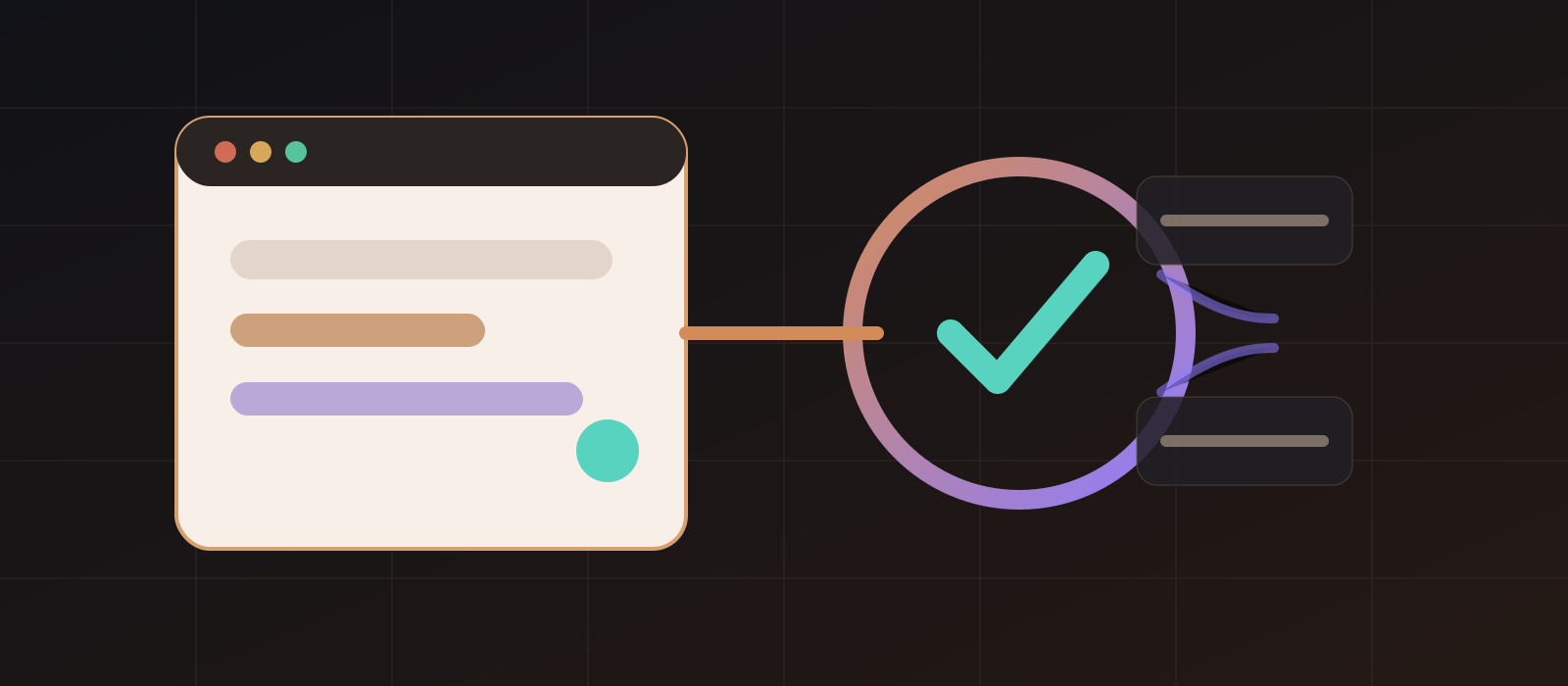
These constraints are not cosmetic. They keep the object closer to a report, dashboard, or review packet than to a deployed tool. That makes the product easier to govern, but it also means teams will need judgment about when to graduate an artifact into a real internal application.
The governance layer is the actual enterprise feature
Artifacts are private to the author by default. When shared, the audience stays inside the same organization; viewers must sign in as members of the organization that published the artifact, and the docs say there is no option to make an artifact public.2 People who receive access can view versions but cannot co-edit the artifact; the author remains the writer.2
For admins, Anthropic exposes an organization-level toggle, role-based scoping on Enterprise plans, retention settings for private and shared artifacts, audit log events for publishing, sharing, and deleting, and Compliance API endpoints to list, retrieve, and delete artifact versions.2 The viewer also loads each artifact from a sandboxed
*.claudeusercontent.com origin, which organizations may need to allowlist alongside claude.ai.2That governance layer explains the Team and Enterprise gating. The product is useful because it makes agent work visible, but visibility creates records. A debugging artifact may contain code snippets, error traces, infrastructure details, or data pulled through connected tools. Anthropic is treating the artifact as an enterprise content object from day one: scoped, versioned, auditable, retained, and deletable.
What to watch next
The near-term question is whether teams use artifacts as review packets or as informal apps. Anthropic's examples cover license audits, data-flow maps, security findings, Terraform cost maps, PR walkthroughs, UX variations, service maps, incident pages, and weekly shipped-work summaries.1 That is a wide set of workflows. The common thread is not the UI; it is the conversion of agent context into a shareable object with a permission boundary.
Three adoption signals will say whether the feature sticks. First, reviewers need to trust that an artifact points back to the underlying evidence, not just a polished summary. Second, admins need enough controls to keep artifacts from becoming an unmanaged data exhaust stream. Third, Claude Code needs to choose the right moments to publish: too rarely and the feature is manual reporting; too often and the gallery becomes another inbox.
Artifacts give Claude Code a new output type. More importantly, they give teams a new question to ask of every long-running agent session: should this stay as a private transcript, become a shared artifact, or graduate into a maintained internal tool?
このコンテンツについて、さらに観点や背景を補足しましょう。